
From my experience with Meet Lars, I found it excels at simplifying customer engagement through conversational AI. The platform’s intuitive chatbot builder and lead capture capabilities make it a practical choice for businesses looking to automate support and sales conversations without heavy technical overhead. It’s particularly well-suited for small to medium businesses aiming to boost website conversions and streamline appointment scheduling. However, the tool currently supports only English, which may limit use for global audiences. Overall, if you want an easy-to-deploy AI chatbot focused on customer support and lead generation, Meet Lars delivers solid, user-friendly results.
Meet Lars AI Chatbot for Customer Support and Engagement Automation
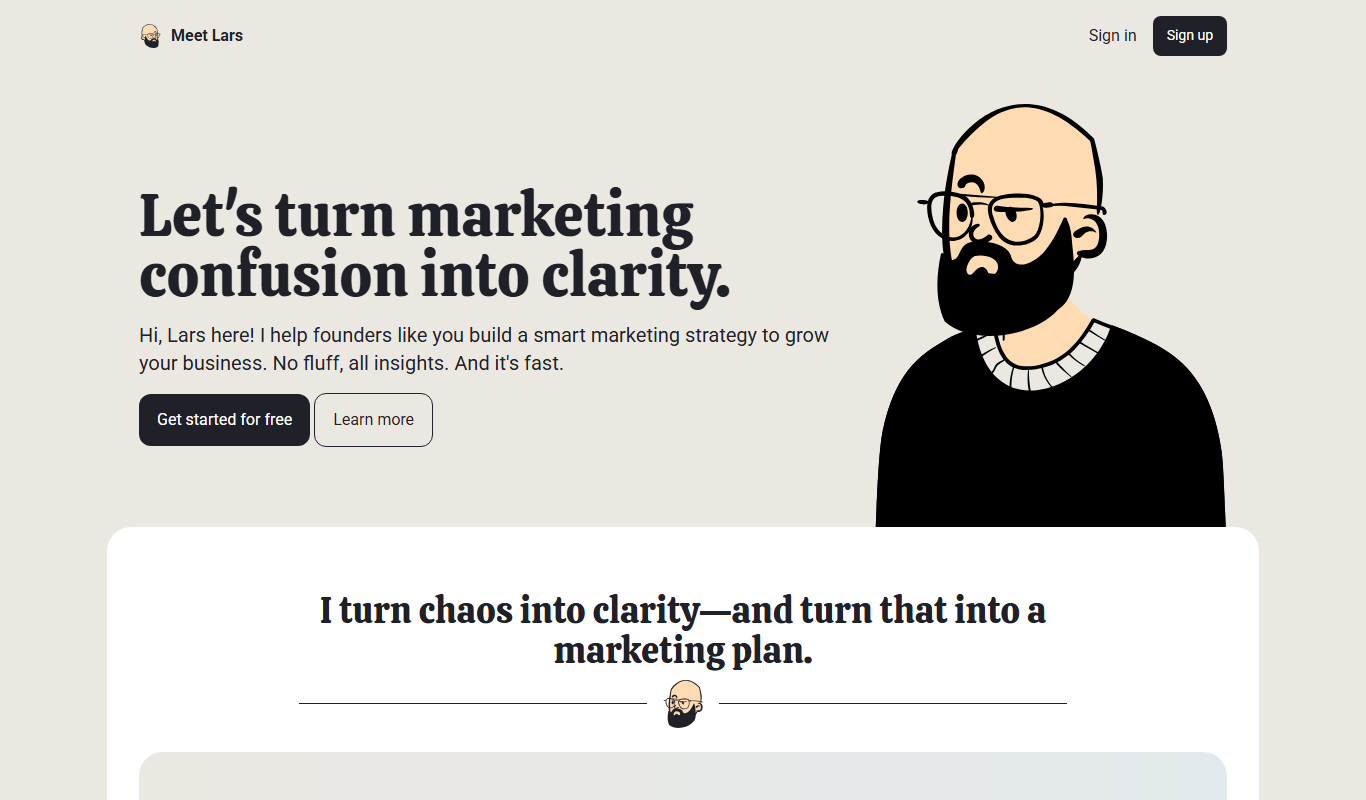
Meet Lars is an AI chatbot platform designed to automate customer support, lead capture, and appointment scheduling on websites, helping businesses engage visitors and increase conversions.
What is Meet Lars?
Meet Lars is an AI-powered chatbot platform designed to automate customer support and sales conversations on websites. It uses conversational AI to engage visitors, answer questions, capture leads, and schedule appointments, helping businesses improve customer experience and increase conversions.
Key Features of Meet Lars
Conversational AI
Natural language processing enables the chatbot to understand and respond to customer queries effectively.
Lead Capture & Qualification
Automatically collect visitor information and qualify leads through interactive chat.
Appointment Scheduling
Allow customers to book meetings or demos directly within the chat interface.
Customizable Chat Flows
Create tailored conversation paths to suit different business scenarios and customer needs.
Analytics Dashboard
Track chatbot engagement metrics and user behavior to improve performance.
Pros and Cons of Meet Lars
Pros
- Easy to set up and customize chatbot flows
- Effective lead capture and qualification features
- Supports appointment scheduling within chat
- Provides detailed analytics for performance tracking
Cons
- Limited language support (English only)
- Pricing may be high for very small businesses
Key Use Cases for Meet Lars
Customer Support Automation
Automate responses to common customer inquiries to reduce support workload and improve response times.
Lead Generation
Engage website visitors with conversational AI to capture leads and qualify prospects automatically.
Sales Assistance
Assist sales teams by providing instant answers to product questions and guiding customers through purchase decisions.
Appointment Scheduling
Enable customers to book meetings or demos directly through the chatbot interface.
How Meet Lars Works
-
1
Sign Up
Create an account on the Meet Lars platform to access chatbot building tools.
-
2
Customize Chatbot
Design your chatbot’s conversation flows and responses to match your business needs.
-
3
Integrate on Website
Add the chatbot widget to your website via a simple script or API integration.
-
4
Engage Visitors
The chatbot interacts with visitors, answering questions, capturing leads, and scheduling appointments.
-
5
Analyze Performance
Use built-in analytics to monitor chatbot interactions and optimize conversations.
Who's Using Meet Lars
Small to medium businesses
E-commerce websites
Sales and marketing teams
Customer support departments
Service providers
Meet Lars Pricing
Free Trial
$0 for 14 days
Access all features with limited usage to evaluate the platform.
Starter
$49/month
Basic chatbot features suitable for small businesses with moderate traffic.
Professional
$99/month
Advanced features and higher usage limits for growing businesses.
Enterprise
Custom pricing
Tailored solutions with premium support and integrations for large organizations.
Frequently Asked Questions About Meet Lars
Yes, Meet Lars allows you to create and edit conversation flows to tailor responses to your business needs.
Meet Lars offers API access and integrations to connect with popular CRM and marketing platforms.
Yes, Meet Lars provides a 14-day free trial with access to all features.
Yes, the chatbot can handle appointment booking directly within the chat interface.
This tool is designed to help users accomplish its core tasks more efficiently. It is typically used by individuals or teams looking to improve productivity and workflow.
Yes, it can help with that use case depending on how you configure it and what features are available. You’ll get the best results with clear inputs and a defined goal.
Yes, it can help with that use case depending on how you configure it and what features are available. You’ll get the best results with clear inputs and a defined goal.
Some tools offer a free plan or trial with limited features. Availability can vary, so confirm on the official website.
Share your review
Reviews are limited to one per logged-in user and are published after moderation.
You need an account to review this tool.
0.0
★
★
★
★
★
0 reviews
5 star
0
4 star
0
3 star
0
2 star
0
1 star
0
No reviews yet
Be the first to share how this tool worked for you.
Questions from the community
Read questions and answers about this tool, or ask your own.
No questions yet
Start the conversation by asking the first question about this tool.
Is this tool helpful?
Free
AI Power
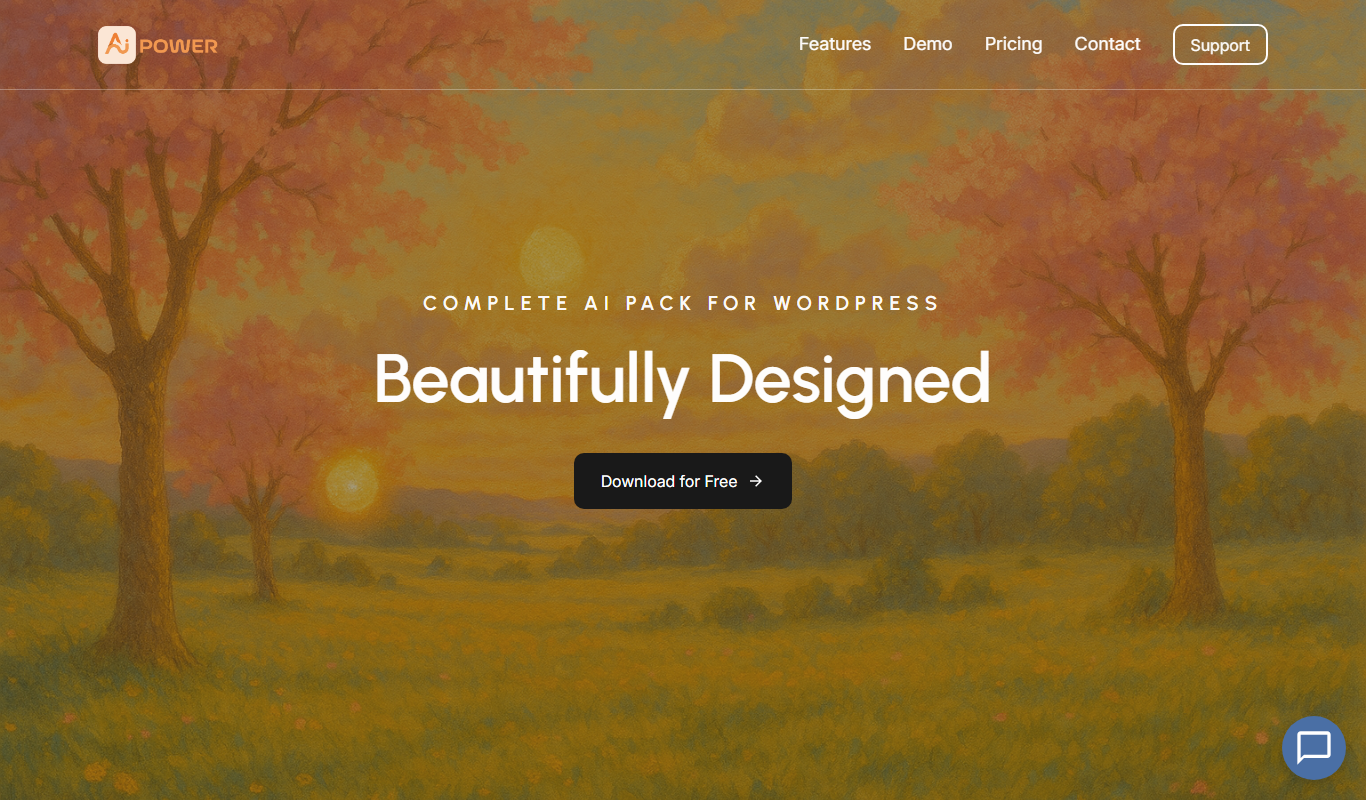
AI Power is an open source artificial intelligence platform that enables users to build, train, and deploy machine learning models with automation and API integration.
Free Trial
Astra AI
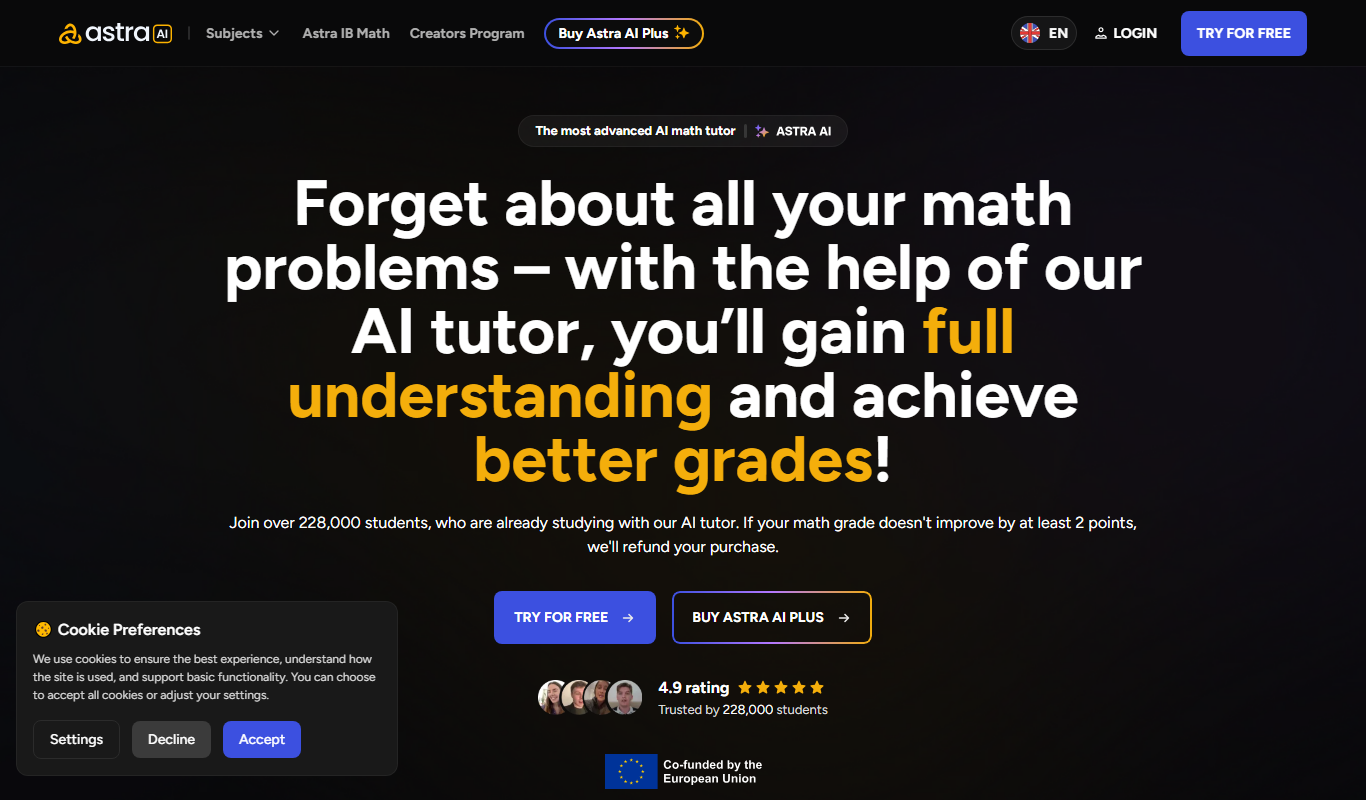
Astra AI is a web-based platform that enables businesses to automate workflows and integrate multiple applications using AI-powered no-code tools.

Free
Lamatic.ai
Lamatic.ai is a no-code platform that enables users to automate workflows by connecting multiple apps through an intuitive drag-and-drop interface, ideal for businesses seeking to streamline processes without coding.
Free
Aipify
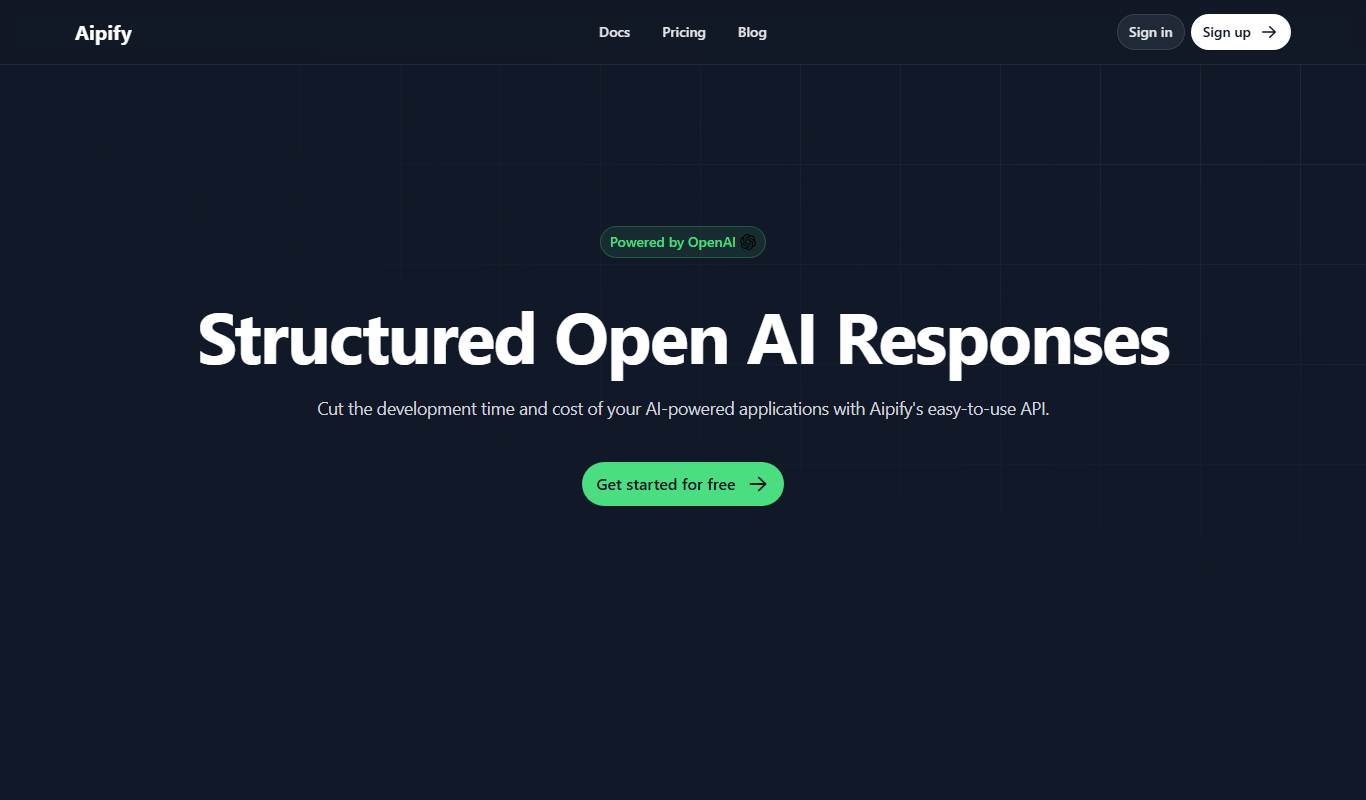
Aipify is a no-code AI chatbot platform that helps businesses automate customer interactions on websites, offering features like natural language understanding, multi-channel integration, and analytics.

Free Trial
Auto Swipe
Auto Swipe is an AI-driven no-code platform that automates user interactions like swipes and taps on mobile apps for testing and workflow automation.
Free Trial
AI Thriving
AI Thriving is an AI-powered platform that helps businesses generate SEO-optimized content and automate marketing tasks to improve digital presence.

Freemium
sales sage
Sales Sage is an AI-driven sales assistant that automates lead generation and outreach by discovering leads, sending personalized emails, and integrating with CRMs to streamline sales workflows.
Unknown
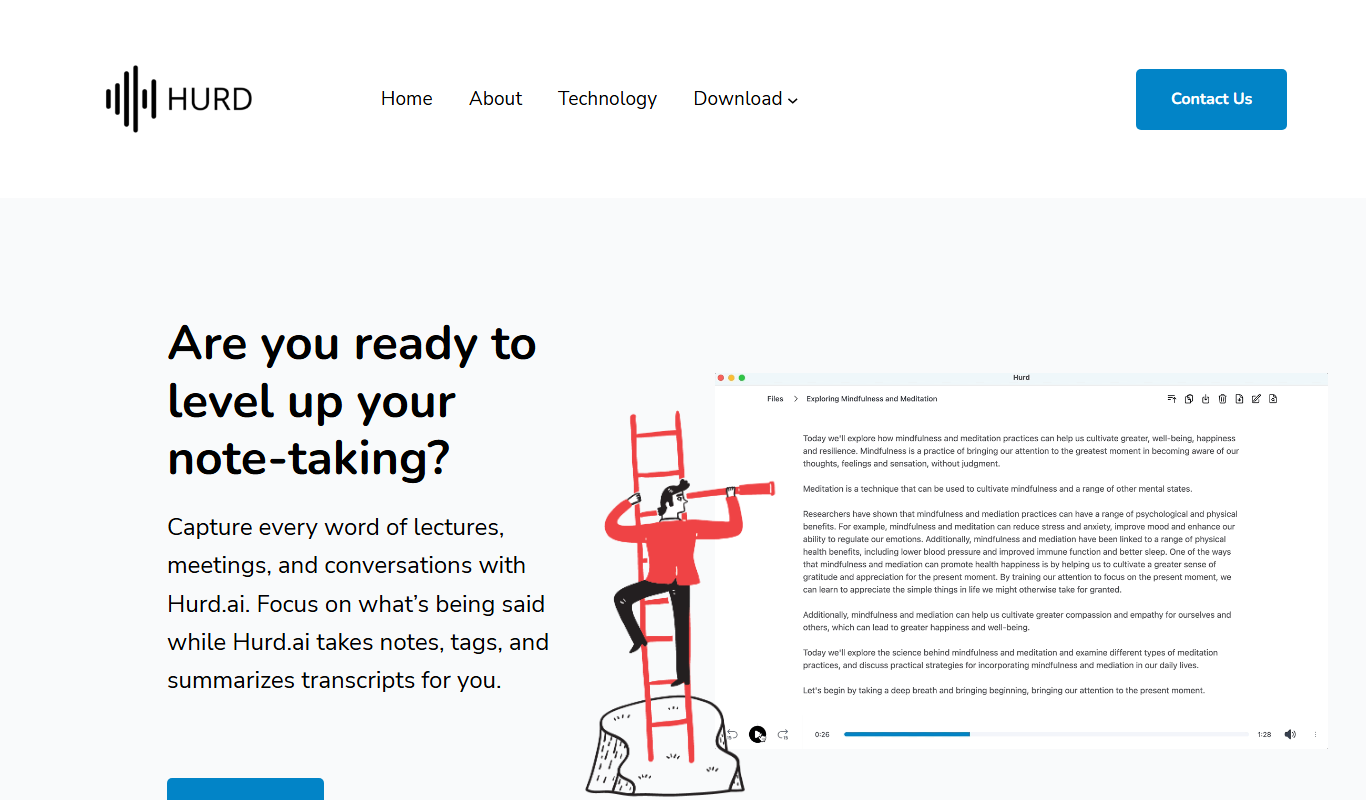
Hurd.ai Beta
Hurd.ai Beta is an AI-driven platform that automates data extraction from documents like invoices and forms, offering API integration and real-time validation to streamline business workflows.