

From my experience with Business Profile Manager, it stands out as a straightforward and free solution for local businesses aiming to maintain consistent online listings and improve their local SEO. The centralized dashboard simplifies the tedious task of updating multiple directories, which is crucial for local search visibility. While it lacks advanced analytics and supports a limited set of directories, it is ideal for small business owners and marketers who want an easy-to-use tool without extra costs. If your goal is to efficiently manage your local business profiles and monitor reviews without complexity, this tool delivers practical value.
Business Profile Manager for Local SEO and Online Listing Management
Business Profile Manager is a free web tool that helps local businesses manage and update their online listings across multiple directories to improve local SEO and monitor customer reviews.
- Best for
- Manage Local Business Listings
- Key capability
- Centralized Listing Management
Your actions
Save Business Profile Manager, follow its updates and vote on it — everything stays in your account.
Sign in or create a free account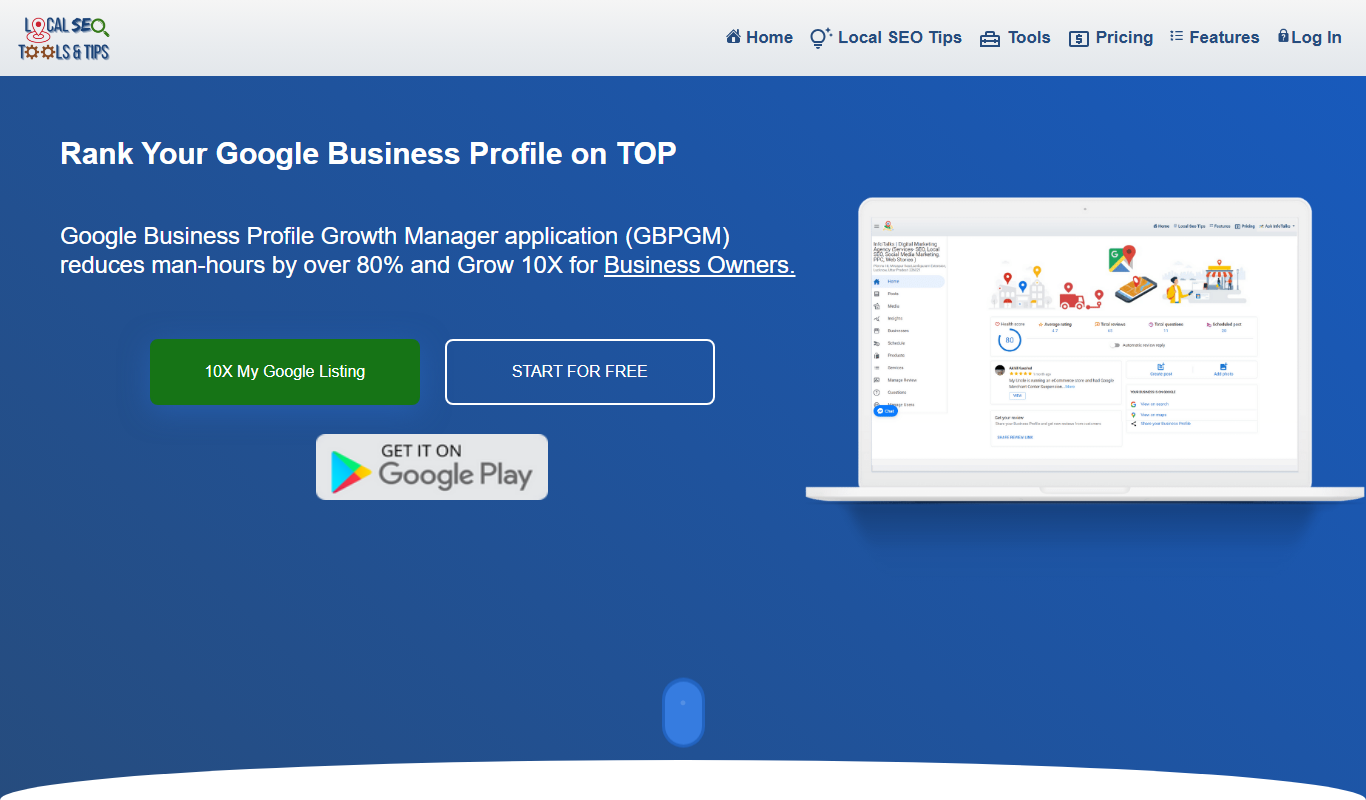

What is Business Profile Manager?
Business Profile Manager is a free web-based tool designed to help local businesses manage their online presence by consolidating and updating business listings across multiple directories. It focuses on improving local SEO by ensuring consistent and accurate business information, which is critical for search engine rankings and customer trust.
Key features of Business Profile Manager
The tool offers features such as bulk updating of business profiles, monitoring of online reviews, and easy management of local listings from a single dashboard. It simplifies the process of maintaining a consistent online presence, which is essential for local search performance.
Centralized Listing Management
Manage multiple local business listings from one dashboard to ensure consistency.
Review Monitoring
Keep track of customer feedback across platforms to address concerns quickly.
Bulk Profile Updates
Save time by updating business information across all listings simultaneously.
Local SEO Optimization
Enhance your local search rankings by maintaining accurate and consistent business data.
Pros and cons of Business Profile Manager
Pros
- Free and easy to use
- Centralizes management of multiple listings
- Helps improve local SEO with consistent data
- Includes review monitoring features
Cons
- Limited to supported directories
- No advanced analytics or reporting features
Key use cases for Business Profile Manager
Manage Local Business Listings
Easily update and maintain accurate business information across multiple local directories to improve search visibility.
Monitor Online Reputation
Track and respond to customer reviews and ratings from various platforms to maintain a positive brand image.
Enhance Local SEO
Optimize business profiles with consistent data and relevant keywords to boost local search rankings.
Save Time on Profile Updates
Centralized dashboard allows quick edits and synchronization of business details across numerous online listings.
How Business Profile Manager works
- 1
Access the Tool
Visit the Business Profile Manager website and sign up for free access.
- 2
Add Your Business Information
Enter your business details including name, address, phone number, and website.
- 3
Select Directories
Choose the local directories and platforms where you want your business profile to be managed.
- 4
Update and Sync
Make updates to your business information and synchronize changes across all selected listings.
- 5
Monitor Reviews
Track customer reviews and respond promptly to maintain a positive reputation.
Who is using Business Profile Manager
Local small business owners
Marketing agencies specializing in local SEO
Reputation management professionals
Entrepreneurs managing multiple locations
Business Profile Manager pricing
Free
$0/month
Access to all core features for managing and updating business profiles.
Plans and prices are as published by the vendor and can change. Check the official site before you buy. Open the pricing page (opens in a new tab)
Frequently asked questions about Business Profile Manager
Yes, the tool is completely free to use for managing your local business listings.
The tool supports a variety of popular local directories, though specific platforms may vary.
Yes, it allows you to track and respond to reviews from multiple platforms.
No, the interface is user-friendly and designed for business owners without technical expertise.
It depends on your specific needs and how you plan to use the tool. The official website and documentation are the best sources for the latest details.
Yes, it can help with that use case depending on how you configure it and what features are available. You’ll get the best results with clear inputs and a defined goal.
Sign in to review this tool.
Sign In to ReviewNo reviews yet
Be the first to share how this tool worked for you.
Ask about pricing, limits, or how it compares — or answer someone else.
Sign In to AskNo questions yet
Have a question about using or paying for this tool? Be the first to ask.
Featured on TiorAI


Alternative Tools
Explore similar AI tools that might fit your needs

Subscription
Yext
Yext is a platform, now presented as an Enterprise Agentic Marketing Platform, that manages business information such as listings and reviews across search engines and directories.
Freemium
BrightLocal
BrightLocal is a local SEO platform that helps businesses manage listings, monitor reviews, track rankings, and analyze competitors to improve local search performance.
More AI Local Seo Tools tools
Other tools in the same category, for when this one is not quite the fit.

Free Trial
ReviewHawk
ReviewHawk is a web-based review management tool that centralizes customer reviews from multiple platforms, automates review requests, and provides sentiment analysis to help local businesses improve their online reputation.
Subscription
socialplaces.io
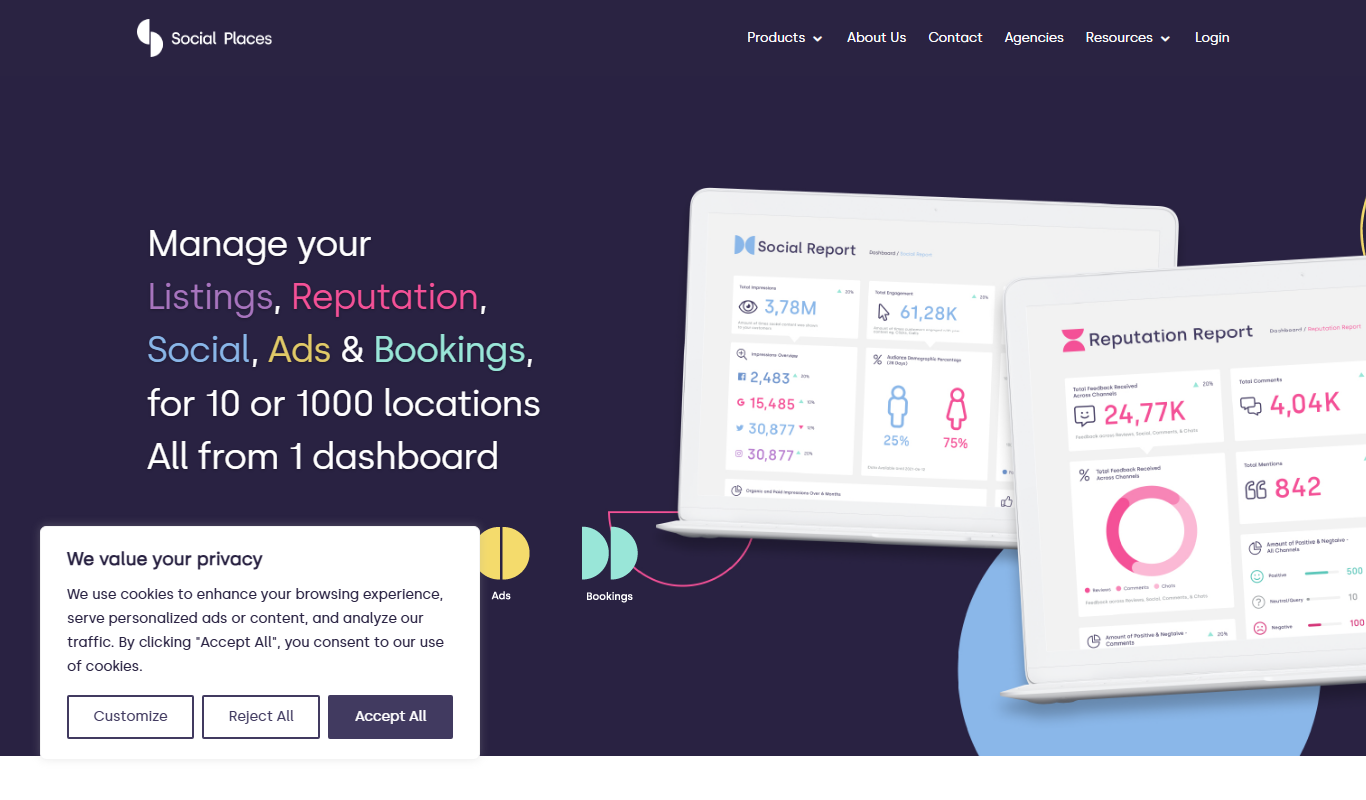
SocialPlaces.io is a web-based platform that helps local businesses manage customer reviews, business listings, and reputation monitoring to improve local SEO and online presence.
Freemium
BiglyPages
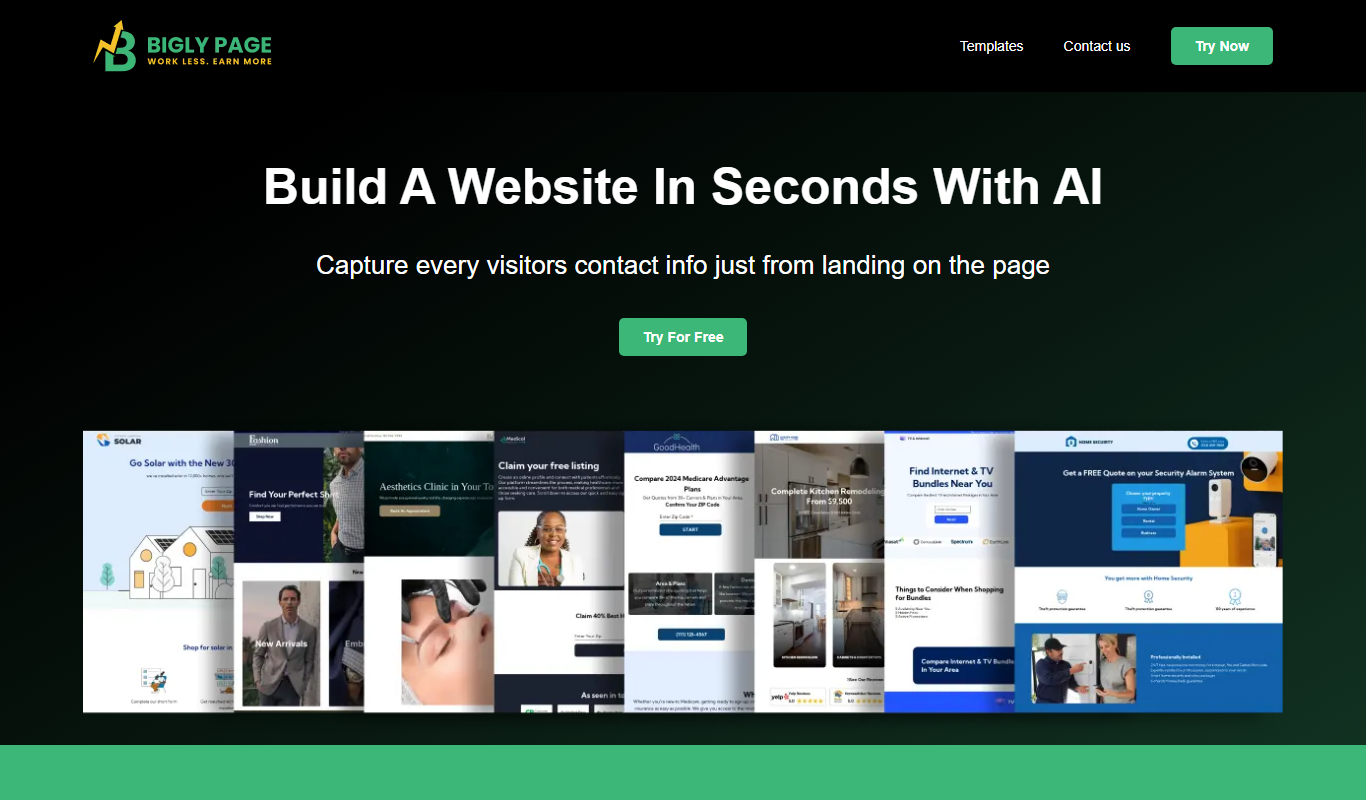
BiglyPages is a local SEO platform that automates citation building, manages online reviews, and tracks SEO performance to help businesses improve local search rankings.