

Tealium Customer Data Platform for Marketing Analytics and Tag Management
Tealium is a customer data platform that helps businesses unify customer data, manage marketing tags, segment audiences, and activate data in real-time to improve marketing effectiveness and compliance.
- Best for
- Customer Data Integration
- Key capability
- Tealium iQ Tag Management
Save Tealium, follow its updates and vote on it — everything stays in your account.
Sign in or create a free accountWhat is Tealium?
Tealium is a leading Customer Data Platform (CDP) that helps businesses unify and manage customer data across multiple channels. It provides tools for tag management, data integration, audience segmentation, and real-time data activation to improve marketing effectiveness and customer experience.
Key features of Tealium
Tealium offers a comprehensive suite including Tealium iQ Tag Management, Tealium AudienceStream CDP, Tealium EventStream API Hub, and DataAccess for data governance. These features enable marketers to collect, organize, and activate customer data seamlessly.
Tealium iQ Tag Management
Centralized platform to manage and deploy tags across digital properties without IT dependency.
AudienceStream CDP
Real-time customer data platform that unifies data and builds actionable audience profiles.
EventStream API Hub
API-based data collection hub to stream event data to multiple destinations efficiently.
DataAccess
Data governance tool providing visibility and control over customer data for compliance.
Integrations
Supports hundreds of pre-built connectors to popular marketing, analytics, and advertising platforms.
Pros and cons of Tealium
Pros
- Robust real-time customer data unification
- Extensive integrations with marketing tools
- Powerful tag management reducing IT dependency
- Strong data governance and privacy features
Cons
- Pricing is not transparent and can be expensive
- Steep learning curve for new users
- Primarily designed for enterprise-level clients
Key use cases for Tealium
Customer Data Integration
Aggregate and unify customer data from multiple sources into a single platform for better insights.
Tag Management
Manage and deploy marketing tags efficiently across websites and mobile apps without code changes.
Audience Segmentation
Create detailed customer segments based on behavior and attributes to enable targeted marketing campaigns.
Real-Time Data Activation
Activate customer data in real-time across advertising, analytics, and personalization tools.
Data Governance and Privacy
Ensure compliance with data privacy regulations through centralized data controls and consent management.
How Tealium works
- 1
Implement Tag Management
Deploy Tealium iQ Tag Management to manage all marketing tags centrally without manual code changes.
- 2
Unify Customer Data
Use AudienceStream to collect and unify customer data from websites, apps, and offline sources.
- 3
Segment Audiences
Create dynamic customer segments based on behavior, demographics, and other attributes.
- 4
Activate Data
Send real-time customer data to marketing, advertising, and analytics platforms for personalized experiences.
- 5
Ensure Compliance
Manage user consent and data privacy settings to comply with regulations like GDPR and CCPA.
Who is using Tealium
Tealium pricing
Custom Pricing
Contact Sales
Pricing tailored based on business size, data volume, and feature requirements.
Plans and prices are as published by the vendor and can change. Check the official site before you buy. Open the pricing page (opens in a new tab)
Frequently asked questions about Tealium
Tealium is used to unify customer data, manage marketing tags, segment audiences, and activate data in real-time for marketing and analytics.
Yes, Tealium provides tools for consent management and data governance to help comply with GDPR, CCPA, and other regulations.
Tealium offers hundreds of pre-built integrations with popular marketing, advertising, and analytics tools.
Tealium primarily targets mid-size to large enterprises, but smaller businesses with complex data needs may also benefit.
Data handling and security practices vary by provider. Review the official privacy policy to understand how your data is stored and used.
Integration support depends on the tool and its available connectors or API. Check the official documentation or integrations page to confirm what is supported.
Conclusion
Tealium deployments begin with Tealium iQ Tag Management, which manages and deploys marketing tags centrally across digital properties without manual code changes or IT dependency. AudienceStream, the customer data platform, then collects and unifies customer data from websites, apps and offline sources into actionable audience profiles. Segments based on behavior, demographics and other attributes are activated in real time by sending data to marketing, advertising and analytics platforms. Those segments enable targeted marketing campaigns, and activation also reaches personalization tools. The EventStream API Hub streams event data to multiple destinations, and hundreds of pre-built connectors link to popular marketing tools.
Privacy is handled in the same platform: consent management and the DataAccess governance tool support compliance with GDPR, CCPA and other regulations. Centralized data controls give visibility and control over customer data. It primarily targets mid-size to large enterprises, especially marketing teams, data analysts and customer experience managers. Digital marketers needing tag management and businesses requiring data privacy compliance are also in scope. Smaller businesses with complex data needs may also benefit. Pricing is not transparent and is tailored to business size, data volume and feature requirements through sales.
Sources
Sign in to review this tool.
Sign In to ReviewNo reviews yet
Be the first to share how this tool worked for you.
Ask about pricing, limits, or how it compares — or answer someone else.
Sign In to AskNo questions yet
Have a question about using or paying for this tool? Be the first to ask.
Featured on TiorAI



More AI Analytics Assistant tools
Other tools in the same category, for when this one is not quite the fit.

CB Insights
CB Insights is a market intelligence platform that uses AI to analyze data on private companies, investors, and market trends to support strategic business decisions.

Celonis
Celonis is a process mining and execution management platform that helps organizations visualize and optimize their business processes using AI-driven analytics and automation.
CloudHealth
CloudHealth by Broadcom is a cloud management platform that helps enterprises optimize cloud costs, enforce governance policies and manage multi-cloud environments.
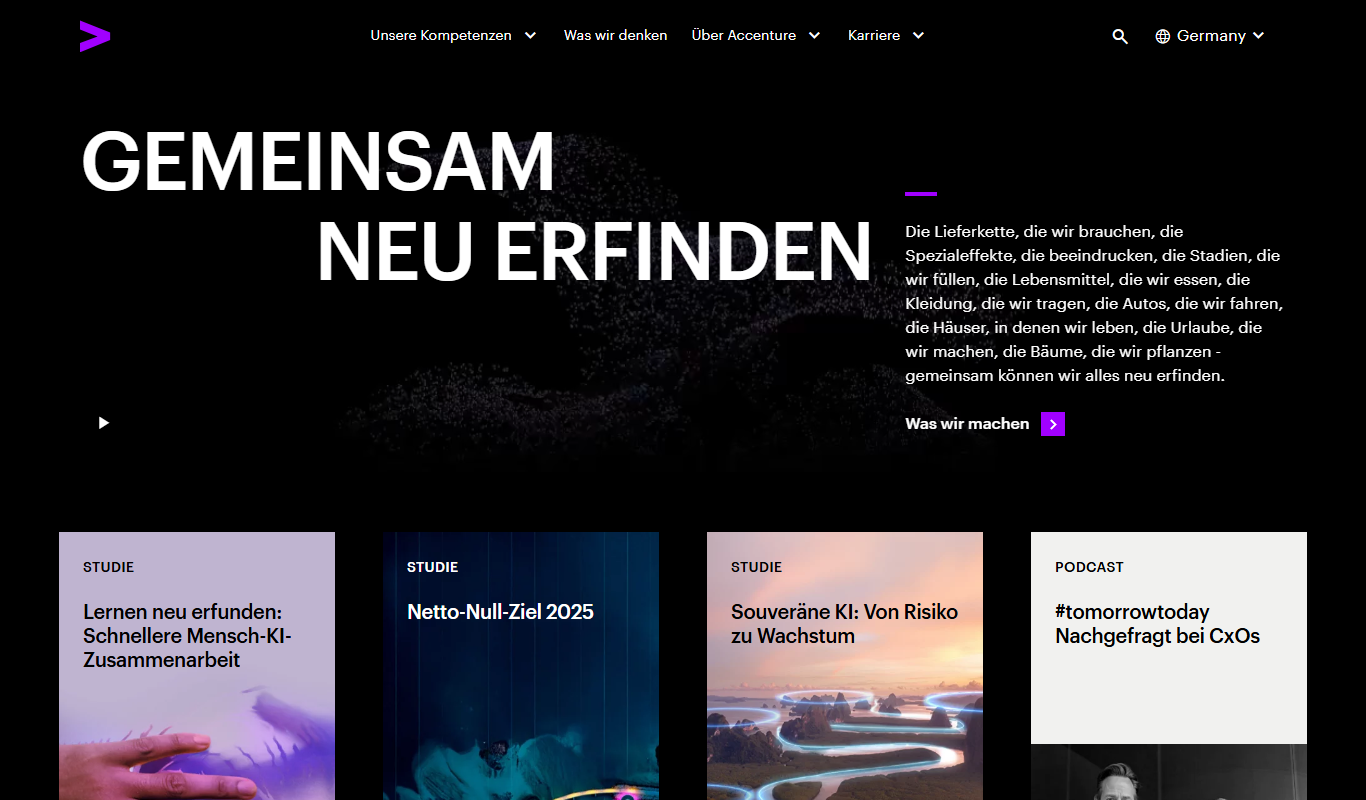
Accenture
Accenture is a global professional services company offering consulting, technology, and digital transformation services to help businesses innovate and improve operations.

Cognizant
Cognizant is a global IT services and consulting company specializing in digital transformation, AI, cloud migration, and custom software development for enterprises.

GosuGamers
GosuGamers is a free esports news and community platform offering real-time tournament coverage, player stats, and forums for competitive gaming fans.

Investing.com
Investing.com is a global financial platform offering real-time market data, news, analysis, and portfolio tracking for stocks, forex, commodities, and cryptocurrencies.

Financial Modeling Prep
Financial Modeling Prep is a financial data API platform providing real-time stock quotes, financial statements, and market data for developers and investors.