
From my experience with PagerGPT, I found it excels at reducing incident response times by providing AI-driven triage and contextual insights integrated directly with PagerDuty. The seamless Slack integration makes it easy for on-call engineers to get relevant information quickly without switching tools. However, its current limitation is the narrow integration scope, primarily focusing on PagerDuty, which might not suit teams using diverse incident management platforms. Overall, if your team relies heavily on PagerDuty and seeks to automate and streamline incident response workflows, PagerGPT delivers practical and effective assistance.

PagerGPT AI Assistant for Efficient Incident Management and PagerDuty
PagerGPT is an AI assistant that integrates with PagerDuty to automate incident triage, provide contextual summaries, and assist engineers in resolving incidents faster.
Tech Stack:
JavaScript
OpenAI GPT
Python
What is PagerGPT?
PagerGPT is an AI-powered assistant designed to streamline incident management workflows by integrating with PagerDuty and other DevOps tools. It uses advanced natural language processing to analyze alerts, provide actionable insights, and assist engineers in resolving incidents efficiently. By automating triage and surfacing relevant information, PagerGPT helps reduce downtime and improve operational reliability.

Key Features of PagerGPT
PagerDuty Integration
Seamlessly connects with PagerDuty to fetch and manage incident alerts in real-time.
AI-Powered Incident Triage
Automatically prioritizes incidents based on severity and context to optimize response.
Contextual Incident Summaries
Generates concise summaries to quickly inform engineers about incident status and impact.
Knowledge Base Retrieval
Surfaces relevant documentation and past incident data to assist in troubleshooting.
Multi-Platform Support
Accessible via web dashboard, API, and Slack integration for flexible workflows.
Pros and Cons of PagerGPT
Pros
- Significantly reduces incident response time
- Easy integration with PagerDuty and Slack
- Provides actionable AI-driven insights
- Improves on-call engineer productivity
Cons
- Limited integrations beyond PagerDuty at launch
- Primarily supports English language only
Key Use Cases for PagerGPT
Incident Triage
Automatically analyze and prioritize incoming incidents to reduce response time.
Incident Resolution Assistance
Provide AI-driven suggestions and context to help engineers resolve incidents faster.
PagerDuty Integration
Seamlessly integrate with PagerDuty to enhance alert management and communication.
On-Call Support
Assist on-call engineers by summarizing incident details and suggesting next steps.
Knowledge Base Access
Leverage AI to surface relevant documentation and past incident data during emergencies.
How PagerGPT Works
-
1
Connect PagerDuty
Authorize PagerGPT to access your PagerDuty account for real-time alert monitoring.
-
2
Receive Incident Alerts
PagerGPT continuously monitors incoming incidents and alerts from PagerDuty.
-
3
AI Analysis and Triage
The AI assistant analyzes incident details, prioritizes them, and suggests next steps.
-
4
Collaborate via Chat
Use Slack or the web interface to interact with PagerGPT for summaries and recommendations.
-
5
Resolve and Document
Leverage AI-suggested solutions and document incident resolutions for future reference.
Who's Using PagerGPT
DevOps teams
Site Reliability Engineers
IT Operations
Incident Response Managers
Technology startups
PagerGPT Pricing
Free Trial
$0 for 14 days
Full feature access to evaluate PagerGPT capabilities.
Professional
$49/month per user
Includes unlimited incident analysis, integrations, and priority support.
Frequently Asked Questions About PagerGPT
Currently, PagerGPT primarily integrates with PagerDuty but plans to support additional DevOps tools.
Yes, PagerGPT offers Slack integration to interact with the AI assistant directly within your team chat.
PagerGPT offers a 14-day free trial with full access to all features.
PagerGPT uses industry-standard encryption and complies with best practices to protect your incident data.
This tool is designed to help users accomplish its core tasks more efficiently. It is typically used by individuals or teams looking to improve productivity and workflow.
Integration support depends on the tool and its available connectors or API. Check the official documentation or integrations page to confirm what is supported.
Some tools offer a free plan or trial with limited features. Availability can vary, so confirm on the official website.
Yes, it can help with that use case depending on how you configure it and what features are available. You’ll get the best results with clear inputs and a defined goal.
Share your review
Reviews are limited to one per logged-in user and are published after moderation.
You need an account to review this tool.
0.0
★
★
★
★
★
0 reviews
5 star
0
4 star
0
3 star
0
2 star
0
1 star
0
No reviews yet
Be the first to share how this tool worked for you.
Questions from the community
Read questions and answers about this tool, or ask your own.
No questions yet
Start the conversation by asking the first question about this tool.
Is this tool helpful?
Alternative Tools
Explore similar AI tools that might fit your needs

Enterprise
OpsGenie
OpsGenie is an incident management tool by Atlassian that centralizes alerting, on-call scheduling, and escalation policies to help IT and DevOps teams respond quickly to incidents and minimize downtime.

Free Trial
VictorOps
VictorOps is an incident management platform that helps DevOps and IT teams manage alerts, on-call schedules, and collaborate during incidents to reduce downtime.

Free Trial
xMatters
xMatters is an incident management and alerting platform that automates the notification and resolution of IT incidents through integrations, on-call scheduling, and multi-channel alerts.
Freemium
lingly
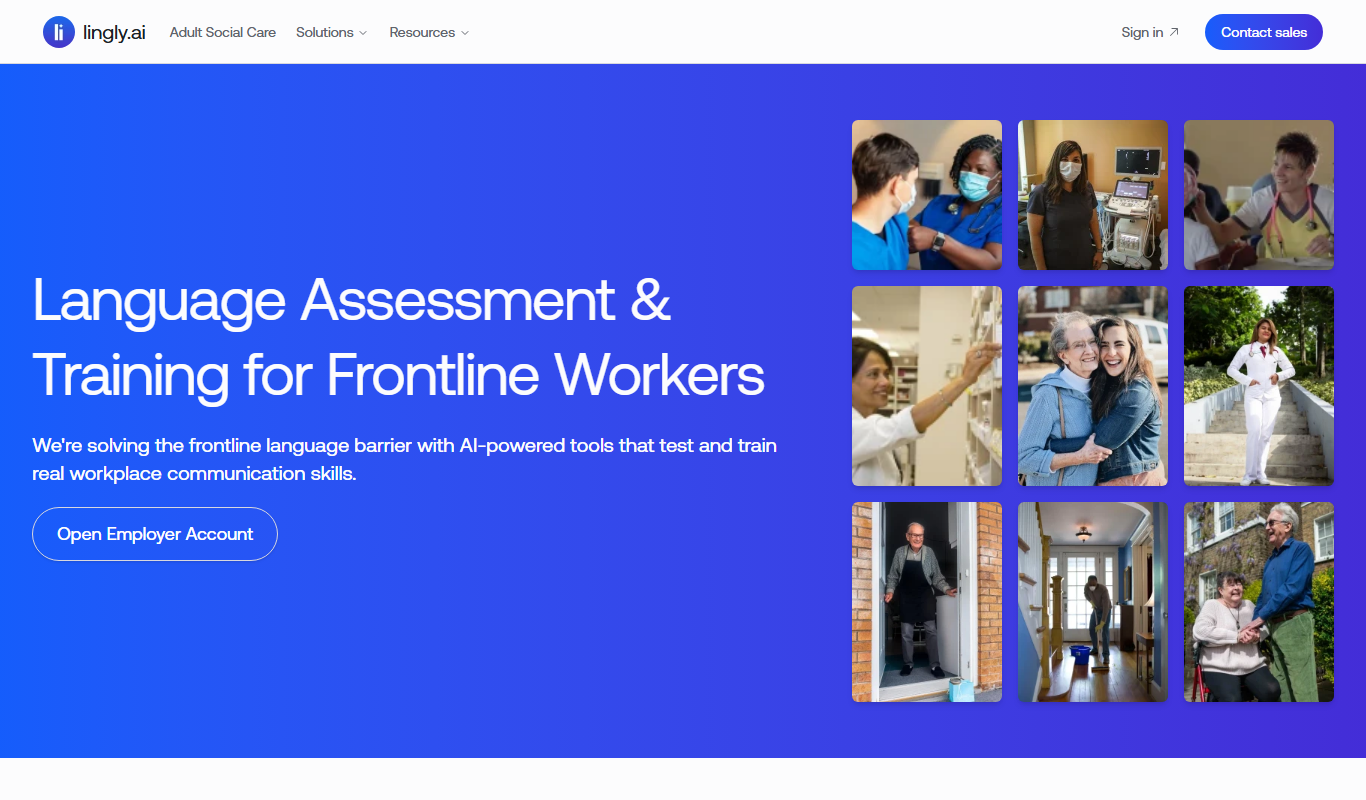
Lingly is an AI language learning assistant that helps users practice speaking through interactive conversations, providing instant feedback on pronunciation and grammar to enhance language skills.

Freemium
Keepo – AI health tracker & assistant
Keepo is an AI health tracker and assistant that monitors personal health metrics, analyzes symptoms, and offers personalized wellness advice to support healthier lifestyle choices.

Free Trial
Invocom
Invocom is an AI-driven sales assistant that automates lead generation and cold email outreach to help sales teams increase efficiency and conversions.

Freemium
LangBuddy.ai
LangBuddy.ai is an AI-based language learning assistant that provides personalized conversational practice, real-time grammar and vocabulary feedback, and pronunciation guidance to help users improve their language skills effectively.

Free
SaveDay
SaveDay is an AI-driven personal finance assistant that helps automate savings, track budgets, and provide personalized financial insights to improve your money management.

Free
Kaizan
Kaizan is an AI-powered meeting assistant that transcribes meetings in real-time, generates summaries, detects action items, and provides insights to enhance team collaboration and communication.

Free
magnifi.ai
magnifi.ai is an AI meeting assistant that transcribes and summarizes meetings in real-time, integrates with popular video conferencing platforms, and helps teams collaborate efficiently.

Free
Evant
Evant is an AI-powered meeting assistant that automatically transcribes and summarizes virtual meetings in real-time, helping teams capture key information and improve productivity.