

Ideabuddy Business Planning Software for Startups and Entrepreneurs
Ideabuddy is an online business planning platform that helps startups and entrepreneurs create detailed business plans, financial models, and investor pitch decks through an intuitive, step-by-step interface.
- Best for
- Startup Business Planning
- Key capability
- Interactive Business Plan Builder
Save Ideabuddy, follow its updates and vote on it — everything stays in your account.
Sign in or create a free account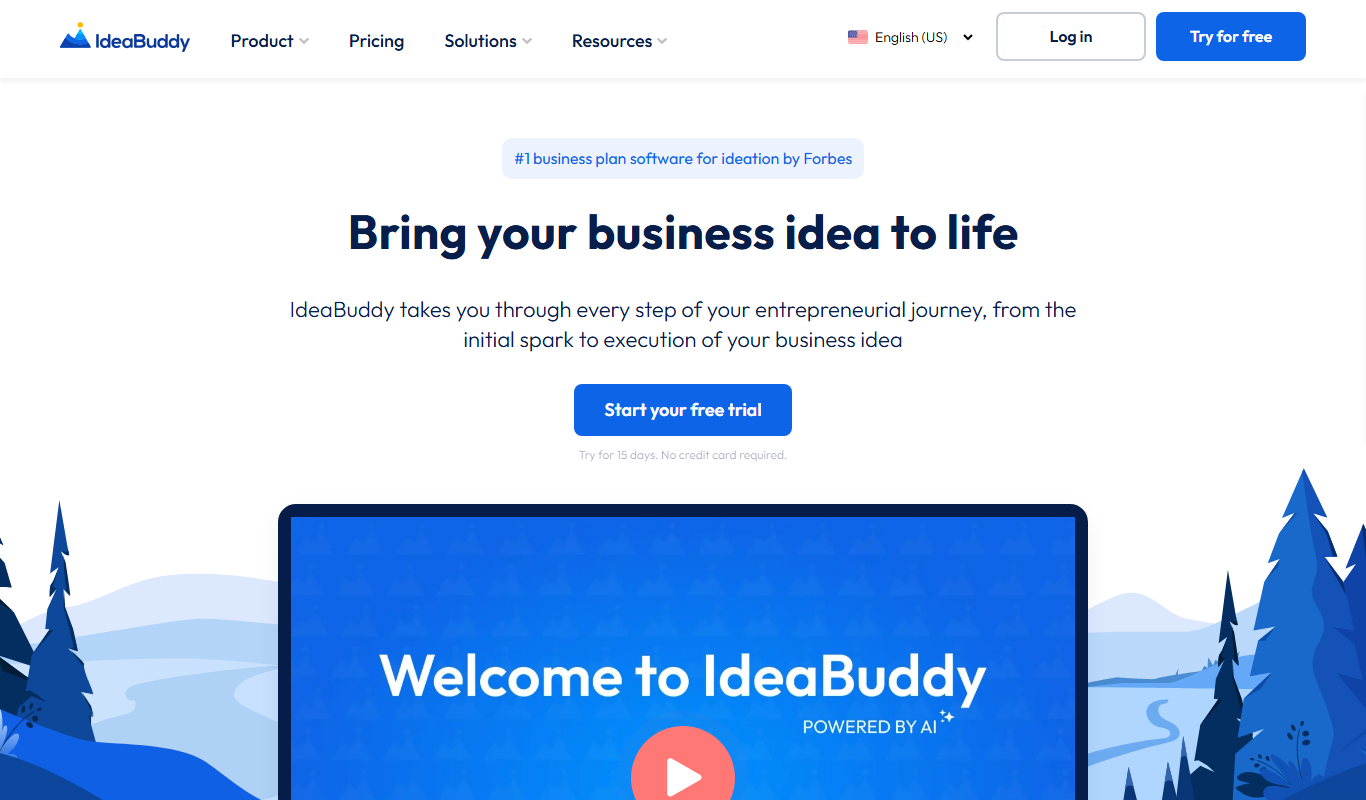
What is Ideabuddy?
Ideabuddy is an online business planning software designed to help entrepreneurs, startups, and small businesses create comprehensive business plans, financial forecasts, and pitch decks. It guides users through the process of validating ideas, structuring business models, and preparing investor-ready documents with an intuitive, step-by-step interface.
Key features of Ideabuddy
Ideabuddy offers interactive business plan templates, financial modeling tools, idea validation frameworks, and pitch deck creation features. It supports collaboration and provides actionable insights to help users refine their business strategies effectively.
Interactive Business Plan Builder
Step-by-step guidance to create a comprehensive business plan with customizable sections.
Financial Modeling Tools
Automated calculators and templates to build realistic financial forecasts and budgets.
Idea Validation Framework
Tools to assess market potential and feasibility of business ideas.
Pitch Deck Creator
Templates and design tools to prepare investor-ready presentations.
Collaboration Features
Invite collaborators to edit, comment, and improve your business plan in real-time.
Pros and cons of Ideabuddy
Pros
- User-friendly interface with guided planning
- Comprehensive financial modeling tools
- Supports collaboration and sharing
- Includes pitch deck creation
- Flexible templates for various industries
Cons
- No mobile app available, web-only platform
- Pricing may be high for very early-stage startups
Key use cases for Ideabuddy
Startup Business Planning
Create detailed business plans tailored for startups to attract investors and guide growth.
Financial Forecasting
Build financial models and projections to understand cash flow, expenses, and profitability.
Idea Validation
Test and validate business ideas through structured planning and market analysis tools.
Investor Pitch Preparation
Develop professional pitch decks and presentations to secure funding.
Collaboration
Work with team members or advisors within the platform to refine business strategies.
How Ideabuddy works
- 1
Sign Up
Create an account on Ideabuddy’s website to access the platform.
- 2
Select a Template
Choose from various business plan templates tailored for different industries and purposes.
- 3
Input Business Details
Fill in information about your business idea, market, competitors, and financials using guided prompts.
- 4
Generate Financial Forecasts
Use built-in tools to create detailed financial projections and cash flow analyses.
- 5
Collaborate and Share
Invite team members or advisors to review and contribute to your plan.
- 6
Export and Present
Download your business plan and pitch deck in professional formats for investors or stakeholders.
Who is using Ideabuddy
Ideabuddy pricing
Free trial
Free for 15 days
1 idea, 1 collaborator and 10 AI requests; choose a plan later.
Starter
$19/month
Basic plan with essential business planning tools.
Pro
$39/month
Advanced features including collaboration and pitch deck creation.
White Label
Get a quote
Deploy IdeaBuddy under your own brand, domain and identity.
Plans and prices are as published by the vendor and can change. Check the official site before you buy. Open the pricing page (opens in a new tab)
Frequently asked questions about Ideabuddy
Yes. The first 15 days are free, with access to Canvas, Guide and Financial Plan (with some limited options), and no credit card is required.
Absolutely, it provides advanced tools for detailed financial modeling and pitch preparation.
Yes, the platform supports real-time collaboration and sharing.
You can export plans and pitch decks as PDF and PowerPoint files.
This tool is designed to help users accomplish its core tasks more efficiently. It is typically used by individuals or teams looking to improve productivity and workflow.
Pricing depends on the plan and included features. For the most accurate and up-to-date details, check the official pricing page.
Yes, it can help with that use case depending on how you configure it and what features are available. You’ll get the best results with clear inputs and a defined goal.
It depends on your specific needs and how you plan to use the tool. The official website and documentation are the best sources for the latest details.
Conclusion
A step-by-step Guide sits at the centre: completing its steps fills out the business plan automatically, and the look and contents of that plan can be customized. Next to it are a one-page business model Canvas, a Financial Plan for profit and loss projections and cash flow forecasts, and a validation tool that assesses an idea’s viability. AI suggestions cover target customers, market potential and other parts of the plan, AI can estimate revenue and expenses, and AI Assistance works in nine languages.
Startup founders, entrepreneurs validating ideas and business consultants form the core audience, while incubators, accelerators and business schools get their own solution pages. Canvas, Financial Plan and Business plan can be exported as Word, PDF or Excel files, or shared by link with partners and investors. The free trial needs no credit card, after which users can continue with the Dreamer plan or upgrade to Founder, which includes all features.
Sources
Sign in to review this tool.
Sign In to ReviewNo reviews yet
Be the first to share how this tool worked for you.
Ask about pricing, limits, or how it compares — or answer someone else.
Sign In to AskNo questions yet
Have a question about using or paying for this tool? Be the first to ask.
Featured on TiorAI



Alternative Tools
Explore similar AI tools that might fit your needs

LivePlan
LivePlan is a cloud-based business planning software that simplifies creating professional business plans and financial forecasts, helping startups and small businesses strategize and manage finances effectively.

Bizplan
Bizplan is an online business planning software that guides startups and entrepreneurs through creating detailed business plans, financial forecasts, and investor pitch decks with collaboration and fundraising tools.
More AI Entrepreneurship Tools tools
Other tools in the same category, for when this one is not quite the fit.

Startup Spotlight
Startup Spotlight is a free web platform that helps users discover new startups and allows entrepreneurs to showcase their ventures to a wider audience.
Pick My Niche
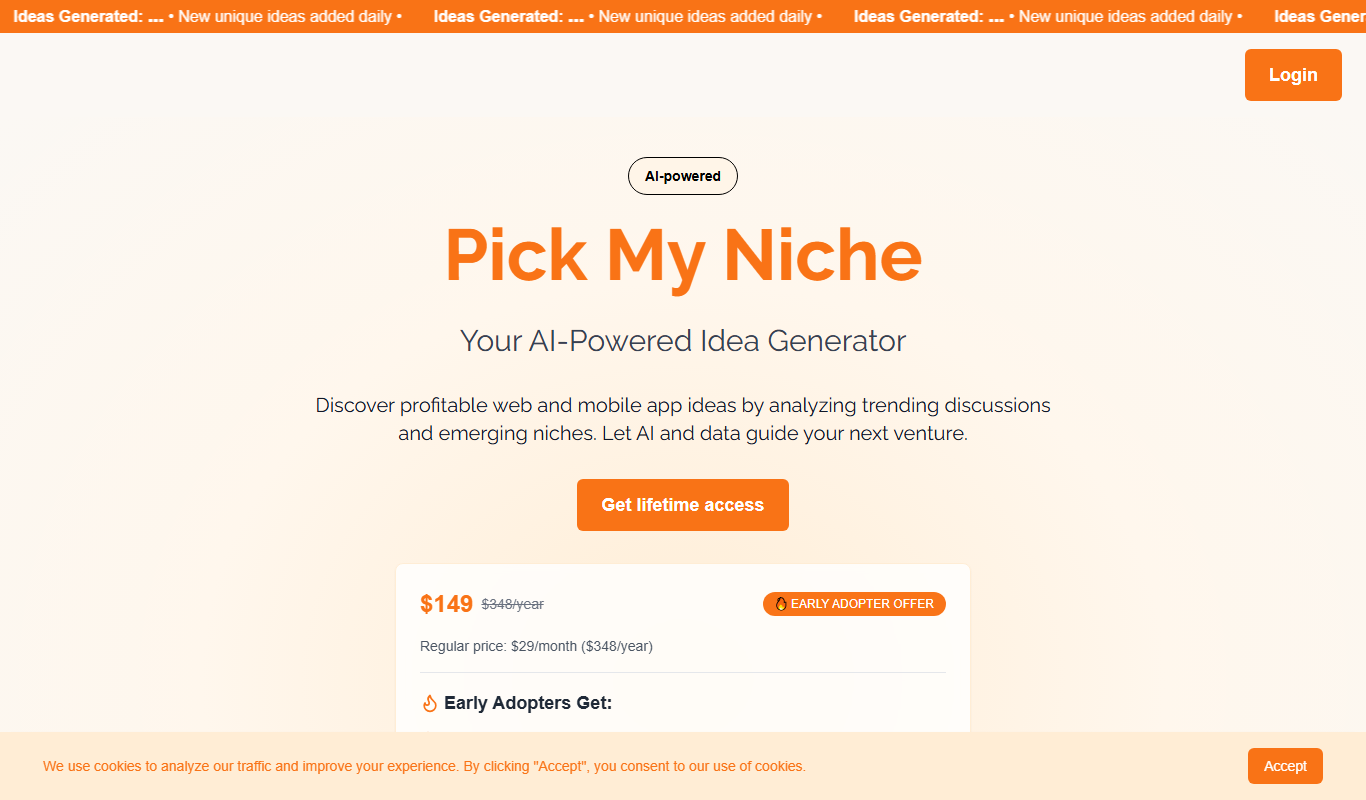
Pick My Niche is a web-based tool that helps users discover and validate profitable business niches by analyzing market trends, demand, and competition, offering personalized recommendations based on user preferences.
startnew.app
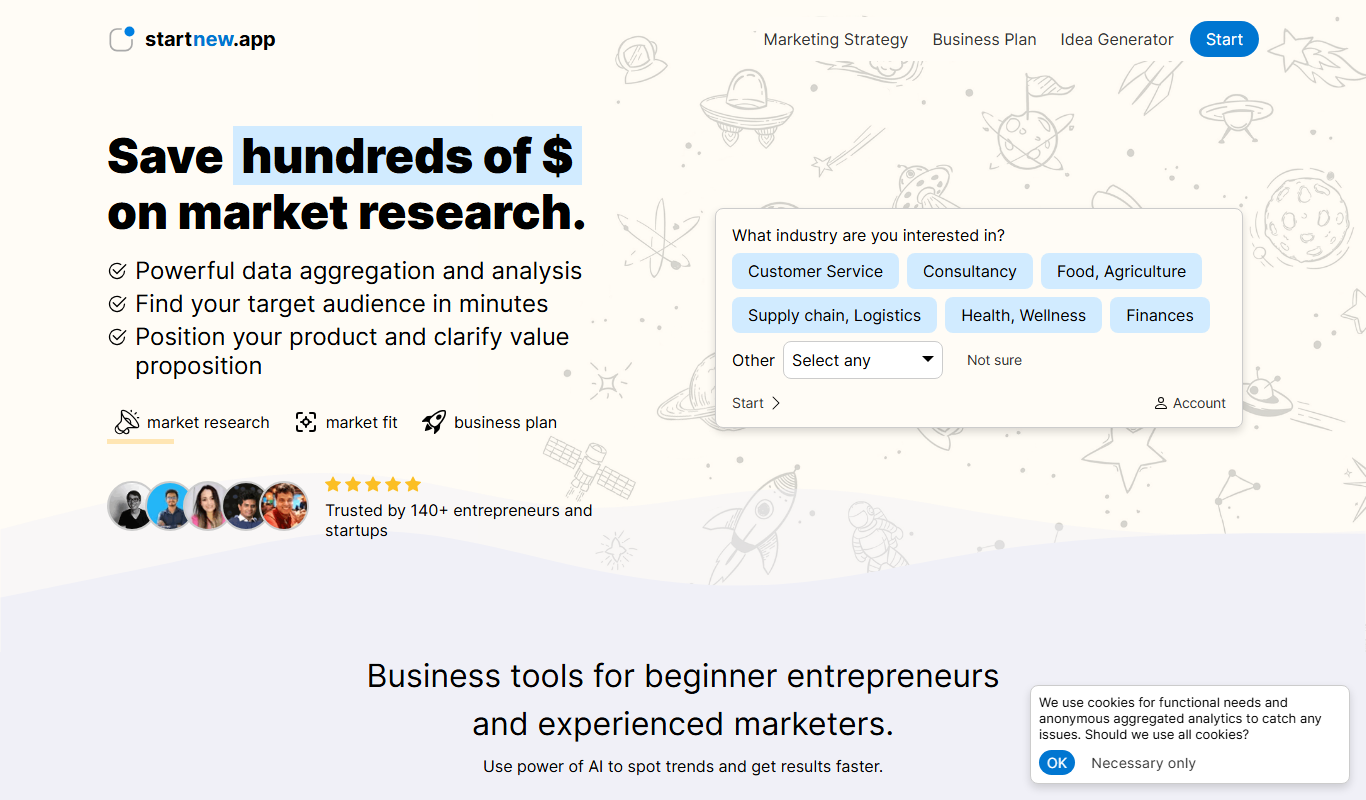
StartNew.app is a free web platform that allows entrepreneurs to submit startup ideas and receive community feedback through voting and comments to validate concepts before development.

FoundrAI
FoundrAI is an AI-driven marketing automation platform designed to help entrepreneurs automate lead generation, email marketing, and sales funnel optimization with personalized AI workflows.

Seabiscuit Business GPTs – Start Your Business Legacy
Seabiscuit Business GPTs is an AI platform that helps entrepreneurs plan, research, and grow their businesses using specialized GPT assistants focused on business legacy building.

200+ ChatGPT Mega-Prompts for Solopreneurs
200+ ChatGPT Mega-Prompts for Solopreneurs is a comprehensive prompt collection designed to help solo entrepreneurs generate business content, ideas, and productivity workflows using ChatGPT efficiently.