

BotStar AI Chatbot Builder for Customer Service and Marketing Automation
BotStar is a no-code AI chatbot platform that enables businesses to create, deploy, and manage chatbots for customer service, marketing, and sales automation across multiple channels.
- Best for
- Customer Support Automation
- Key capability
- No-Code Visual Builder
Save BotStar, follow its updates and vote on it — everything stays in your account.
Sign in or create a free accountWhat is BotStar?
BotStar is a no-code AI chatbot platform designed to help businesses build, deploy, and manage conversational chatbots across multiple channels. It enables users to create interactive chatbots for customer service, marketing, and sales automation without requiring programming skills. The platform supports integration with popular messaging apps and websites, allowing seamless communication with customers.
Key features of BotStar
BotStar offers a drag-and-drop chatbot builder, multi-channel deployment, AI-powered natural language understanding, customizable templates, analytics dashboard, and integration with third-party tools like Facebook Messenger, WhatsApp, and live chat systems.
No-Code Visual Builder
Create complex chatbot workflows easily with drag-and-drop tools without coding.
Multi-Channel Support
Deploy chatbots on websites, Facebook Messenger, WhatsApp, and other popular platforms.
AI Natural Language Processing
Understand user intents and provide relevant responses using built-in AI capabilities.
Pre-Built Templates
Start quickly with customizable chatbot templates for various industries and use cases.
Analytics and Reporting
Gain insights into chatbot performance and user behavior to improve engagement.
Third-Party Integrations
Connect with CRM, email marketing, and other business tools to automate workflows.
Pros and cons of BotStar
Pros
- Intuitive no-code chatbot builder
- Supports multiple messaging platforms
- AI-powered natural language processing
- Pre-built templates for quick setup
- Comprehensive analytics dashboard
Cons
- Limited advanced AI customization options
- Pricing can be high for small businesses at scale
- No mobile app for chatbot management
- The company announced reduced development since 2021.
Key use cases for BotStar
Customer Support Automation
Automate responses to common customer inquiries to reduce support workload and improve response times.
Lead Generation and Qualification
Engage website visitors with interactive chatbots to capture leads and qualify prospects automatically.
E-commerce Sales Assistance
Provide product recommendations, answer FAQs, and assist customers through the purchase process.
Marketing Campaign Engagement
Create conversational experiences to promote products, collect feedback, and increase user engagement.
Internal Workflow Automation
Use chatbots to streamline internal processes such as HR inquiries, IT support, and employee onboarding.
How BotStar works
- 1
Sign Up
Create a free account on the BotStar platform to access the chatbot builder.
- 2
Design Your Chatbot
Use the visual drag-and-drop interface to design conversation flows and add AI intents.
- 3
Integrate Channels
Connect your chatbot to messaging platforms such as Facebook Messenger, WhatsApp, or embed it on your website.
- 4
Test and Deploy
Preview your chatbot interactions, make adjustments, and publish it live to start engaging users.
- 5
Monitor Performance
Use the analytics dashboard to track user interactions, chatbot effectiveness, and optimize accordingly.
Who is using BotStar
BotStar pricing
Free
$0/month
Basic chatbot features with limited monthly active users and channels.
Pro
$29/month
Includes 1,000 sessions.
Agency
$299/month
Includes 3 active bots, 5,000 monthly sessions, unlimited member seats, custom permissions, custom app branding and template exports.
Plans and prices are as published by the vendor and can change. Check the official site before you buy. Open the pricing page (opens in a new tab)
Frequently asked questions about BotStar
No, BotStar provides a no-code drag-and-drop interface that allows anyone to build chatbots without programming knowledge.
You can deploy chatbots on websites, Facebook Messenger, WhatsApp, and other supported messaging channels.
Yes, BotStar includes AI-powered intent recognition to understand user inputs and respond appropriately.
Yes, BotStar offers a free plan with basic features and limited usage.
This tool is designed to help users accomplish its core tasks more efficiently. It is typically used by individuals or teams looking to improve productivity and workflow.
Pricing depends on the plan and included features. For the most accurate and up-to-date details, check the official pricing page.
Yes, it can help with that use case depending on how you configure it and what features are available. You’ll get the best results with clear inputs and a defined goal.
Yes, it can help with that use case depending on how you configure it and what features are available. You’ll get the best results with clear inputs and a defined goal.
Conclusion
Conversation flows and AI intents are designed in a visual drag-and-drop interface, and customizable templates cover various industries. Finished bots connect to Facebook Messenger, WhatsApp or a website embed, and they can be previewed and adjusted before going live. An analytics dashboard then tracks user interactions and chatbot effectiveness. Integrations with CRM, email marketing and other business tools extend the automation into other workflows.
Stated uses include automating responses to common customer inquiries and capturing and qualifying leads from website visitors. The Pro plan costs $29 per month for 1,000 sessions, and an Agency plan costs $299 per month. The company announced reduced development since 2021.
Sources
Sign in to review this tool.
Sign In to ReviewNo reviews yet
Be the first to share how this tool worked for you.
Ask about pricing, limits, or how it compares — or answer someone else.
Sign In to AskNo questions yet
Have a question about using or paying for this tool? Be the first to ask.
Featured on TiorAI



More AI Chat Generator tools
Other tools in the same category, for when this one is not quite the fit.

Verse AI
Verse is an AI agent and AI texting platform for sales and marketing teams that replies to leads across channels, qualifies them through conversation and books appointments.

Quriobot
Quriobot is a no-code AI chatbot platform that helps businesses automate customer support, lead generation, and engagement through customizable chatbots supporting multiple languages.

ChatTTS
ChatTTS is a text-to-speech model built for conversational scenarios such as LLM assistant dialogue and conversational video introductions, supporting Chinese and English.
Chatlease
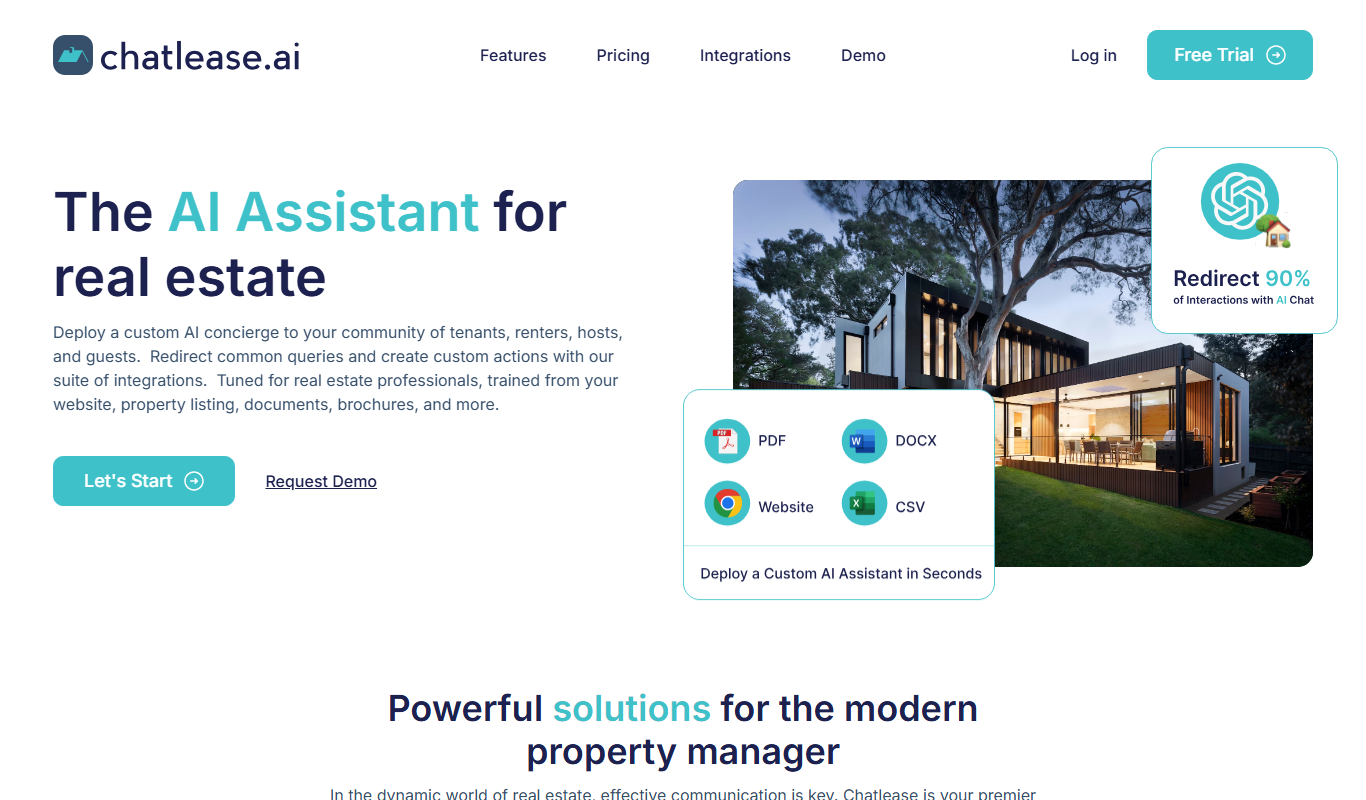
Chatlease is an AI chatbot platform tailored for real estate professionals to automate lead capture, qualification, and appointment scheduling through conversational AI on websites.

AI ChatDocs
AI ChatDocs is an AI chatbot platform that enables users to upload documents and interact with them conversationally to get instant, context-aware answers.

virtualspirits.com
Virtual Spirits is an AI chatbot platform that automates customer support and engagement by providing customizable virtual assistants for websites and messaging channels.

Mottle Bot
Mottle Bot is an AI-powered chatbot platform designed to automate customer support and engagement by providing conversational AI chatbots that integrate with CRM systems and offer customizable chat flows.

Yay! Forms
Yay! Forms is an easy-to-use online form builder that lets you create surveys, feedback forms, and data collection tools without coding, featuring drag-and-drop editing, customizable templates, and integrations.