

MaxAI.me AI assistant to chat with any webpage, read faster and write better
MaxAI is an AI assistant for the browser and the web that lets users chat with any webpage, summarize, translate and write, powered by o1, GPT-4o, Claude-3.5 and Gemini-1.5.
- Best for
- Content Writing
- Key capability
- Chat with any webpage
Save MaxAI.me, follow its updates and vote on it — everything stays in your account.
Sign in or create a free account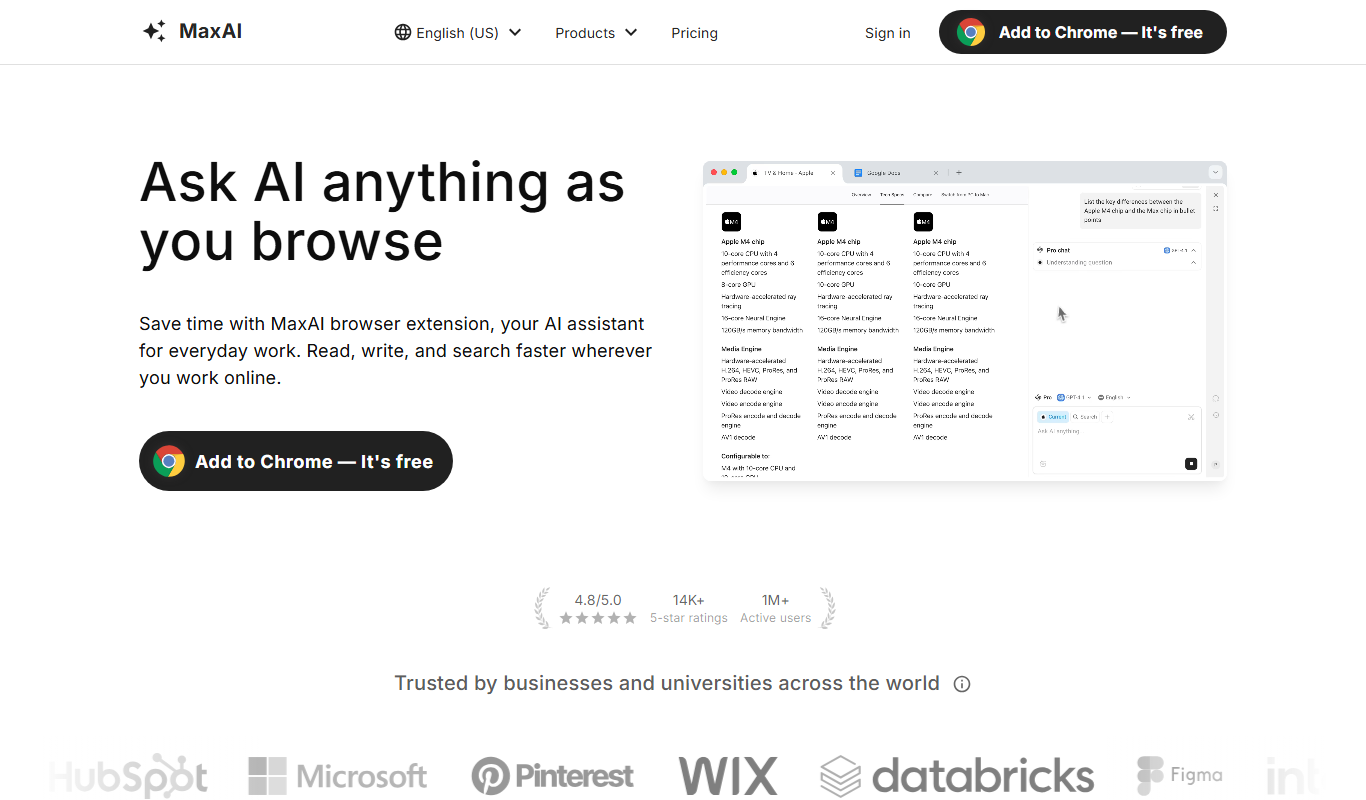
What is MaxAI.me?
MaxAI is an AI assistant available as a Chrome and Edge extension and a web app. It lets users chat with any webpage and summarize, search, explain, analyze, translate and write, powered by o1, GPT-4o, Claude-3.5 and Gemini-1.5.
Key features of MaxAI.me
The MaxAI browser extension features include an AI assistant, an AI summarizer, chat with YouTube video, PDF or image, AI search, AI translate, an AI rewriter and AI reply. The web app adds AI chat, AI search, an AI writer, an AI image generator and chat with PDF.
Chat with any webpage
Get instant insights from any webpage at a glance.
AI rewriter on any page
Improve writing, proofread, paraphrase, change tone and style, or simplify language on any page.
AI writer
Generate SEO-friendly content, discover new ideas and get prompts in the web app writer.
Translate page
Translate a full page and see the original and translated text side by side.
Pros and cons of MaxAI.me
Pros
- Easy-to-use interface for quick content creation
- Customizable writing styles to fit different needs
- SEO optimization features included
Cons
- Limited language support currently
- No mobile app available
- Pricing may be high for small businesses
Key use cases for MaxAI.me
Content Writing
Generate blog posts, articles, and marketing copy quickly using AI-powered writing tools.
Marketing Campaigns
Create engaging ad copy and promotional content to support marketing efforts.
SEO Optimization
Produce SEO-friendly content that helps improve search engine rankings.
Social Media Content
Develop creative posts and captions for social media platforms.
How MaxAI.me works
- 1
Add to browser
Add the MaxAI.me extension to the browser to use AI on every webpage.
- 2
Sign in
Sign in with Google or email.
- 3
Input Keywords or Brief
Provide keywords or a brief description to guide the AI in generating relevant content.
- 4
Generate Content
Let the AI produce content based on your inputs, then review and edit as needed.
Who is using MaxAI.me
MaxAI.me pricing
Free
$0 USD per month
Basic features with a daily limit on AI requests.
Pro
$20 USD per month, monthly plan only
For occasional users, monthly plan only.
Elite
$19 USD per month, billed yearly
For power users, billed yearly, cancel anytime.
Plans and prices are as published by the vendor and can change. Check the official site before you buy. Open the pricing page (opens in a new tab)
Frequently asked questions about MaxAI.me
Yes. MaxAI can translate pages, text, images and videos instantly so users can read in any language.
Yes, you can adjust the writing style to better fit your brand voice.
The basic features of MaxAI are free, including a daily limit on AI requests. Advanced features require an upgrade.
This tool is designed to help users accomplish its core tasks more efficiently. It is typically used by individuals or teams looking to improve productivity and workflow.
Some tools offer a free plan or trial with limited features. Availability can vary, so confirm on the official website.
Yes, it can help with that use case depending on how you configure it and what features are available. You’ll get the best results with clear inputs and a defined goal.
Conclusion
Inside a Chromium-based browser, the work runs from a sidebar: with the extension added to Chrome or Edge, it can summarize any page, PDF or YouTube video and chat about its content. Selected text can be explained with one click, and a full page can be translated with the original and translated text shown side by side. Answers come from several AI models in one place, including GPT-4o, Claude-3.5-Sonnet and Gemini-1.5-Pro, while AI search adds links to relevant web sources.
For writing, an AI rewriter works on any page to improve wording, proofread or change tone, and the web app’s AI writer generates SEO-friendly content and prompts. Short notes can also be turned into quick replies in Gmail, Outlook, LinkedIn or WhatsApp.
A free plan covers the basic features with a daily limit on AI requests, and advanced features sit behind paid plans billed monthly or yearly. The pricing FAQ notes that paid plan usage limits do not apply to models used through a subscriber’s own API key.
Sources
Sign in to review this tool.
Sign In to ReviewNo reviews yet
Be the first to share how this tool worked for you.
Ask about pricing, limits, or how it compares — or answer someone else.
Sign In to AskNo questions yet
Have a question about using or paying for this tool? Be the first to ask.
Featured on TiorAI



More AI Content Creation Tools tools
Other tools in the same category, for when this one is not quite the fit.

Clarice.ai
Clarice.ai is an AI writing assistant that improves texts with suggestions on clarity, style, grammar and humanization.
WordRocket AI
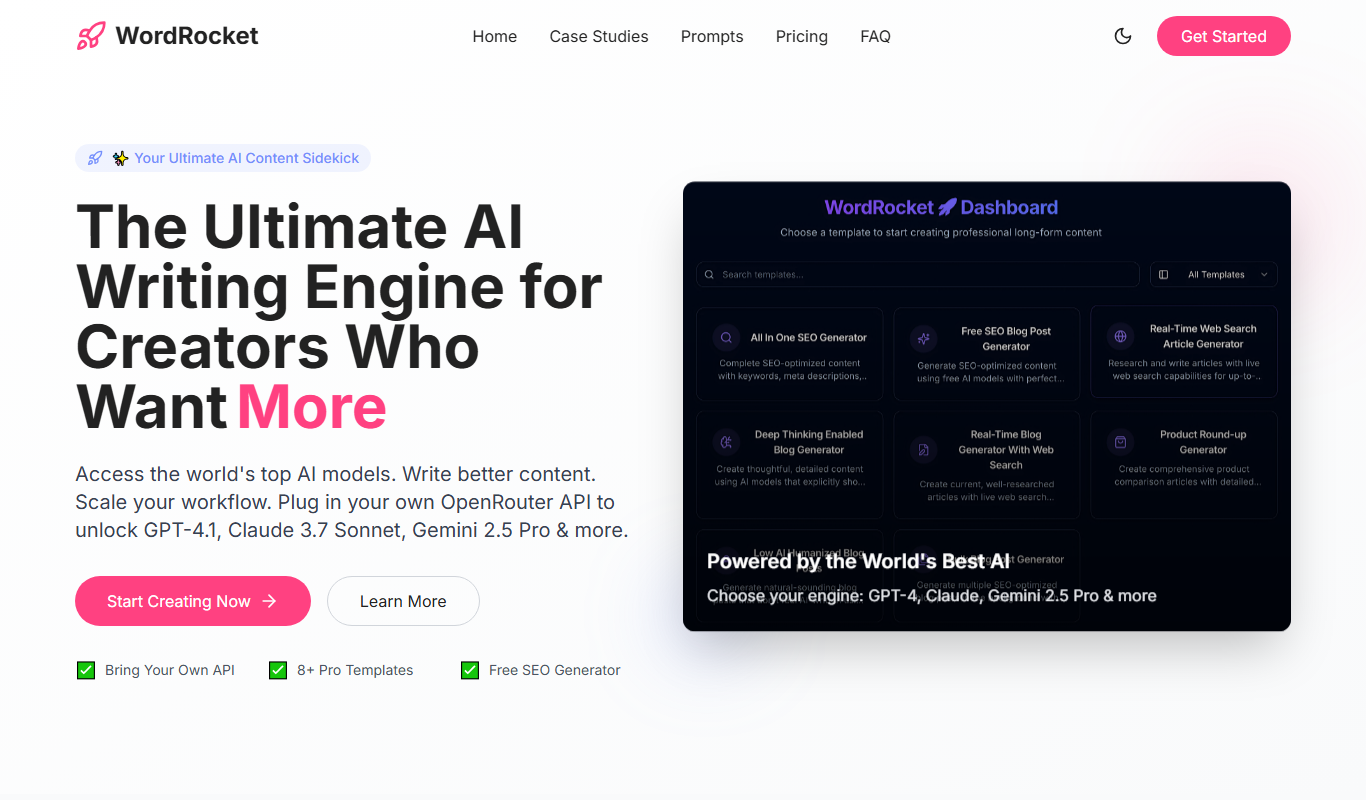
WordRocket AI is a web-based AI writing assistant that helps users generate SEO-optimized content, including blog posts and marketing copy, with customizable tone and style.

Origin
Origin is an all-in-one financial platform with AI-powered budgeting, spend tracking, investment tools, forecasting and estate planning, plus an AI financial advisor.

Boutiq
Boutiq adds AI-powered personal video shopping to Shopify stores: shoppers start or schedule a video chat with the store team, from discovery through checkout.

Quilter
Quilter uses physics-driven AI to automate PCB placement and routing, returning review-ready layout candidates in hours for designs from Altium, Cadence and Xpedition.

Talers
Talers is a collaborative writing application for books, novels, scripts and articles, with AI assistance.

Podcast Shownotes Generator
Podcast Shownotes Generator is an AI-powered web tool that creates detailed, SEO-optimized summaries for podcast episodes, helping podcasters save time and improve discoverability.

JotBot AI
JotBot AI is an AI writing assistant that writes in your personal style and helps you find and cite sources without leaving your document.