

DeepTranslate AI: Advanced Neural Machine Translation Platform for Businesses
DeepTranslate is an AI bilingual translation browser extension that shows websites and social media posts in two languages at the same time, supporting more than 140 languages.
- Best for
- Business Document Translation
- Key capability
- Neural Machine Translation
Save DeepTranslate, follow its updates and vote on it — everything stays in your account.
Sign in or create a free account
What is DeepTranslate?
DeepTranslate is an AI bilingual translation extension for Google Chrome and Edge that shows web pages, articles and social media posts in two languages at the same time. It supports up to 142 languages, lets users choose between translation services such as Google Translate, OpenAI, Microsoft Translate, Claude and Gemini, and also translates PDF documents.
Key features of DeepTranslate
DeepTranslate translates web pages, articles and social media posts bilingually in the browser, supports all major translation APIs including Google Translate, OpenAI, Microsoft Translate, Claude and Gemini, and offers PDF translation.
Neural Machine Translation
Uses deep learning models to provide context-aware and natural translations.
Bilingual web translation
Translate web pages, articles and social media posts and view them in two languages at the same time.
Multi-language Support
Supports up to 142 languages.
Choice of translators
Supports all major translation APIs, including Google Translate, OpenAI, Microsoft Translate, Claude and Gemini.
Real-time Translation
Delivers fast translations suitable for live chat and customer support scenarios.
Pros and cons of DeepTranslate
Pros
- High-quality neural translations with contextual understanding
- Easy API integration for developers
- Supports a wide range of languages
- Customizable translation models for industry-specific needs
- Real-time translation suitable for live applications
Cons
- Free tier has limited character usage
- Some specialized terminology may require manual review
Key use cases for DeepTranslate
Business Document Translation
Translate contracts, reports, and communications quickly and accurately to support international business operations.
Website Localization
Enable multilingual website content to reach global audiences with seamless integration via API.
Customer Support
Provide real-time translation for customer inquiries across multiple languages to improve service quality.
Content Creation
Assist content creators in producing multilingual content efficiently without losing context or nuance.
Software Localization
Translate UI strings and software documentation to adapt products for different language markets.
How DeepTranslate works
- 1
Install the extension
Install the plugin for Google Chrome or Edge and select the language.
- 2
Choose translator and mode
Select the translator and translate mode on the interface.
- 3
Translate
Click Translate to get bilingual or full immersive translation of the page.
- 4
Submit Text for Translation
Send text data via the web interface or API to receive translated output.
- 5
Customize and Review
Adjust translation settings or models as needed and review translations for accuracy.
Who is using DeepTranslate
DeepTranslate pricing
Free
Free
For lighter usage: standard models (OpenAI GPT-4o mini, Google), web translation and PDF translation in up to 142 languages.
Annual
$3.99/month, billed $47.88/year
3 days free trial; advanced models (OpenAI GPT-5-mini, DeepSeek, Claude-4.5-Haiku, Gemini-3.1-flash-lite), all free features and priority email support.
Monthly
$7.99/month
Advanced models (OpenAI GPT-5-mini, DeepSeek, Claude-4.5-Haiku, Gemini-3.1-flash-lite), all free features and priority email support.
Plans and prices are as published by the vendor and can change. Check the official site before you buy. Open the pricing page (opens in a new tab)
Frequently asked questions about DeepTranslate
DeepTranslate supports up to 142 languages.
Yes, DeepTranslate provides a REST API that allows seamless integration with websites, apps, and other software.
Yes, DeepTranslate offers a free tier with limited usage so you can test the service before subscribing.
DeepTranslate uses neural machine translation models that provide context-aware and high-quality translations, but reviewing critical content is recommended.
It depends on your specific needs and how you plan to use the tool. The official website and documentation are the best sources for the latest details.
Integration support depends on the tool and its available connectors or API. Check the official documentation or integrations page to confirm what is supported.
Yes, it can help with that use case depending on how you configure it and what features are available. You’ll get the best results with clear inputs and a defined goal.
Some tools offer a free plan or trial with limited features. Availability can vary, so confirm on the official website.
Conclusion
Web pages are shown in two languages at the same time, because the browser extension translates websites, articles and social media posts bilingually. After installing the plugin for Google Chrome or Edge, users select the language, pick a translator and translate mode, and click Translate for bilingual or full immersive translation. Supported translators include Google Translate, OpenAI, Microsoft Translate, Claude and Gemini, and PDF translation is offered as well.
The site says it is trusted by readers, students and professionals who need fluent translation without losing context. The free version uses standard models for web and PDF translation in up to 142 languages, while the paid Annual and Monthly plans add advanced models and priority email support. The Annual plan starts with a free trial.
Sources
Sign in to review this tool.
Sign In to ReviewNo reviews yet
Be the first to share how this tool worked for you.
Ask about pricing, limits, or how it compares — or answer someone else.
Sign In to AskNo questions yet
Have a question about using or paying for this tool? Be the first to ask.
Featured on TiorAI



More AI Ai Tools tools
Other tools in the same category, for when this one is not quite the fit.

Contentdrips
Contentdrips is an AI-driven platform that simplifies social media content creation by providing customizable templates, AI-generated captions, and multi-channel publishing to help marketers and businesses streamline their social media marketing.

GenPPT – AI PowerPoint Generator
GenPPT is an AI presentation generator that turns notes, an outline or a PDF into presentation slides: approve the outline, edit in chat and export to PowerPoint or PDF.
QRBTF – AI QR Code Generator
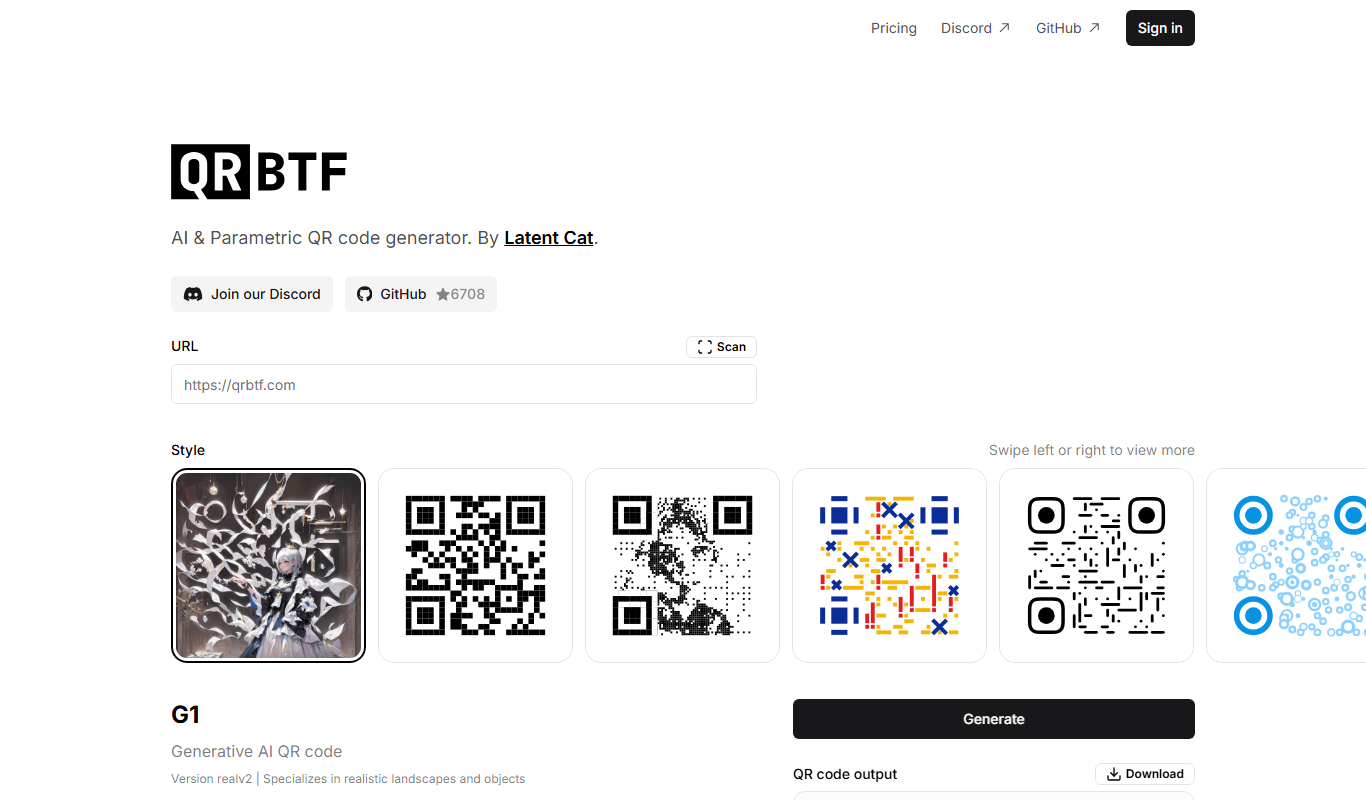
QRBTF is an AI and parametric QR code generator by Latent Cat that generates QR code images from keywords in any language.

Value Proposition Canvas AI
Value Proposition Canvas AI generates a Value Proposition Canvas for your company based on its description, with editable fields and download as an image.

DishGen
DishGen is an AI-driven platform that generates customized recipes and meal plans based on user-input ingredients and dietary preferences, helping home cooks create meals easily and reduce food waste.

Pitchgrade
Pitchgrade is an AI platform that scores pitch decks, matches founders with investors and provides real-time financial research on any company.
MagicSlides
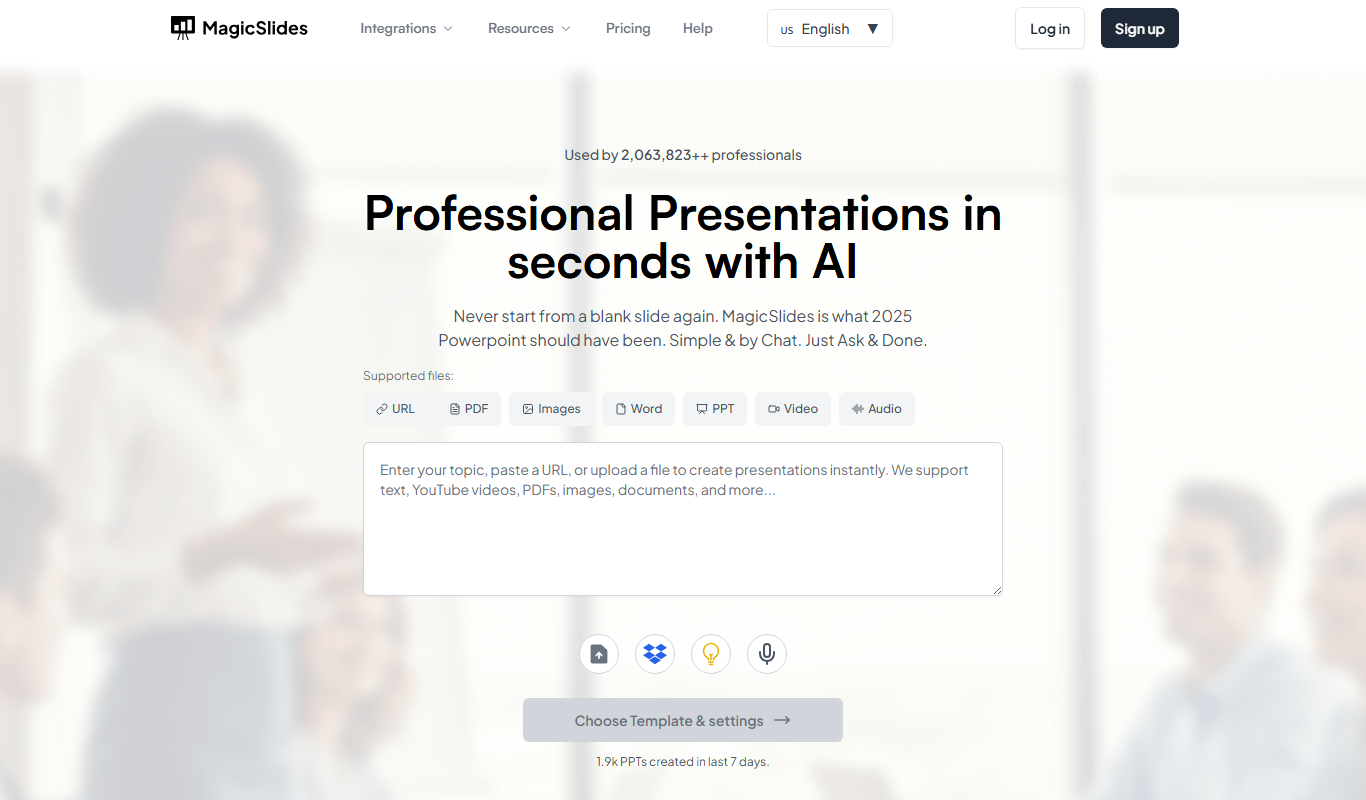
MagicSlides is an AI-powered tool that generates complete presentation slide decks from text input, automating content creation and design to save time.

Decktopus AI
Decktopus AI is an end-to-end AI presentation platform that turns a topic or uploaded file into a complete, ready-to-present deck with structure, content and design included.