

From my experience with Indesign Translator, I found it excels at preserving the original layout and formatting of Adobe InDesign documents during translation, which is crucial for maintaining design integrity. After spending time with the platform, I can say it’s particularly well-suited for graphic designers, localization specialists, and publishing professionals who need to manage multilingual content efficiently. However, there’s a trade-off: the tool primarily supports European languages and requires some familiarity with InDesign and translation workflows. Overall, if you need to translate InDesign files without redoing layouts, this tool delivers solid, reliable results.
Indesign Translator - Professional InDesign File Translation Software
Indesign Translator is a software tool that allows users to translate Adobe InDesign documents by exporting text for translation and re-importing it without losing layout or formatting.
- Best for
- InDesign Document Localization
- Key capability
- XLIFF Export and Import

Do you recommend this tool?
What is Indesign Translator?
Indesign Translator is a specialized software designed to translate Adobe InDesign documents while preserving their original layout and formatting. It supports exporting text content for translation and re-importing it seamlessly, enabling professional localization without the need to recreate designs.
Key features of Indesign Translator
The tool offers direct InDesign file translation, XLIFF export/import for translation management, support for multiple languages, and preservation of complex layouts and typography, streamlining the localization process for print and digital media.
XLIFF Export and Import
Supports industry-standard XLIFF files for smooth integration with translation management systems.
Layout Preservation
Maintains original InDesign layouts, fonts, and images during translation to avoid rework.
Multi-language Support
Handles multiple languages including European languages, facilitating global publishing.
Compatibility
Works with Adobe InDesign files on both Windows and MacOS platforms.
Pros and cons of Indesign Translator
Pros
- Preserves original InDesign layout and formatting
- Supports standard XLIFF files for translation workflows
- Compatible with Windows and MacOS
- Facilitates efficient multilingual publishing
Cons
- Limited language support mostly for European languages
- Requires familiarity with InDesign and translation workflows
Key use cases for Indesign Translator
InDesign Document Localization
Translate Adobe InDesign files directly without losing layout or formatting, enabling efficient localization of brochures, magazines, and marketing materials.
Multilingual Publishing
Create and manage multilingual versions of InDesign documents to reach diverse audiences with consistent design and content.
Translation Workflow Integration
Integrate with professional translation workflows by exporting and importing XLIFF files, facilitating collaboration between designers and translators.
Preserving Design Integrity
Maintain original typography, images, and layout during translation to ensure high-quality print and digital publications.
How Indesign Translator works
-
1
Open InDesign Document
Load your Adobe InDesign file into Indesign Translator to prepare it for translation.
-
2
Export Text for Translation
Export the document’s text content as an XLIFF file, a standard format for translation workflows.
-
3
Translate Content
Send the XLIFF file to translators or use translation software to convert the text into the target language.
-
4
Import Translated Text
Import the translated XLIFF file back into Indesign Translator, which updates the InDesign document while preserving layout.
-
5
Review and Export
Review the translated document within InDesign and export it for publishing or printing.
Who is using Indesign Translator
Graphic designers
Localization specialists
Publishing houses
Marketing agencies
Translation service providers
Indesign Translator pricing
Standard License
€299 one-time
Single-user license with full features and updates for one year.
Subscription License
€29/month
Monthly subscription with access to all features and ongoing updates.
Plans and prices are as published by the vendor and can change. Check the official site before you buy. Open the pricing page (opens in a new tab)
Frequently asked questions about Indesign Translator
Indesign Translator supports Adobe InDesign CC 2018 and later versions.
Yes, the tool preserves complex layouts, typography, and images during translation.
Yes, a free trial version is available on the official website.
Primarily European languages are supported; support for other languages depends on font and layout compatibility.
It depends on your specific needs and how you plan to use the tool. The official website and documentation are the best sources for the latest details.
Yes, it can help with that use case depending on how you configure it and what features are available. You’ll get the best results with clear inputs and a defined goal.
It depends on your specific needs and how you plan to use the tool. The official website and documentation are the best sources for the latest details.
Sign in to review this tool.
Sign In to ReviewNo reviews yet
Be the first to share how this tool worked for you.
Ask about pricing, limits, or how it compares — or answer someone else.
Sign In to AskNo questions yet
Have a question about using or paying for this tool? Be the first to ask.
Featured on TiorAI



Alternative Tools
Explore similar AI tools that might fit your needs
Free Trial
MemoQ
memoQ is a professional computer-assisted translation software that helps translators and localization teams manage multilingual projects efficiently with translation memory, terminology management, and collaboration features.

Freemium
CafeTran Espresso
CafeTran Espresso is a desktop CAT tool that helps professional translators manage translation memories, glossaries, and integrates machine translation to streamline localization projects.
More AI Localization Tools tools
Other tools in the same category, for when this one is not quite the fit.
Freemium
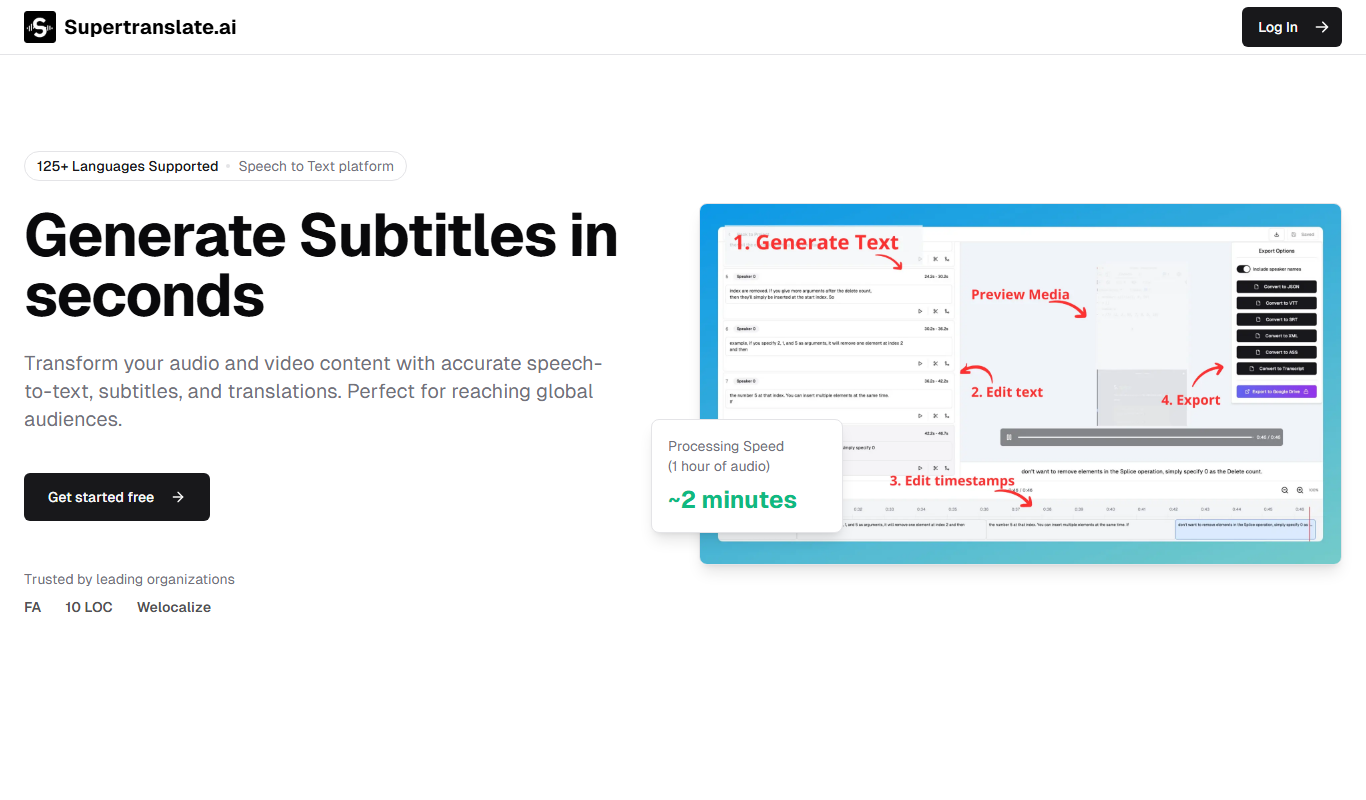
Supertranslate
Supertranslate is an AI-powered translation platform that provides accurate, context-aware translations for businesses, supporting over 50 languages with API integration and customizable glossaries.

Pay As You Go
Vidby
Vidby is an AI-driven platform that automates video translation, dubbing, and subtitle generation, enabling users to localize video content into over 60 languages efficiently.

Custom Pricing
lingoXpress
lingoXpress is a professional human translation platform providing certified and custom language services across 50+ languages for businesses and individuals.
Custom Pricing
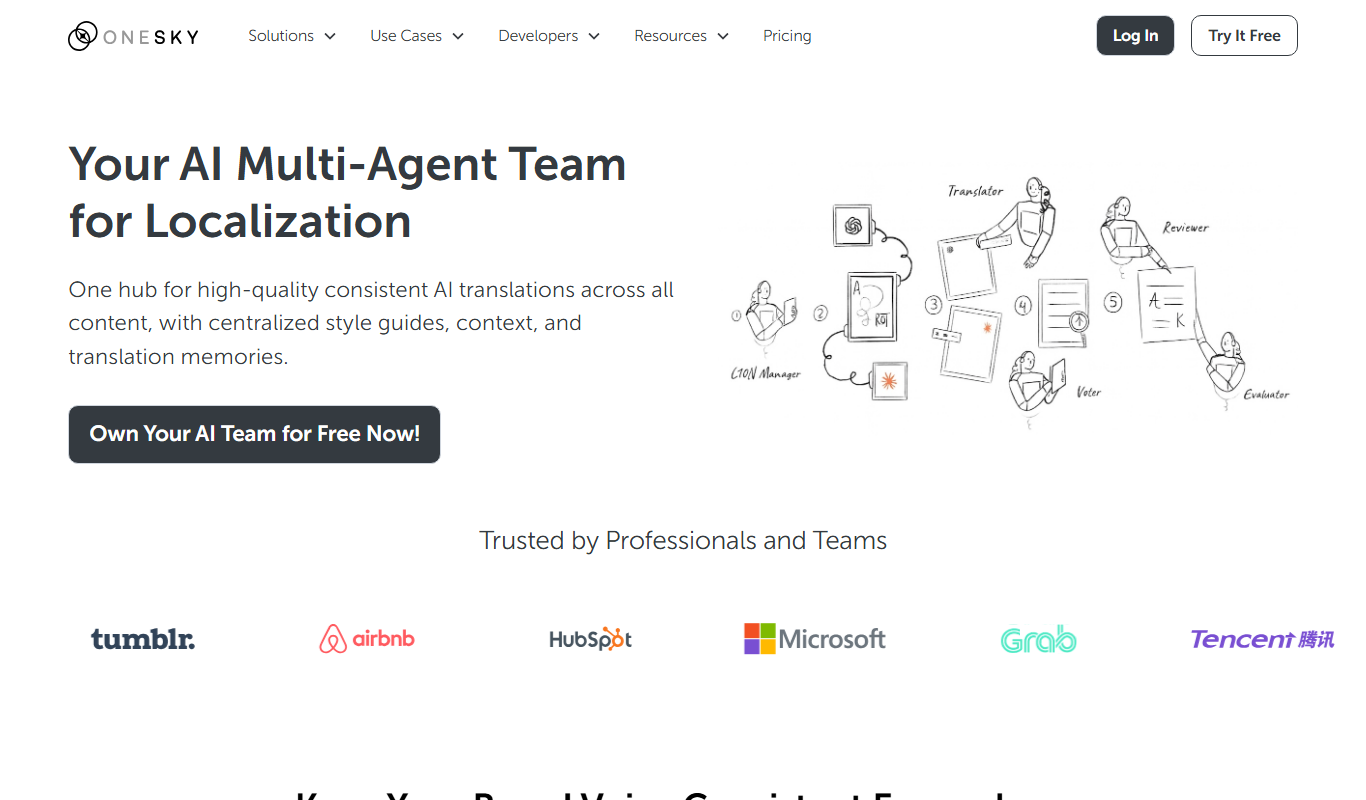
OneSky Localization Agent
OneSky Localization Agent is an AI-powered localization platform that streamlines translation workflows for software, websites, and marketing content by combining machine learning with human review.

Freemium
Translingo
Translingo is an AI-based translation tool that supports multiple languages and helps users quickly translate and localize content for global audiences.
Free
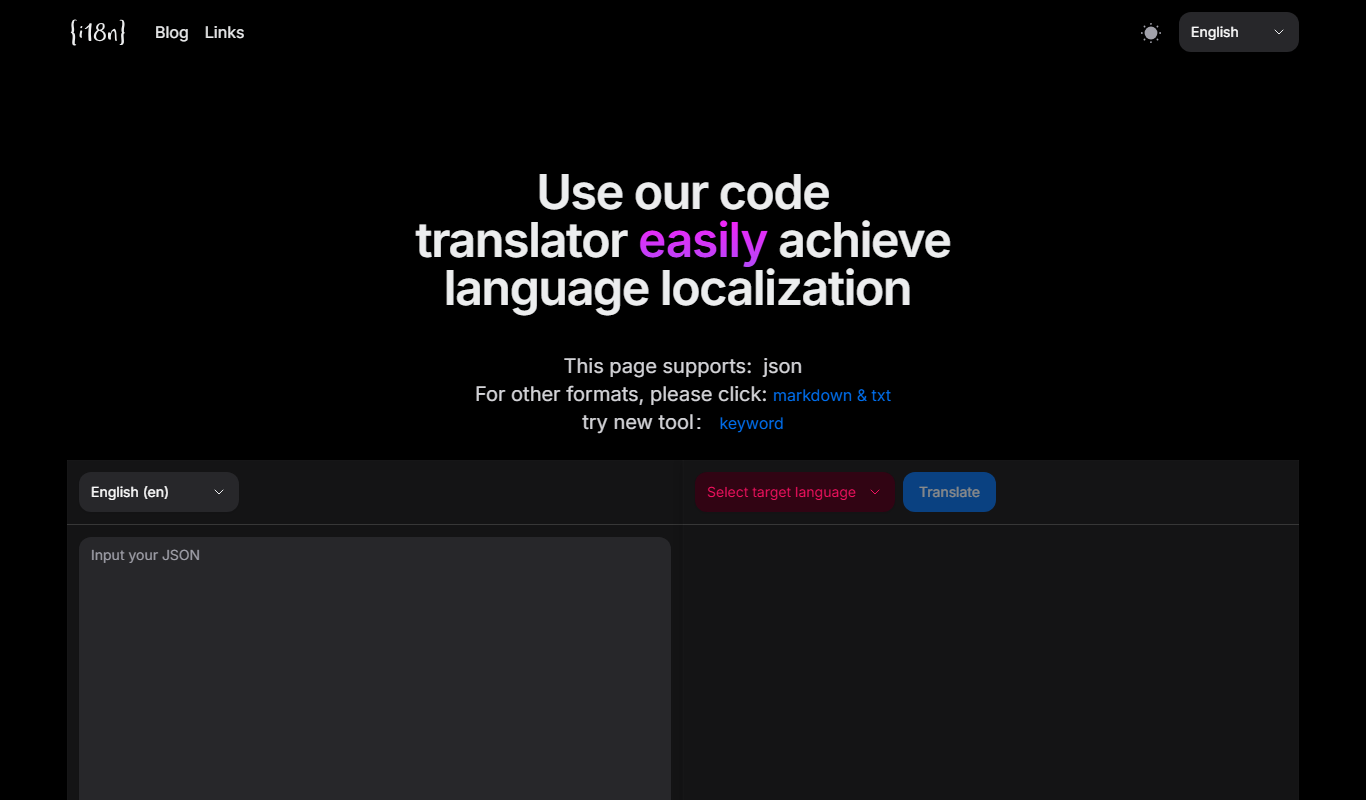
I18n Code
I18n Code is a web platform that automates extracting translatable strings from source code and manages localization workflows to help developers deliver multilingual applications efficiently.
Custom Pricing
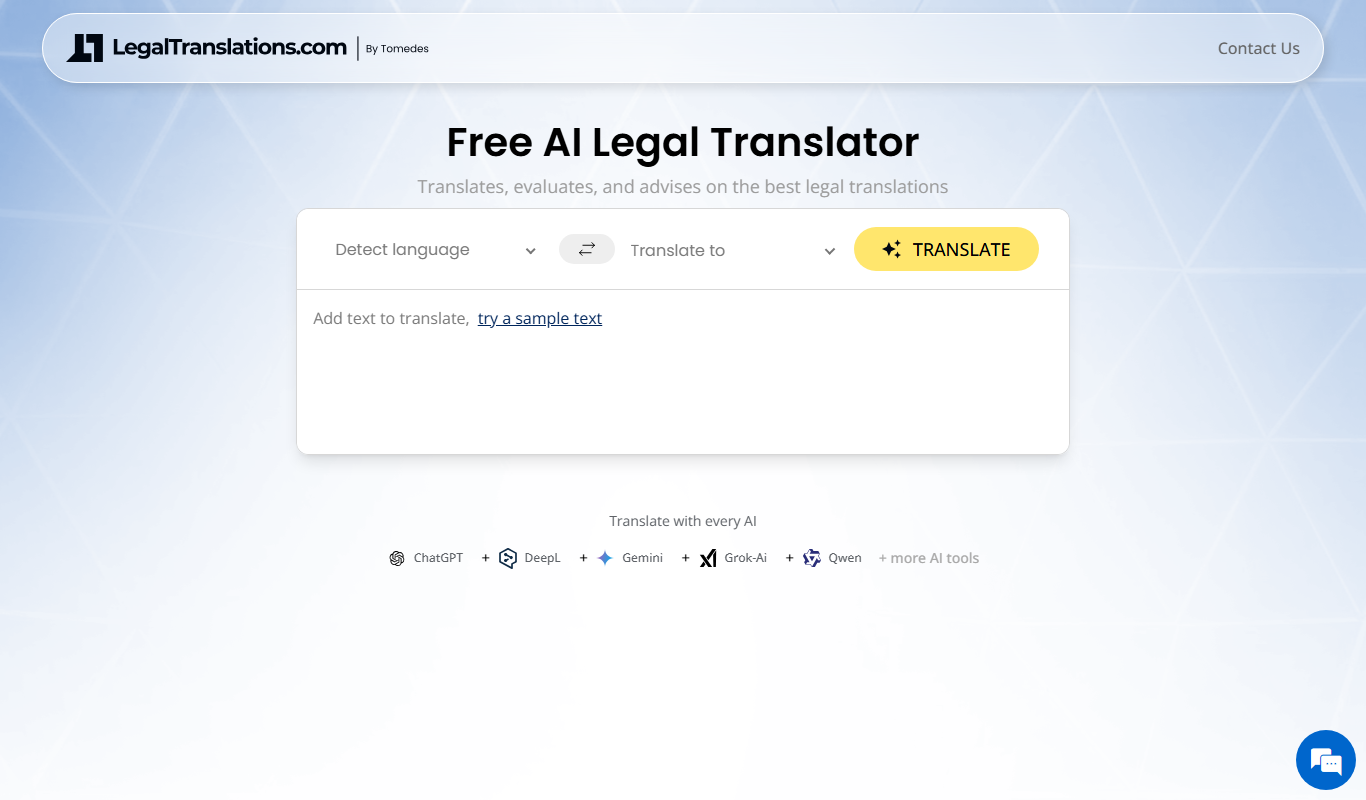
LegalTranslations.com
LegalTranslations.com provides certified, confidential legal document translations by expert translators in over 10 languages, suitable for courts and official use.
Freemium
Lingobo
Lingobo is an AI-driven translation platform that helps businesses translate and localize content into multiple languages with customizable glossaries and API integration.