

Tiledesk AI Chatbot Platform for Customer Support and Automation
Tiledesk is an open-source AI chatbot and live chat platform that helps businesses automate customer support, engage visitors across multiple messaging channels, and integrate with helpdesk systems.
- Best for
- Customer Support Automation
- Key capability
- Open-Source Platform
Save Tiledesk, follow its updates and vote on it — everything stays in your account.
Sign in or create a free account

What is Tiledesk?
Tiledesk is an open-source AI chatbot and live chat platform designed to help businesses automate customer support and engage visitors across multiple messaging channels. It combines conversational AI with live agent handoff capabilities, enabling seamless customer interactions and efficient support workflows.
Key features of Tiledesk
Tiledesk offers customizable chatbots, live chat interfaces, multichannel messaging integration, AI-powered natural language understanding, and helpdesk ticketing features. Its open-source nature allows developers to extend and tailor the platform to specific business needs.
Open-Source Platform
Full access to source code allows customization and self-hosting options.
AI-Powered Chatbots
Natural language processing enables understanding and responding to customer queries.
Multichannel Messaging
Supports integration with popular messaging apps and channels.
Live Chat with Agent Handoff
Seamlessly transfer conversations from bots to human agents when needed.
Helpdesk Integration
Create and manage support tickets directly from chat conversations.
Pros and cons of Tiledesk
Pros
- Open-source with full customization
- Supports multiple messaging channels
- Combines AI chatbots with live agent support
- Integrates with helpdesk systems
- User-friendly interface for chatbot design
Cons
- Advanced features require paid plans
- Some integrations may need technical setup
- Limited mobile app support
Key use cases for Tiledesk
Customer Support Automation
Automate responses to common customer inquiries using AI-powered chatbots to reduce support workload.
Live Chat Engagement
Engage website visitors in real-time with live chat to increase conversions and improve customer satisfaction.
Multichannel Messaging
Manage conversations across multiple channels including web chat, WhatsApp, Facebook Messenger, and Telegram.
Lead Generation
Use chatbots to qualify leads and collect customer information automatically.
Helpdesk Ticketing
Integrate chatbot conversations with helpdesk systems to create and manage support tickets efficiently.
How Tiledesk works
- 1
Sign Up and Setup
Create an account on Tiledesk and configure your chatbot and live chat widgets.
- 2
Customize Chatbot
Design conversation flows and train the AI to understand customer intents.
- 3
Integrate Channels
Connect messaging channels like WhatsApp, Facebook Messenger, and Telegram.
- 4
Deploy on Website
Embed the chat widget on your website or app to start engaging visitors.
- 5
Monitor and Optimize
Use analytics and conversation logs to improve chatbot performance and customer experience.
Who is using Tiledesk
Tiledesk pricing
Pro
EUR 149 /mo
For teams scaling AI-powered workflows: 3 users included, 20 AI Agents, 5M AI Tokens per month, 3,000 conversations per month, 300 Knowledge Base items and priority support.
Business
EUR 499 /mo
For businesses requiring advanced AI tools: 5 users included, 50 AI Agents, 10M AI Tokens per month, 5,000 conversations per month, 1,000 Knowledge Base items and dedicated support.
Enterprise
Contact sales
For organizations needing higher limits and advanced integrations: unlimited users, AI Agents, AI Tokens, conversations and Knowledge Base items, Enterprise Support and SLA, and an account manager.
Plans and prices are as published by the vendor and can change. Check the official site before you buy. Open the pricing page (opens in a new tab)
Frequently asked questions about Tiledesk
Yes, Tiledesk is an open-source platform, allowing users to customize and self-host the software.
Tiledesk supports web chat, WhatsApp, Facebook Messenger, Telegram, and more.
Yes, Tiledesk allows seamless handoff from AI chatbots to live agents.
No, there is no free plan. A 14-day free trial gives access to all premium features without a credit card, and continuing afterwards requires one of the paid plans.
This tool is designed to help users accomplish its core tasks more efficiently. It is typically used by individuals or teams looking to improve productivity and workflow.
Some tools offer a free plan or trial with limited features. Availability can vary, so confirm on the official website.
Integration support depends on the tool and its available connectors or API. Check the official documentation or integrations page to confirm what is supported.
Yes, it can help with that use case depending on how you configure it and what features are available. You’ll get the best results with clear inputs and a defined goal.
Conclusion
No code is needed to design conversations here, since visual tools build the flows and AI agents answer from a connected knowledge base, documents or external data sources. When a bot cannot finish the job, the conversation moves to a live agent, and chats can also be turned into support tickets. Channels include the web widget, WhatsApp Business, Facebook Messenger and Telegram, and mobile apps exist for iOS and Android.
The platform is open source, and self-hosting or a private cloud is listed as a deployment option next to the hosted service. Its intended users include customer support teams, e-commerce websites, and developers and IT teams. There is no free cloud plan, and a 14-day trial without a credit card opens the premium features before a paid plan is required. Paid tiers are sized by users, AI agents, AI tokens and monthly conversations.
Sources
Sign in to review this tool.
Sign In to ReviewNo reviews yet
Be the first to share how this tool worked for you.
Ask about pricing, limits, or how it compares — or answer someone else.
Sign In to AskNo questions yet
Have a question about using or paying for this tool? Be the first to ask.
Featured on TiorAI



More AI Ai Tools tools
Other tools in the same category, for when this one is not quite the fit.

16x Prompt
16x Prompt is a desktop tool for AI coding that manages code context, customizes prompts and works with multiple LLM API integrations.

PageOn.ai
PageOn.AI is an AI presentation and infographic maker where AI agents research your topic, plan the structure and design interactive pages beyond static slides.

Slideflow AI
Slideflow AI is a web-based tool that uses artificial intelligence to automate the creation of professional slide presentations from text or data inputs.

Contentdrips
Contentdrips is an AI-driven platform that simplifies social media content creation by providing customizable templates, AI-generated captions, and multi-channel publishing to help marketers and businesses streamline their social media marketing.

GenPPT – AI PowerPoint Generator
GenPPT is an AI presentation generator that turns notes, an outline or a PDF into presentation slides: approve the outline, edit in chat and export to PowerPoint or PDF.
QRBTF – AI QR Code Generator
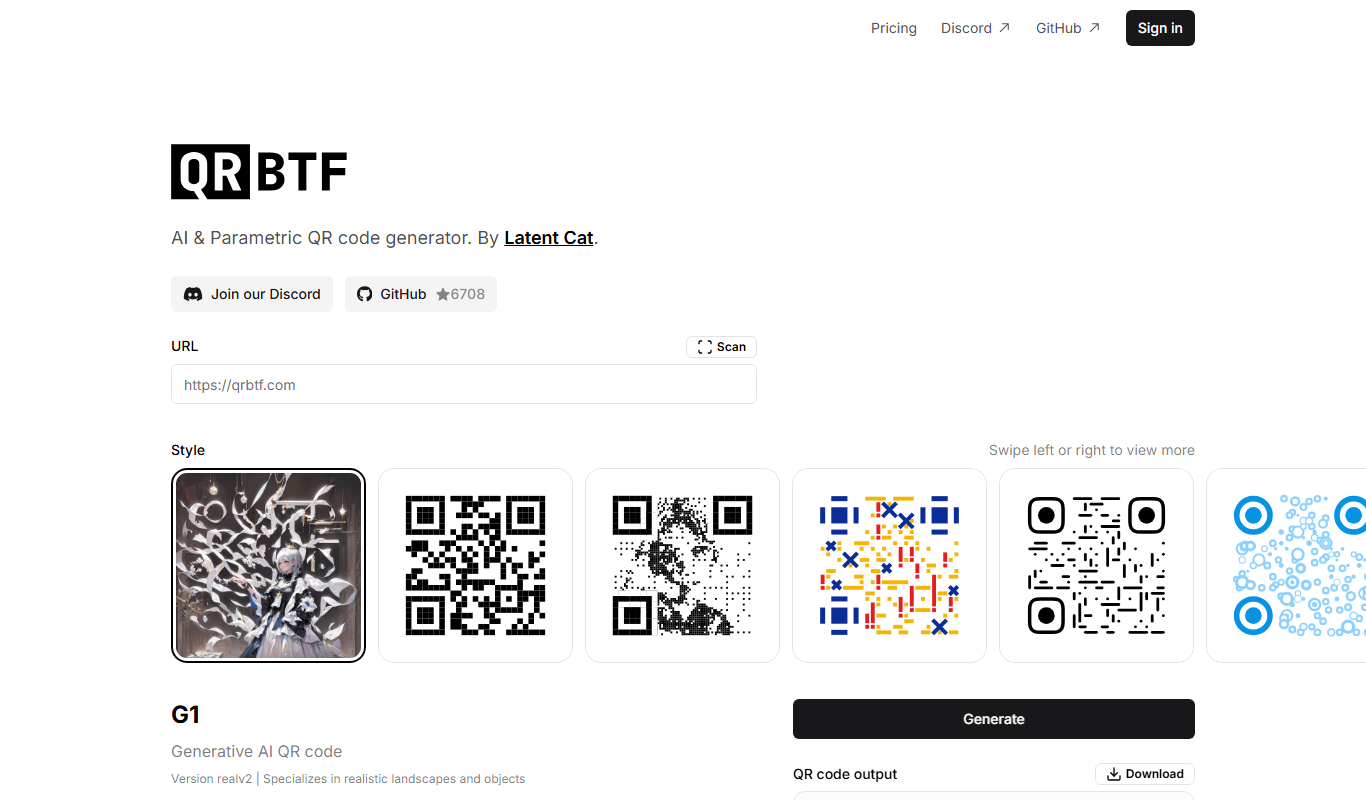
QRBTF is an AI and parametric QR code generator by Latent Cat that generates QR code images from keywords in any language.

Value Proposition Canvas AI
Value Proposition Canvas AI generates a Value Proposition Canvas for your company based on its description, with editable fields and download as an image.

DishGen
DishGen is an AI-driven platform that generates customized recipes and meal plans based on user-input ingredients and dietary preferences, helping home cooks create meals easily and reduce food waste.