
From my experience with Canopy, I found it excels at streamlining tax resolution workflows and client management for accounting professionals. The platform’s automation features reduce repetitive tasks, allowing firms to focus more on client service. It’s particularly well-suited for small to medium-sized tax firms looking for an all-in-one solution to manage cases and documents securely. However, the pricing might be a consideration for solo practitioners or very small firms, and integrations are somewhat limited compared to broader accounting suites. Overall, if your focus is tax resolution and improving workflow efficiency, Canopy delivers a robust and user-friendly platform.
Canopy Tax Software for Small Businesses and Accounting Firms
Canopy is a cloud-based tax resolution and practice management software that helps accounting firms automate workflows, manage clients, and securely handle tax documents.
What is Canopy?
Canopy is a cloud-based tax resolution and practice management software designed to help accounting firms and tax professionals streamline their workflows, manage clients, and automate tax-related tasks. It integrates client management, document storage, workflow automation, and communication tools into a single platform to improve efficiency and client service.
Key Features of Canopy
Client Management
Centralized database to manage client profiles, contact details, and case information.
Workflow Automation
Automate recurring tasks, reminders, and document requests to save time.
Document Storage and Sharing
Securely store and share files with clients using encrypted cloud storage.
Task and Case Tracking
Track the progress of tax cases and tasks with visual dashboards.
Communication Tools
Built-in messaging and email integration to streamline client communication.
Pros and Cons of Canopy
Pros
- Comprehensive client and document management
- Effective workflow automation tailored for tax professionals
- Secure and compliant data storage
- Improves communication with clients
- User-friendly interface
Cons
- Pricing may be high for very small firms or solo practitioners
- Limited integrations compared to some competitors
- Primarily focused on tax resolution, less suited for general accounting
Key Use Cases for Canopy
Tax Preparation
Streamline tax filing processes for individuals and businesses with integrated tools.
Client Management
Manage client information, documents, and communications in a centralized platform.
Workflow Automation
Automate repetitive tasks such as reminders, document requests, and status updates.
Document Management
Securely store, share, and organize tax documents and client files.
Collaboration
Facilitate communication and collaboration between tax professionals and clients.
How Canopy Works
-
1
Create an Account
Sign up for Canopy and set up your firm profile.
-
2
Import or Add Clients
Add client information manually or import existing data.
-
3
Set Up Workflows
Customize and automate tax resolution and preparation workflows.
-
4
Manage Documents
Upload, organize, and share tax documents securely with clients.
-
5
Track Progress and Communicate
Monitor task status and communicate with clients through the platform.
Who's Using Canopy
Tax resolution professionals
Small to medium accounting firms
Tax preparers
Bookkeepers managing tax workflows
Financial advisors needing tax case management
Canopy Pricing
Standard
$99/month
Includes core tax resolution and practice management features.
Professional
$199/month
Adds advanced workflow automation and priority support.
Frequently Asked Questions About Canopy
Yes, Canopy is designed to support small to medium-sized accounting firms with tax resolution and practice management needs.
Canopy integrates with popular tax software and tools to streamline workflows, though specific integrations depend on the software used.
Yes, Canopy uses encryption and secure cloud storage to protect client data and comply with industry standards.
Yes, Canopy allows you to automate reminders and follow-ups to improve client communication.
This tool is designed to help users accomplish its core tasks more efficiently. It is typically used by individuals or teams looking to improve productivity and workflow.
Yes, it can help with that use case depending on how you configure it and what features are available. You’ll get the best results with clear inputs and a defined goal.
Share your review
Reviews are limited to one per logged-in user and are published after moderation.
You need an account to review this tool.
0.0
★
★
★
★
★
0 reviews
5 star
0
4 star
0
3 star
0
2 star
0
1 star
0
No reviews yet
Be the first to share how this tool worked for you.
Questions from the community
Read questions and answers about this tool, or ask your own.
No questions yet
Start the conversation by asking the first question about this tool.
Is this tool helpful?

Free Trial
Copper
Copper is a CRM software designed to help businesses manage sales pipelines and customer relationships with deep Google Workspace integration and automation features.
Custom Pricing
DealCloud
DealCloud is a cloud-based CRM and deal management platform tailored for financial services firms, offering customizable deal pipelines, relationship intelligence, and advanced analytics to streamline deal workflows and improve decision-making.
Free Trial
Orderhive
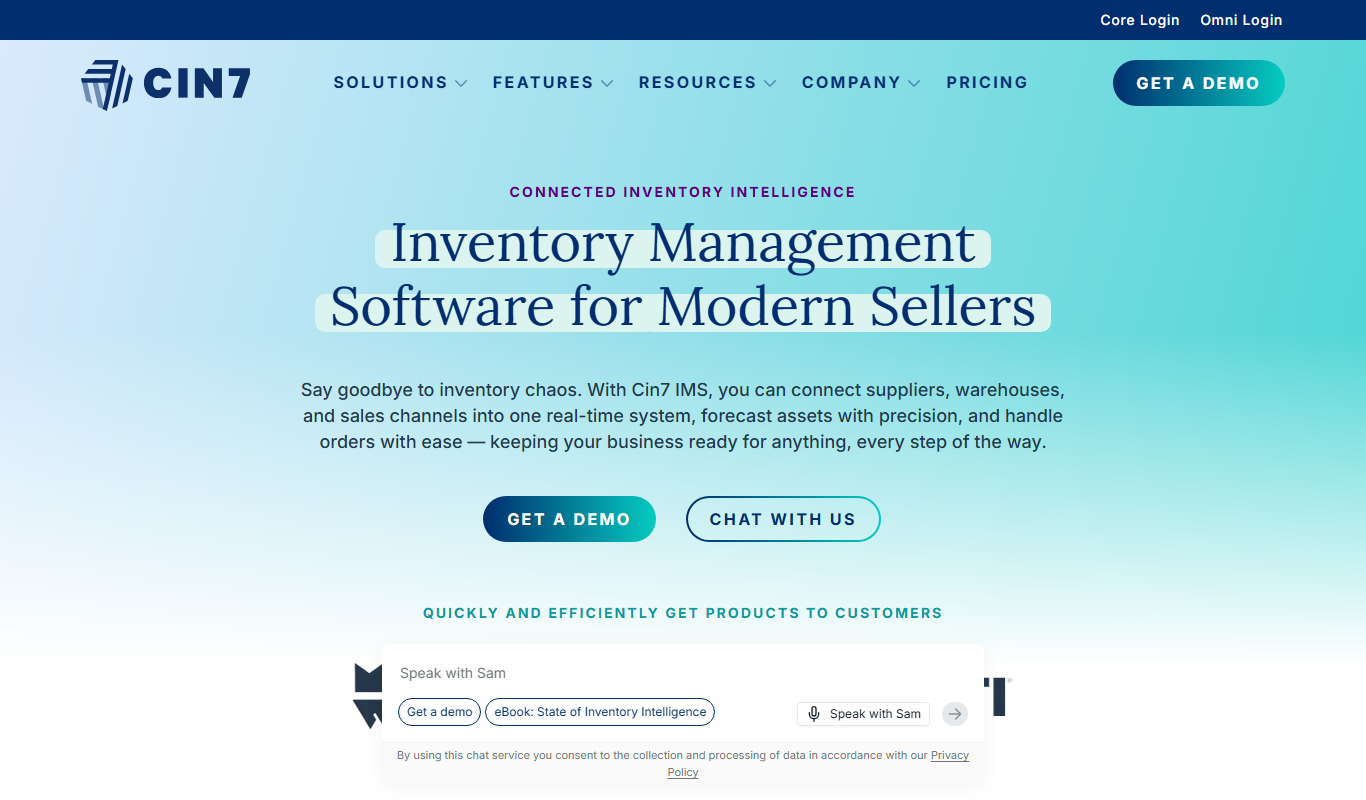
Orderhive is a cloud inventory and order management platform designed for multichannel e-commerce businesses to automate inventory tracking, order processing, and shipping fulfillment.

Freemium
SmartRecruiters
SmartRecruiters is an AI-powered recruiting software that streamlines talent acquisition with applicant tracking, AI sourcing, recruitment marketing, and collaborative hiring features.

Free
FullContact
FullContact is a contact management and data enrichment platform that helps businesses unify and enhance customer data for better CRM and marketing outcomes.

Free Trial
Woodpecker
Woodpecker is an AI-driven email outreach tool that automates personalized cold email campaigns and follow-ups to improve sales engagement and lead generation.

Custom Pricing
Aravo
Aravo is a cloud-based platform that automates third-party risk and compliance management, helping enterprises assess and mitigate supplier and vendor risks efficiently.

Custom Pricing
MemberClicks
MemberClicks is a membership management software platform that helps associations and nonprofits manage member data, events, billing, and communications efficiently.