

Storykit Video Creation Platform for Marketing and Social Media Content
Storykit is an AI-native content service that combines its platform with an editorial team to produce on-brand videos, carousels, images and text posts.
- Best for
- Marketing Video Production
- Key capability
- Automated Video Creation
Save Storykit, follow its updates and vote on it — everything stays in your account.
Sign in or create a free account
What is Storykit?
Storykit is a tech-enabled content partner: an AI-native service that combines a platform with an editorial team to run a company’s communication continuously. It produces on-brand videos, carousels, images and text posts.
Key features of Storykit
Storykit offers customizable video templates, automated video generation from text and data, brand asset integration, multi-format export options, and collaboration tools to streamline video production workflows.
Automated Video Creation
Convert text and data into videos automatically, saving time on manual editing.
Customizable Templates
Access a library of templates that can be tailored to your brand’s style and messaging.
Brand Asset Integration
Easily incorporate logos, fonts, and colors to maintain brand consistency.
Multi-Format Export
Export videos in formats optimized for social media, websites, and presentations.
Collaboration Tools
Work with team members on video projects with shared access and feedback options.
Pros and cons of Storykit
Pros
- User-friendly interface suitable for beginners
- Automates video creation from text and data
- Customizable templates maintain brand consistency
- Supports multiple export formats for social media
- Collaboration features enhance team workflows
Cons
- Limited advanced editing features compared to professional software
- No desktop or mobile app; web-only platform
- Pricing may be high for small businesses or occasional users
Key use cases for Storykit
Marketing Video Production
Create engaging marketing videos quickly to promote products, services, or campaigns.
Social Media Content Creation
Produce videos optimized for social media platforms to increase audience engagement.
Internal Communication
Develop internal videos for company updates, training, or announcements.
Content Repurposing
Transform existing text or media content into dynamic video formats.
Brand Storytelling
Craft compelling brand stories through customizable video templates.
How Storykit works
- 1
Sign Up and Access Platform
Create an account on Storykit’s web platform to start creating videos.
- 2
Choose or Customize a Template
Select from a variety of video templates or customize your own to fit your brand.
- 3
Add Content
Input text, images, or data that you want to turn into video content.
- 4
Automate Video Generation
Use Storykit’s automation features to generate videos quickly from your content.
- 5
Review and Edit
Preview the video and make any necessary adjustments using the intuitive editor.
- 6
Export and Share
Export videos in multiple formats optimized for different platforms and share them directly.
Who is using Storykit
Storykit pricing
Platform
Pricing based on number of seats (book a meeting)
For teams building internal capability: gives your team the tools and workflows to produce videos in-house.
Production
Pricing based on production volume (book a meeting)
For teams needing continuous output: Storykit helps produce ready-to-publish videos for your channels.
Plans and prices are as published by the vendor and can change. Check the official site before you buy. Open the pricing page (opens in a new tab)
Frequently asked questions about Storykit
Yes, Storykit is designed for users without prior video editing skills by providing automated tools and templates.
Storykit supports exporting videos in formats optimized for social media platforms like MP4.
Storykit does not list a video cap; the Platform plan is priced by number of seats and the Production plan by production volume, both arranged by booking a meeting.
Yes, Storykit includes collaboration features for team-based video projects.
It depends on your specific needs and how you plan to use the tool. The official website and documentation are the best sources for the latest details.
Pricing depends on the plan and included features. For the most accurate and up-to-date details, check the official pricing page.
Yes, it can help with that use case depending on how you configure it and what features are available. You’ll get the best results with clear inputs and a defined goal.
Yes, it can help with that use case depending on how you configure it and what features are available. You’ll get the best results with clear inputs and a defined goal.
Conclusion
Two parts make up the offer: a platform for always-on communication with editorial intelligence and brand governance built in, and a team that defines what to communicate and keeps everything on-brand and ready to publish. Output now goes beyond on-brand videos to carousels, images and text posts.
Industries on the site include health care, energy, higher education, banking and media, and its use cases run from employer branding and recruitment to corporate communications and PR. There is no self-serve price: the Platform is priced by number of seats and the Production service by production volume, both arranged by booking a meeting.
Sources
Sign in to review this tool.
Sign In to ReviewNo reviews yet
Be the first to share how this tool worked for you.
Ask about pricing, limits, or how it compares — or answer someone else.
Sign In to AskNo questions yet
Have a question about using or paying for this tool? Be the first to ask.
Featured on TiorAI



More AI Content Creation Tools tools
Other tools in the same category, for when this one is not quite the fit.

Origin
Origin is an all-in-one financial platform with AI-powered budgeting, spend tracking, investment tools, forecasting and estate planning, plus an AI financial advisor.
Boutiq
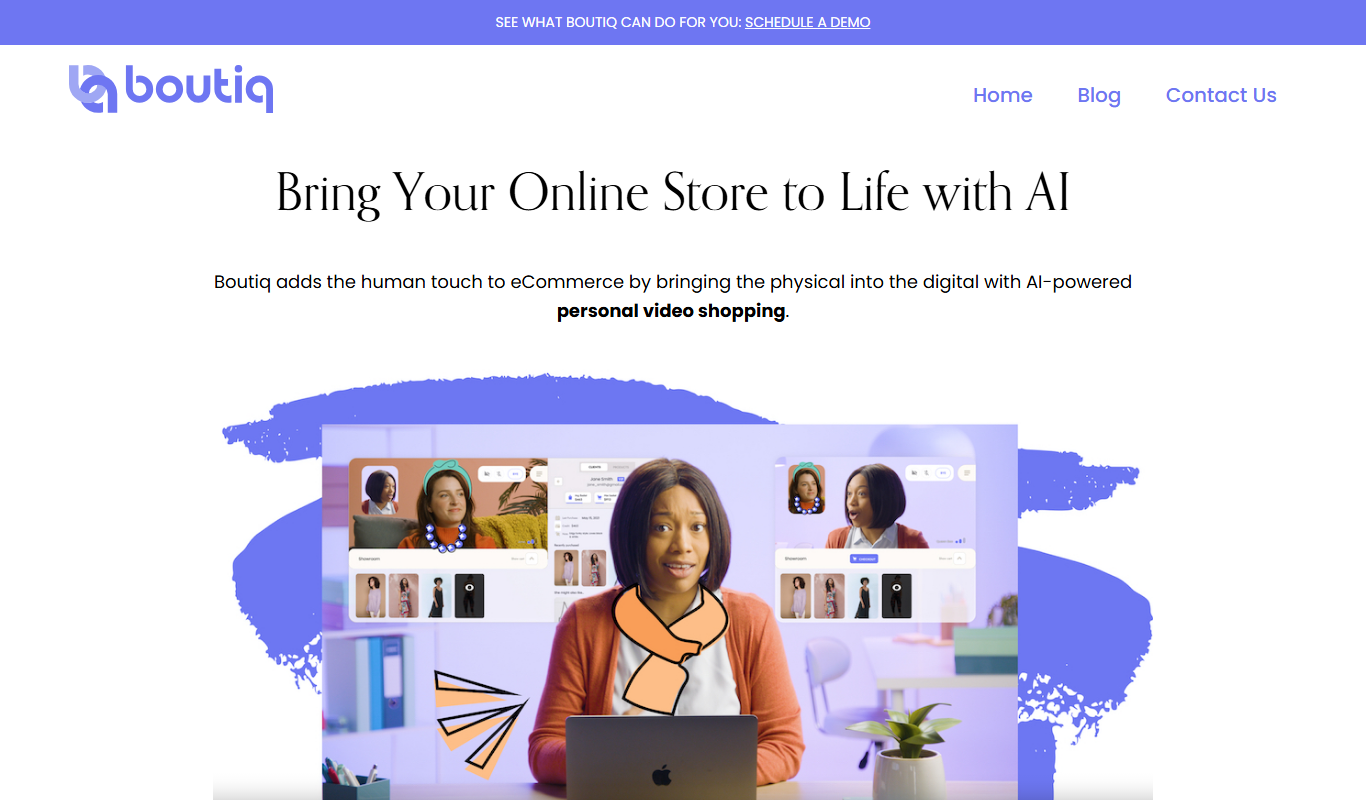
Boutiq adds AI-powered personal video shopping to Shopify stores: shoppers start or schedule a video chat with the store team, from discovery through checkout.

Quilter
Quilter uses physics-driven AI to automate PCB placement and routing, returning review-ready layout candidates in hours for designs from Altium, Cadence and Xpedition.

Talers
Talers is a collaborative writing application for books, novels, scripts and articles, with AI assistance.

Podcast Shownotes Generator
Podcast Shownotes Generator is an AI-powered web tool that creates detailed, SEO-optimized summaries for podcast episodes, helping podcasters save time and improve discoverability.

JotBot AI
JotBot AI is an AI writing assistant that writes in your personal style and helps you find and cite sources without leaving your document.

Sonnet
Sonnet AI is a meeting assistant and notetaker that records without bots, transcribes, writes custom notes, extracts action items and updates your CRM.

Supermeme.ai
Supermeme.ai is an AI-driven meme generator that creates viral memes quickly using customizable templates and AI-generated captions, ideal for social media marketing and content creation.