

From my experience with Rewind AI, I found it excels at capturing and transcribing meetings automatically without interrupting workflow. The ability to search across video and text transcripts saves significant time when reviewing discussions or decisions. It’s particularly well-suited for remote teams and knowledge workers who rely on recorded meetings for collaboration. However, the lack of mobile support and limited free plan storage are practical limitations to consider. Overall, if you need a seamless way to record, transcribe, and search your screen activity and meetings, Rewind AI delivers reliable and user-friendly functionality.
Rewind AI Screen Recorder for Automatic Meeting Transcripts and Search
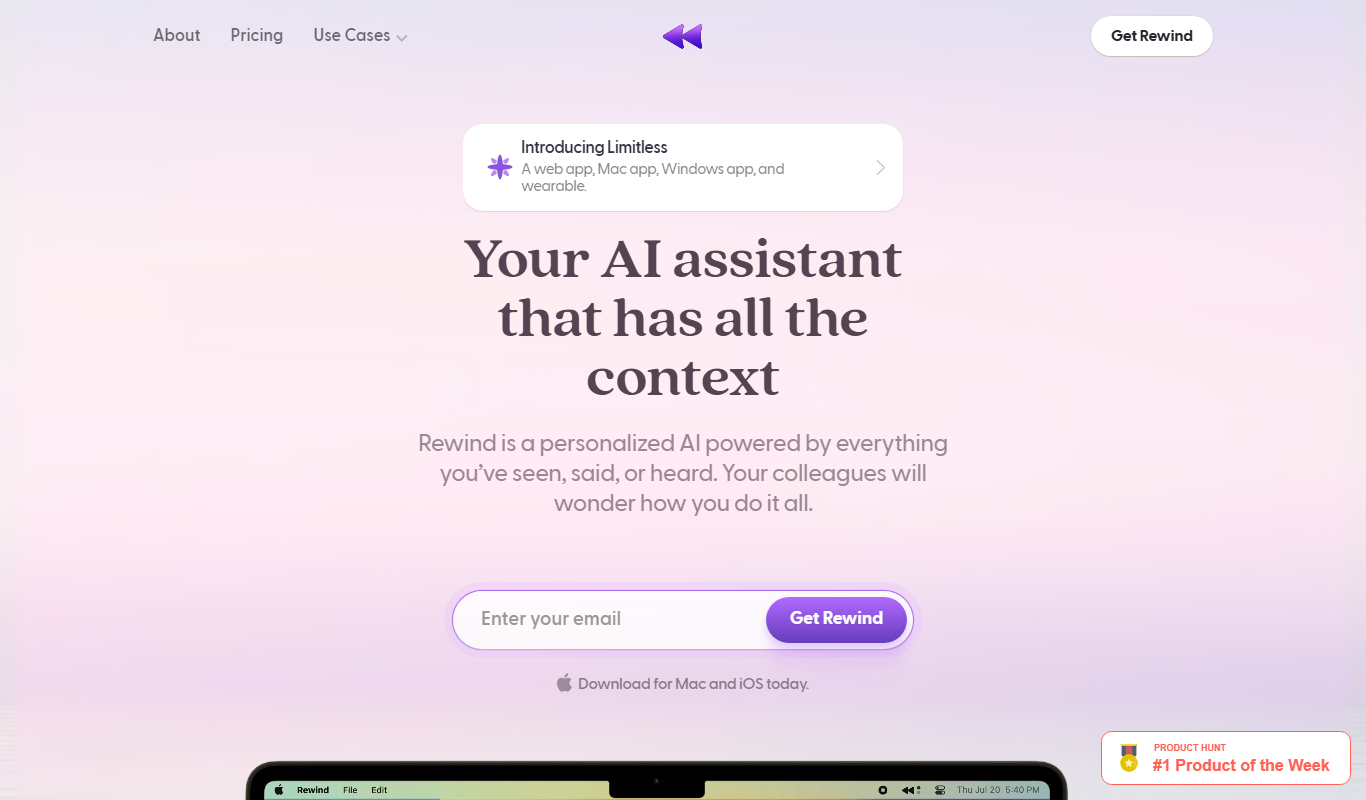
Rewind AI is a desktop application that continuously records your screen and audio, transcribes spoken content in real-time, and provides powerful search capabilities to quickly find and review important moments from meetings and work sessions.
- Best for
- Meeting Transcription
- Key capability
- Continuous Screen and Audio Recording
Your actions

Do you recommend this tool?
What is Rewind AI?
Rewind AI is an automatic screen and audio recording tool designed to capture everything you see and hear on your computer. It continuously records your screen and transcribes audio in real-time, creating a searchable archive of your meetings, calls, and work sessions. This allows users to quickly find and revisit important moments without manual note-taking.
Key features of Rewind AI
Rewind AI offers continuous screen and audio recording, real-time transcription, powerful search functionality across video and text, and easy sharing options. It integrates seamlessly with popular video conferencing tools to capture meetings automatically.
Continuous Screen and Audio Recording
Automatically captures everything on your screen and audio input without manual start/stop.
AI-Powered Real-Time Transcription
Converts spoken words into text instantly, enabling searchable transcripts.
Powerful Search Across Video and Text
Find specific moments by searching keywords in transcripts or video content.
Integration with Video Conferencing Tools
Seamlessly records meetings from platforms like Zoom and Microsoft Teams.
Easy Sharing and Collaboration
Share recordings or clips with teammates via links or exports.
Pros and cons of Rewind AI
Pros
- Automatic continuous recording without manual effort
- Real-time transcription enables quick search and review
- Integrates with popular video conferencing tools
- Simple sharing options for collaboration
- User-friendly interface with powerful search
Cons
- Currently supports only MacOS and Windows, no mobile apps
- Free plan has limited storage and recording duration
- No built-in editing tools for recordings
Key use cases for Rewind AI
Meeting Transcription
Automatically records and transcribes meetings, making it easy to search and review discussions.
Knowledge Management
Capture and organize video and audio content from calls and presentations for future reference.
Content Search
Search across recorded videos and transcripts to quickly find specific moments or topics.
Remote Collaboration
Share searchable meeting recordings with team members to improve communication and alignment.
Personal Productivity
Use Rewind AI to capture your screen and audio throughout the day to recall past work and decisions.
How Rewind AI works
- 1
Install and Set Up
Download and install Rewind AI on your Mac or Windows computer, then configure recording preferences.
- 2
Automatic Recording
Rewind AI runs in the background, continuously capturing your screen and audio without manual intervention.
- 3
Real-Time Transcription
Audio is transcribed in real-time, creating searchable text linked to video timestamps.
- 4
Search and Review
Use the search bar to find keywords or phrases within your recordings and jump directly to those moments.
- 5
Share and Collaborate
Easily share recordings or specific clips with colleagues to improve team communication.
Who is using Rewind AI
Remote teams and distributed workers
Knowledge workers and professionals
Productivity enthusiasts
Customer support and sales teams
Content creators and educators
Rewind AI pricing
Free
$0/month
Basic recording and search features with limited storage and recording duration.
Pro
$15/month
Unlimited recording, advanced search, priority support, and extended storage.
Plans and prices are as published by the vendor and can change. Check the official site before you buy. Open the pricing page (opens in a new tab)
Frequently asked questions about Rewind AI
Yes, Rewind AI continuously records your screen and audio in the background once installed.
Rewind AI uses encryption and secure storage practices to protect your recordings and transcripts.
Yes, the tool provides powerful search functionality across both video and transcribed text.
Currently, Rewind AI supports MacOS and Windows desktop platforms.
It depends on your specific needs and how you plan to use the tool. The official website and documentation are the best sources for the latest details.
Some tools offer a free plan or trial with limited features. Availability can vary, so confirm on the official website.
Yes, it can help with that use case depending on how you configure it and what features are available. You’ll get the best results with clear inputs and a defined goal.
Yes, it can help with that use case depending on how you configure it and what features are available. You’ll get the best results with clear inputs and a defined goal.
Sign in to review this tool.
Sign In to ReviewNo reviews yet
Be the first to share how this tool worked for you.
Ask about pricing, limits, or how it compares — or answer someone else.
Sign In to AskNo questions yet
Have a question about using or paying for this tool? Be the first to ask.
Featured on TiorAI



More AI Productivity Tools tools
Other tools in the same category, for when this one is not quite the fit.

Free
Merlin AI
Merlin AI is a GPT-4 powered AI chat assistant that integrates as a browser extension, enabling users to access AI-generated content and assistance directly on any website to improve productivity and content creation.

Freemium
EasyTrip AI
EasyTrip AI is an AI-driven travel planner that generates customized trip itineraries based on your travel dates, destinations, and preferences, helping you organize your trip efficiently.

Freemium
Wanderlust Browser Extension V2
Wanderlust Browser Extension V2 is a travel planning tool that integrates with Chrome and Firefox browsers, enabling users to save travel ideas, build itineraries, and collaborate on trip plans directly from their browsing experience.

Freemium
PlaninGo
PlaninGo is an AI travel planning tool that generates personalized trip itineraries and guides based on your preferences, helping you plan efficient and enjoyable trips.

Free
Travelwiz
Travelwiz is an AI-powered travel planning tool that creates personalized trip itineraries and offers tailored travel recommendations based on user preferences.

Freemium
Swifty
Swifty is an AI writing assistant that helps users create and edit English content quickly with AI-generated suggestions and grammar corrections.

Free
Momo
Momo is an AI-powered assistant that automates workflows, manages tasks, and enhances team collaboration by integrating with popular productivity tools.

Freemium
Travel Itinerary AI
Travel Itinerary AI is an AI-powered web tool that creates personalized travel itineraries based on your preferences, helping you plan and manage trips efficiently.