

Bith.ai AI product photoshoot and UGC video generator
Bith.ai turns product photos into studio scenes, UGC videos with AI avatars and other ready-to-share content for stores and brands.
- Best for
- Product photography
- Key capability
- Studio Photoshoot
Save Bith.AI [Ghost], follow its updates and vote on it — everything stays in your account.
Sign in or create a free account
What is Bith.AI [Ghost]?
Bith.ai is an AI content production platform for product images and videos. Its apps turn one photo into 8 scenes with a promo video, create UGC videos with avatars presenting a product in speech, build a virtual influencer persona and clean up product images, next to tools such as image to video, text to video and subtitles.
Key features of Bith.AI [Ghost]
Bith.ai offers apps for product content (Studio Photoshoot, UGC Video Generator, AI Influencer, Virtual Try-on, background and recoloring tools) plus tools for image to video, text to video, AI Shorts, subtitles and voiceovers, with templates for products, fashion, jewelry and food.
Studio Photoshoot
Turn one photo into 8 scenes with a promo video.
UGC Video Generator
Avatars present your product in speech.
AI Influencer
Create a virtual influencer persona.
Product image tools
Clean images on white or colored backgrounds, remove backgrounds, recolor products and get a polished product image.
Video tools
Turn images into animated scenes with Image to Video or use the Text to Video model.
Pros and cons of Bith.AI [Ghost]
Pros
- Several tools such as the image generator and video editor are free
- Templates for products, fashion, jewelry and food
- One photo becomes 8 scenes with a promo video
Cons
- Video generation counts depend on the model used
- UGC videos are limited per plan
Key use cases for Bith.AI [Ghost]
Product photography
Get clean product images on white or colored backgrounds or laid flat on a clean surface.
UGC product videos
Create videos where avatars present your product in speech.
Fashion content
Try your clothing on AI models or display garments in an invisible mannequin style.
Short-form videos
Create ready-to-share videos and boost reach with AI Shorts.
How Bith.AI [Ghost] works
- 1
Pick an app or template
Start from proven templates or choose an app such as Studio Photoshoot.
- 2
Upload a product photo
Use one photo of your product as the starting point.
- 3
Generate scenes or videos
The app turns one photo into 8 scenes with a promo video.
- 4
Add text, audio and subtitles
Use the tools to add text, images, videos and more to your videos.
- 5
Resize and share
Resize the video to the right dimensions and share ready-to-share videos.
Who is using Bith.AI [Ghost]
Bith.AI [Ghost] pricing
Basic
$12/month
1 UGC video, 1,000 credits, up to 12 video generations depending on the model, up to 125 image generations, subtitles for 120 mins.
Pro
$30/month
4 UGC videos, 3,200 credits, up to 28 video generations depending on the model, up to 287 image generations, subtitles for 360 mins.
Creator
$75/month
12 UGC videos, 10,000 credits, up to 125 video generations depending on the model, up to 1,250 image generations, subtitles for 720 mins.
Business
$200/month
37 UGC videos, 30,000 credits, up to 375 video generations depending on the model, up to 3,750 image generations, subtitles for 1,500 mins.
Plans and prices are as published by the vendor and can change. Check the official site before you buy. Open the pricing page (opens in a new tab)
Frequently asked questions about Bith.AI [Ghost]
Product photoshoots, UGC videos with avatars presenting your product, virtual influencer personas and clean product images.
Yes. Tools such as the Image Generator, Voiceover Generator, Video Editor, Resize Video and Subtitles Generator are marked free.
There are four monthly plans, Basic, Pro, Creator and Business, each with its own number of UGC videos and credits.
Yes. Plans can be billed monthly or yearly, and yearly billing saves 25%.
It creates videos with avatars presenting your product in speech.
Yes. You can start from proven templates instead of from scratch.
Conclusion
A single product photo is the usual starting point here, since one photo can become 8 scenes with a promo video, or a clean image on a white or colored background. For video, the UGC Video Generator has avatars presenting a product in speech, and an AI Influencer app creates a virtual influencer persona. Clothing sellers get a Virtual Try-on on AI models and a ghost mannequin style for garments.
Smaller utilities cover image to video, text to video, subtitles and voiceovers, and several of them are marked free. Templates for products, fashion, jewelry and food let users start from a proven layout instead of from scratch. Paid plans run from people starting their content production journey to growing stores and brands, professional content creators and fast-growing teams. Each tier is a monthly bundle of credits and UGC videos, with yearly billing that saves 25%. Video generation counts vary with the model chosen, so the plans state them only as upper limits.
Sources
Sign in to review this tool.
Sign In to ReviewNo reviews yet
Be the first to share how this tool worked for you.
Ask about pricing, limits, or how it compares — or answer someone else.
Sign In to AskNo questions yet
Have a question about using or paying for this tool? Be the first to ask.
Featured on TiorAI



More AI E-Commerce Tools tools
Other tools in the same category, for when this one is not quite the fit.

Evolup
Evolup creates affiliate stores automatically with AI: hosting, Amazon product import and sync, content written with AI and SEO, with a 7-day free trial.
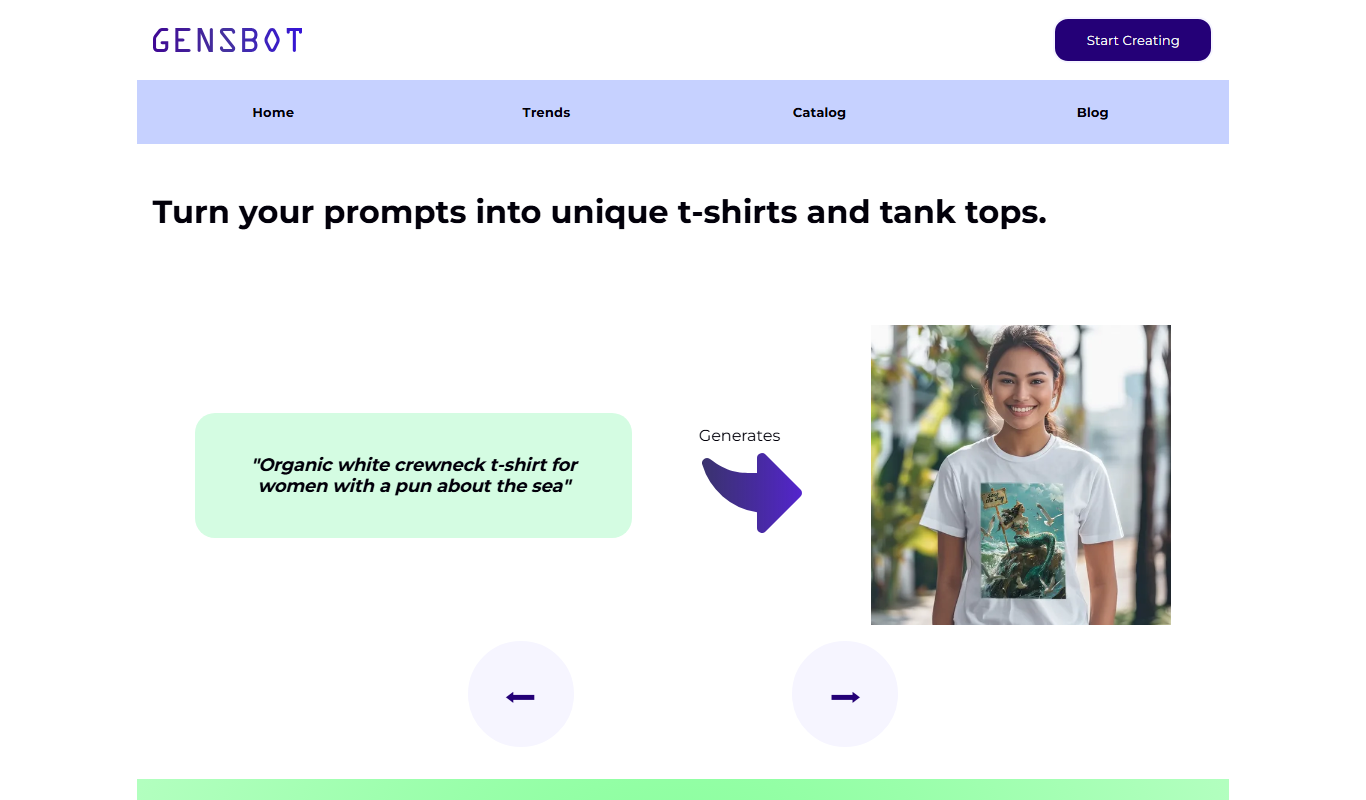
Gensbot
Gensbot turns your prompts into personalized printed merchandise, from t-shirts and mugs to canvas art, designed by AI in less than a minute and produced on demand.
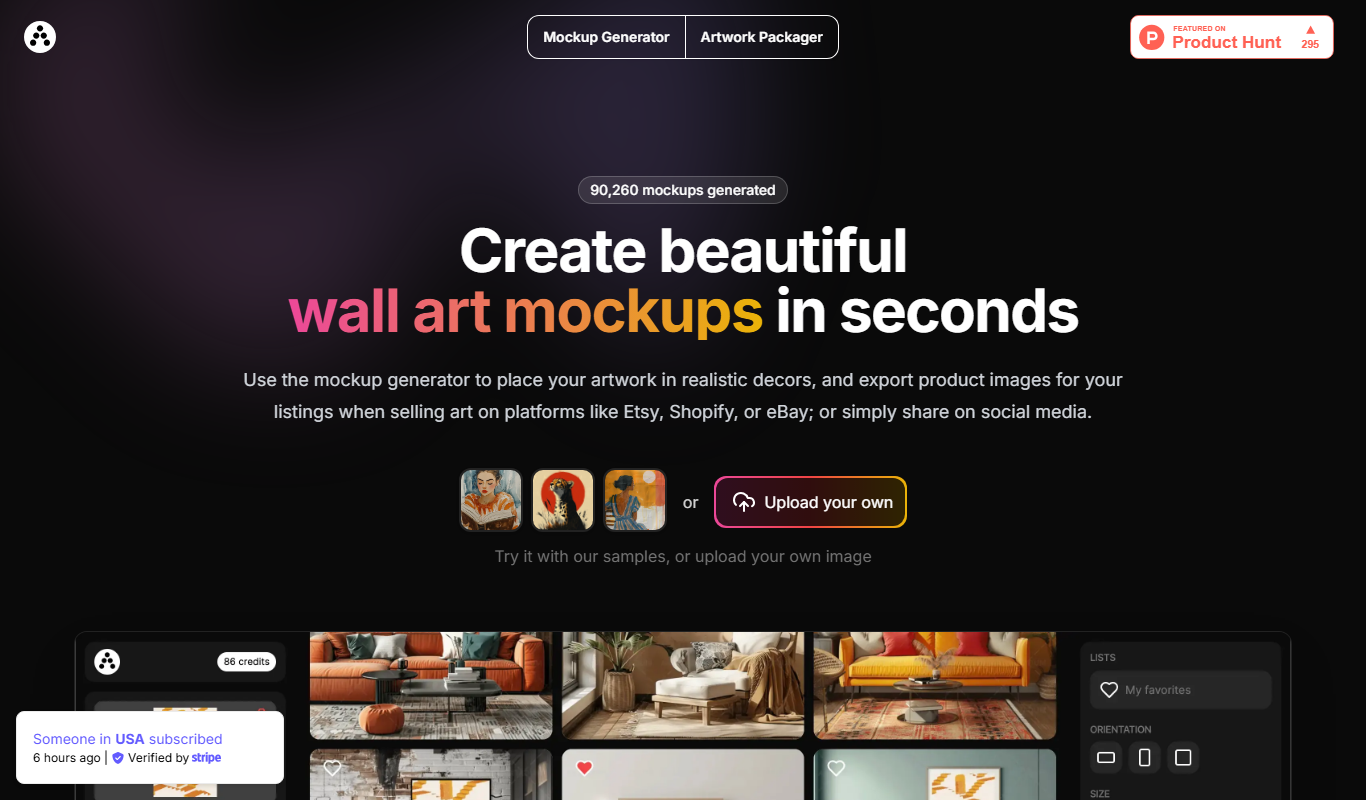
Artadum
Artadum is a mockup generator that places your art or photography in realistic decors and exports product images for Etsy, Shopify or eBay listings.

Intellifox
Intellifox is an Amazon seller toolkit for listing optimisation, PPC automation, sales and profit tracking, image editing, review requests and fee change alerts.
BatteryIncluded incl. Volt Search
BatteryIncluded is cookieless AI search for ecommerce: Volt Search, Volt Merch and AI recommendations power onsite search and product listings in online shops.

lisuto.co.jp
LISUTO AI structures ecommerce product data with visual and textual tagging, helping sellers and marketplaces make items easier to find and increase sales.
Miros
Miros is AI product discovery for ecommerce that reads shopper intent from behaviour and surfaces the right products without needing search queries.

Image Pipeline
ImagePipeline is the image AI API for ecommerce and fashion teams: on-model imagery, virtual try-on, background and relight, and ad creative from one API key.