

PyPSA Open Source Power System Analysis Software for Energy Modeling
PyPSA is an open-source Python-based software for simulating and optimizing electrical power systems, including renewable energy integration and grid operation planning.
- Best for
- Power System Simulation
- Key capability
- Multi-Period Optimal Power Flow
Save PyPSA, follow its updates and vote on it — everything stays in your account.
Sign in or create a free account
What is PyPSA?
PyPSA (Python for Power System Analysis) is an open-source software toolbox designed for simulating and optimizing modern power systems. It supports modeling of conventional and renewable generation, storage units, and complex grid networks. PyPSA enables detailed steady-state and time-series analysis, making it valuable for researchers, engineers, and planners working on energy system design and operation.
Key features of PyPSA
PyPSA offers comprehensive features including multi-period optimal power flow, unit commitment, storage modeling, renewable generation integration, and market simulation. It supports large-scale grid models with high flexibility and extensibility through Python scripting.
Multi-Period Optimal Power Flow
Perform optimization over multiple time steps considering operational constraints.
Renewable Energy Modeling
Integrate solar, wind, and other renewable sources with variable generation profiles.
Storage and Demand Response
Model batteries, hydrogen storage, and flexible demand to optimize grid operation.
Scalable Network Modeling
Simulate large transmission and distribution networks with detailed component models.
Open Source and Extensible
Fully open-source codebase allowing customization and integration with other Python tools.
Pros and cons of PyPSA
Pros
- Comprehensive and flexible power system modeling
- Open-source with active community support
- Supports renewable integration and storage modeling
- Scalable to large and complex grid networks
Cons
- Requires Python programming knowledge
- No official dedicated GUI, mainly script-based
- Steeper learning curve for beginners in power systems
Key use cases for PyPSA
Power System Simulation
Model and simulate electrical power systems including generation, storage, and load.
Renewable Energy Integration
Analyze and optimize integration of renewable energy sources into power grids.
Grid Operation Planning
Perform operational planning and optimization for transmission and distribution networks.
Energy Market Analysis
Evaluate market scenarios and economic dispatch for energy systems.
Research and Education
Use as a teaching tool or research platform for power systems and energy studies.
How PyPSA works
- 1
Install PyPSA
Download and install PyPSA via Python package managers or from source.
- 2
Model Setup
Define your power system components such as buses, generators, loads, and storage in Python scripts.
- 3
Run Simulations
Execute power flow or optimization calculations over desired time horizons.
- 4
Analyze Results
Visualize and interpret simulation outputs using built-in plotting tools or export data for further analysis.
Who is using PyPSA
PyPSA pricing
Free
$0
Open-source software available for free with community support.
Plans and prices are as published by the vendor and can change. Check the official site before you buy. Open the pricing page (opens in a new tab)
Frequently asked questions about PyPSA
Yes, PyPSA is open source under the GNU GPL license and can be used for commercial and academic purposes.
Basic to intermediate Python programming skills are recommended to set up models and run simulations.
Yes, it supports detailed modeling of solar, wind, and other renewable generation technologies.
PyPSA primarily uses Python scripts; however, there are community-developed GUI tools and visualization libraries.
This tool is designed to help users accomplish its core tasks more efficiently. It is typically used by individuals or teams looking to improve productivity and workflow.
Some tools offer a free plan or trial with limited features. Availability can vary, so confirm on the official website.
Yes, it can help with that use case depending on how you configure it and what features are available. You’ll get the best results with clear inputs and a defined goal.
Conclusion
Models in PyPSA are written in Python: users define buses, generators, loads and storage in scripts, then run power flow or optimization calculations over the desired time horizons. Optimization can span multiple time steps with operational constraints, and solar, wind and other renewable sources are modeled with variable generation profiles. Batteries, hydrogen storage and flexible demand can be included, and networks scale to large transmission and distribution systems. Unit commitment and market simulation are also supported, so energy market scenarios and economic dispatch can be evaluated. Outputs are visualized with built-in plotting tools or exported for further analysis.
The toolbox is designed for power system engineers, energy researchers and grid operators and planners, and it also serves as a teaching tool or research platform. It installs via Python package managers or from source, and it is open source under the GNU GPL license, free for commercial and academic purposes. Because the codebase is fully open source, it allows customization and integration with other Python tools. Basic to intermediate Python programming skills are recommended, and there is no official dedicated GUI, although community-developed GUI tools and visualization libraries exist.
Sources
Sign in to review this tool.
Sign In to ReviewNo reviews yet
Be the first to share how this tool worked for you.
Ask about pricing, limits, or how it compares — or answer someone else.
Sign In to AskNo questions yet
Have a question about using or paying for this tool? Be the first to ask.
Featured on TiorAI



More AI Analytics Assistant tools
Other tools in the same category, for when this one is not quite the fit.

Octolens AI
Octolens is an AI social listening tool that tracks brand mentions across Reddit, X, LinkedIn and 10+ platforms, with API, MCP and webhooks on every plan.

Insight7
Insight7 analyzes customer calls, scores every conversation, coaches reps and deploys AI voice and chat agents for customer teams.

neuronsinc.com
Neurons is a neuromarketing AI that predicts attention, engagement and memorability of ad creatives before they go live, with heatmaps and behavioral scores.
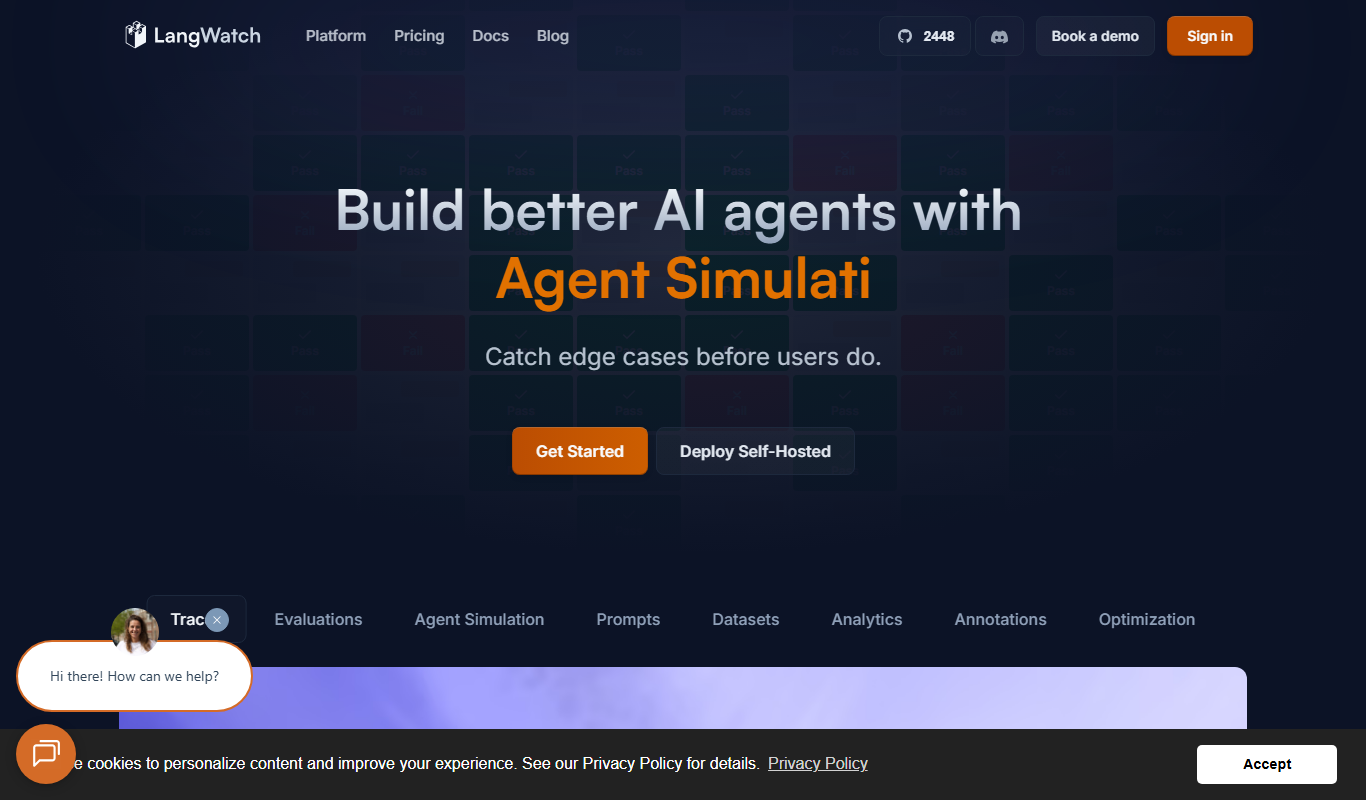
LangWatch
LangWatch is an AI agent testing and evaluation platform with simulations, evals, observability and prompt management, available in the cloud or self-hosted.

5-Out
5-Out helps restaurants boost profits with AI-powered sales forecasting, automated scheduling and purchasing based on predicted demand.

MUSICDATAK
MusicDatak is a music research platform that helps radio stations and brands track music trends, optimize playlists and grow radio audience share with tools like StationRadar.

ReviewHawk
ReviewHawk analyzes app store reviews with AI to show why users leave and what they want, so app makers can reduce churn.

StrongArm Technologies PPE AI
StrongArm Technologies offers the SafeWork Sensor, a wearable device that provides real-time haptic feedback and collects movement data, and SafeWork Training, a personalized safety training program.