

Sukha Flow State App: Focus App and Distraction Blocker
Sukha is a flow state app for focus: an all-in-one focus app and distraction blocker for Mac, Windows and Chromebook with AI tasks, binaural music, website and phone blocking and Pomodoro timers.
- Best for
- Deep work sessions
- Key capability
- Distraction blocking
Save Sukha, follow its updates and vote on it — everything stays in your account.
Sign in or create a free account

What is Sukha?
Sukha is an all-in-one focus app and distraction blocker for Mac, Windows and Chromebook that runs in any Chromium browser. It combines AI task management, lofi and binaural focus music, website and app blocking on desktop and phone, and an automated Pomodoro timer into one deep work system.
Key features of Sukha
Sukha offers unlimited daily focus sessions, flow music that stays on while you work, distraction blocking across websites and apps, a built-in task manager and timer, and an AI focus assistant that breaks a stuck task into a next step.
Distraction blocking
Blocks websites and apps on your computer and on your phone.
Flow music
Over 1,000 hours of flow music, always on and under your control.
AI focus assistant
Plans your session, breaks down the task you're avoiding and nudges you back when you drift.
Task manager and Pomodoro timer
A simple task manager with an automated, customizable Pomodoro timer.
Productivity insights
Session feedback and insights to help you improve your focus.
Pros and cons of Sukha
Pros
- Nothing to install; runs in the browser on desktop and mobile
- Covers music, blocking, tasks and timer in one app
- Lifetime option with one payment and no recurring charges
- Daily reminders help build consistent habits
- Affordable premium subscription
Cons
- No free plan after the 3-day trial
- Desktop use requires a Chromium browser
- Primarily English language support only
Key use cases for Sukha
Deep work sessions
Run unlimited daily focus sessions with flow music and a timer.
Blocking distractions
Block distracting websites and apps on the computer and the phone.
Getting unstuck on a task
Let the AI focus assistant break down the task you are avoiding into a next step.
Daily Mindfulness Practice
Users can establish a daily habit of mindfulness with reminders and structured sessions.
How Sukha works
- 1
Open Sukha in your browser
Sukha is a simple website you run in the background while you work.
- 2
Plan the session
The AI focus assistant plans your session and breaks down tasks.
- 3
Focus with music and blocking
Flow music stays on while distraction blocking covers websites and apps.
- 4
Review your insights
Sukha gives you insights to help you improve.
- 5
Track Progress
Monitor your meditation streaks and time spent practicing mindfulness.
Who is using Sukha
Sukha pricing
Monthly
$20 per month
Unlimited daily focus sessions, lofi and binaural flow music, distraction blocking on desktop and phone, AI task manager, automated Pomodoro timer and AI focus assistant.
Lifetime
$400 one-time
Everything in Monthly, forever, with all future features and priority support.
Plans and prices are as published by the vendor and can change. Check the official site before you buy. Open the pricing page (opens in a new tab)
Frequently asked questions about Sukha
An all-in-one focus app and distraction blocker for Mac, Windows and Chromebook with AI tasks, binaural music, website and phone blocking and Pomodoro timers.
Yes. Everyone gets a free 3-day trial.
Nothing. Sukha runs in your browser on desktop and mobile; a free Chrome extension extends the distraction blocking.
Yes. A cancellation takes effect at the end of the period you have already paid for.
Both give the full app; Lifetime is one payment with no recurring charges, all future features and priority support.
Some tools offer a free plan or trial with limited features. Availability can vary, so confirm on the official website.
Yes, it can help with that use case depending on how you configure it and what features are available. You’ll get the best results with clear inputs and a defined goal.
Yes, it can help with that use case depending on how you configure it and what features are available. You’ll get the best results with clear inputs and a defined goal.
Conclusion
During a work session Sukha stays open as a background website, and one session combines the pieces a focus routine usually spreads across several apps: flow music, website and app blocking, a task list and a Pomodoro timer. Blocking reaches the phone as well as the computer, and an AI focus assistant plans the session, breaks down an avoided task and nudges the user back after drifting. Session insights then show how the work went.
Writers, developers and designers get their own pages on the site, along with a page for people with ADHD. Nothing needs installing, since it works in any Chromium browser on Mac, Windows and Chromebook, and a free Chrome extension extends the blocking. Access starts with a free 3-day trial and then requires either a monthly subscription or a one-time lifetime payment, as there is no free plan.
Sources
Sign in to review this tool.
Sign In to ReviewNo reviews yet
Be the first to share how this tool worked for you.
Ask about pricing, limits, or how it compares — or answer someone else.
Sign In to AskNo questions yet
Have a question about using or paying for this tool? Be the first to ask.
Featured on TiorAI


Alternative Tools
Explore similar AI tools that might fit your needs
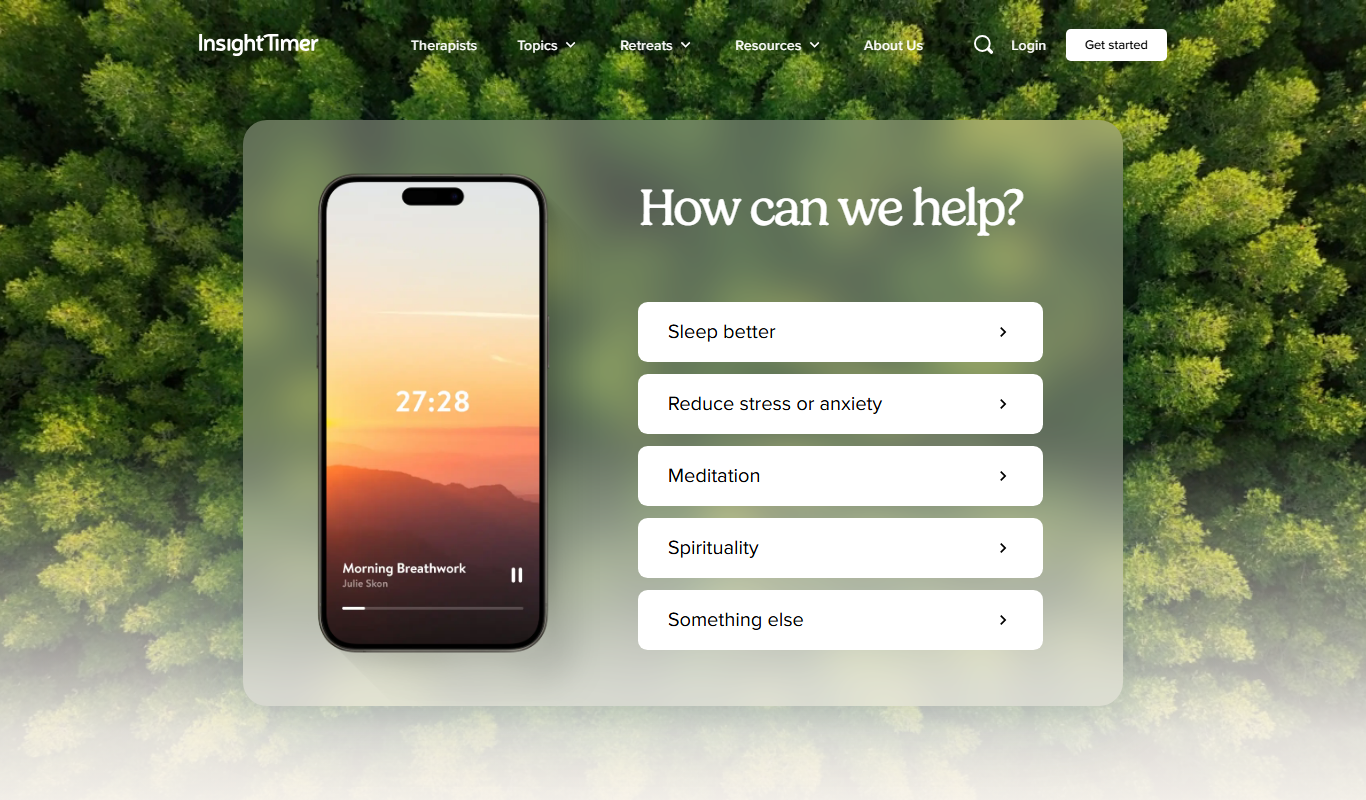
Insight Timer
Insight Timer is a meditation app providing thousands of free guided meditations, sleep music, and mindfulness tools accessible on mobile and web platforms.
More AI Productivity Tools tools
Other tools in the same category, for when this one is not quite the fit.

Chatbox
Chatbox AI is a privacy-focused app to chat and work with GPT, Claude, Gemini, Grok, DeepSeek and more using your own API keys, on desktop, mobile and web.

Ideaflow
Ideaflow is a zero-friction AI notebook, a super-fast, searchable stack of your thoughts with instant capture, voice notes and search.

Kerlig AI
Kerlig is an AI writing app for Mac: write emails, Slack replies and Jira tickets in your tone of voice, proofread and chat with documents in any app.

WeChef
WeChef converts food Instagram reels and posts into easy-to-read recipes with ingredients and instructions, and organizes them in your Instagram cookbook.

Whenable
Whenable is a todo list, goal tracker and notes app that turns your todos into a personal roadmap based on how you rank your values.

Konch
Konch converts audio and video to text with AI transcription, supports meeting transcription and automated translations, and offers human-verified transcripts.

Agilotext
Agilotext turns meetings and audio into transcriptions and structured meeting minutes, with no bot in your meetings and application data hosted in France.

Inner AI
Inner AI brings more than 50 AI models, including ChatGPT, Gemini, Deepseek, Claude and Grok, into one platform with AI courses, a prompt library and apps for web, iOS and Android.