

EyeQuant AI Visual Attention Analytics for Website Optimization and UX Design
EyeQuant is an AI-driven platform that predicts where users focus their attention on websites, providing heatmaps and clarity scores to optimize design and improve conversions.
- Best for
- Website UX Optimization
- Key capability
- AI-Powered Heatmaps
Save EyeQuant, follow its updates and vote on it — everything stays in your account.
Sign in or create a free account
What is EyeQuant?
EyeQuant is an AI-powered visual attention analytics platform that predicts where users will focus their attention on websites and digital designs. By simulating human vision and cognitive processes, it generates heatmaps and metrics that help designers, marketers, and UX professionals optimize layouts for better engagement and conversions without costly user testing.
Key features of EyeQuant
EyeQuant offers fast, AI-driven visual attention heatmaps, clarity and saliency scores, and actionable insights to improve website usability and marketing effectiveness. It integrates easily with existing workflows and supports multiple design formats.
AI-Powered Heatmaps
Generate visual attention heatmaps that predict where users will look first and most frequently.
Clarity and Saliency Scores
Quantitative metrics that assess how clear and attention-grabbing your design is.
Fast Analysis
Receive results within seconds, enabling rapid iteration and testing.
Multi-Format Support
Analyze live websites, screenshots, or design files in various formats.
Integration and Collaboration
Easily share reports and insights with teams to streamline design and marketing workflows.
Pros and cons of EyeQuant
Pros
- Quick and easy visual attention insights
- Reduces need for expensive user testing
- Clear, actionable metrics for design improvement
- Supports multiple input formats
- Collaborative reporting features
Cons
- AI predictions may not capture all user behaviors
- Pricing details require direct contact
Key use cases for EyeQuant
Website UX Optimization
Analyze and improve user experience by understanding where visitors focus their attention on webpages.
Conversion Rate Optimization
Identify visual bottlenecks and distractions to increase conversions and sales performance.
Marketing Campaign Analysis
Evaluate the effectiveness of landing pages and ad creatives by predicting user attention patterns.
Design Validation
Validate design decisions early by simulating human visual attention without requiring user testing.
A/B Testing Support
Complement A/B testing by providing AI-driven heatmaps to predict which design variants perform better.
How EyeQuant works
- 1
Upload Design or URL
Submit your website URL or upload design images to the EyeQuant platform.
- 2
AI Visual Attention Analysis
EyeQuant’s AI models analyze visual elements to predict user attention and generate heatmaps.
- 3
Review Metrics and Heatmaps
Examine clarity scores, saliency maps, and attention distribution to identify strengths and weaknesses.
- 4
Implement Design Improvements
Use insights to optimize layout, content placement, and call-to-action elements for better user engagement.
Who is using EyeQuant
EyeQuant pricing
Basic
From $97/month
1 user and 50 analyses per month. Aimed at individual designers and marketers exploring predictive design analysis.
Performance
Contact us for pricing
1 user, 100 analyses per month, everything in Basic plus full-page analysis and A/B comparison. Aimed at CRO specialists and UX researchers.
Team
3-30 users, unlimited analyses, everything in Performance plus Figma and Photoshop plugins. Aimed at agency and in-house teams.
Plans and prices are as published by the vendor and can change. Check the official site before you buy. Open the pricing page (opens in a new tab)
Frequently asked questions about EyeQuant
EyeQuant uses AI models trained on human visual perception data to simulate where users focus their eyes on digital content.
EyeQuant provides fast, cost-effective insights but is best used alongside traditional user testing for comprehensive UX evaluation.
EyeQuant supports URLs, PNG, JPG, and other common image formats for analysis.
There is no permanent free plan, but a free trial is available.
This tool is designed to help users accomplish its core tasks more efficiently. It is typically used by individuals or teams looking to improve productivity and workflow.
It depends on your specific needs and how you plan to use the tool. The official website and documentation are the best sources for the latest details.
Yes, it can help with that use case depending on how you configure it and what features are available. You’ll get the best results with clear inputs and a defined goal.
Pricing depends on the plan and included features. For the most accurate and up-to-date details, check the official pricing page.
Conclusion
Input is either a website URL or uploaded design images such as PNG and JPG files. AI models trained on human visual perception data then predict where users will look first and most frequently, returning attention heatmaps within seconds. Clarity scores, saliency maps and attention distribution point to strengths and weaknesses in a layout.
Typical users include UX designers, digital marketers and conversion rate optimization specialists. The AI predictions may not capture all user behaviors. No permanent free plan exists, only a free trial, and the published Basic, Performance and Team plans start from $97 per month.
Sources
Sign in to review this tool.
Sign In to ReviewNo reviews yet
Be the first to share how this tool worked for you.
Ask about pricing, limits, or how it compares — or answer someone else.
Sign In to AskNo questions yet
Have a question about using or paying for this tool? Be the first to ask.
Featured on TiorAI



Alternative Tools
Explore similar AI tools that might fit your needs

Crazy Egg
Crazy Egg is a web analytics tool that provides heatmaps, session recordings, and A/B testing features to help businesses understand user behavior and optimize their websites for better engagement and conversions.
More AI Analytics Assistant tools
Other tools in the same category, for when this one is not quite the fit.
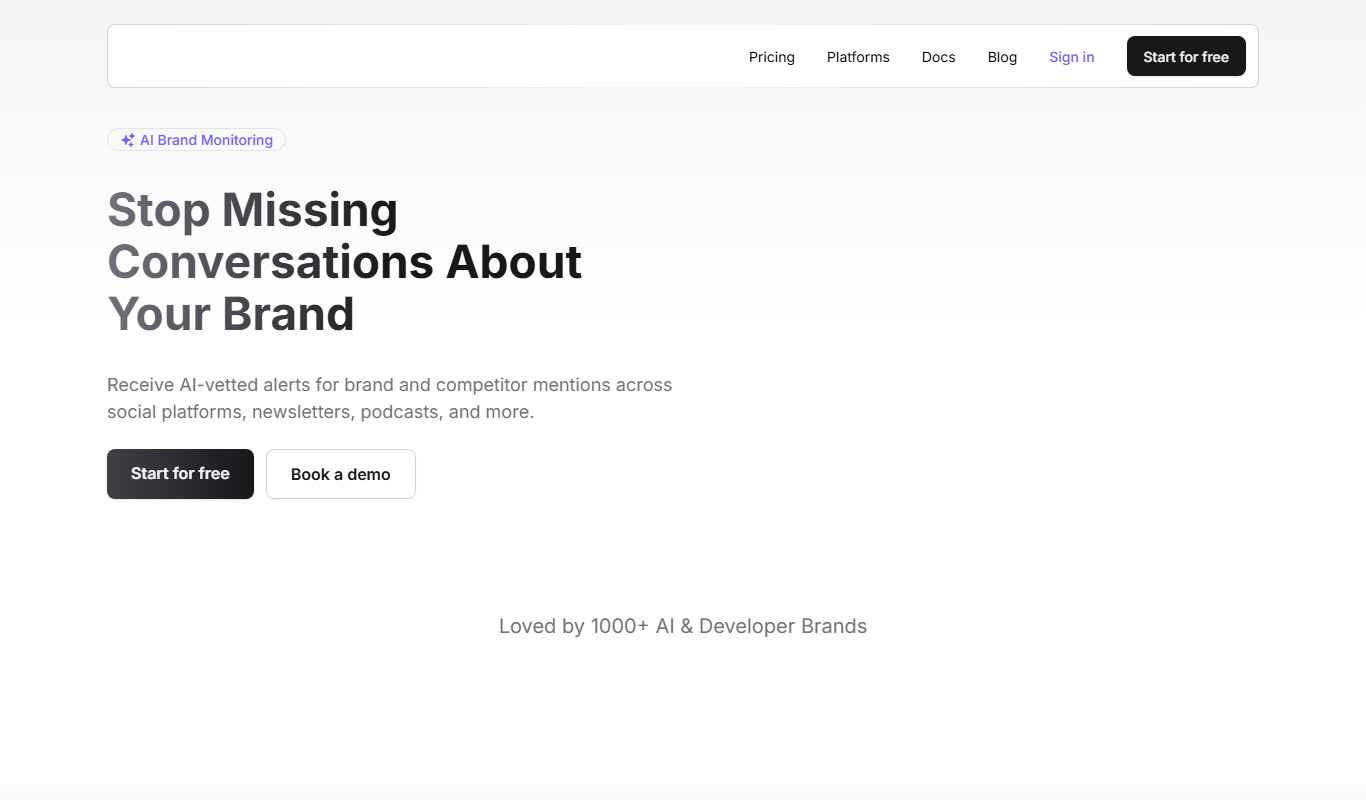
Octolens AI
Octolens is an AI social listening tool that tracks brand mentions across Reddit, X, LinkedIn and 10+ platforms, with API, MCP and webhooks on every plan.

Insight7
Insight7 analyzes customer calls, scores every conversation, coaches reps and deploys AI voice and chat agents for customer teams.

neuronsinc.com
Neurons is a neuromarketing AI that predicts attention, engagement and memorability of ad creatives before they go live, with heatmaps and behavioral scores.
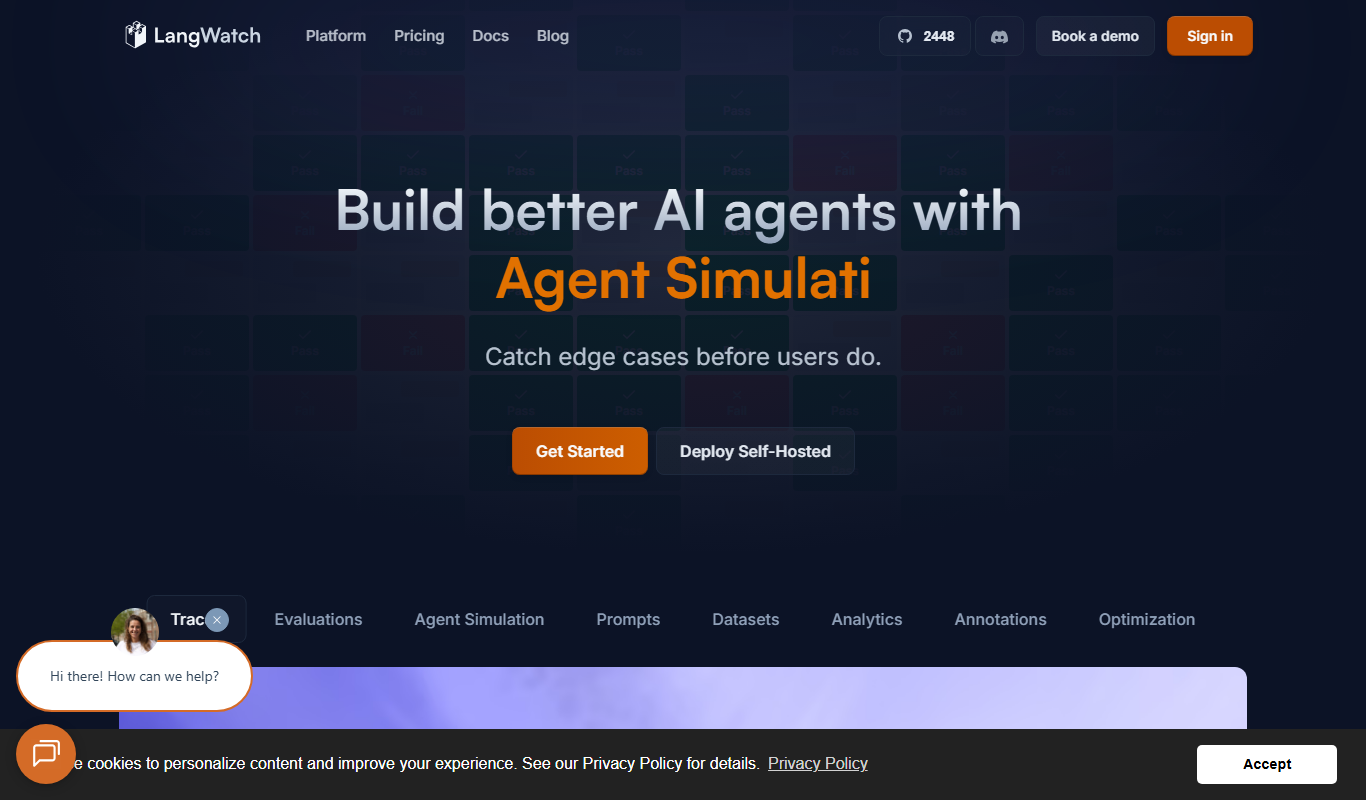
LangWatch
LangWatch is an AI agent testing and evaluation platform with simulations, evals, observability and prompt management, available in the cloud or self-hosted.

5-Out
5-Out helps restaurants boost profits with AI-powered sales forecasting, automated scheduling and purchasing based on predicted demand.

MUSICDATAK
MusicDatak is a music research platform that helps radio stations and brands track music trends, optimize playlists and grow radio audience share with tools like StationRadar.

ReviewHawk
ReviewHawk analyzes app store reviews with AI to show why users leave and what they want, so app makers can reduce churn.

StrongArm Technologies PPE AI
StrongArm Technologies offers the SafeWork Sensor, a wearable device that provides real-time haptic feedback and collects movement data, and SafeWork Training, a personalized safety training program.