

WizyChat Custom GPT Chatbot Builder Trained on Your Data
WizyChat builds custom GPT chatbots trained on your website, help center or FAQ data, with no coding required, to answer customer questions on your site.
- Best for
- Customer Support
- Key capability
- Drag-and-Drop Visual Builder
Save WizyChat, follow its updates and vote on it — everything stays in your account.
Sign in or create a free account
What is WizyChat?
WizyChat is a no-code builder for custom GPT chatbots trained on a business’s own data. It scans a website, help center, online store, FAQ or other resources and uses them to give AI-generated answers to customer questions, and the chatbot can be shared on a website in minutes.
Key features of WizyChat
WizyChat offers a drag-and-drop visual chatbot builder, chatbots trained on website, help center and FAQ content, a hybrid approach that mixes business logic with AI, analytics, and integrations with messengers and website builders.
Drag-and-Drop Visual Builder
Design chatbots in a drag-and-drop builder and see even the most complex Stories on a single screen.
Trained on Your Data
Scans your website, help center, online store, FAQ or other resources to give AI-generated answers to customer questions.
Hybrid AI Approach
Combines business logic on your terms with AI flexibility for full control over the chatbot.
95+ Languages
Knowledge bases support more than 15 data formats in 95+ languages.
Pros and cons of WizyChat
Pros
- Easy integration with website and Facebook Messenger
- No coding required to build and share a chatbot
- Chatbot automation saves time on repetitive queries
Cons
- Limited advanced customization options on free plan
- No dedicated mobile app, primarily web-based
Key use cases for WizyChat
Customer Support
Answer common questions with a virtual agent, create support tickets and transfer chats to live agents.
Sales Lead Engagement
Engage potential customers proactively with chat to increase lead conversion rates and boost sales.
Integrations
Connect the chatbot to messengers such as Slack, MS Teams, WhatsApp and Telegram, and to website builders such as WordPress, Webflow, Wix and Shopify.
Chatbot Automation
Automate common customer queries and lead qualification with customizable chatbots to save time and resources.
How WizyChat works
- 1
Add Your Data
WizyChat scans your website, help center, online store, FAQ or other resources to train the chatbot.
- 2
Build the Chatbot
Design the chatbot in the drag-and-drop visual builder, combining your business logic with AI answers.
- 3
Set Up Chatbots
Configure automated chatbots to answer FAQs and qualify leads without manual intervention.
- 4
Share and Engage
Share the chatbot on your website; it answers common questions and can transfer chats to live agents.
Who is using WizyChat
WizyChat pricing
Free
$0 per month
1 chatbot, 150 messages (GPT-4o) per month, 50 web pages per chatbot and 5 files up to 5MB.
Hobby
$15 per month, or $12.5 per month billed yearly
3 chatbots, 1,500 messages per month, 200 web pages and 10 files per chatbot, plus WordPress integration.
Professional
$60 per month, or $50 per month billed yearly
5 chatbots, 6,000 messages per month, 1,000 web pages and 50 files per chatbot, plus Zapier and Make.com integrations and API access.
Premium
$250 per month, or $208 per month billed yearly
15 chatbots, 18,000 messages per month, 5,000 web pages and 250 files per chatbot.
Enterprise / Agency
From $500 per month
Unlimited chatbots, messages, knowledge base and files, with a white-labelled solution, on-premise hosting and custom integrations; contact sales.
Plans and prices are as published by the vendor and can change. Check the official site before you buy. Open the pricing page (opens in a new tab)
Frequently asked questions about WizyChat
Yes, WizyChat has a Free plan with 1 chatbot and 150 messages per month, and no credit card is required to get started.
Yes, Messenger is listed among the messenger integrations of WizyChat, next to Slack, MS Teams, WhatsApp and Telegram.
Yes, WizyChat includes chatbot automation to handle FAQs and lead qualification.
This tool is designed to help users accomplish its core tasks more efficiently. It is typically used by individuals or teams looking to improve productivity and workflow.
Yes, it can help with that use case depending on how you configure it and what features are available. You’ll get the best results with clear inputs and a defined goal.
Integration support depends on the tool and its available connectors or API. Check the official documentation or integrations page to confirm what is supported.
Conclusion
Customer questions are answered by a GPT chatbot built from the business’s own website, help center, online store or FAQ content. Building one takes no code: a drag-and-drop visual builder shows even complex Stories on a single screen, while a hybrid approach mixes business logic with AI flexibility. Knowledge bases accept more than 15 data formats in 95+ languages.
The same bot can serve sales and support. Sales flows qualify and segment leads and pass them to a CRM, and support bots answer common questions, create tickets and hand chats to live agents. Integrations cover messengers such as Slack, WhatsApp and Telegram as well as site builders such as WordPress and Shopify. The Free plan covers a single chatbot, and the Hobby, Professional and Premium plans add more chatbots, messages and web pages, with API access from Professional upward. Custom plans are arranged by contacting the company, and the pricing page notes a 14-day money-back guarantee.
Sources
Sign in to review this tool.
Sign In to ReviewNo reviews yet
Be the first to share how this tool worked for you.
Ask about pricing, limits, or how it compares — or answer someone else.
Sign In to AskNo questions yet
Have a question about using or paying for this tool? Be the first to ask.
Featured on TiorAI



More AI Chatbot & Conversational Tools tools
Other tools in the same category, for when this one is not quite the fit.

Its Bot
Its Bot offers a suite of AI agents that automate marketing, sales and customer support for growing businesses, including voice, email, SMS, WhatsApp and chat agents.

Hexabot
Hexabot is a self-hosted AI workflow automation platform for AI assistants, customer support automation, internal tools and recurring operations.

AICamp
AICamp is a collaborative AI workspace where teams use top LLMs in one place, build custom agents and share prompts, with control over data and costs.
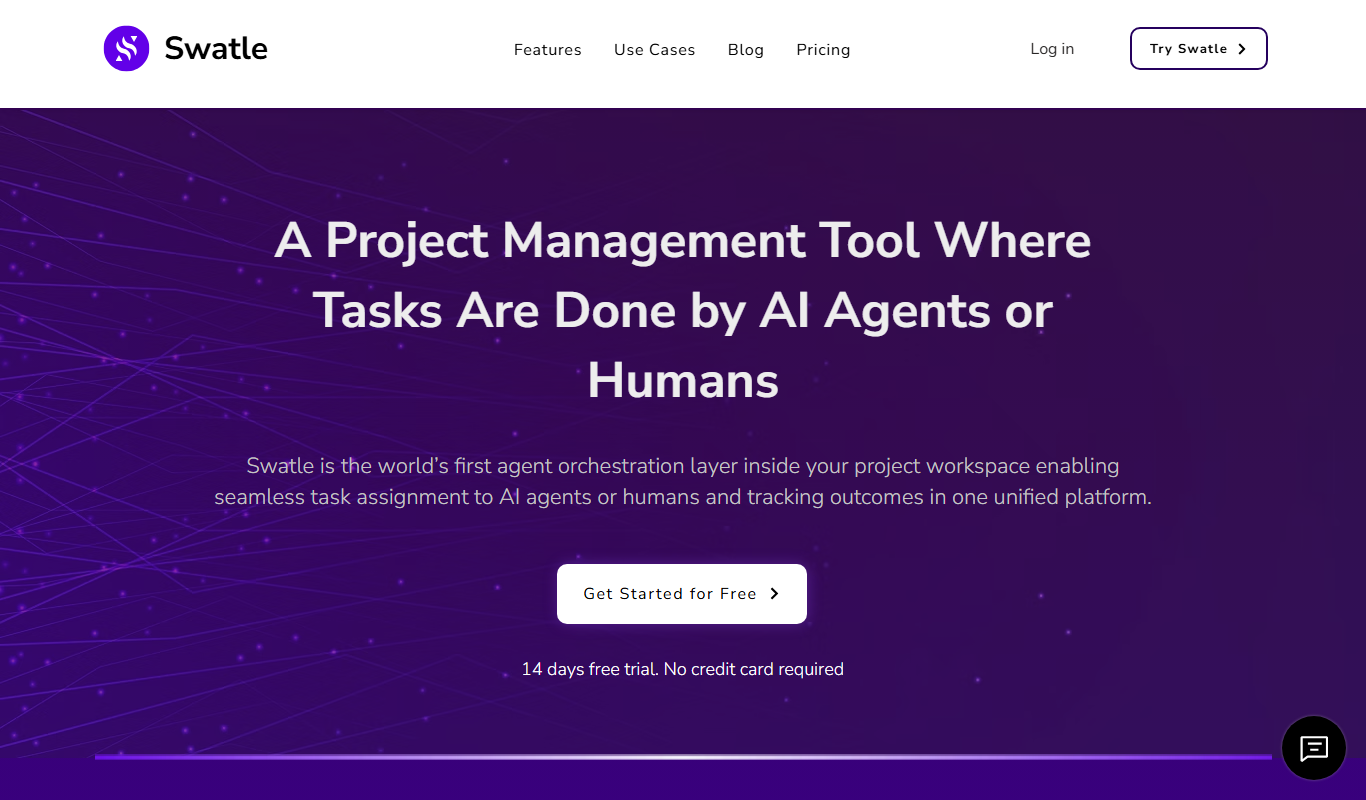
Swatle
Swatle is an all-in-one project management and AI Work OS for teams: manage projects, collaborate in real time, automate workflows, document knowledge and deploy AI in one platform.

Quin AI
Quin is a personal AI healer app that uses tarot readings and AI conversation to offer guidance on love, school, career and life.

Convertlyio
Convertlyio is an AI lead generation quiz funnel builder that creates no-code quizzes to capture, qualify and recommend products to leads.
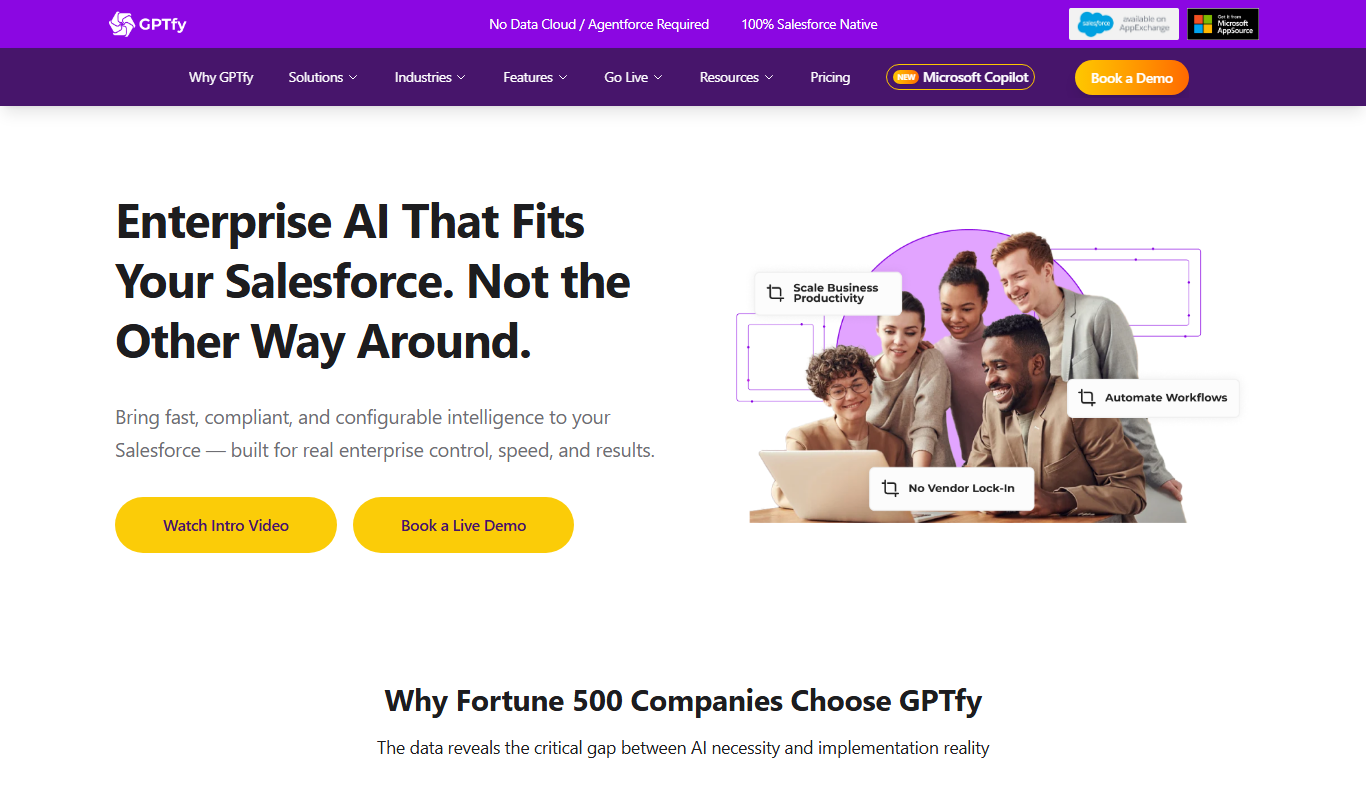
GPTfy
GPTfy is a Salesforce-native alternative to Agentforce that runs OpenAI, Claude, Gemini or 15+ models inside Salesforce at fixed per-user pricing.

Kites.Dev
Kites.Dev creates AI products and builds custom smart assistants, bots and websites to help businesses grow and save time.