
From my experience with WebWhiz, I found it excels at simplifying website creation for users without technical backgrounds. The drag-and-drop editor is intuitive, making it easy to customize layouts quickly. It’s particularly well-suited for small businesses and creatives who need a professional online presence without hiring developers. However, the platform currently lacks advanced e-commerce features, which might limit users looking to build full online stores. Overall, if you want a straightforward, no-code website builder with responsive templates and quick publishing, WebWhiz delivers solid results.
WebWhiz Website Builder Review – Easy Drag-and-Drop Web Design Tool
WebWhiz is a drag-and-drop website builder designed for users without coding skills to create responsive websites quickly using customizable templates.
What is WebWhiz?
WebWhiz is a web-based drag-and-drop website builder designed to simplify the process of creating responsive and professional websites. It targets users who want to build websites without writing code, offering an intuitive interface and customizable templates to speed up development.
Key Features of WebWhiz
Drag-and-Drop Editor
Intuitive interface allowing users to build pages by dragging elements without coding.
Responsive Templates
Templates automatically adapt to different screen sizes for mobile-friendly websites.
SEO Optimization
Built-in tools to optimize website structure and metadata for better search engine ranking.
One-Click Publishing
Publish your website quickly with integrated hosting or export options.
Pros and Cons of WebWhiz
Pros
- Easy drag-and-drop interface
- Responsive design templates
- Free plan available
- Quick publishing options
Cons
- Limited e-commerce capabilities
- No mobile app for editing on the go
Key Use Cases for WebWhiz
Small Business Website Creation
Build professional websites quickly without coding knowledge, ideal for small businesses needing an online presence.
Portfolio Websites
Create visually appealing portfolios to showcase creative work with customizable templates.
Landing Pages
Design effective landing pages for marketing campaigns or product launches using drag-and-drop tools.
Personal Blogs
Set up personal blogs with ease, managing content and layout without technical skills.
How WebWhiz Works
-
1
Sign Up
Create an account on the WebWhiz platform to access the website builder.
-
2
Choose a Template
Select from a variety of pre-designed templates that suit your website needs.
-
3
Customize Your Site
Use the drag-and-drop editor to add and arrange elements like text, images, and buttons.
-
4
Publish
Once satisfied, publish your website directly through WebWhiz’s hosting or export options.
Who's Using WebWhiz
Small business owners
Freelancers and creatives
Marketing professionals
Bloggers and personal users
WebWhiz Pricing
Basic
$0/month
Free plan with limited templates and basic features.
Pro
$15/month
Access to all templates, advanced customization, and priority support.
Frequently Asked Questions About WebWhiz
No, WebWhiz is designed for users without coding experience using a drag-and-drop interface.
Yes, paid plans allow you to connect custom domains to your website.
WebWhiz focuses on website building and does not currently support full e-commerce features.
Some tools offer a free plan or trial with limited features. Availability can vary, so confirm on the official website.
Yes, it can help with that use case depending on how you configure it and what features are available. You’ll get the best results with clear inputs and a defined goal.
Yes, it can help with that use case depending on how you configure it and what features are available. You’ll get the best results with clear inputs and a defined goal.
Share your review
Reviews are limited to one per logged-in user and are published after moderation.
You need an account to review this tool.
0.0
★
★
★
★
★
0 reviews
5 star
0
4 star
0
3 star
0
2 star
0
1 star
0
No reviews yet
Be the first to share how this tool worked for you.
Questions from the community
Read questions and answers about this tool, or ask your own.
No questions yet
Start the conversation by asking the first question about this tool.
Is this tool helpful?
Alternative Tools
Explore similar AI tools that might fit your needs

Free
Weebly
Weebly is a drag-and-drop website builder platform that enables users to create professional websites and online stores without coding skills, offering customizable templates, ecommerce tools, and hosting.

Freemium
WappGpt
WappGpt is an AI-driven no-code website builder that automates website creation using GPT technology, enabling users to build responsive websites quickly without coding skills.
Free
Boltic
Boltic is a no-code platform that allows users to create web applications and APIs quickly using a visual drag-and-drop interface, without needing programming skills.
Free
ChatViz
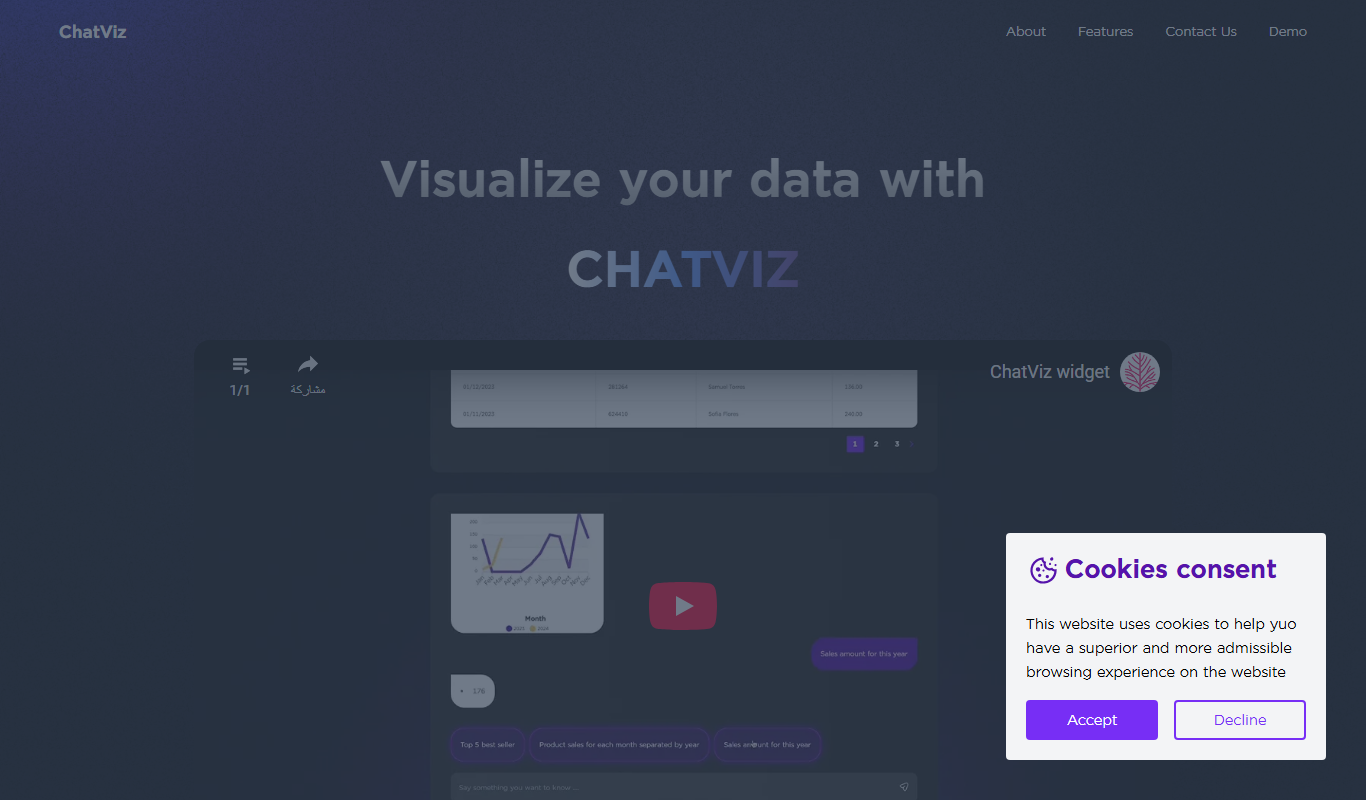
ChatViz is a no-code AI chatbot builder that lets users design and deploy interactive chatbots using a visual drag-and-drop interface, ideal for customer support and marketing.

Free
BuilderKit
BuilderKit is an AI-driven no-code website builder that enables users to quickly create professional and responsive websites without any coding skills.

Free Trial
GetSite
GetSite AI is an AI-driven no-code website builder that enables users to create professional, SEO-optimized websites quickly without any coding skills.

Free
Mineflow (YC S24)
Mineflow is an AI-powered no-code platform that enables users to automate workflows and integrate data across multiple applications using a visual builder.

Free
Kodezi ai
Kodezi AI is an online tool that converts natural language prompts into code snippets, supporting multiple programming languages to help developers accelerate coding and prototyping.
Free
Feathery AI
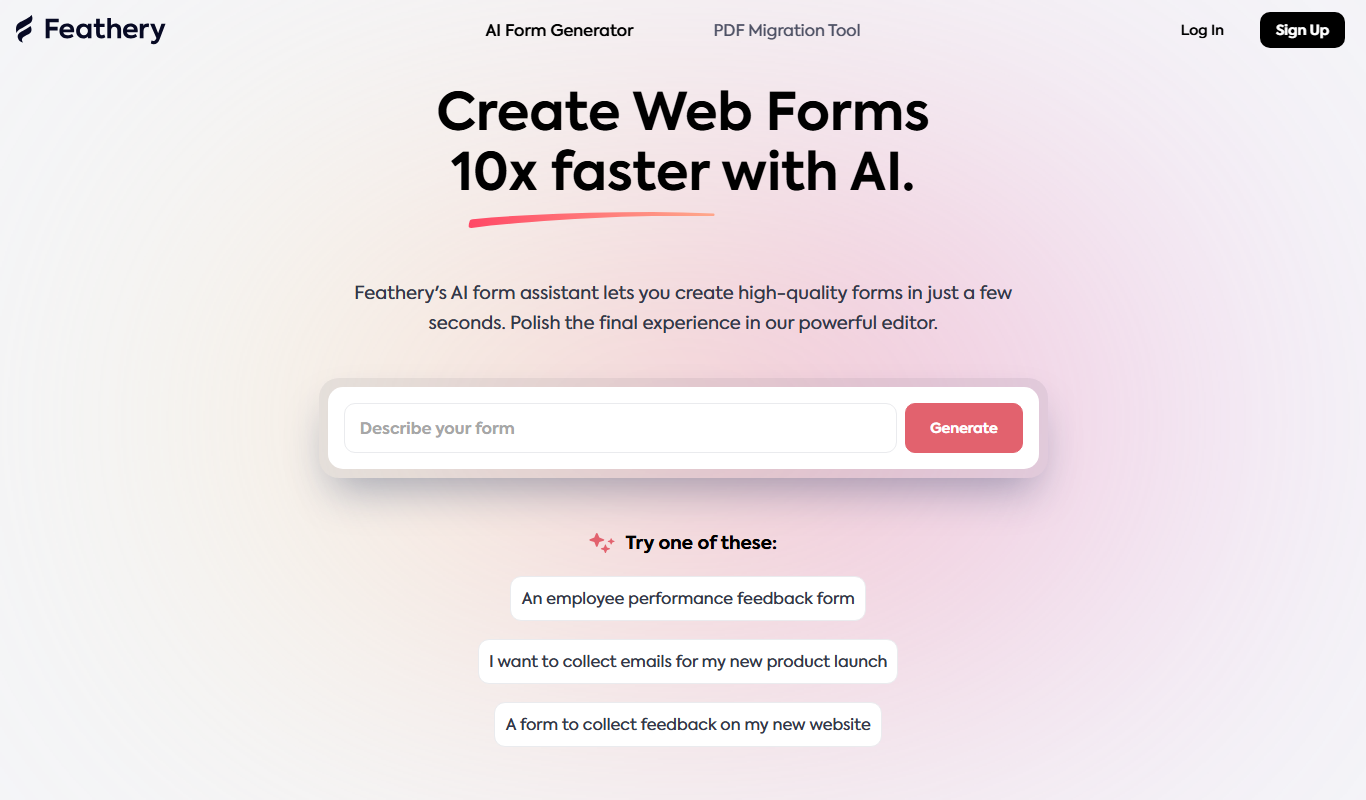
Feathery AI is a no-code platform that allows users to create customizable, AI-optimized online forms and surveys with conditional logic and integrations.