

Invoice Box AI Invoice Management and Reimbursement App
Invoice Box is a Chinese app that collects electronic invoices from email, WeChat and Alipay, reads paper invoices with OCR and generates reimbursement forms.
- Best for
- Invoice collection
- Key capability
- One-click invoice collection
Save Invoice Box, follow its updates and vote on it — everything stays in your account.
Sign in or create a free account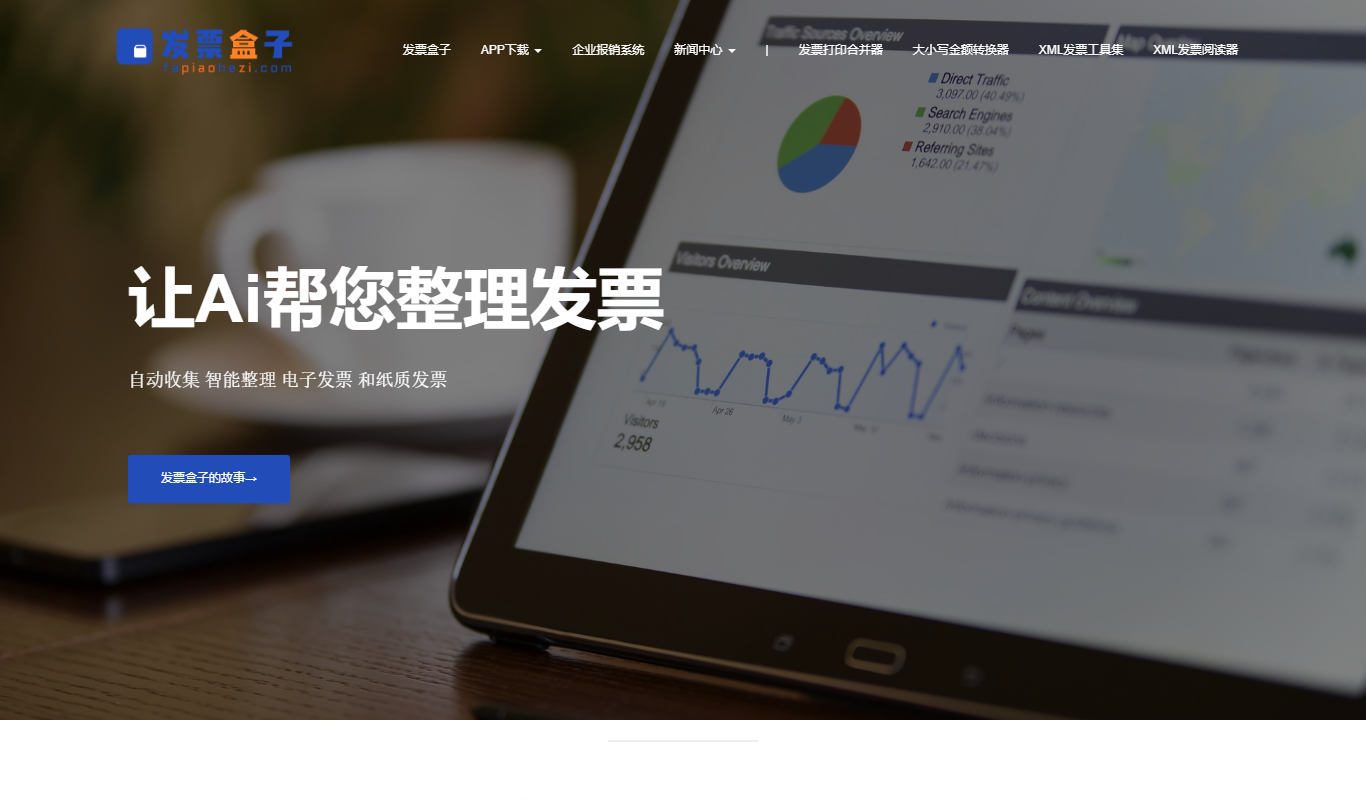

What is Invoice Box?
Invoice Box is a Chinese invoice management and reimbursement app for finance staff and individuals. It collects electronic invoices from email, WeChat and Alipay in one click, reads paper invoices with OCR, checks invoice authenticity, and generates electronic ledgers and Excel reimbursement forms, with cloud sync on iOS and Android.
Key features of Invoice Box
Invoice Box offers one-click collection of electronic invoices, OCR for paper invoices, AI classification, automatic duplicate detection, reimbursement form generation, merged printing and Excel export, with cloud sync across iOS, Android and a computer version.
One-click invoice collection
Gathers electronic invoices from WeChat, Alipay and email into one place without manual downloading.
Invoice Verification Tool
Check the authenticity of invoices to prevent fraud and errors.
Cloud Storage and Backup
Store invoices securely with cloud backup to prevent data loss.
Automatic duplicate detection
Automatically blocks duplicate invoices to avoid reimbursement risk.
Mobile and Web Access
Syncs across iOS, Android and a computer version, with cloud backup.
Pros and cons of Invoice Box
Pros
- Collects electronic invoices from several sources in one click
- Flags duplicate invoices before reimbursement
- Provides invoice verification to prevent fraud
- Accessible via web and mobile platforms
- Merges several invoices onto one page for printing
Cons
- Primarily supports Chinese language only
- Pricing details for advanced plans require direct contact
- Limited information on technology stack publicly available
Key use cases for Invoice Box
Invoice collection
Gather scattered electronic invoices from WeChat, Alipay and email into one place.
Invoice Management and Storage
Organize, store, and retrieve electronic invoices securely in a centralized digital repository.
Reimbursement preparation
Generate reimbursement forms automatically filled with invoice information.
Invoice Verification
Verify the authenticity of received electronic invoices to prevent fraud and errors.
Reconciliation export
Export an Excel reconciliation sheet with amounts, tax numbers and payer information for finance teams.
How Invoice Box works
- 1
Register an Account
Sign up on the Invoice Box platform using your business credentials.
- 2
Collect invoices
Gather electronic invoices from WeChat, Alipay and email, or scan paper invoices with OCR.
- 3
Verify Invoice Authenticity
Use the built-in verification tool to confirm invoice validity.
- 4
Classify automatically
AI classifies each invoice by type, such as transport, dining and office supplies.
- 5
Generate a reimbursement form
Generate a reimbursement form filled with invoice data and export it to Excel.
Who is using Invoice Box
Invoice Box pricing
Basic version
Free
Permanently free basic version that covers everyday needs.
Professional Plan
Contact for pricing
Advanced features including higher invoice limits, integrations, and priority support.
Plans and prices are as published by the vendor and can change. Check the official site before you buy. Open the pricing page (opens in a new tab)
Frequently asked questions about Invoice Box
A fapiao is an official Chinese tax invoice required for business transactions and tax reporting.
Yes, Invoice Box supports integration with popular accounting systems to streamline financial workflows.
Yes, the platform ensures all invoices meet the standards set by Chinese tax authorities.
Yes, users can manage invoices via both web and mobile applications.
Yes, it can help with that use case depending on how you configure it and what features are available. You’ll get the best results with clear inputs and a defined goal.
Integration support depends on the tool and its available connectors or API. Check the official documentation or integrations page to confirm what is supported.
It depends on your specific needs and how you plan to use the tool. The official website and documentation are the best sources for the latest details.
Conclusion
Collecting scattered receipts is the first job: electronic invoices from WeChat, Alipay and email are gathered into one place in one click, without manual downloading. Paper invoices can be scanned with OCR, and AI classifies each invoice by type, such as transport, dining and office supplies. Duplicate invoices are blocked automatically to avoid reimbursement risk.
From there, the app generates a reimbursement form filled with the invoice data and can merge several invoices onto a single A4 page for printing. Data syncs across iOS, Android and a computer version with cloud backup. Finance staff and individuals are the people it is designed for, and accounting and finance departments are among the intended users. A basic version stays free permanently, while a PRO membership adds Excel list export, high-definition PDF export and unlimited tag management.
Sources
Sign in to review this tool.
Sign In to ReviewNo reviews yet
Be the first to share how this tool worked for you.
Ask about pricing, limits, or how it compares — or answer someone else.
Sign In to AskNo questions yet
Have a question about using or paying for this tool? Be the first to ask.
Featured on TiorAI



More AI Financial Tools tools
Other tools in the same category, for when this one is not quite the fit.

Decode Investing
Decode Investing helps investors research individual stocks with long-term profitability, growth, valuation and AI-powered analysis.