

Wandpen AI Writing Assistant for Creative and Professional Content
Wandpen is an AI chat and writing assistant for Chrome that improves writing, fixes grammar and helps brainstorm wherever you write on Chrome.
- Best for
- Creative Writing
- Key capability
- AI Content Generation
Save Wandpen, follow its updates and vote on it — everything stays in your account.
Sign in or create a free account
What is Wandpen?
Wandpen is an AI chat and writing assistant extension for Chrome. It opens on any website with a hotkey and can improve writing, fix grammar errors, rewrite content, translate text, brainstorm ideas or chat with the page being viewed.
Key features of Wandpen
Wandpen offers features such as AI-generated content suggestions, text refinement, brainstorming assistance, and a user-friendly interface that supports seamless writing workflows.
AI Content Generation
Generate new text based on prompts to jumpstart writing projects.
Text Improvement
Receive suggestions to improve grammar, style, and clarity.
Idea Brainstorming
Get creative ideas and alternatives to overcome writer’s block.
User-Friendly Interface
Clean and intuitive editor designed for smooth writing experiences.
Pros and cons of Wandpen
Pros
- Easy to use with a clean interface
- Helps overcome writer’s block with creative suggestions
- Supports both creative and professional writing
- Affordable pricing with a free tier
Cons
- Limited to English language support
- No mobile app available currently
- Some advanced features require subscription
Key use cases for Wandpen
Creative Writing
Generate ideas, storylines, and creative content for writers and authors.
Professional Content Creation
Assist in drafting emails, reports, and business documents efficiently.
Brainstorming and Idea Generation
Help users overcome writer’s block by providing fresh ideas and suggestions.
Editing and Refinement
Improve clarity and style of existing text through AI-powered suggestions.
How Wandpen works
- 1
Add the extension
Add Wandpen to Chrome; no signup is needed for local features.
- 2
Open with a hotkey
Press Option + W on Mac or ALT + W on Windows to open Wandpen wherever you write.
- 3
Receive AI Suggestions
Wandpen generates content suggestions, improvements, or creative ideas based on your input.
- 4
Edit and Refine
Incorporate AI suggestions to enhance your writing and finalize your content.
Who is using Wandpen
Wandpen pricing
Free
$0 forever
Unlimited local AI writing and transcription, plus 100 cloud generations per month.
Pro
$10 per month, or $8.3 per month billed annually
Unlimited writing with intelligent cloud models and a larger context.
BYOK
$19 one-time payment, limited time offer
Lifetime access with your own API keys from OpenAI, Anthropic, Google, Straico and OpenRouter, with no monthly fees.
Plans and prices are as published by the vendor and can change. Check the official site before you buy. Open the pricing page (opens in a new tab)
Frequently asked questions about Wandpen
Yes, Wandpen supports professional content creation including emails, reports, and business documents.
Absolutely, Wandpen helps generate story ideas, character development, and creative content.
Wandpen can translate text, and its on-device voice to text feature transcribes speech in multiple languages.
Yes. The Free plan includes unlimited writing with Gemini Nano, 100 cloud generations per month and unlimited voice to text transcription, with no signup needed for local features.
This tool is designed to help users accomplish its core tasks more efficiently. It is typically used by individuals or teams looking to improve productivity and workflow.
Some tools offer a free plan or trial with limited features. Availability can vary, so confirm on the official website.
Yes, it can help with that use case depending on how you configure it and what features are available. You’ll get the best results with clear inputs and a defined goal.
Conclusion
Wherever text is written in the browser, Wandpen works as a Chrome extension that runs on any website and understands the context of the work. A hotkey opens it without leaving the current tab: Option + W on Mac or ALT + W on Windows. From there it can fix grammar, rewrite or translate text, brainstorm ideas, or chat with the page being viewed. Personalized prompts can be saved and organized into folders, and on-device voice to text transcribes speech in multiple languages.
Local features need no signup, and the free plan pairs unlimited writing with Gemini Nano with a monthly allowance of cloud generations. Paying matters mainly for unlimited access to cloud AI models, which the Pro subscription adds along with a larger context. A one-time BYOK license is aimed at developers and power users who manage their own API keys from providers such as OpenAI, Anthropic, Google or OpenRouter. According to the changelog, the on-device Gemini Nano model became available to everyone on Chrome 138.
Sources
Sign in to review this tool.
Sign In to ReviewNo reviews yet
Be the first to share how this tool worked for you.
Ask about pricing, limits, or how it compares — or answer someone else.
Sign In to AskNo questions yet
Have a question about using or paying for this tool? Be the first to ask.
Featured on TiorAI



More AI Content Creation Tools tools
Other tools in the same category, for when this one is not quite the fit.

Clarice.ai
Clarice.ai is an AI writing assistant that improves texts with suggestions on clarity, style, grammar and humanization.
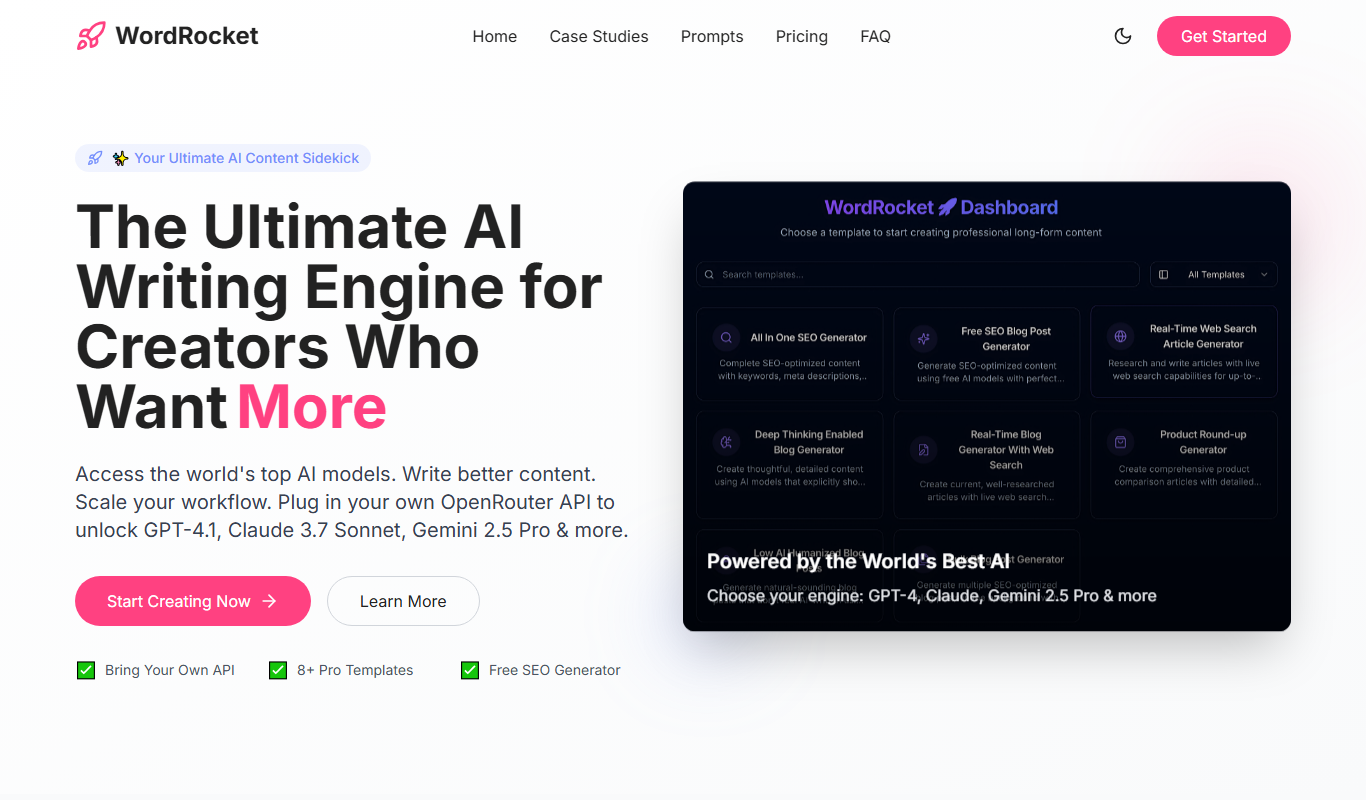
WordRocket AI
WordRocket AI is a web-based AI writing assistant that helps users generate SEO-optimized content, including blog posts and marketing copy, with customizable tone and style.

Origin
Origin is an all-in-one financial platform with AI-powered budgeting, spend tracking, investment tools, forecasting and estate planning, plus an AI financial advisor.

Boutiq
Boutiq adds AI-powered personal video shopping to Shopify stores: shoppers start or schedule a video chat with the store team, from discovery through checkout.

Quilter
Quilter uses physics-driven AI to automate PCB placement and routing, returning review-ready layout candidates in hours for designs from Altium, Cadence and Xpedition.

Talers
Talers is a collaborative writing application for books, novels, scripts and articles, with AI assistance.

Podcast Shownotes Generator
Podcast Shownotes Generator is an AI-powered web tool that creates detailed, SEO-optimized summaries for podcast episodes, helping podcasters save time and improve discoverability.

JotBot AI
JotBot AI is an AI writing assistant that writes in your personal style and helps you find and cite sources without leaving your document.