

AIdeaFlow AI Podcast Generator: turn text and notes into AI podcasts
AIdeaFlow AI Podcast Generator turns your notes and any text into AI podcasts with natural conversations, using 120+ AI voices in multiple languages.
- Best for
- Studying lecture notes
- Key capability
- Text to AI podcast
Save AIdeaFlow AI Podcast Generator, follow its updates and vote on it — everything stays in your account.
Sign in or create a free account
What is AIdeaFlow AI Podcast Generator?
AIdeaFlow AI Podcast Generator transforms any text into engaging AI podcasts. Users turn notes, academic texts or industry reports into two-person AI dialogue podcasts, choosing from 120+ AI voices in multiple languages.
Key features of AIdeaFlow AI Podcast Generator
Turns text into two-person AI dialogue podcasts with 120+ AI voices in 50+ languages, with control over voice speed, emotional tone, background music and intro/outro, plus voice cloning and AI ad creation.
Text to AI podcast
Transform any text into an AI podcast with natural conversations.
120+ AI voices
Choose from over 120 AI voices across multiple languages.
50+ languages
Create AI podcasts in 50+ languages.
Podcast customization
Control AI voice speed, emotional tone, background music and custom intro/outro.
Pros and cons of AIdeaFlow AI Podcast Generator
Pros
- 120+ AI voices across multiple languages
- Podcasts in 50+ languages
- Voice cloning for personalized AI podcasts
Cons
- Podcast length and monthly count are capped by plan, from 3000 characters and 40 podcasts on the entry plan
- PDF and TXT file upload is not part of the entry plan
Key use cases for AIdeaFlow AI Podcast Generator
Studying lecture notes
Students transform lecture notes into AI audio content.
Industry reports on the go
Professionals stay updated on industry reports while on the go.
Learning materials
Educators create interactive AI learning materials.
AI ads
Generate AI advertisements in seconds.
How AIdeaFlow AI Podcast Generator works
- 1
Add your text
Upload or paste text, such as notes, reports or academic texts.
- 2
Choose voices
Pick AI voices across multiple languages.
- 3
Customize
Set voice speed, emotional tone, background music and intro/outro.
- 4
Generate the podcast
The AI podcast generator creates the podcast content in seconds.
- 5
Publish
Finalize content and proceed to record and publish your podcast episodes.
Who is using AIdeaFlow AI Podcast Generator
AIdeaFlow AI Podcast Generator pricing
Hobby
$8.25/month, billed annually
6 AI voices, up to 3000 characters per podcast, up to 40 AI-generated podcasts monthly.
Freelancer
$23.99/month, billed annually
Up to 7000 characters, up to 60 AI-generated podcasts monthly, storage for the 50 most recent podcasts, PDF and TXT file upload.
Professional
$38.49/month, billed annually
Up to 14000 characters, up to 80 AI-generated podcasts monthly, unlimited AI podcast storage.
Enterprise
$73.99/month, billed annually
Up to 30000 characters, up to 120 AI-generated podcasts monthly, custom AI voice design (3 unique AI voices) and personal AI voice cloning.
Plans and prices are as published by the vendor and can change. Check the official site before you buy. Open the pricing page (opens in a new tab)
Frequently asked questions about AIdeaFlow AI Podcast Generator
It transforms any text into engaging AI podcasts with natural conversations.
Over 120 AI voices across multiple languages, and podcasts can be created in 50+ languages.
Yes. You can clone your own voice for personalized AI podcasts.
Students, professionals, educators and book enthusiasts who want to turn text into AI audio.
Yes. PDF and TXT file upload is available on higher plans.
Yes. AI voices can be blended with background music.
Conclusion
Notes, academic texts or industry reports go in, and two-person AI dialogue podcasts come out. There are over 120 AI voices, podcasts can be made in 50+ languages, and voice speed, emotional tone, background music and intro/outro can all be adjusted. Users can also clone their own voice for personalized AI podcasts.
Students turning lecture notes into audio, professionals keeping up with industry reports and educators building learning materials are the main audiences. Plans are subscriptions billed annually, and they differ mainly in characters per podcast and podcasts per month. The entry Hobby plan caps each podcast at 3000 characters, and PDF and TXT uploads start one tier higher.
Sources
Sign in to review this tool.
Sign In to ReviewNo reviews yet
Be the first to share how this tool worked for you.
Ask about pricing, limits, or how it compares — or answer someone else.
Sign In to AskNo questions yet
Have a question about using or paying for this tool? Be the first to ask.
Featured on TiorAI



More AI Podcast Tools tools
Other tools in the same category, for when this one is not quite the fit.
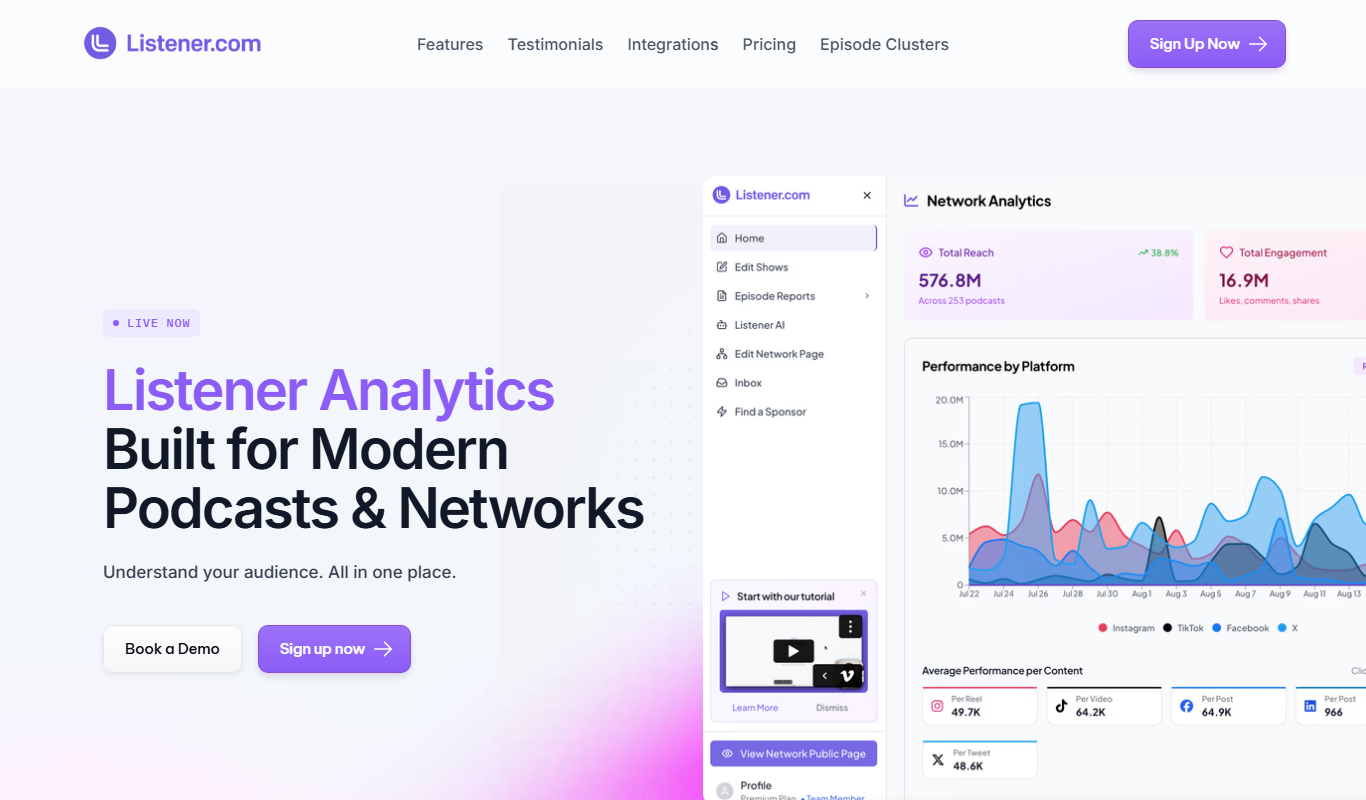
Listener.fm
Listener.com is a podcast analytics and intelligence platform that unifies audience data across audio, video and social for podcast networks, studios and creators.

Google Illuminate
Google Illuminate is a Google Labs experiment that transforms research papers and other content into AI-generated audio discussions, optimized for computer science topics.
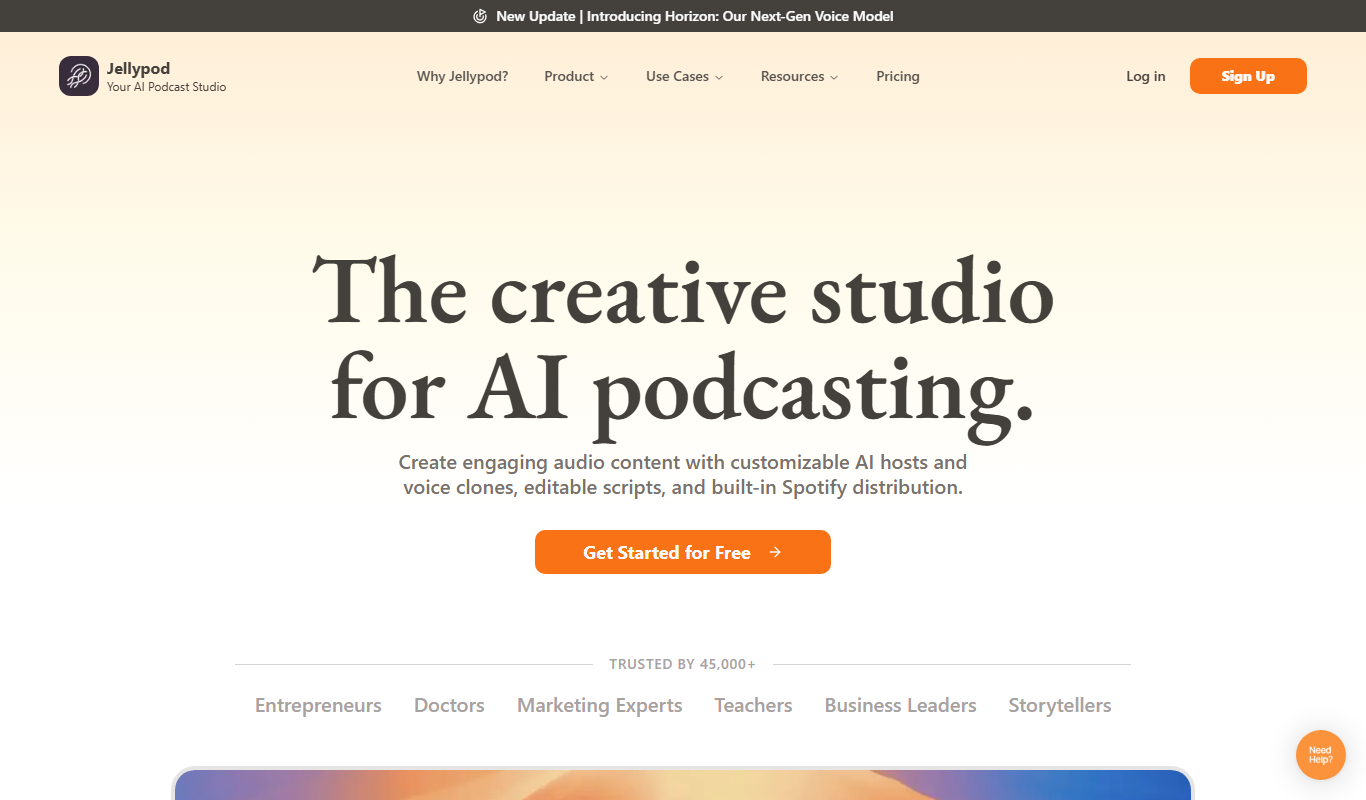
Jellypod
Jellypod turns a topic, document or script into a podcast, video or voiceover with realistic AI hosts, then publishes to Spotify, Apple Podcasts, YouTube and TikTok.

Relaied
Relaied turns any document into an engaging AI podcast with a summary and quiz, so you can learn from papers and textbooks for free.

Swell AI
Swell AI turns podcasts or videos into transcripts, clips, show notes, articles, newsletters and social posts, with a transcript editor and brand voice templates.
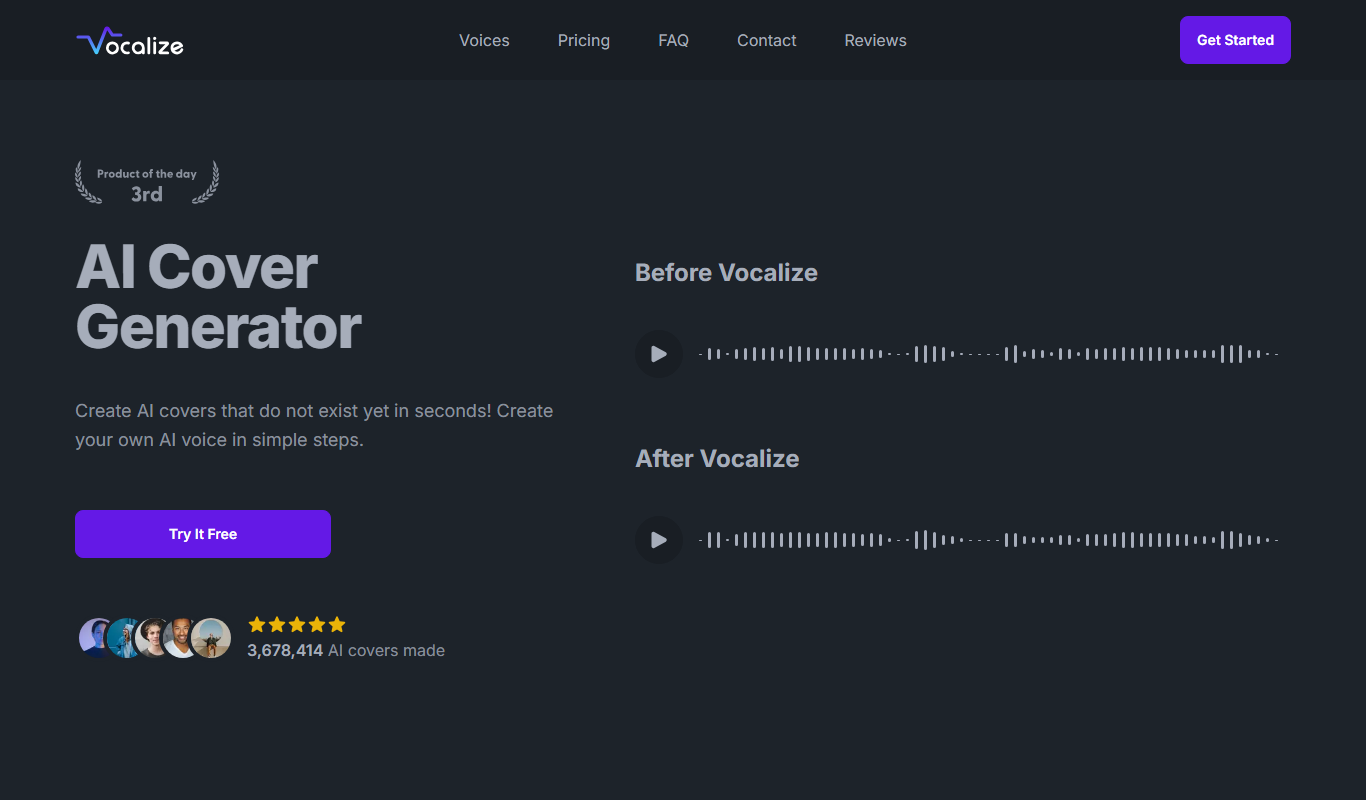
vocalize.fm
Vocalize.fm is an AI voice generator for AI cover songs and text-to-speech, with thousands of community-uploaded voices and own-voice cloning.
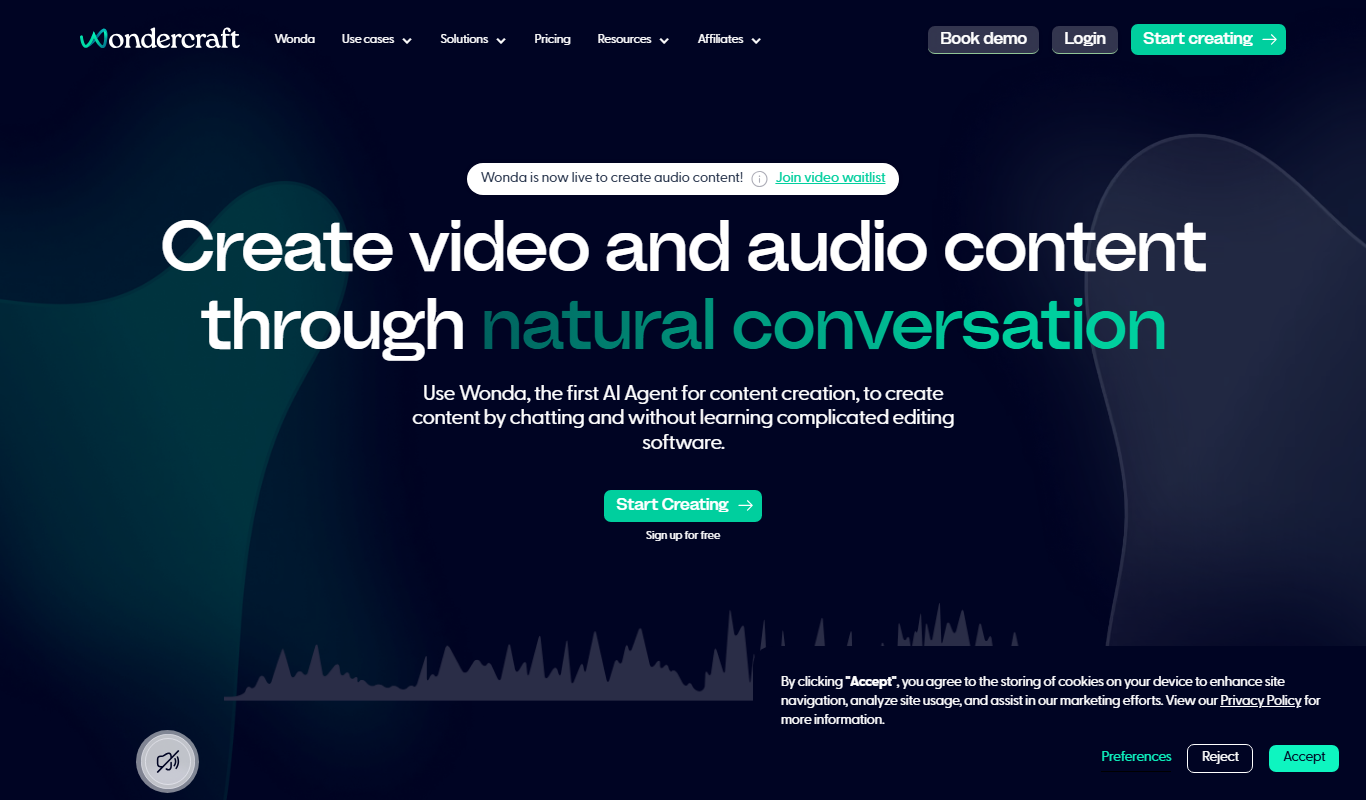
Wondercraft AI
Wondercraft is an AI-native studio with a real editor where users create podcasts, videos and more by simply chatting with AI.

Listnr
Listnr is an AI-powered text-to-speech platform that converts text into natural-sounding audio using multiple voices and languages, ideal for podcasts, audiobooks, and marketing content.