
From my experience with Save ChatGPT history to Evernote, I found it excels at simplifying the process of archiving AI conversations without manual effort. The seamless integration with Evernote makes it easy to organize and retrieve past chats, which is especially helpful for researchers and content creators who rely on ChatGPT outputs. However, the tool is limited to Evernote users and lacks advanced customization or mobile app support, which might restrict some workflows. Overall, if you want a straightforward, free solution to keep your ChatGPT history organized in Evernote, this tool delivers effectively.
Save ChatGPT Conversations to Evernote Automatically for Easy Access
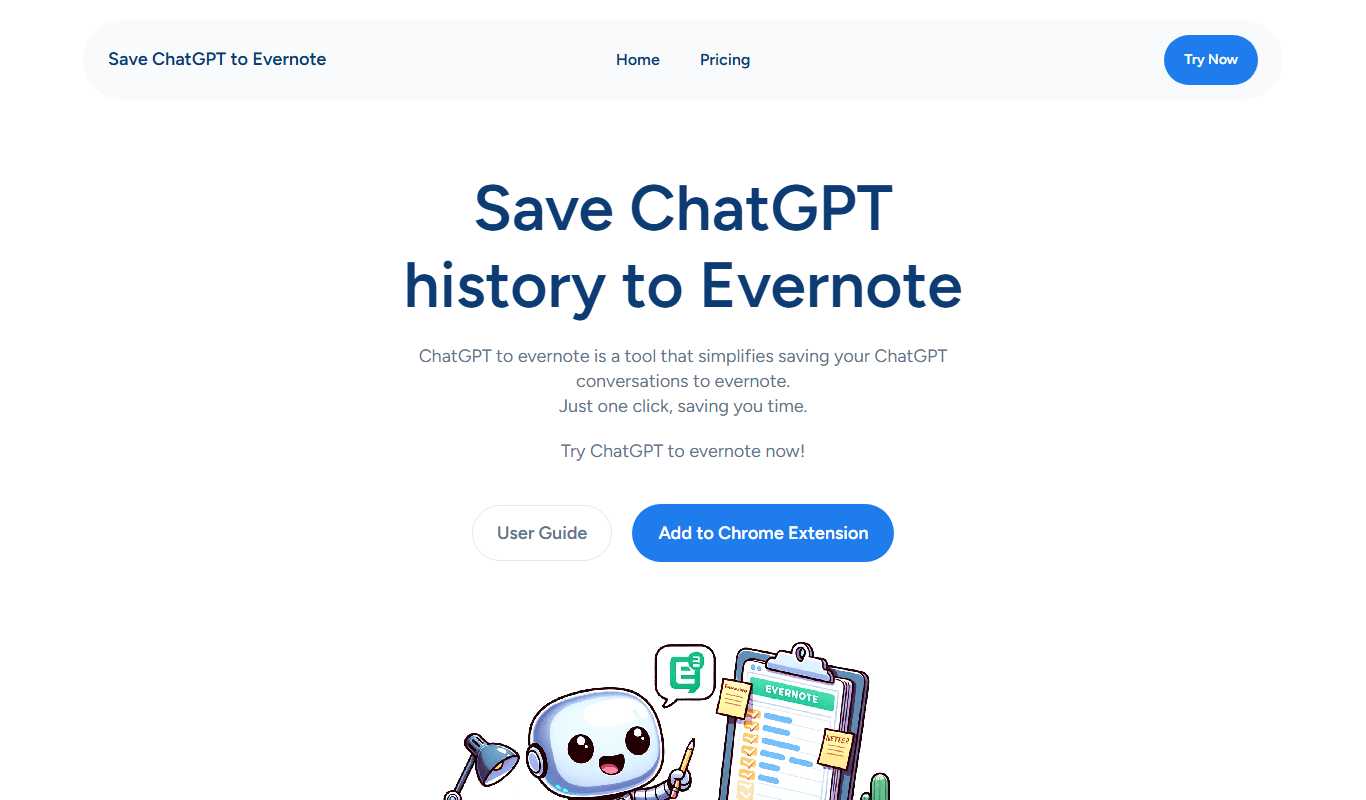
Save ChatGPT history to Evernote is a free web tool that automatically saves your ChatGPT conversations as notes in your Evernote account, helping you organize and access your AI chats easily.
What is Save ChatGPT history to Evernote?
Save ChatGPT history to Evernote is a web-based tool that allows users to automatically save their ChatGPT conversation history directly into their Evernote account. This integration helps users keep track of their AI interactions by organizing chats as notes within Evernote, making it easier to access, search, and manage AI-generated content.
Key Features of Save ChatGPT history to Evernote
Automatic Chat Saving
Saves ChatGPT conversations to Evernote without manual copying.
Evernote Integration
Directly connects with Evernote for seamless note creation.
Organizational Support
Supports notebooks and tags for better note management.
Web-Based Access
Accessible via web browser without additional software.
Pros and Cons of Save ChatGPT history to Evernote
Pros
- Simple and easy integration with Evernote
- Automates saving of ChatGPT conversations
- Free to use with no hidden charges
Cons
- Limited to Evernote users only
- No mobile app or desktop client available
- Lacks advanced customization options
Key Use Cases for Save ChatGPT history to Evernote
Chat History Backup
Automatically save your ChatGPT conversations to Evernote for easy retrieval and organization.
Note Organization
Keep your AI-generated content organized within Evernote notebooks and tags.
Research and Reference
Use saved ChatGPT conversations as reference material for projects, writing, or study.
Collaboration
Share saved notes with team members or collaborators through Evernote.
How Save ChatGPT history to Evernote Works
-
1
Connect Evernote Account
Authenticate and link your Evernote account to the tool via OAuth.
-
2
Use ChatGPT
Engage in conversations with ChatGPT as usual.
-
3
Automatic Saving
The tool automatically saves your chat history to Evernote as notes.
-
4
Organize Notes
Access and organize your saved chats within Evernote notebooks and tags.
Who's Using Save ChatGPT history to Evernote
ChatGPT users who want to archive conversations
Researchers and writers needing organized AI content
Evernote users seeking automation
Students and professionals managing notes
Save ChatGPT history to Evernote Pricing
Free
$0/month
Full access to save ChatGPT history to Evernote with no cost.
Frequently Asked Questions About Save ChatGPT history to Evernote
Yes, Save ChatGPT history to Evernote is completely free.
Yes, you must have an Evernote account to save your chat history.
Once connected, it saves your chat history automatically during your sessions.
The tool uses OAuth for secure authentication and does not store your Evernote credentials.
It depends on your specific needs and how you plan to use the tool. The official website and documentation are the best sources for the latest details.
Some tools offer a free plan or trial with limited features. Availability can vary, so confirm on the official website.
Yes, it can help with that use case depending on how you configure it and what features are available. You’ll get the best results with clear inputs and a defined goal.
Share your review
Reviews are limited to one per logged-in user and are published after moderation.
You need an account to review this tool.
0.0
★
★
★
★
★
0 reviews
5 star
0
4 star
0
3 star
0
2 star
0
1 star
0
No reviews yet
Be the first to share how this tool worked for you.
Questions from the community
Read questions and answers about this tool, or ask your own.
No questions yet
Start the conversation by asking the first question about this tool.
Is this tool helpful?

Free
Bardeen
Bardeen is a no-code AI automation tool that integrates with multiple web apps via a Chrome extension, allowing users to automate repetitive tasks, extract data, and streamline workflows without programming.

Freemium
Ragie
Ragie is an AI chatbot platform that helps businesses automate customer support and lead engagement through no-code conversational AI deployed on websites and apps.

Freemium
Creativio AI
Creativio AI is a web-based platform that uses artificial intelligence to generate marketing and SEO-friendly content, helping users create blogs, ads, and social media posts efficiently.

Freemium
PremAI
PremAI is an AI-driven platform that automates contract review by extracting key clauses, assessing risks, and summarizing documents to help legal professionals work faster and more accurately.

Free Trial
Sendwo
Sendwo is a web-based email marketing platform that enables businesses to automate email campaigns, manage subscriber lists, and analyze campaign performance with customizable templates and real-time analytics.
Freemium
AutoFunnel
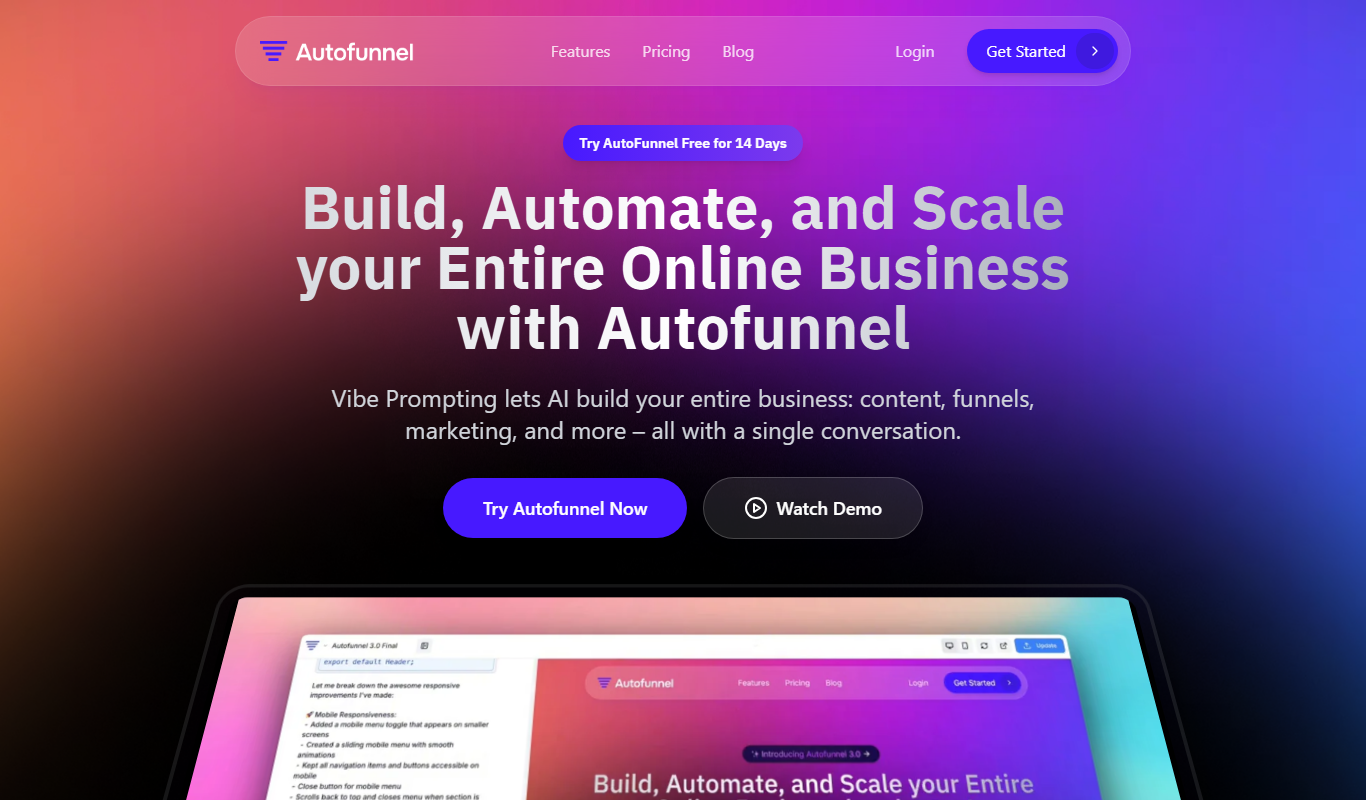
AutoFunnel is an AI-driven platform that helps marketers build and automate sales funnels, capture leads, and optimize conversions with ease.

Free Trial
GrowEasy
GrowEasy is an AI-powered marketing automation tool that helps businesses generate leads, automate email campaigns, and optimize sales funnels through CRM integrations and analytics.
Freemium
AI Viggle
AI Viggle is an AI-driven platform that helps businesses generate marketing content, automate workflows, and optimize SEO to improve content marketing efficiency.