

ChatKit - Refined ChatGPT UI with amazing features
ChatKit is a refined chat app that works with your own API key or ChatKit credits and supports OpenAI, Gemini, Azure and custom models.
- Best for
- Customer Support Automation
- Key capability
- Own API key or ChatKit credits
Save ChatKit, follow its updates and vote on it — everything stays in your account.
Sign in or create a free account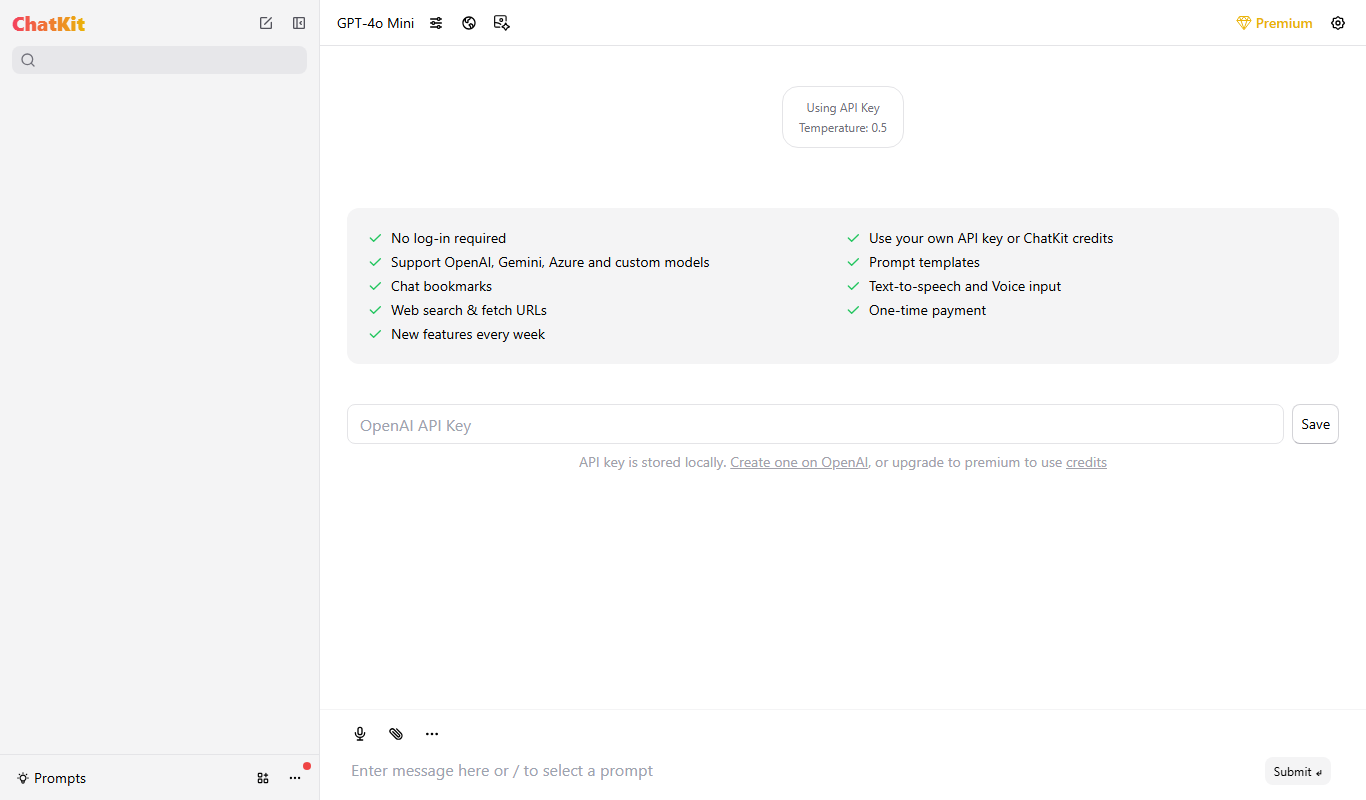
What is ChatKit?
ChatKit is a refined ChatGPT UI that supports OpenAI, Gemini, Azure and custom models. It needs no log-in and runs on your own API key or on ChatKit credits.
Key features of ChatKit
Prompt templates, chat bookmarks, text-to-speech and voice input, and web search that can fetch URLs, on top of your own API key or ChatKit credits.
Own API key or ChatKit credits
Your API key is stored locally; upgrade to premium to use credits instead.
Multiple model providers
Support for OpenAI, Gemini, Azure and custom models.
Prompt templates and bookmarks
Prompt templates and chat bookmarks.
Voice
Text-to-speech and voice input.
Web search
Web search and fetching URLs.
Pros and cons of ChatKit
Pros
- No log-in required
- API key is stored locally
- One-time payment
- Supports OpenAI, Gemini, Azure and custom models
- Helpful analytics for performance tracking
Cons
- Needs your own API key unless you upgrade to premium credits
- Advanced AI customization options could be expanded
Key use cases for ChatKit
Customer Support Automation
Automate responses to common customer inquiries to reduce support workload and improve response times.
Website Visitor Engagement
Engage website visitors with interactive AI chatbots that provide information, answer questions, and guide users.
Lead Generation
Capture leads by interacting with visitors, qualifying prospects, and collecting contact information through chatbot conversations.
Internal Team Assistance
Provide internal teams with quick access to information and automate routine tasks using AI chatbots.
How ChatKit works
- 1
Open ChatKit
No log-in required.
- 2
Add an API key
Create an API key on OpenAI and save it; it is stored locally.
- 3
Or use credits
Upgrade to premium to use ChatKit credits instead of your own key.
- 4
Monitor and Optimize
Track chatbot interactions and performance metrics to improve user experience.
Who is using ChatKit
ChatKit pricing
Free
$0/month
Basic chatbot features with limited conversations and integrations.
Pro
$29/month
Advanced features, higher conversation limits, and priority support.
Plans and prices are as published by the vendor and can change. Check the official site before you buy. Open the pricing page (opens in a new tab)
Frequently asked questions about ChatKit
A refined ChatGPT UI with features such as prompt templates and voice input.
You can use your own API key, which is stored locally, or upgrade to premium to use credits.
OpenAI, Gemini, Azure and custom models.
It depends on your specific needs and how you plan to use the tool. The official website and documentation are the best sources for the latest details.
Some tools offer a free plan or trial with limited features. Availability can vary, so confirm on the official website.
Integration support depends on the tool and its available connectors or API. Check the official documentation or integrations page to confirm what is supported.
Conclusion
No log-in is needed to start chatting: users either save their own OpenAI API key, which stays stored locally, or upgrade to premium and spend ChatKit credits. Models from OpenAI, Gemini and Azure are supported, along with custom models. Around the chat window sit prompt templates, chat bookmarks, text-to-speech with voice input, and web search that can fetch URLs.
Premium is a one-time payment, and the site promises new features every week.
Sources
Sign in to review this tool.
Sign In to ReviewNo reviews yet
Be the first to share how this tool worked for you.
Ask about pricing, limits, or how it compares — or answer someone else.
Sign In to AskNo questions yet
Have a question about using or paying for this tool? Be the first to ask.
Featured on TiorAI



More AI Chatbot & Conversational Tools tools
Other tools in the same category, for when this one is not quite the fit.
aiPDF
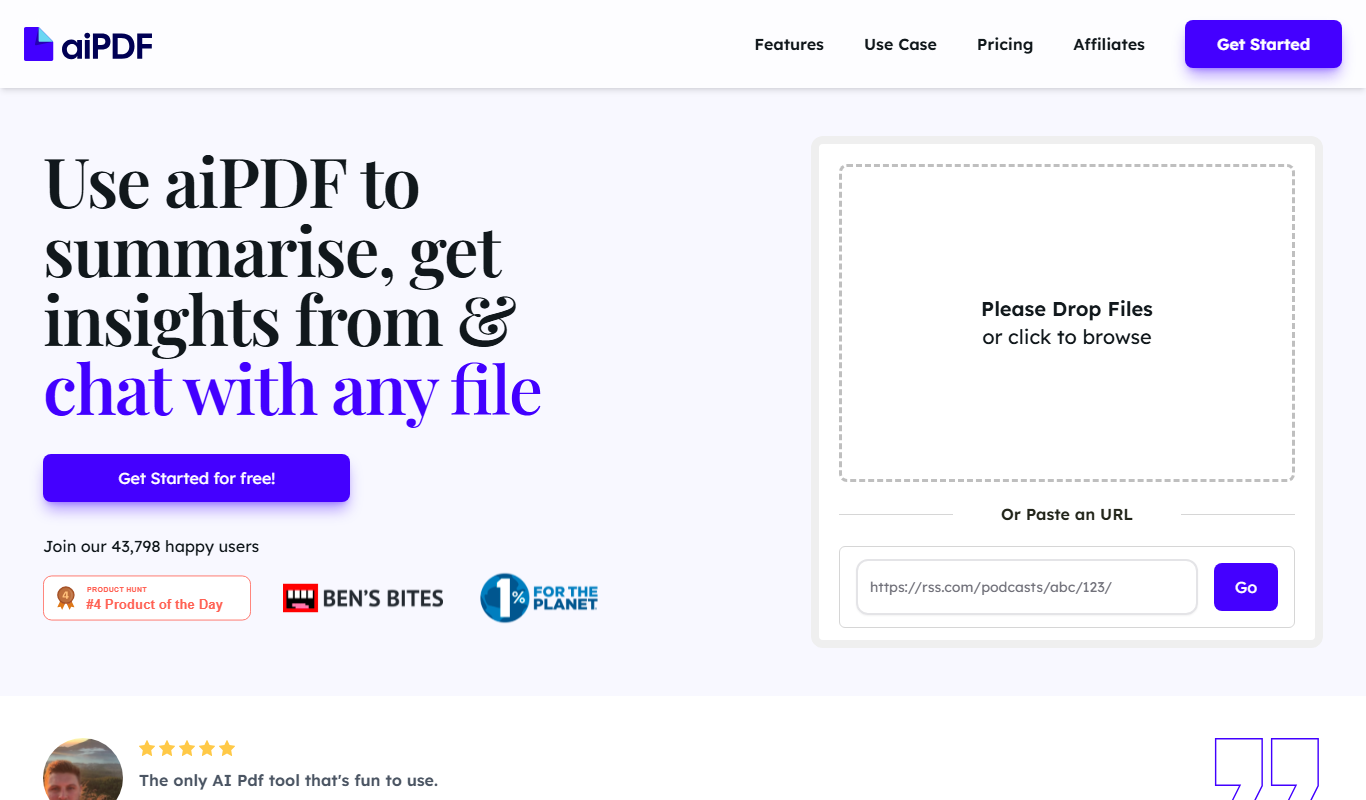
aiPDF is an AI-powered tool to summarize, extract insights from and chat with PDFs, web articles, YouTube videos and podcasts.

TalkingPdf.io – Chat with any PDF
TalkingPdf.io is an AI-powered web tool that enables users to upload any PDF and interact with it through a chat interface, asking questions and receiving instant answers based on the document content.

IntelliMuse
IntelliMuse offers custom AI companions called Muses, with their own personalities, expertise and voices, for text chat on the web or voice calls on iPhone.

Mammouth
Mammouth gives you GPT, Claude, Gemini, Mistral, FLUX and other GenAI models in one subscription, with one-click reprompting between models.

Mumble
Mumble is a web platform integrated with WhatsApp that helps businesses manage customer interactions, automate sales processes, warm up leads and track customer journeys.

Emly Labs
Emly Labs offers a no-code AI framework to build AI chatbots and predictive AI models and to prepare data.

Dokko
Dokko is a document AI platform that reads contracts, manuals and policies in full, answers with citations and acts on what it finds, for teams and their customers.

OnDemand
OnDemand is an operating system for agentic AI that lets you build, orchestrate and deploy intelligent agents across any model, tool, data source or infrastructure.