

From my experience with Voxify, I found it excels at automating complex customer support calls with natural conversational AI, significantly reducing the workload on human agents. After spending time exploring the platform, I can say it’s particularly well-suited for enterprises and contact centers looking to modernize their phone support with AI-driven voice interactions. However, the platform currently supports only English and requires technical integration, which might be a barrier for smaller teams. Overall, if your business handles high call volumes and seeks to improve efficiency and customer satisfaction, Voxify offers a robust solution.
Voxify AI Voice Assistant Platform for Customer Support Automation
Voxify is an AI-driven voice assistant platform that automates customer support calls using natural language understanding and speech recognition to improve call center efficiency and customer satisfaction.
- Best for
- Automated Customer Service Calls
- Key capability
- Natural Language Understanding
Your actions


Do you recommend this tool?
What is Voxify?
Voxify is an AI-powered voice assistant platform designed to automate and enhance customer support interactions over the phone. It leverages natural language processing and speech recognition to understand and respond to customer inquiries, enabling businesses to reduce call center costs and improve customer experience.
Key features of Voxify
Key features include intelligent call routing, natural language understanding, real-time speech recognition, seamless integration with existing contact center systems, and customizable voice workflows tailored to specific business needs.
Natural Language Understanding
Enables the AI to comprehend and respond to complex customer queries conversationally.
Real-Time Speech Recognition
Accurately transcribes and interprets spoken language during calls.
Customizable Voice Workflows
Allows businesses to tailor call scripts and automation sequences to their unique requirements.
Seamless Contact Center Integration
Works with existing telephony and CRM systems to streamline operations.
Analytics and Reporting
Provides insights into call performance, customer satisfaction, and AI effectiveness.
Pros and cons of Voxify
Pros
- Reduces call center operational costs through automation
- Improves customer experience with natural conversational AI
- Flexible integration with existing systems
Cons
- Limited language support currently
- Pricing details not publicly available
- Requires technical setup for integration
Key use cases for Voxify
Automated Customer Service Calls
Voxify automates inbound and outbound customer service calls, reducing wait times and improving resolution rates.
Interactive Voice Response (IVR) Enhancement
Enhances traditional IVR systems with AI-driven natural language understanding for more intuitive caller interactions.
Appointment Scheduling
Automates appointment booking and reminders through conversational voice interactions.
Customer Feedback Collection
Conducts voice surveys and gathers customer feedback efficiently via automated calls.
Payment Processing via Voice
Enables secure payment collection over the phone using voice commands and AI verification.
How Voxify works
- 1
Integration Setup
Connect Voxify with your existing contact center infrastructure or CRM via API or web platform.
- 2
Customize Voice Workflows
Design conversational flows and scripts to handle common customer interactions.
- 3
Deploy AI Voice Assistant
Launch the AI assistant to handle inbound/outbound calls, automating tasks like support, scheduling, and payments.
- 4
Monitor and Optimize
Use analytics dashboards to track performance and refine voice interactions for better outcomes.
Who is using Voxify
Contact centers
Customer support teams
Healthcare providers
Financial services
Enterprises with high call volumes
Voxify pricing
Custom Pricing
Contact for quote
Pricing tailored based on call volume, features, and integration complexity.
Plans and prices are as published by the vendor and can change. Check the official site before you buy. Open the pricing page (opens in a new tab)
Frequently asked questions about Voxify
Currently, Voxify primarily supports English language interactions.
Yes, Voxify offers API integrations to connect with popular CRM and contact center platforms.
Voxify does not publicly list a free trial; interested users should contact sales for demos.
This tool is designed to help users accomplish its core tasks more efficiently. It is typically used by individuals or teams looking to improve productivity and workflow.
Yes, it can help with that use case depending on how you configure it and what features are available. You’ll get the best results with clear inputs and a defined goal.
Integration support depends on the tool and its available connectors or API. Check the official documentation or integrations page to confirm what is supported.
Yes, it can help with that use case depending on how you configure it and what features are available. You’ll get the best results with clear inputs and a defined goal.
Sign in to review this tool.
Sign In to ReviewNo reviews yet
Be the first to share how this tool worked for you.
Ask about pricing, limits, or how it compares — or answer someone else.
Sign In to AskNo questions yet
Have a question about using or paying for this tool? Be the first to ask.
Featured on TiorAI



More AI Contact Center Tools tools
Other tools in the same category, for when this one is not quite the fit.
Custom Pricing
samespace.com
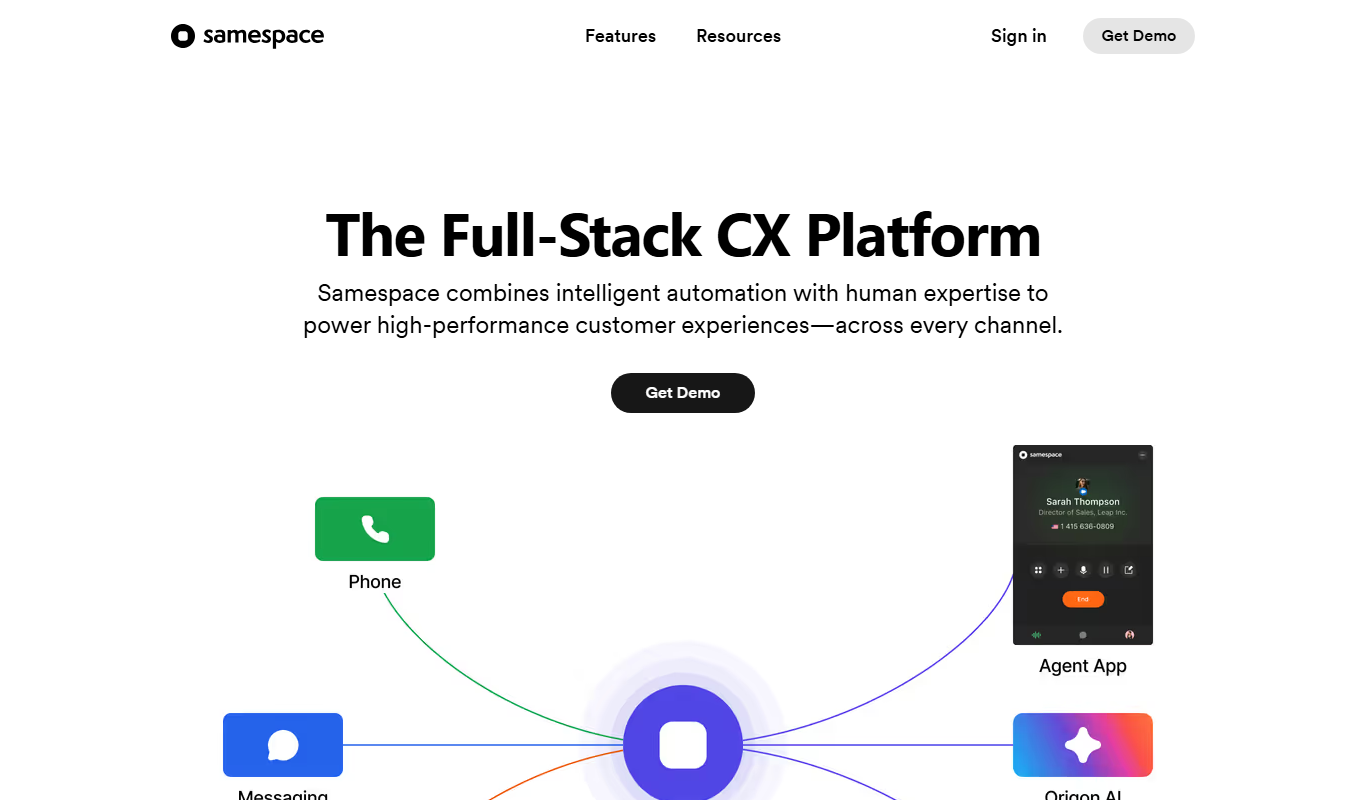
Samespace is a cloud-based contact center software that enables businesses to manage customer interactions across voice, SMS, chat, and email channels from a unified platform with features like IVR, call routing, and real-time analytics.
Custom Pricing
samespace.com
Samespace is a cloud contact center platform that enables businesses to manage customer interactions across voice, chat, email, and social media channels with features like IVR, call routing, and analytics.