
From my experience with ChatGPT – Lets Talk, the extension excels at providing quick and convenient access to ChatGPT directly from the Chrome browser toolbar. This makes it ideal for users who want to integrate AI conversations seamlessly into their browsing workflow without switching tabs. However, the extension is limited to Chrome users and may require an OpenAI login, which could be a barrier for some. Overall, if you frequently use ChatGPT and prefer a lightweight, always-available interface, this extension offers a practical and free solution.
ChatGPT - Lets Talk Chrome Extension for AI Conversations and Chatbot Access
ChatGPT – Lets Talk is a free Chrome extension that enables users to chat with OpenAI’s ChatGPT directly from their browser toolbar for quick AI-powered conversations.
What is ChatGPT – Lets talk?
ChatGPT – Lets Talk is a Chrome browser extension that provides users with quick and easy access to OpenAI’s ChatGPT conversational AI. It allows users to interact with the AI directly from the browser toolbar, enabling seamless conversations without needing to open the official ChatGPT website.

Key Features of ChatGPT – Lets talk
Browser Toolbar Access
Quickly open ChatGPT chat without leaving your current tab.
Lightweight UI
Minimalistic and easy-to-use chat interface optimized for quick interactions.
Free to Use
No cost to install or use the extension for basic ChatGPT conversations.
Pros and Cons of ChatGPT – Lets talk
Pros
- Convenient access to ChatGPT from the browser toolbar
- Lightweight and easy to use interface
- Free to install and use
Cons
- Limited to Chrome browser users
- May require OpenAI login for full functionality
- Lacks advanced customization options
Key Use Cases for ChatGPT – Lets talk
Quick AI Conversations
Engage in instant AI-powered conversations directly from your browser without navigating to a separate website.
Productivity Assistance
Use the extension to get help with writing, brainstorming, coding, or answering questions while working online.
Easy Access to ChatGPT
Access ChatGPT conveniently through a browser toolbar icon for faster interaction and multitasking.
How ChatGPT – Lets talk Works
-
1
Install Extension
Add ChatGPT – Lets Talk from the Chrome Web Store to your browser.
-
2
Open Chat Interface
Click the extension icon in the toolbar to open the chat window.
-
3
Start Chatting
Type your queries or prompts and receive AI-generated responses instantly.
Who's Using ChatGPT – Lets talk
Students seeking quick AI help
Professionals needing instant writing assistance
Developers looking for code suggestions
General users interested in AI chatbots
ChatGPT – Lets talk Pricing
Free
$0
Access to ChatGPT conversations via the Chrome extension without subscription fees.
Frequently Asked Questions About ChatGPT – Lets talk
Yes, the extension is free to install and use for ChatGPT conversations.
Depending on the extension’s implementation, you may need to log in with your OpenAI credentials.
The extension’s privacy policy should be reviewed; typically, chat data is processed by OpenAI servers.
It depends on your specific needs and how you plan to use the tool. The official website and documentation are the best sources for the latest details.
Some tools offer a free plan or trial with limited features. Availability can vary, so confirm on the official website.
It depends on your specific needs and how you plan to use the tool. The official website and documentation are the best sources for the latest details.
Share your review
Reviews are limited to one per logged-in user and are published after moderation.
You need an account to review this tool.
0.0
★
★
★
★
★
0 reviews
5 star
0
4 star
0
3 star
0
2 star
0
1 star
0
No reviews yet
Be the first to share how this tool worked for you.
Questions from the community
Read questions and answers about this tool, or ask your own.
No questions yet
Start the conversation by asking the first question about this tool.
Is this tool helpful?
Free
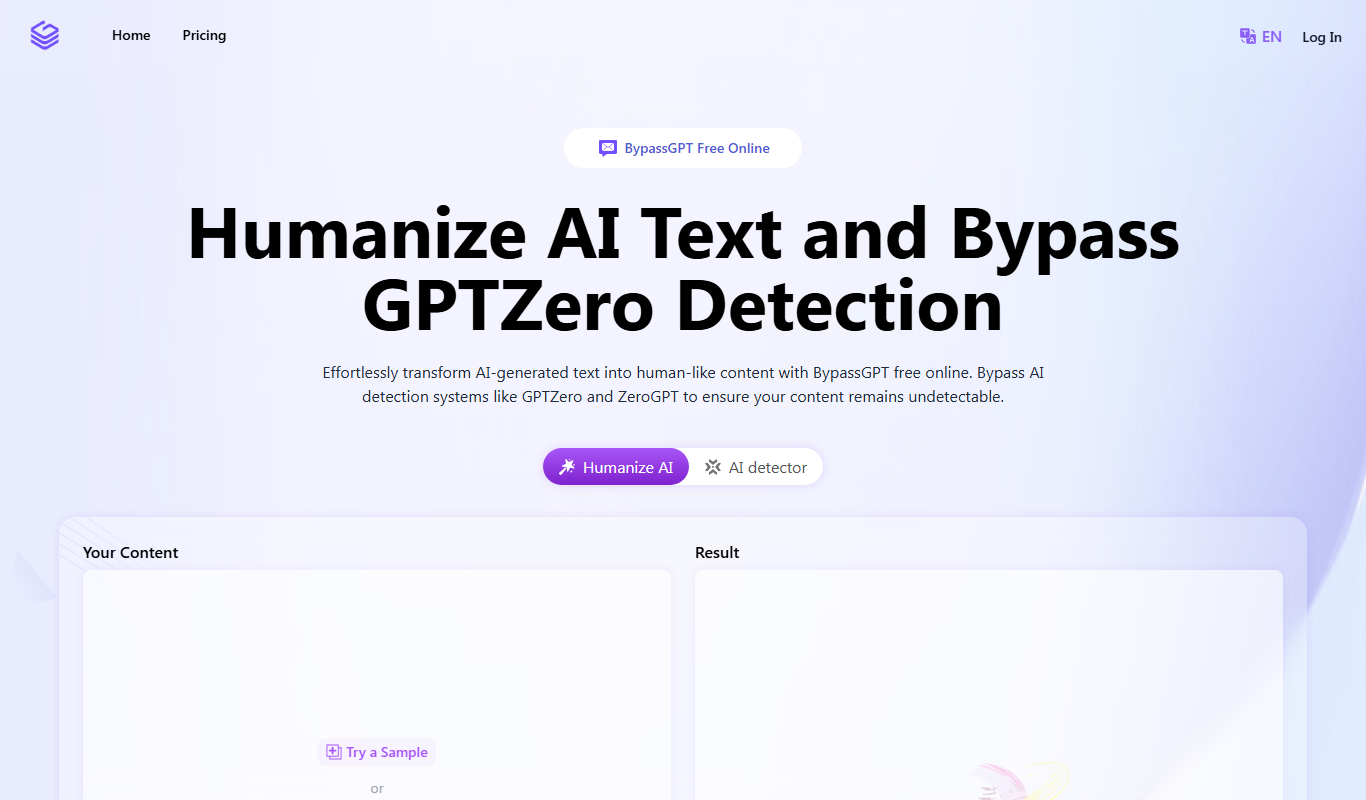
BypassGPT.co
BypassGPT.co is an AI chatbot platform that allows users to engage in conversations with fewer content restrictions compared to ChatGPT, providing more open and flexible AI interactions.

Free
AI Hug
AI Hug is a web-based AI chatbot platform designed to automate customer interactions, support lead generation, and enhance user engagement on websites.

Freemium
Cure AI
Cure AI is an AI-driven medical chatbot that helps users check symptoms, receive preliminary health assessments, and get patient support through a conversational interface.

Free
ChadGPT
ChadGPT is an AI chatbot that provides natural language conversations and content generation through a web interface, suitable for creative writing, brainstorming, and learning support.
Free
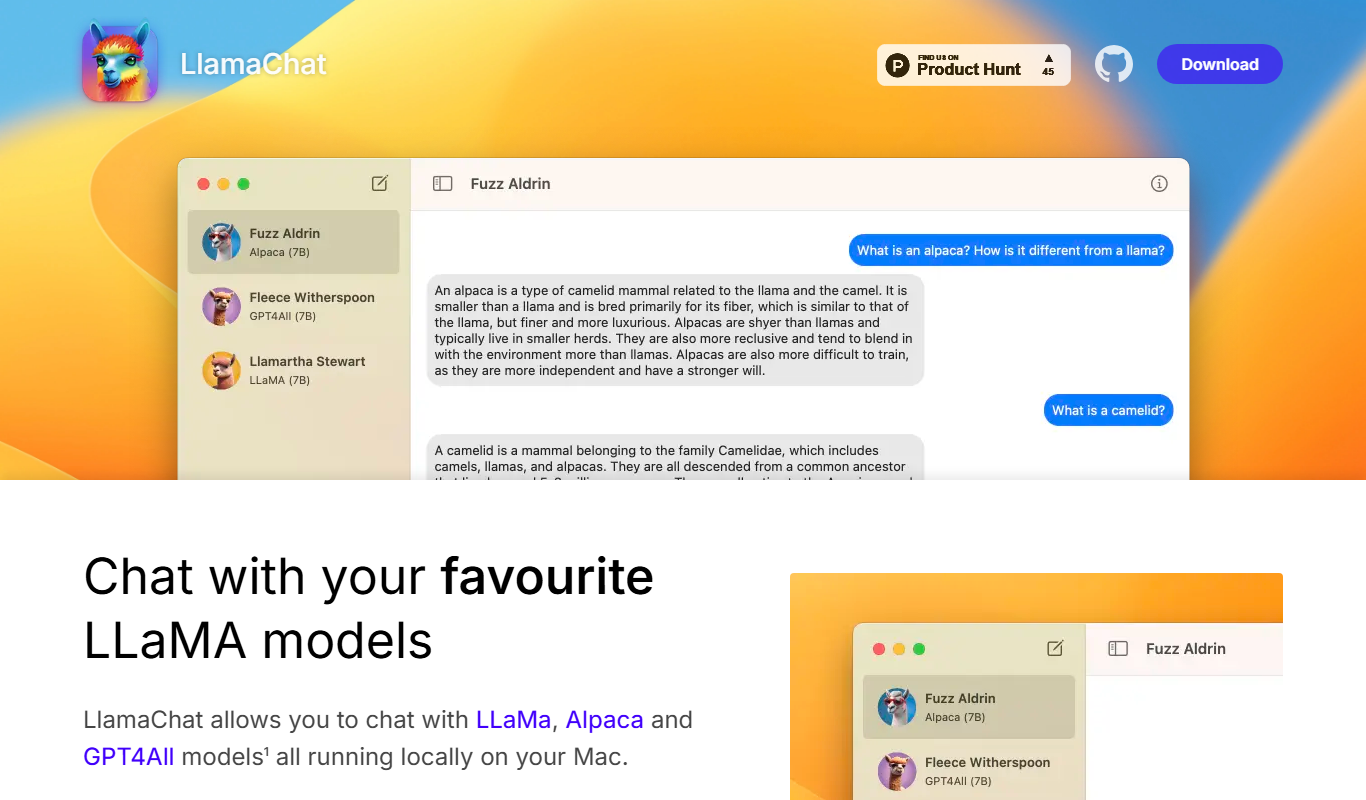
LlamaChat
LlamaChat is a web-based platform that enables users to create and customize AI chatbots using Meta's LLaMA language models, offering both a user-friendly interface and API access for integration.

Free
PrometAI
PrometAI is an AI chatbot platform that enables businesses to automate customer interactions through easy-to-build conversational agents, improving support efficiency and lead engagement.

Free Trial
PrOFphet- OF AI Chatbot
PrOFphet is an AI chatbot platform that enables businesses to automate customer interactions using natural language processing, customizable conversational flows, and multi-channel deployment.

Freemium
NRI GPT
NRI GPT is an AI chatbot platform that automates customer support and business workflows using conversational AI, offering customizable chatbots for websites.