

Layerpath product education software for interactive tours, guides and videos
Layerpath turns a recorded software workflow into interactive walkthroughs, step-by-step guides, videos and SOPs for training, onboarding and customer education.
- Best for
- Training and onboarding
- Key capability
- Record your screen
Save Layerpath, follow its updates and vote on it — everything stays in your account.
Sign in or create a free account

What is Layerpath?
Layerpath is product education software that turns recorded software workflows into every format a team needs. You record a workflow once with the browser extension, or drop in an existing recording, and Layerpath turns it into interactive walkthroughs, step-by-step guides, videos and SOPs that can be updated step by step when the product changes.
Key features of Layerpath
Layerpath records workflows with a browser extension or extracts them from an existing recording, publishes them as interactive walkthroughs, step-by-step guides, videos and SOPs, and adds AI voiceover, brand memory, embeds, playlists and completion insights.
Record your screen
Capture a real workflow as it happens; click through the process once and it becomes structured steps.
One project, every format
Publish interactive walkthroughs, step-by-step guides, videos and SOPs from the same source.
Import an existing recording
Drop in a Loom, Zoom recording or training clip and the workflow is extracted into a first draft.
AI voiceover
Generate training voiceovers in 28 languages and 100+ voices.
Brand memory
Set your voice, colors, terminology and style once.
Pros and cons of Layerpath
Pros
- One recording becomes walkthroughs, guides, videos and SOPs
- Changed steps can be updated without starting over
- AI voiceovers in 28 languages
Cons
- Free plan keeps only three projects published at a time
- Layerpath branding appears on shared demos and video exports on the Free plan
- Layerpath Agent for Slack, ChatGPT and Claude is still coming soon
Key use cases for Layerpath
Training and onboarding
Get people up to speed with walkthroughs, guides and videos.
Customer education
Teach customers without the live call.
Internal enablement
Train teams on your tools.
Product marketing
Show the product before signup with interactive demos.
Sales enablement
Move deals faster with product demos.
How Layerpath works
- 1
Record or import
Capture a workflow with the screen recorder, or drop in an existing Loom, Zoom recording or training clip.
- 2
Get structured steps
Layerpath turns the recording into structured steps with screenshots.
- 3
Edit and brand
Edit the workflow in the editor or with a prompt, and apply brand memory.
- 4
Share and embed
Embed inside your portal, LMS, help center, Notion or a public URL.
- 5
Keep it current
Update one step, screenshot, instruction or path instead of starting over.
Who is using Layerpath
Layerpath pricing
Free
$0/month
1 creator, unlimited projects with 3 published at a time, 5 watermarked video exports per month, interactive tour and step-by-step guide from one project.
Pro
$50/month
For individual creators and small groups: unlimited published projects, no Layerpath watermark, one custom domain and brand memory.
Team
$500/month
For departments and agencies creating together in one shared workspace.
Enterprise
Custom, from $10,000/year
For organizations with security, procurement, legal or custom rollout needs.
Plans and prices are as published by the vendor and can change. Check the official site before you buy. Open the pricing page (opens in a new tab)
Frequently asked questions about Layerpath
Interactive walkthroughs, step-by-step guides, videos and SOPs from the same recording.
Yes. Drop in a Loom, Zoom recording or training clip and Layerpath extracts the workflow into a first draft.
Free lets you create unlimited projects and keep up to three published at a time, with 5 watermarked video exports per month.
Embed it inside your portal, LMS, help center, Notion or a public URL.
No. Create with Agent and AI voiceover are included under fair use on Pro and Team and limited on Free.
There is a Free plan; Pro is $50/month per creator or $500/year, Team and Enterprise cost more.
Conclusion
A single screen recording is the raw material: the Chrome extension captures a workflow as it happens, and the clicks become structured steps. One project can then be published as an interactive walkthrough, a step-by-step guide, a video and SOPs, and an existing Loom or Zoom recording can be dropped in for a first draft. When a process changes, one step or screenshot is updated instead of rebuilding the training.
Training and onboarding, customer education and internal enablement are the core jobs, alongside product marketing and sales enablement. Voiceovers can be generated in 28 languages, and the results embed in a portal, LMS, help center or Notion. Layerpath can be started on a free plan, but it keeps only three projects published at a time and carries Layerpath branding on shared demos and video exports.
Sources
Sign in to review this tool.
Sign In to ReviewNo reviews yet
Be the first to share how this tool worked for you.
Ask about pricing, limits, or how it compares — or answer someone else.
Sign In to AskNo questions yet
Have a question about using or paying for this tool? Be the first to ask.
Featured on TiorAI



Alternative Tools
Explore similar AI tools that might fit your needs

Check Point CloudGuard
Check Point CloudGuard is a cloud security platform that protects workloads, networks, and cloud infrastructure across multi-cloud and hybrid environments with advanced threat prevention, compliance management, and DevSecOps integration.
More AI Education & Learning Tools tools
Other tools in the same category, for when this one is not quite the fit.

History Timeline Generator
History Timeline Generator is an AI tool that turns a topic such as a person, nation, company or historical event into a customized history timeline.

Narrative Nooks
Narrative Nooks is an AI-driven learning platform for young learners, with interactive story-based lessons, badges, a homework helper and round-the-clock tutoring support.

FGenEds
FGenEds turns a PDF of your lecture slides into a cheat sheet for studying, aimed at students in gen ed classes.

knowt.com
Knowt.com is an AI-driven study tool that converts your notes or any text into interactive flashcards and summaries to enhance learning efficiency.

Terrakotta
Terrakotta is the all-in-one prospecting platform for commercial real estate brokers: source leads, make calls and deliver personalized AI voicemails.
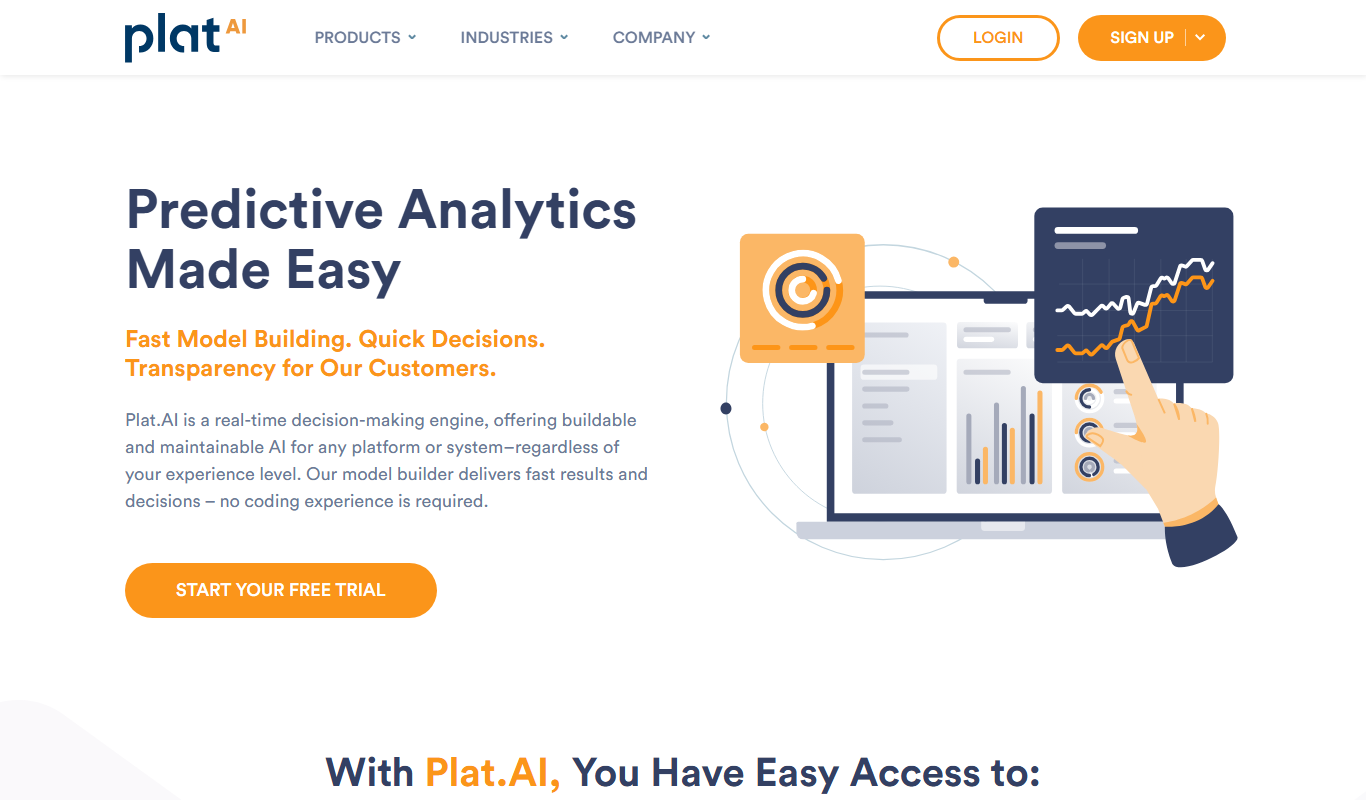
plat.ai
plat.ai is a comprehensive AI development platform that enables users to build, train, deploy, and manage custom machine learning models with scalable infrastructure and API integration.

Quino
Quino is the LMS that marks every exam: courses, lessons, online exams and diplomas, with AI that marks handwritten answers in seconds and writes tests from your notes.

MockTok
MockTok is an AI mock interview app with 50+ interactive questions, follow-up questions, job post analysis, multi-stage interviews, feedback and AI extracted cases.