
From my experience with Image-to-Video Maker, I found it excels at quickly turning photos into shareable videos without requiring technical skills. The straightforward web interface makes it accessible for beginners and those needing fast results, especially for social media content or personal memory compilations. However, the free version’s watermark and limited editing features mean it may not satisfy users looking for professional-grade video production. Overall, if you want a simple, no-installation solution to create photo slideshows with music, this tool delivers effectively.

Image-to-Video Maker Online Tool for Creating Videos from Photos
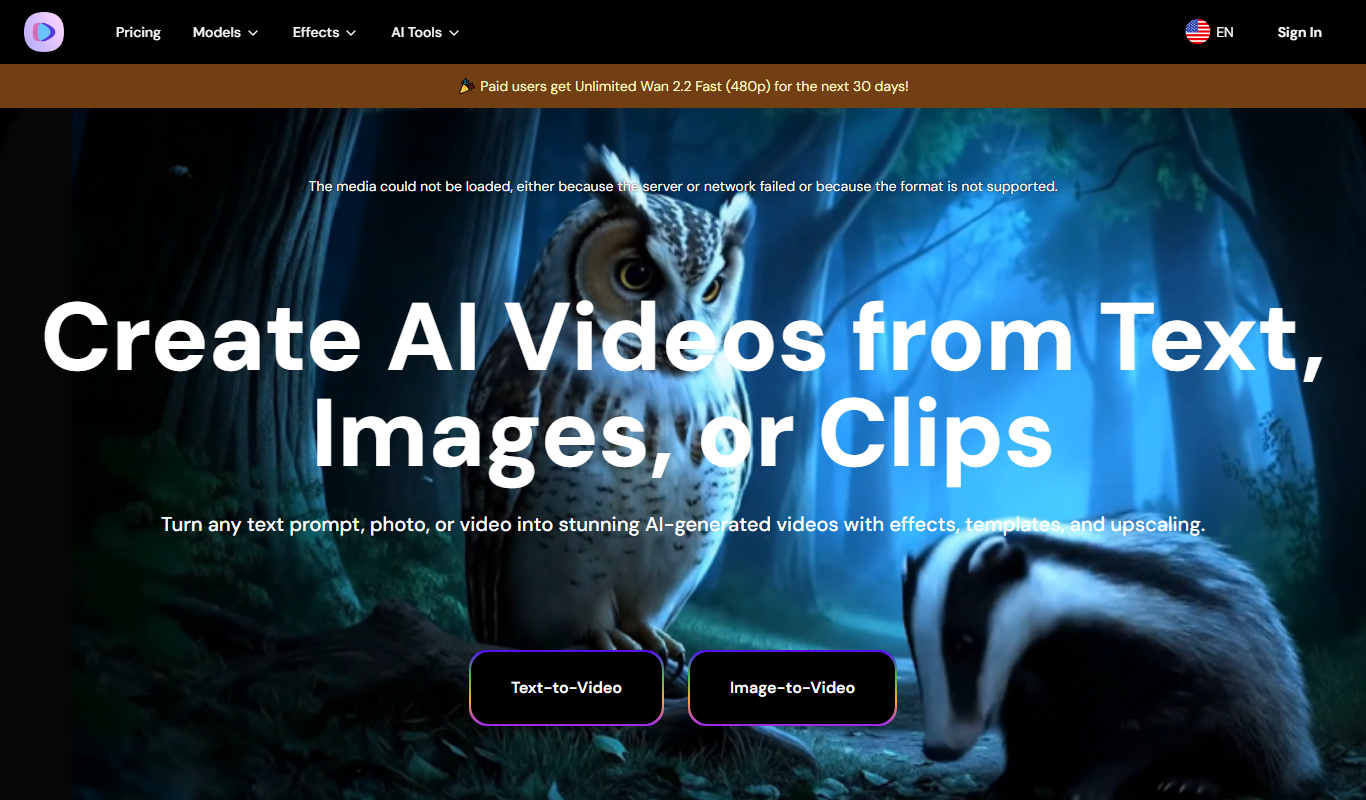
Image-to-Video Maker is a web-based tool that transforms photos into videos by allowing users to upload images, add transitions, music, and text, and export the final video in popular formats.
What is Image-to-Video Maker?
Image-to-Video Maker is a web-based tool that allows users to transform static images into dynamic video content. It simplifies the process of creating videos by enabling users to upload photos, arrange them in sequence, add music or text overlays, and export the final video in popular formats. This tool is designed for users who want to quickly generate videos without needing advanced video editing skills or software.
Key Features of Image-to-Video Maker
Image Upload and Management
Supports multiple image uploads with drag-and-drop arrangement.
Customizable Transitions
Offers various transition effects between images to enhance video flow.
Background Music Integration
Allows adding audio tracks to accompany the video slideshow.
Text Overlays
Enables adding captions or titles to images within the video.
Export Options
Supports exporting videos in different resolutions and formats suitable for various platforms.
Pros and Cons of Image-to-Video Maker
Pros
- User-friendly interface suitable for beginners
- No software installation required, fully web-based
- Supports adding music and text overlays
- Quick video creation from images
Cons
- Limited advanced editing features compared to professional software
- Free version includes watermark on exported videos
- No mobile app available
Key Use Cases for Image-to-Video Maker
Photo Slideshow Creation
Convert a collection of photos into engaging video slideshows with transitions and music.
Social Media Content
Create short videos from images to share on social media platforms for marketing or personal use.
Presentation Videos
Generate video presentations by combining images with text and audio for professional or educational purposes.
Memory Compilation
Compile memorable photos into a video format to preserve and share special moments.
How Image-to-Video Maker Works
-
1
Upload Images
Select and upload photos from your device to the platform.
-
2
Arrange and Customize
Organize the images in your preferred order, add transitions, text, and background music.
-
3
Preview Video
Review the video to ensure it meets your expectations.
-
4
Export and Download
Export the video in your desired format and download it for use.
Who's Using Image-to-Video Maker
Social media marketers
Content creators
Educators and trainers
Event organizers
Individuals creating personal memory videos
Image-to-Video Maker Pricing
Free
$0/month
Basic features with limited video length and watermark on exports.
Premium
$9.99/month
Removes watermark, allows longer videos, and provides access to additional features.
Frequently Asked Questions About Image-to-Video Maker
Yes, you can create videos without an account, but saving projects or accessing premium features requires registration.
The tool primarily exports videos in MP4 format compatible with most devices and platforms.
The free plan has a limit on the number of images per project, while the premium plan allows more extensive uploads.
Yes, users can upload their own audio files to use as background music.
It depends on your specific needs and how you plan to use the tool. The official website and documentation are the best sources for the latest details.
Yes, it can help with that use case depending on how you configure it and what features are available. You’ll get the best results with clear inputs and a defined goal.
Some tools offer a free plan or trial with limited features. Availability can vary, so confirm on the official website.
Yes, it can help with that use case depending on how you configure it and what features are available. You’ll get the best results with clear inputs and a defined goal.
Share your review
Reviews are limited to one per logged-in user and are published after moderation.
You need an account to review this tool.
0.0
★
★
★
★
★
0 reviews
5 star
0
4 star
0
3 star
0
2 star
0
1 star
0
No reviews yet
Be the first to share how this tool worked for you.
Questions from the community
Read questions and answers about this tool, or ask your own.
No questions yet
Start the conversation by asking the first question about this tool.
Is this tool helpful?
Free Trial
BuzzWorthy.ai
BuzzWorthy.ai is an AI-driven platform that helps users create engaging social media posts quickly by generating tailored content with customizable tone and style for platforms like Facebook, Twitter, LinkedIn, and Instagram.

Free Trial
Aistro
Aistro is an AI writing assistant that generates and optimizes SEO-friendly content for blogs, marketing, and more through a user-friendly web platform.

Free
avua
Avua is an AI writing assistant that provides real-time grammar and style suggestions to improve your written content efficiently.
Freemium
AudioBot
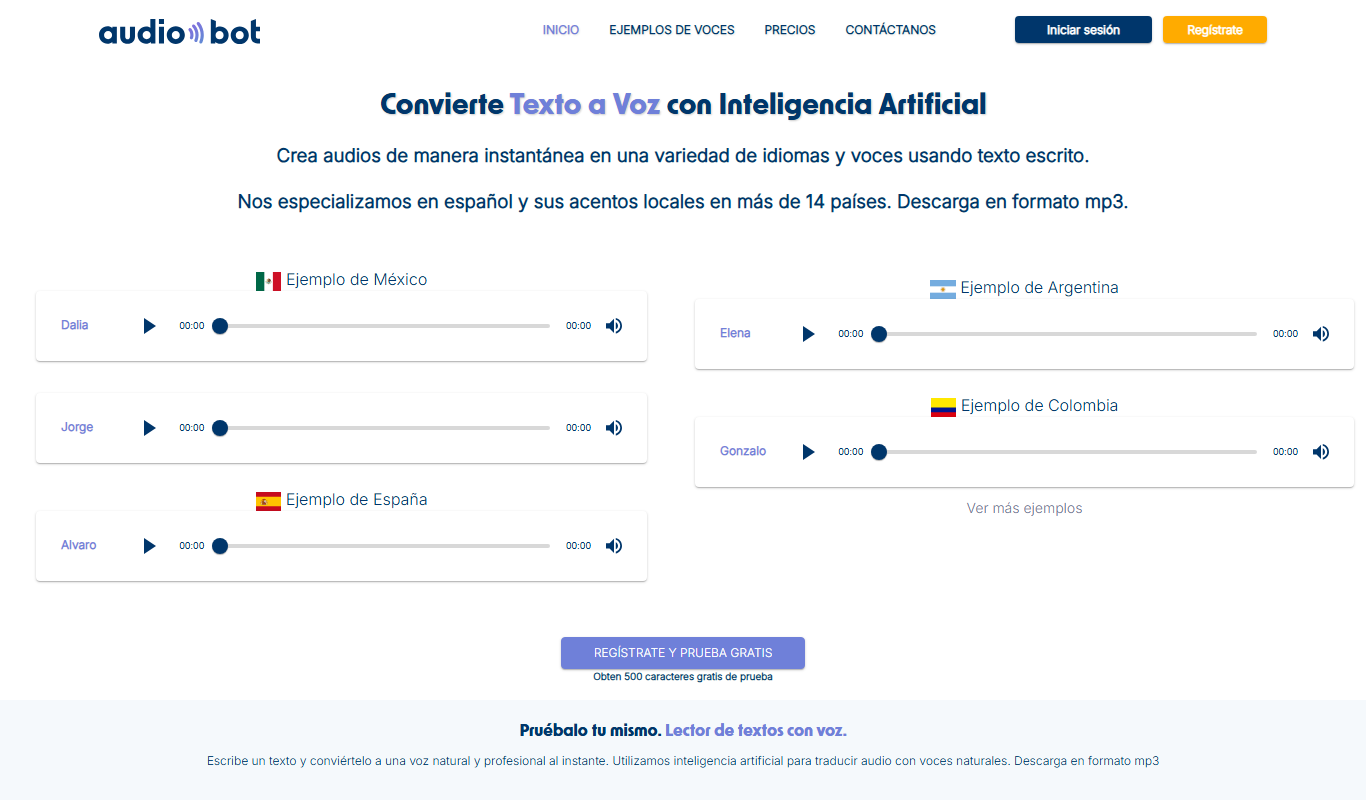
AudioBot is an AI-powered platform that converts text into natural-sounding audio using advanced speech synthesis, supporting multiple languages and offering API integration for automated audio content creation.
Free Trial
TechOctave
TechOctave is an AI-powered writing assistant designed to help users create SEO-optimized content, marketing copy, and blog posts efficiently through an easy-to-use web platform.

Freemium
VeedoAI
VeedoAI is an AI-driven online video editor that automates trimming, captioning, and formatting to help users quickly create social media-ready videos without advanced editing skills.
Free
Chat2VideoEdit
Chat2VideoEdit is a free web-based video editor that allows users to trim, cut, and merge videos without adding watermarks, making it ideal for casual and social media video creators.
Free
Pastors.ai
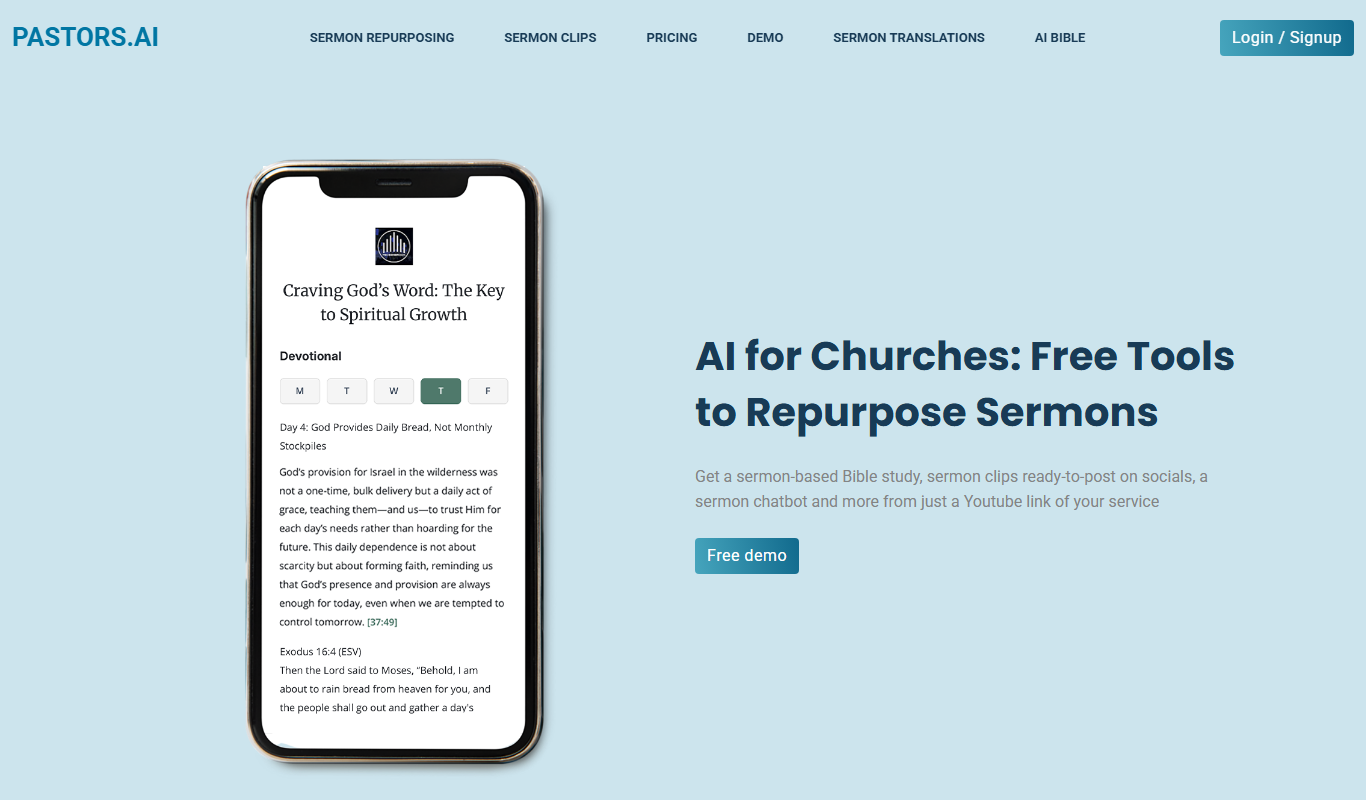
Pastors.ai is an AI-driven platform designed to assist pastors and church leaders in generating sermons, Bible study guides, and other church-related content quickly and easily.