

Deevid AI Video Generation Platform for Marketing and Content Creation
Deevid AI is an all-in-one AI director for video, image, avatar, voice and music, where text, photos, video and audio can all serve as the prompt.
- Best for
- Marketing Video Creation
- Key capability
- AI-Powered Video Generation
Save Deevid AI, follow its updates and vote on it — everything stays in your account.
Sign in or create a free account
What is Deevid AI?
Deevid AI is an AI video and image agent, an all-in-one AI director for video, image, avatar, voice and music, supporting models like Veo 3.1, Nano Banana, Sora 2 and Kling.
Key features of Deevid AI
Deevid AI offers features such as AI-driven video generation from text, customizable templates, voiceover options, and easy editing tools. It streamlines video creation workflows, allowing users to produce videos tailored for marketing, social media, and educational purposes.
AI-Powered Video Generation
Automatically converts text into engaging video content using AI algorithms.
Customizable Templates
Offers a range of templates to fit different video styles and marketing needs.
Voiceover Integration
Supports adding AI-generated or uploaded voiceovers to enhance video narration.
User-Friendly Interface
Designed for ease of use, enabling users without video editing experience to create videos.
Pros and cons of Deevid AI
Pros
- Simplifies video creation with AI automation
- No advanced editing skills required
- Offers customizable templates for various use cases
Cons
- Limited language support (English only)
- Web platform only, no mobile apps
Key use cases for Deevid AI
Marketing Video Creation
Create engaging marketing videos quickly using AI-powered video generation to promote products and services.
Social Media Content
Generate short videos optimized for social media platforms to increase audience engagement and reach.
Explainer Videos
Produce clear and concise explainer videos to simplify complex ideas or showcase features.
Content Repurposing
Transform existing text or blog content into dynamic video formats to diversify content delivery.
How Deevid AI works
- 1
Input Text or Script
Users provide the text or script that they want to convert into a video.
- 2
Select Template and Style
Choose from a variety of video templates and styles that suit the content’s purpose.
- 3
Customize Video Elements
Adjust visuals, add voiceovers, and modify text overlays to personalize the video.
- 4
Generate and Download
The AI processes the inputs to create the video, which can then be previewed and downloaded.
Who is using Deevid AI
Deevid AI pricing
Lite
$10 USD/mo billed annually ($120 per year); $14/mo billed monthly
200 credits per month (up to 40 videos or 100 images), 720P output, no watermarks, full commercial use.
Pro
$25 USD/mo billed annually ($300 per year); $35/mo billed monthly
600 credits per month (up to 120 videos or 300 images), 1080P output, no watermarks, full commercial use.
Premium
$119 USD/mo billed annually ($1,428 per year); $159/mo billed monthly
3000 credits per month (up to 600 videos or 1500 images), 1080P output, no watermarks, full commercial use, priority support.
Plans and prices are as published by the vendor and can change. Check the official site before you buy. Open the pricing page (opens in a new tab)
Frequently asked questions about Deevid AI
Yes, Deevid AI is designed to be user-friendly and does not require prior video editing skills.
You can create marketing videos, social media content, explainer videos, and more using text inputs.
New users get 20 free credits upon registration (approximately 4 videos) to try the core features before choosing a paid plan. Free users’ generated videos have watermarks.
It depends on your specific needs and how you plan to use the tool. The official website and documentation are the best sources for the latest details.
It depends on your specific needs and how you plan to use the tool. The official website and documentation are the best sources for the latest details.
Pricing depends on the plan and included features. For the most accurate and up-to-date details, check the official pricing page.
Conclusion
Text, photos, video and audio can all serve as the prompt here. The AI director behind it produces video, images and avatars, along with voice and music. For text to video, a detailed description, a script or even a few keywords is analysed for context, tone and intent before visuals, voiceovers and animations are generated. Editing tools can then add background music, adjust the style and tweak the layout before the video is downloaded or shared directly to social media. Behind the scenes, each task is matched to a model such as Veo 3.1, Sora 2, Kling or Nano Banana.
Generation is paid for in credits, the platform’s consumption units for video, image and audio output. A small allowance of free credits comes with registration, but videos made by free users carry watermarks. Paid plans include no watermarks and full commercial use, with 720P output on Lite and 1080P output on Pro and Premium. One account works across Windows and Mac computers, the iOS and Android apps and web browsers. All current plans renew automatically, although they can be cancelled anytime to avoid the next charge.
Sources
Sign in to review this tool.
Sign In to ReviewNo reviews yet
Be the first to share how this tool worked for you.
Ask about pricing, limits, or how it compares — or answer someone else.
Sign In to AskNo questions yet
Have a question about using or paying for this tool? Be the first to ask.
Featured on TiorAI



More AI Content Creation Tools tools
Other tools in the same category, for when this one is not quite the fit.

Origin
Origin is an all-in-one financial platform with AI-powered budgeting, spend tracking, investment tools, forecasting and estate planning, plus an AI financial advisor.
Boutiq
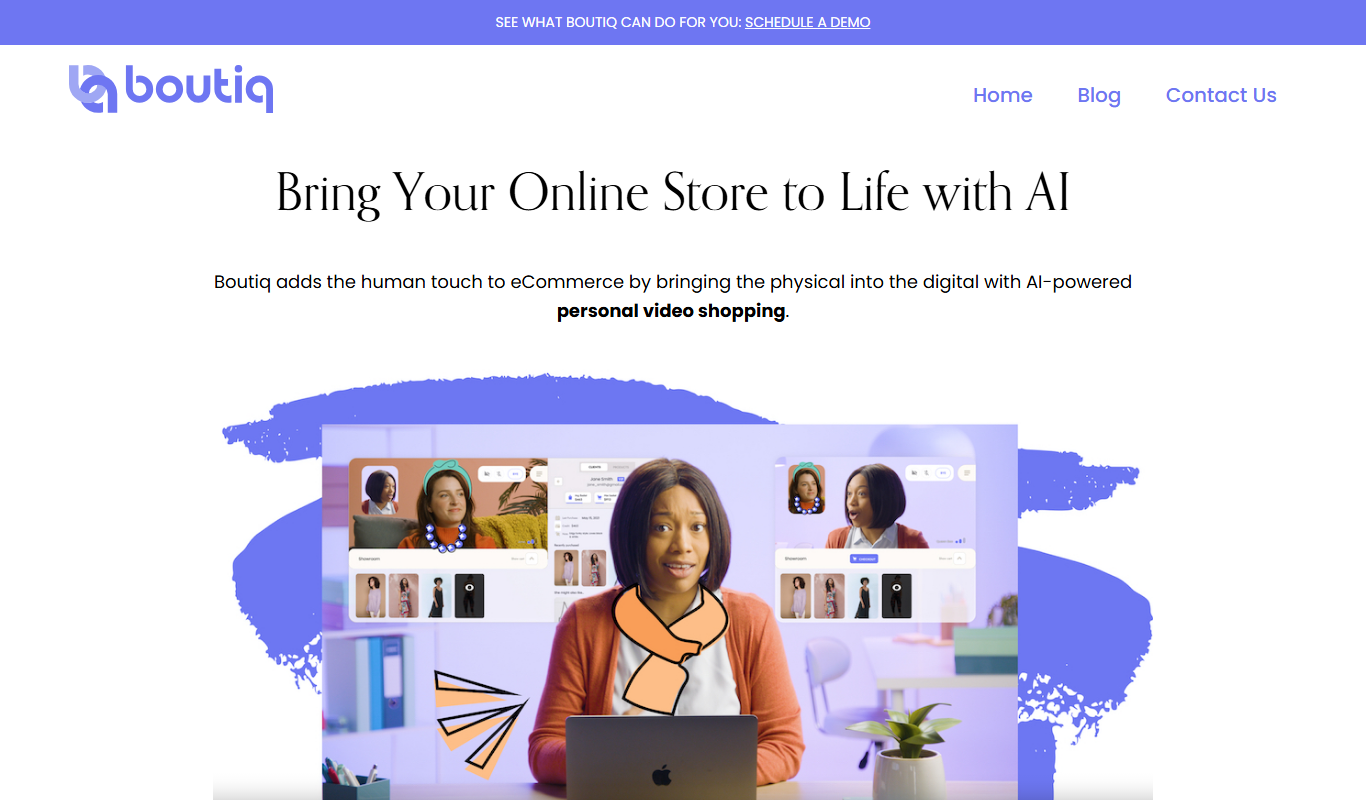
Boutiq adds AI-powered personal video shopping to Shopify stores: shoppers start or schedule a video chat with the store team, from discovery through checkout.

Quilter
Quilter uses physics-driven AI to automate PCB placement and routing, returning review-ready layout candidates in hours for designs from Altium, Cadence and Xpedition.

Talers
Talers is a collaborative writing application for books, novels, scripts and articles, with AI assistance.

Podcast Shownotes Generator
Podcast Shownotes Generator is an AI-powered web tool that creates detailed, SEO-optimized summaries for podcast episodes, helping podcasters save time and improve discoverability.

JotBot AI
JotBot AI is an AI writing assistant that writes in your personal style and helps you find and cite sources without leaving your document.

Sonnet
Sonnet AI is a meeting assistant and notetaker that records without bots, transcribes, writes custom notes, extracts action items and updates your CRM.

Supermeme.ai
Supermeme.ai is an AI-driven meme generator that creates viral memes quickly using customizable templates and AI-generated captions, ideal for social media marketing and content creation.