

AI Animate Image - Online Tool to Animate Photos with AI Technology
AI Animate Image is an online photo to video AI generator that animates any image with AI video models such as Seedance, Kling, Veo and Runway, using credits.
- Best for
- Bring Old Photos to Life
- Key capability
- AI video models
Save AI Animate Image, follow its updates and vote on it — everything stays in your account.
Sign in or create a free account
What is AI Animate Image?
AI Animate Image is a web-based photo to video AI generator that turns any image, such as portraits, landscapes, illustrations, logos, product photos and artwork, into animations using AI video models such as Seedance 2.0, Kling 3.0, Veo 3.1 and Runway.
Key features of AI Animate Image
The tool offers an easy-to-use interface where users upload a photo, and the AI automatically generates smooth animations. It supports various animation styles and outputs shareable video or GIF formats. No installation or technical knowledge is needed, making it accessible for casual users and content creators.
AI video models
Animates photos with AI video models such as Seedance 2.0, Kling 3.0, Veo 3.1, Hailuo and Runway.
No Software Installation
Completely web-based, requiring no downloads or installations.
Free to Use
Offers free access to animation features without subscription fees.
Multiple Output Formats
Supports exporting animations as GIFs or videos for versatile use.
Pros and cons of AI Animate Image
Pros
- Easy and intuitive web interface
- No cost or registration required
- Produces realistic facial animations
- Supports multiple output formats
Cons
- Limited to animating facial images
- No advanced customization options
- No mobile app or offline version
Key use cases for AI Animate Image
Bring Old Photos to Life
Animate historical or old photos to create engaging moving images for personal or educational use.
Social Media Content Creation
Generate animated images to enhance social media posts and attract more engagement.
Creative Storytelling
Use animated photos to add dynamic elements to storytelling projects or presentations.
Entertainment and Fun
Create amusing and captivating animations from static images for entertainment purposes.
How AI Animate Image works
- 1
Upload Photo
Users upload any image in JPEG, PNG or WebP format, such as a portrait, artwork or product photo.
- 2
AI Processing
An AI video model animates the image into a short video.
- 3
Preview Animation
Users can preview the animated result and make adjustments if available.
- 4
Download or Share
The final animated image can be downloaded as a video or GIF or shared directly.
Who is using AI Animate Image
AI Animate Image pricing
Standard
$9.90 per month
1,400 credits each month (about 56 videos), AI video and image tools, advanced models and 1080p watermark-free exports.
Premium
$19.90 per month
3,200 credits each month (about 128 videos).
Business
$49.90 per month
8,400 credits each month (about 336 videos), everything in Premium, priority processing and premium support.
Enterprise
$99.90 per month
18,000 credits each month (about 720 videos), everything in Business and early access to new features.
Plans and prices are as published by the vendor and can change. Check the official site before you buy. Open the pricing page (opens in a new tab)
Frequently asked questions about AI Animate Image
New users receive 30 free credits on sign-up, enough to animate one photo into a video; further use needs a paid credit plan.
It works with portraits, landscapes, illustrations, logos, product photos and artwork.
No, the interface is user-friendly and designed for users without technical expertise.
Yes, animations can be downloaded as GIFs or video files.
It depends on your specific needs and how you plan to use the tool. The official website and documentation are the best sources for the latest details.
Some tools offer a free plan or trial with limited features. Availability can vary, so confirm on the official website.
Yes, it can help with that use case depending on how you configure it and what features are available. You’ll get the best results with clear inputs and a defined goal.
Conclusion
Portraits and landscapes work as well as illustrations, logos and product photos, so the animation is not limited to faces. An uploaded JPEG, PNG or WebP image becomes a short video through AI video models such as Seedance 2.0, Kling 3.0 and Veo 3.1. Both image to video and text to video run in the browser, with no software downloads required.
Bringing old photos to life is one of the documented use cases. Generation runs on credits: new users receive 30 free credits, enough to animate one photo into a video, and monthly subscriptions add larger credit allowances. Every paid plan includes 1080p exports without watermarks, and the site offers commercial licensing for businesses.
Sources
Sign in to review this tool.
Sign In to ReviewNo reviews yet
Be the first to share how this tool worked for you.
Ask about pricing, limits, or how it compares — or answer someone else.
Sign In to AskNo questions yet
Have a question about using or paying for this tool? Be the first to ask.
Featured on TiorAI



More AI Ai Tools tools
Other tools in the same category, for when this one is not quite the fit.

NoFOMO.AI
noFOMO OS is a free web calendar: add the venues you love and its scraper scans their websites every day, pulling every event into one calendar.

AI Song Generator
AI Song Generator is a web tool that creates original songs and lyrics from your genre, mood and topic, with a limited free plan and paid subscriptions.

Beatoven.ai
Beatoven.ai is an AI-driven platform that generates custom royalty-free music tracks tailored to your project's mood and style, ideal for content creators and marketers.
investiment.io
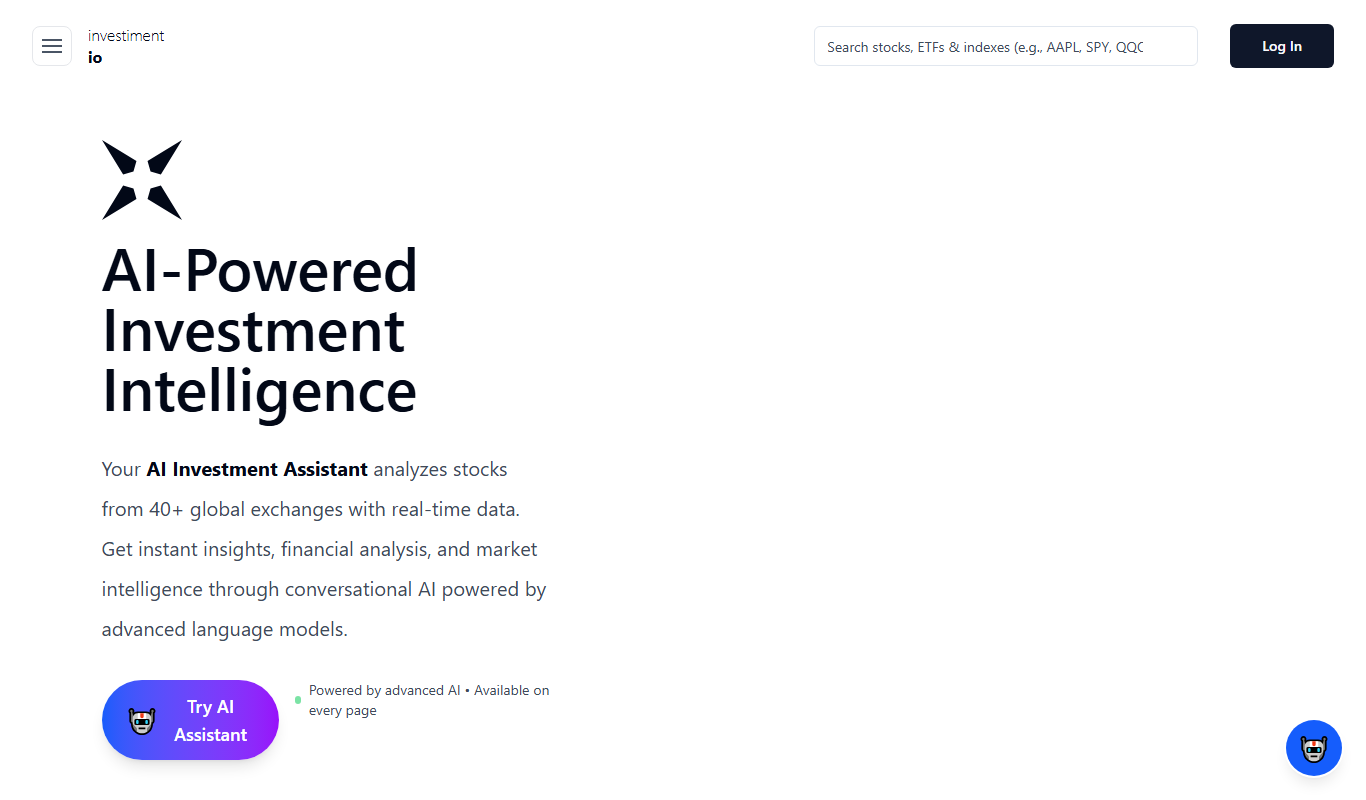
investiment.io is an AI-powered investment platform featuring an intelligent assistant that provides real-time stock analysis across 40+ global exchanges through conversational AI.

Remodel AI
Remodel AI is a web-based AI tool that redesigns any room or home exterior from an uploaded photo in seconds.

Parcae: AI Mind Map Creator
Parcae is an AI-powered mobile mind mapping app that instantly transforms typed, pasted or dictated text into a mind map.

WiseMap.ai
WiseMap.ai is an AI-driven mind mapping tool that helps users generate, organize, and collaborate on ideas visually, enhancing creativity and productivity.

AI Song Generator-Make Song
AI Song Generator-Make Song is an online tool that uses artificial intelligence to create original songs by generating melodies and lyrics based on user inputs such as themes or moods.