
From my experience with Remini, I found it excels at quickly restoring and enhancing old or blurry photos with minimal effort. The AI algorithms effectively sharpen details and upscale images, making it a great choice for users wanting to revive family photos or improve portraits for social media. However, the free version limits daily usage and includes ads, which can be a drawback for heavy users. Also, while it can enhance video frames, it does not process full videos directly. Overall, if you need a straightforward AI photo enhancer that delivers solid restoration results on mobile and web, Remini is a reliable option.

Remini AI Photo Enhancer for Restoring and Enhancing Old Images
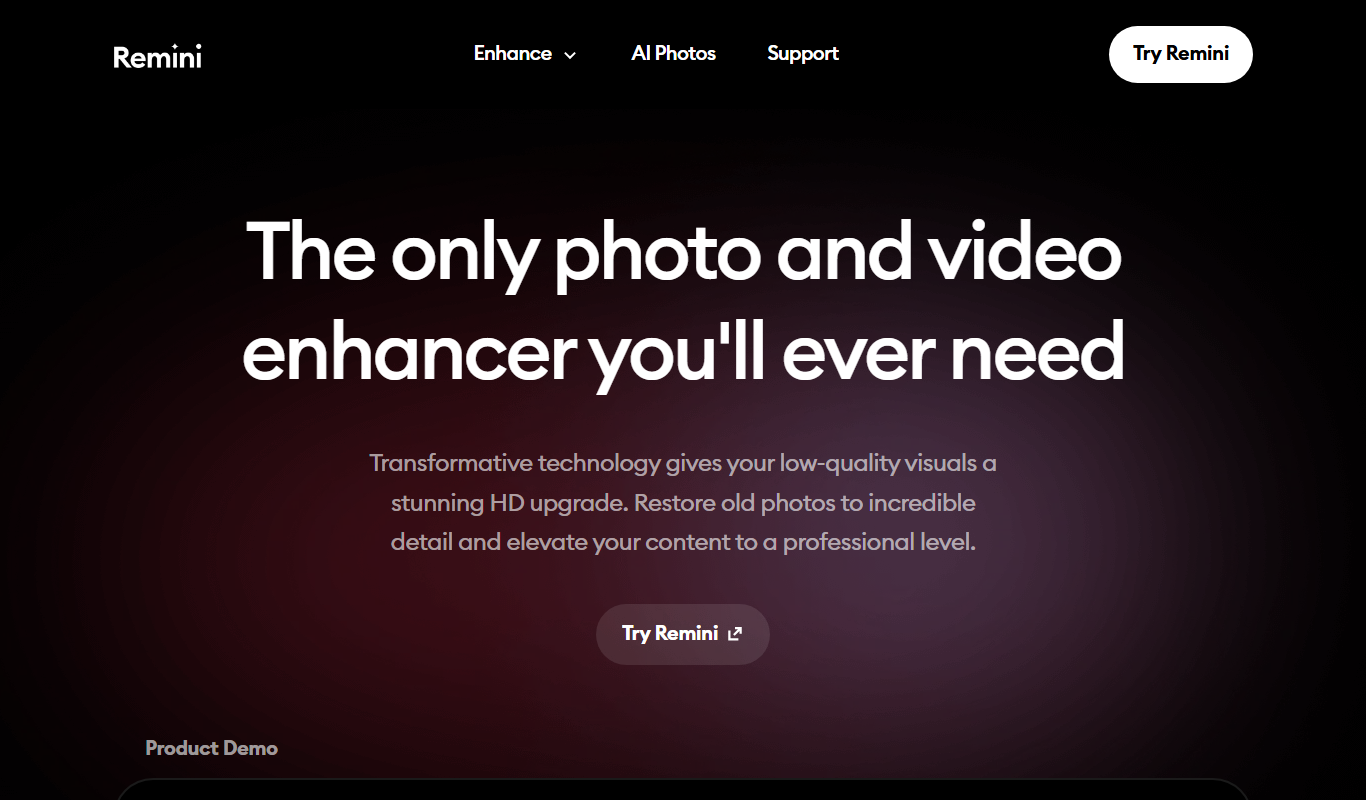
Remini is an AI-powered tool that restores and enhances old, blurry, or low-resolution photos by using deep learning to sharpen details and upscale images.
Tech Stack:
AI
Deep Learning
Mobile App Technology
What is Remini?
Remini is an AI-powered photo enhancement tool designed to restore, sharpen, and upscale images, especially old or low-quality photos. Using advanced deep learning models, it can transform blurry or pixelated pictures into clear, high-definition images with minimal user effort. It is accessible via mobile apps and a web platform, making it convenient for casual users and professionals alike.
Key Features of Remini
AI-Powered Restoration
Automatically repairs and sharpens old or blurry photos using deep learning.
High-Resolution Upscaling
Increases image resolution while preserving details and reducing noise.
Portrait Enhancement
Improves facial clarity and details for better portrait quality.
Video Frame Enhancement
Enhances individual frames extracted from videos to improve overall video quality.
Cross-Platform Accessibility
Available on iOS, Android, and web browsers for easy access.
Pros and Cons of Remini
Pros
- Easy-to-use interface suitable for beginners
- Effective AI restoration for old and blurry photos
- Cross-platform availability on mobile and web
- Affordable premium subscription with unlimited use
Cons
- Free version has daily limits and ads
- Results can vary depending on photo quality
- No direct full video enhancement feature
Key Use Cases for Remini
Old Photo Restoration
Restore and enhance old, blurry, or damaged photos to high definition using AI-powered algorithms.
Image Upscaling
Increase the resolution of low-quality images without losing detail or introducing noise.
Portrait Enhancement
Sharpen facial features and improve clarity in portraits for social media or personal archives.
Video Frame Enhancement
Enhance individual frames from videos to improve overall video quality.
Professional Photography Touch-up
Quickly enhance photos for professional use without manual editing.
How Remini Works
-
1
Upload Photo
Select or upload the photo you want to enhance from your device.
-
2
AI Processing
Remini’s AI analyzes the image and applies restoration and enhancement algorithms.
-
3
Preview and Download
Review the enhanced photo and download it in high resolution.
Who's Using Remini
Photography enthusiasts
Social media users
Archivists and historians
Casual users restoring family photos
Content creators needing quick photo enhancement
Remini Pricing
Free
$0/month
Limited daily credits for photo enhancement with ads.
Premium
$4.99/month
Unlimited enhancements, faster processing, and ad-free experience.
Frequently Asked Questions About Remini
Remini offers a free plan with limited daily enhancements and ads. Premium subscription unlocks unlimited use.
Remini works best on old, blurry, low-resolution, or damaged photos, as well as portraits and video frames.
Remini processes photos temporarily for enhancement and states it does not store images permanently.
Remini can enhance individual frames extracted from videos but does not process full videos directly.
It depends on your specific needs and how you plan to use the tool. The official website and documentation are the best sources for the latest details.
Yes, it can help with that use case depending on how you configure it and what features are available. You’ll get the best results with clear inputs and a defined goal.
Yes, it can help with that use case depending on how you configure it and what features are available. You’ll get the best results with clear inputs and a defined goal.
Share your review
Reviews are limited to one per logged-in user and are published after moderation.
You need an account to review this tool.
0.0
★
★
★
★
★
0 reviews
5 star
0
4 star
0
3 star
0
2 star
0
1 star
0
No reviews yet
Be the first to share how this tool worked for you.
Questions from the community
Read questions and answers about this tool, or ask your own.
No questions yet
Start the conversation by asking the first question about this tool.
Is this tool helpful?
Alternative Tools
Explore similar AI tools that might fit your needs

Free
Enhance.Pho.to
Enhance.Pho.to is a free web-based AI photo enhancement tool that automatically improves photo quality, removes backgrounds, retouches faces, and restores old images without requiring user registration.

Free
myimg.ai
myimg.ai is a web-based AI tool that automatically removes backgrounds from images, supports bulk processing, and offers easy downloads with transparent backgrounds.

Free
Aesty
Aesty is a web-based AI image generator that creates unique, high-quality images from text prompts, ideal for creatives and marketers seeking fast, customizable visuals.

Free
Image Bear
Image Bear is an AI-based web tool that automatically removes backgrounds from images, allowing users to create transparent or custom backgrounds quickly and easily.

Credit-based
RealFake
RealFake Photos is an AI-powered web tool that generates photorealistic images of people who do not exist, ideal for content creation and marketing without copyright concerns.

Freemium
Jetcounter
Jetcounter is a web-based flight tracking platform offering real-time aircraft positions, detailed flight data, and historical flight records for aviation enthusiasts and professionals.

Free
ByeBackground
ByeBackground is an AI-based online tool that automatically removes backgrounds from images quickly and easily without software installation.

Freemium
Snapied
Snapied is an AI-powered platform that generates unique images from text descriptions, helping users create creative visuals quickly without design skills.

Freemium
ImgifyAI
ImgifyAI is an AI-based web tool that upscales and enhances images by increasing resolution, reducing noise, and sharpening details automatically.