

PhraseExpress Text Expander and Autotext Software for Productivity
PhraseExpress is a text expander tool that automates repetitive typing by expanding shortcuts into full text snippets, supporting macros and cloud sync across devices.
- Best for
- Text Expansion
- Key capability
- Text Expansion
Save PhraseExpress, follow its updates and vote on it — everything stays in your account.
Sign in or create a free account
What is PhraseExpress?
PhraseExpress is a text expander and autotext software designed to boost productivity by automating repetitive typing tasks. It allows users to create custom keyboard shortcuts that expand into frequently used phrases, paragraphs, or even entire documents. It is available for Windows, Mac and iOS.
Key features of PhraseExpress
Key features include customizable autotext snippets, macro support for dynamic content insertion, clipboard management, multi-language support, and cloud synchronization across devices. PhraseExpress also offers integration with popular applications and supports team collaboration with shared phrase libraries.
Text Expansion
Automatically replace abbreviations with full text to save time.
Macro Support
Insert dynamic content like dates, clipboard content, or user input forms.
Clipboard Manager
Store and reuse multiple clipboard entries efficiently.
Cloud Sync
Keep your snippets updated across multiple devices seamlessly.
Team Collaboration
Share phrase libraries with colleagues to standardize communication.
Pros and cons of PhraseExpress
Pros
- Highly customizable text expansion
- Supports macros for dynamic content
- Cross-platform availability
- Team collaboration features
- One-time purchase option
Cons
- User interface can be complex for beginners
- Limited free version features
- No native Linux support
Key use cases for PhraseExpress
Text Expansion
Automatically insert frequently used phrases, paragraphs, or templates to save typing time.
Email and Customer Support
Use canned responses and autotext to quickly reply to common customer inquiries.
Coding and Development
Insert code snippets and templates to speed up programming tasks.
Medical and Legal Documentation
Standardize documentation with predefined text blocks for accuracy and efficiency.
Marketing and Sales
Create quick access to promotional text, product descriptions, and sales scripts.
How PhraseExpress works
- 1
Install and Setup
Download and install PhraseExpress on your device and create an account if needed.
- 2
Create Snippets
Define text snippets or phrases with assigned keyboard shortcuts or abbreviations.
- 3
Use Snippets
Type the shortcut in any application to automatically expand it into the full text.
- 4
Sync and Share
Synchronize your snippets across devices or share them with your team for consistent communication.
Who is using PhraseExpress
PhraseExpress pricing
Free
$0
Basic text expansion features for personal use with limited snippets.
Professional
$49.95 one-time
Full features including macros, clipboard manager, and commercial use license.
Enterprise
Custom pricing
Advanced team collaboration, centralized management, and priority support.
Plans and prices are as published by the vendor and can change. Check the official site before you buy. Open the pricing page (opens in a new tab)
Frequently asked questions about PhraseExpress
Yes, PhraseExpress offers versions for Windows and Mac, as well as an iOS app.
Yes, PhraseExpress supports shared phrase libraries for team collaboration.
Yes, it includes macro functions to insert dates, clipboard content, and user input forms.
Yes, there is a free version with basic features suitable for personal use.
This tool is designed to help users accomplish its core tasks more efficiently. It is typically used by individuals or teams looking to improve productivity and workflow.
Yes, it can help with that use case depending on how you configure it and what features are available. You’ll get the best results with clear inputs and a defined goal.
Yes, it can help with that use case depending on how you configure it and what features are available. You’ll get the best results with clear inputs and a defined goal.
Some tools offer a free plan or trial with limited features. Availability can vary, so confirm on the official website.
Conclusion
Keyboard shortcuts or abbreviations typed in any application expand into the full text, and macros can insert dynamic content such as dates, clipboard content or user input forms. Snippets synchronize across devices, and phrase libraries can be shared with colleagues to standardize communication. Canned responses for customer inquiries, code templates and standardized medical and legal documentation are typical uses.
The software runs on Windows, Mac and iOS. Paid editions are one-time purchases, from Standard at $99.95 up to Enterprise at $249.95.
Sources
Sign in to review this tool.
Sign In to ReviewNo reviews yet
Be the first to share how this tool worked for you.
Ask about pricing, limits, or how it compares — or answer someone else.
Sign In to AskNo questions yet
Have a question about using or paying for this tool? Be the first to ask.
Featured on TiorAI



Alternative Tools
Explore similar AI tools that might fit your needs
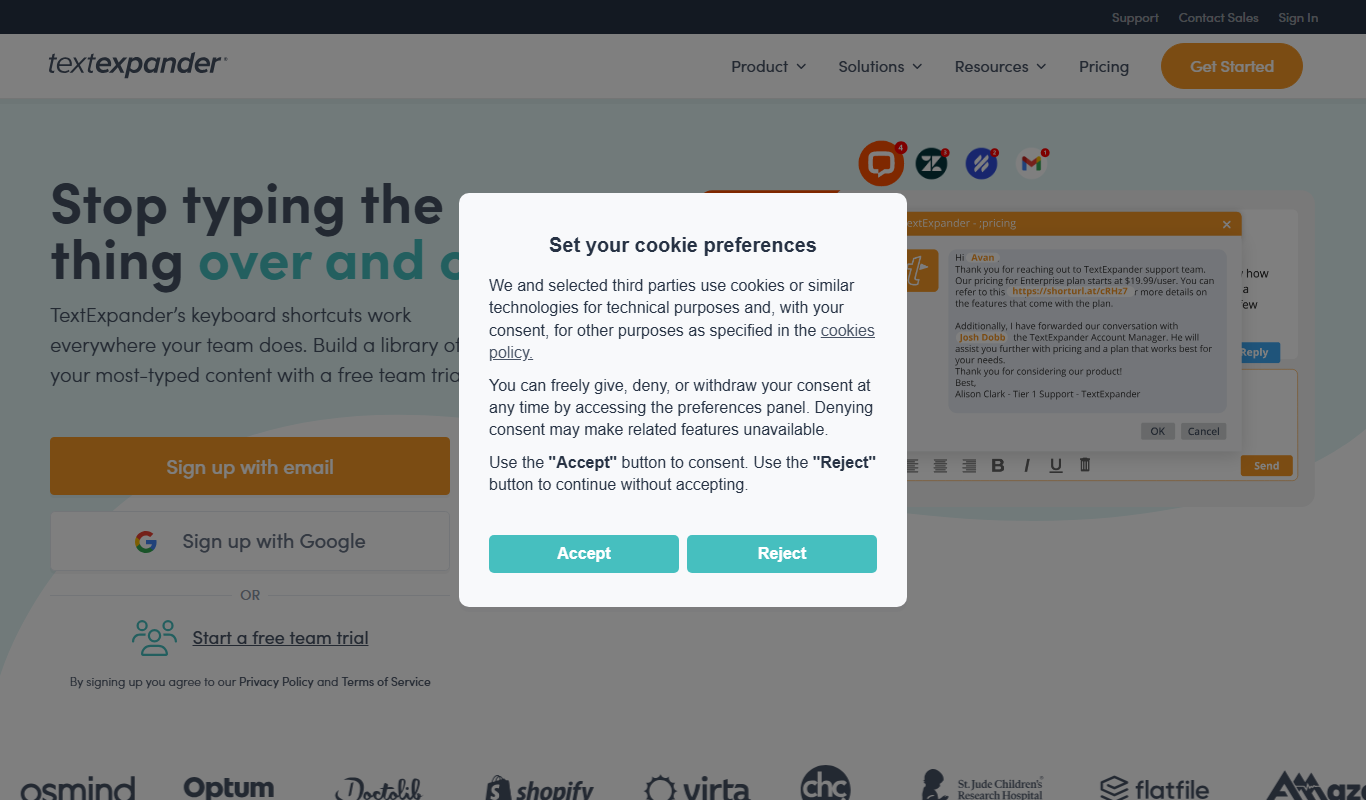
TextExpander
TextExpander is a cross-platform productivity tool that lets users create and use customizable text snippets to automate repetitive typing and improve communication efficiency.
aText
aText is a text expansion software that allows users to create custom keyboard shortcuts to automatically insert frequently used text snippets, improving typing speed and reducing repetitive typing on macOS and Windows.
More Business Management tools
Other tools in the same category, for when this one is not quite the fit.

ShootProof
ShootProof is a photography client management platform that provides customizable online galleries, client proofing tools, and integrated e-commerce for selling prints and digital downloads.

Duplicate Cleaner Pro
Duplicate Cleaner Pro is a Windows software tool that scans for and removes duplicate files, helping users free up disk space and organize their files efficiently.
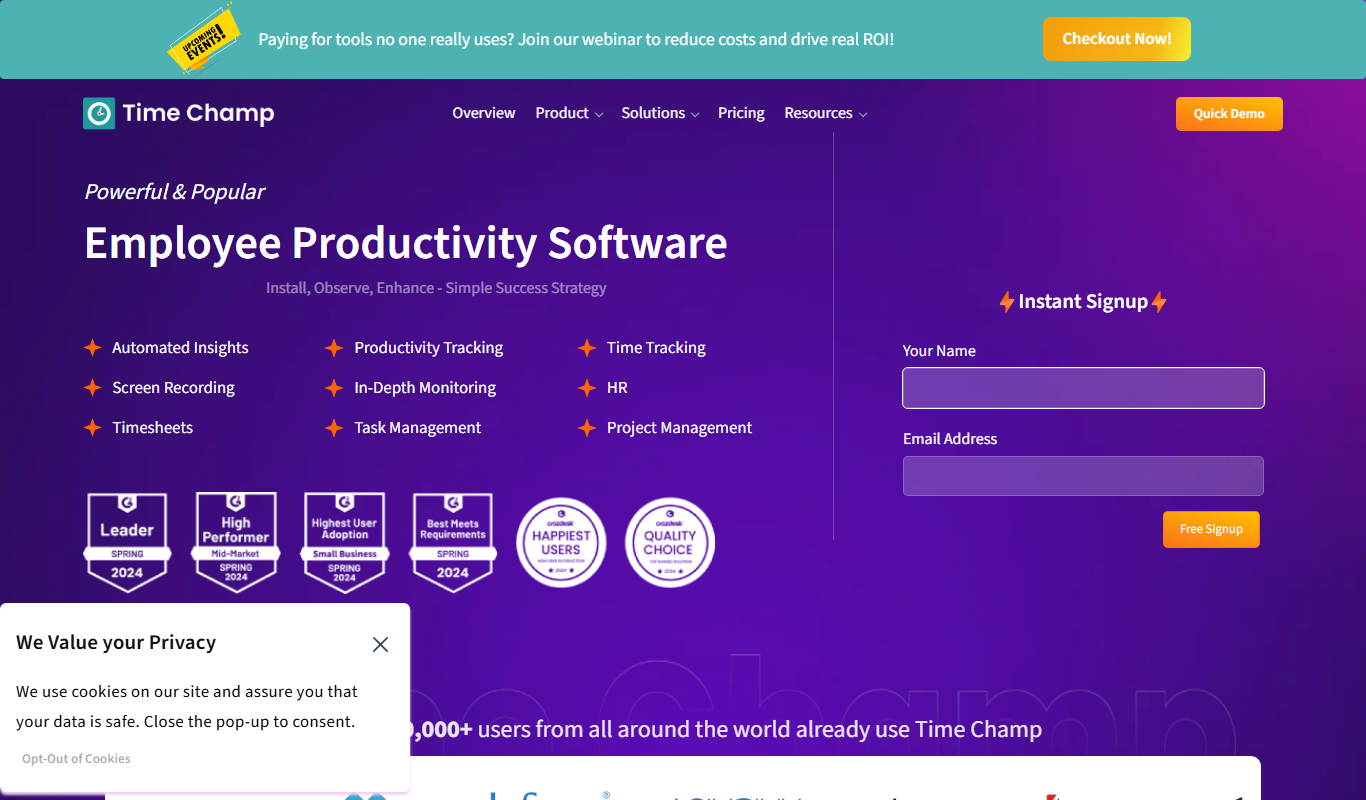
Time Champ
Time Champ is a multi-platform time tracking and employee monitoring software that helps businesses track work hours, manage projects, and analyze productivity with features like automatic tracking, screenshots, and timesheet automation.

PDF2XL
PDF2XL is a software tool that converts PDF documents, especially tables, into editable Excel spreadsheets with features like OCR and batch processing.

Polly
Polly is an AI-driven survey and polling tool that integrates with Slack and Microsoft Teams to help organizations gather real-time feedback and improve employee engagement.
ProofHub
ProofHub is a comprehensive project management and team collaboration software that helps teams plan, track, and deliver projects efficiently with features like task management, Gantt charts, online proofing, and time tracking.

Demostack
Demostack is an enterprise agentic product simulation platform for product demos.

Supademo 2.0
Supademo 2.0 is a no-code platform that enables SaaS companies to build interactive product demos and guided tours without coding, helping accelerate sales and marketing efforts.