
From my experience with Shy Editor, I found it excels at providing straightforward grammar and style suggestions that help improve writing clarity without overwhelming the user. The platform’s simplicity makes it accessible for beginners and professionals alike, especially those focused on English content. However, the lack of multi-language support and mobile app limits its versatility for some users. Overall, if you need a clean, easy-to-use AI writing assistant for enhancing English text, Shy Editor delivers reliable and practical results.

Shy Editor AI Writing Assistant for Clear and Concise Content Creation
Shy Editor is an AI writing assistant that helps users improve grammar, style, and clarity in English text through real-time suggestions on a user-friendly web platform.
What is Shy Editor?
Shy Editor is an AI-powered writing assistant designed to help users improve their written content by providing grammar corrections, style suggestions, and clarity enhancements. It focuses on making text more readable and professional, catering to a wide range of writing needs from casual emails to academic papers.

Key Features of Shy Editor
Grammar and Spelling Correction
Automatically detects and corrects common grammar and spelling errors.
Style and Tone Suggestions
Offers recommendations to improve writing style and maintain appropriate tone.
Clarity Enhancements
Identifies complex or unclear sentences and suggests simpler alternatives.
User-Friendly Interface
Clean and intuitive web platform for easy text input and editing.
Pros and Cons of Shy Editor
Pros
- Easy to use with a clean interface
- Provides clear grammar and style suggestions
- Affordable premium plan with enhanced features
Cons
- Supports only English language
- No dedicated mobile app available
- Limited integrations with other platforms
Key Use Cases for Shy Editor
Content Writing
Helps writers generate clear, concise, and engaging content with AI-powered suggestions.
Editing and Proofreading
Improves grammar, spelling, and style to enhance the overall quality of text.
Academic Writing
Assists students and researchers in refining essays, papers, and reports for clarity and correctness.
Business Communication
Supports professionals in drafting polished emails, proposals, and presentations.
How Shy Editor Works
-
1
Input Text
Users paste or type their text into the Shy Editor web interface.
-
2
AI Analysis
The AI engine analyzes the text for grammar, style, and clarity issues.
-
3
Receive Suggestions
Users receive highlighted corrections and improvement suggestions.
-
4
Apply Changes
Users can accept or reject suggestions to refine their content.
Who's Using Shy Editor
Content writers
Students and academics
Business professionals
Freelancers and bloggers
Shy Editor Pricing
Free
$0/month
Basic access with limited daily usage and essential editing features.
Premium
$9.99/month
Unlimited usage with advanced suggestions and priority support.
Frequently Asked Questions About Shy Editor
Yes, Shy Editor offers a free plan with limited daily usage and basic editing features.
Currently, Shy Editor supports English language text only.
Shy Editor is primarily a web-based tool optimized for desktop browsers.
It depends on your specific needs and how you plan to use the tool. The official website and documentation are the best sources for the latest details.
It depends on your specific needs and how you plan to use the tool. The official website and documentation are the best sources for the latest details.
Yes, it can help with that use case depending on how you configure it and what features are available. You’ll get the best results with clear inputs and a defined goal.
Share your review
Reviews are limited to one per logged-in user and are published after moderation.
You need an account to review this tool.
0.0
★
★
★
★
★
0 reviews
5 star
0
4 star
0
3 star
0
2 star
0
1 star
0
No reviews yet
Be the first to share how this tool worked for you.
Questions from the community
Read questions and answers about this tool, or ask your own.
No questions yet
Start the conversation by asking the first question about this tool.
Is this tool helpful?

Free
inkflow.io
Inkflow.io is a digital notebook app for iOS that enables users to take visual notes, sketch, and organize ideas on a zoomable canvas with natural handwriting tools.

Freemium
CoWriter AI
CoWriter AI is an AI-powered writing assistant designed to help users generate, edit, and improve written content efficiently through AI-driven suggestions and tools.
Free Trial
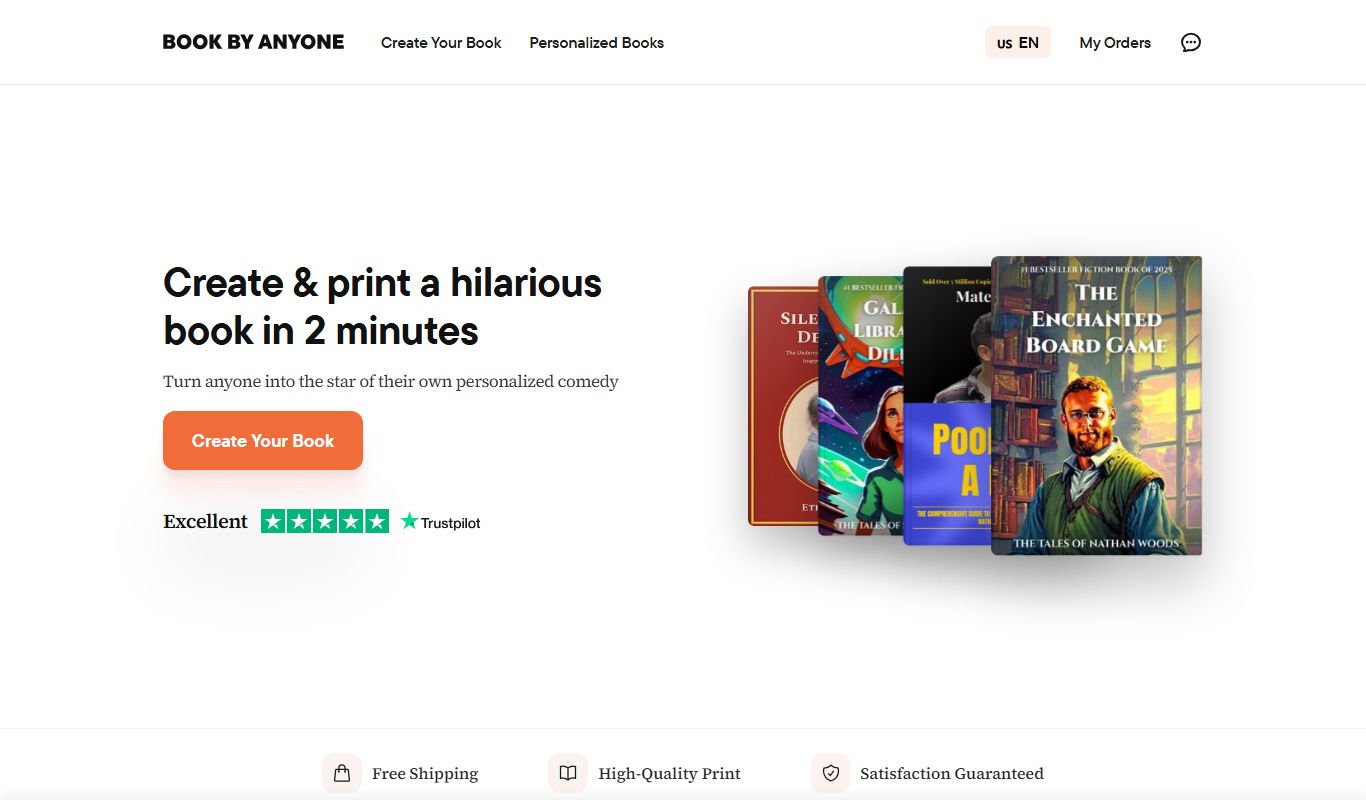
bookbyanyone.com
BookByAnyone is an online appointment scheduling platform that helps businesses and professionals automate client bookings, manage calendars, and send reminders to reduce no-shows.
Free
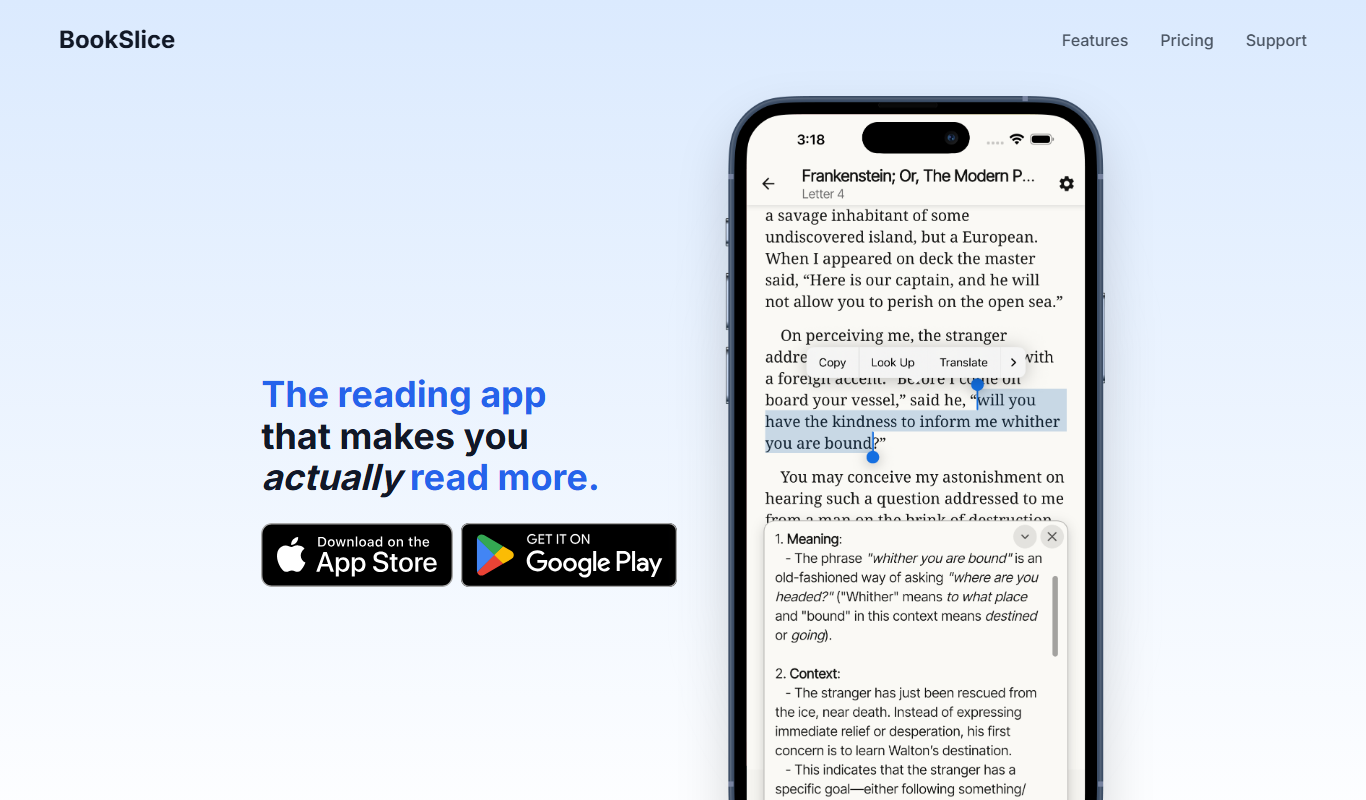
BookSlice
BookSlice is a reading app that provides concise book summaries, tracks your reading progress, and allows note-taking to help you learn efficiently.

Free
Book AI
Book AI is an AI-powered writing assistant designed to help authors and content creators generate and refine book content through AI-driven suggestions and editing tools.

Free
Campfire
Campfire is an AI-assisted creative writing platform designed to help authors organize and develop stories through character building, worldbuilding, and plot visualization tools.

Custom Pricing
Hyra
Hyra Vision is an AI-driven video analytics platform that provides real-time monitoring, object detection, facial recognition, and customizable alerts to enhance security and operational efficiency.

Freemium
LLMWizard
LLMWizard is an AI development platform that enables users to train, deploy, and manage custom large language models using their own datasets and scalable cloud resources.