
From my experience with Postli, I found it excels at simplifying social media scheduling with an easy-to-use content calendar and solid team collaboration features. The platform’s straightforward interface makes it accessible for small businesses and marketing teams looking to automate posting without a steep learning curve. However, Postli is currently limited to web use only and lacks some integrations that larger competitors offer. Overall, if you need a budget-friendly, efficient tool for managing multiple social accounts and coordinating with your team, Postli delivers reliable performance.
Postli Social Media Scheduler for Efficient Content Planning and Posting
Postli is a web-based social media scheduling platform that enables users to plan, schedule, and automate posts across multiple social media accounts while facilitating team collaboration and performance tracking.
What is Postli?
Postli is a web-based social media scheduling and management platform designed to help individuals and teams plan, schedule, and publish content efficiently across various social media channels. It offers a streamlined content calendar, automation features, and collaboration tools to simplify social media marketing workflows.
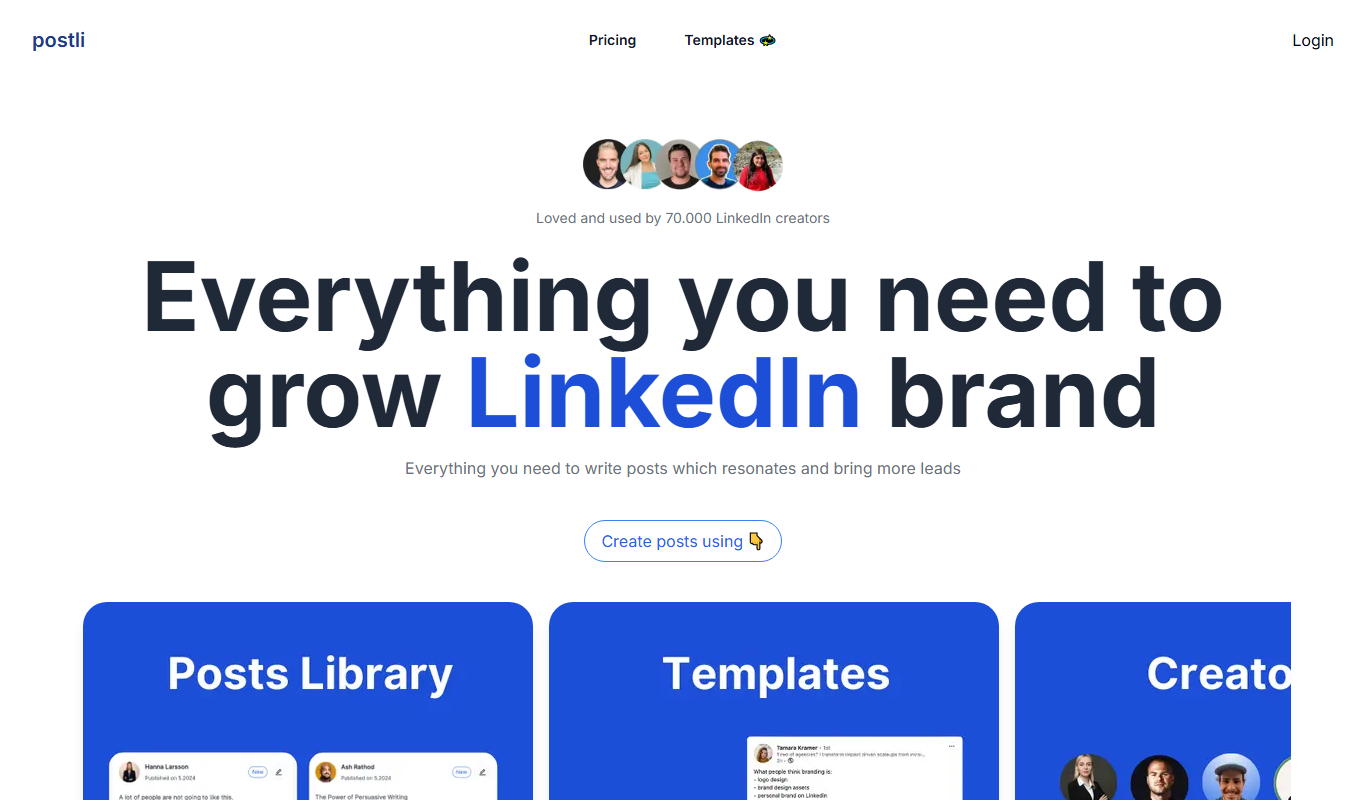
Key Features of Postli
Multi-Platform Scheduling
Schedule posts across various social media channels from a single dashboard.
Visual Content Calendar
Organize and view scheduled posts in an intuitive calendar format.
Team Collaboration Tools
Manage user roles and streamline content approval processes.
Automated Posting
Set posts to publish automatically at optimal times.
Performance Analytics
Track engagement and post metrics to measure social media success.
Pros and Cons of Postli
Pros
- User-friendly interface with a clear content calendar
- Supports multiple social media platforms
- Team collaboration and approval workflows
- Affordable pricing with a free tier
Cons
- Limited integrations compared to larger competitors
- No mobile app available; web-only platform
Key Use Cases for Postli
Social Media Scheduling
Plan and schedule posts across multiple social media platforms to maintain consistent engagement.
Content Calendar Management
Organize and visualize your social media content calendar for better campaign planning.
Team Collaboration
Collaborate with team members by assigning roles and managing content approval workflows.
Performance Tracking
Monitor post performance and engagement metrics to optimize social media strategies.
How Postli Works
-
1
Create an Account
Sign up on Postli’s website to start managing your social media content.
-
2
Connect Social Accounts
Link your social media profiles such as Facebook, Twitter, Instagram, and LinkedIn.
-
3
Plan and Schedule Posts
Use the content calendar to create, schedule, and automate posts across platforms.
-
4
Collaborate with Team
Invite team members, assign roles, and manage content approvals.
-
5
Analyze Performance
Review engagement metrics and optimize your posting strategy accordingly.
Who's Using Postli
Small businesses
Social media managers
Marketing agencies
Content creators
Freelancers
Postli Pricing
Free
$0/month
Basic scheduling features with limited social accounts and posts.
Pro
$15/month
Advanced scheduling, unlimited posts, and team collaboration features.
Frequently Asked Questions About Postli
Postli supports major platforms including Facebook, Twitter, Instagram, and LinkedIn.
Yes, Postli offers team collaboration features with role assignments and content approvals.
Yes, Postli provides a free plan with basic scheduling capabilities.
Postli includes performance tracking to monitor engagement and optimize your strategy.
Yes, it can help with that use case depending on how you configure it and what features are available. You’ll get the best results with clear inputs and a defined goal.
Yes, it can help with that use case depending on how you configure it and what features are available. You’ll get the best results with clear inputs and a defined goal.
Some tools offer a free plan or trial with limited features. Availability can vary, so confirm on the official website.
Yes, it can help with that use case depending on how you configure it and what features are available. You’ll get the best results with clear inputs and a defined goal.
Share your review
Reviews are limited to one per logged-in user and are published after moderation.
You need an account to review this tool.
0.0
★
★
★
★
★
0 reviews
5 star
0
4 star
0
3 star
0
2 star
0
1 star
0
No reviews yet
Be the first to share how this tool worked for you.
Questions from the community
Read questions and answers about this tool, or ask your own.
No questions yet
Start the conversation by asking the first question about this tool.
Is this tool helpful?
Alternative Tools
Explore similar AI tools that might fit your needs

Free
Later
Later is a social media management tool that enables users to visually plan, schedule, and analyze posts across multiple platforms including Instagram, Facebook, Twitter, and Pinterest.
Free
Nameverse AI
Nameverse AI is an online tool that uses artificial intelligence to generate unique brand name ideas and check domain availability, helping businesses find creative and usable names quickly.

Freemium
plano.ly
Plano.ly is an AI-powered visual planning platform that enables teams to organize projects, assign tasks, and collaborate in real-time using interactive boards and AI suggestions.

Free
Tangle Club
Tangle Club is a feeless NFT marketplace built on the IOTA Tangle, allowing users to mint, buy, sell, and trade digital collectibles without gas fees.
Freemium
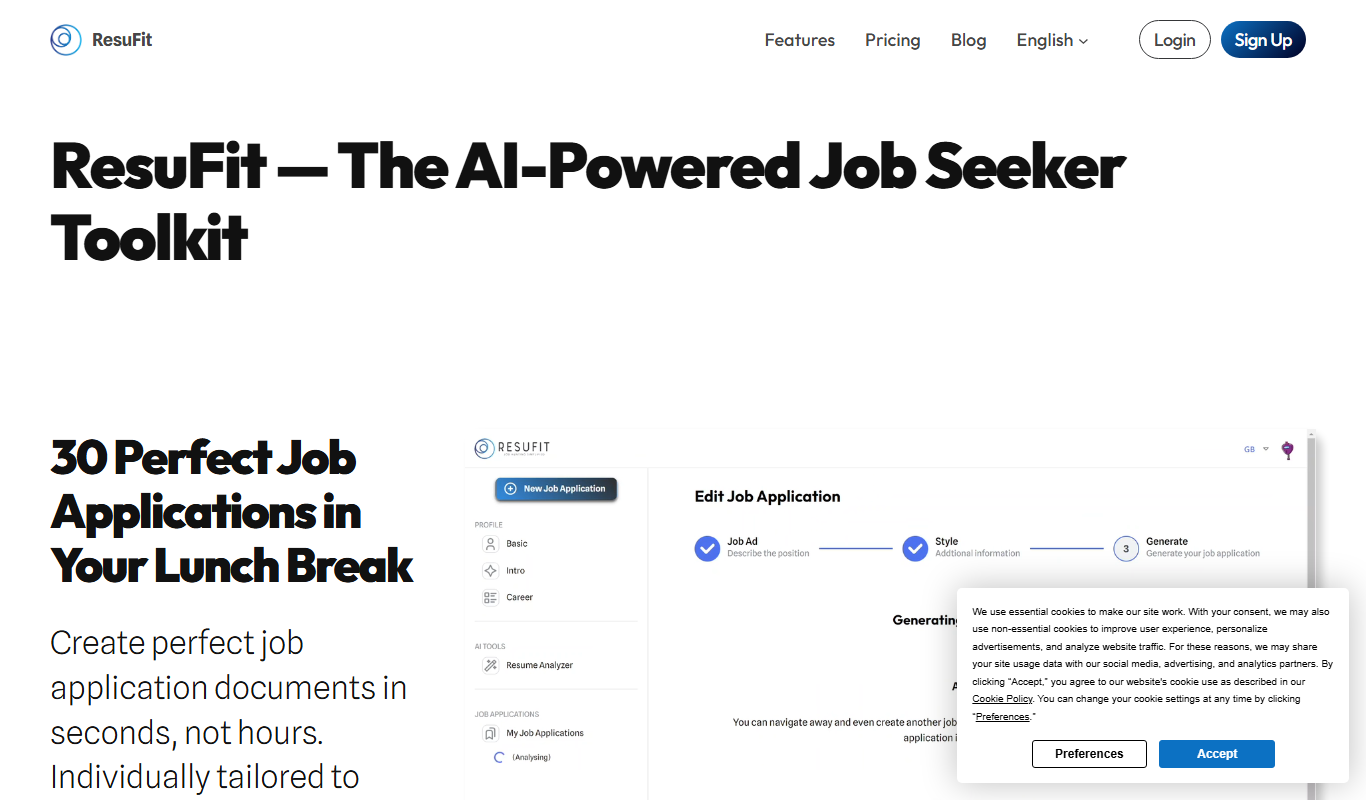
ResuFit
ResuFit is an online resume builder that helps job seekers create ATS-friendly resumes using customizable templates and optimization tools.

Free
Pleasureye
Pleasureye is an AI art generator that transforms text prompts into unique digital artwork with various styles and high-resolution output.
Free
PickMyLine
PickMyLine is a free online AI tool that generates creative text lines and ideas to assist writers and content creators in brainstorming and content development.

Free Trial
Profile Pro
Profile Pro AI is an AI-powered tool designed to optimize LinkedIn profiles and resumes by generating personalized, professional content that enhances visibility and engagement.
Free
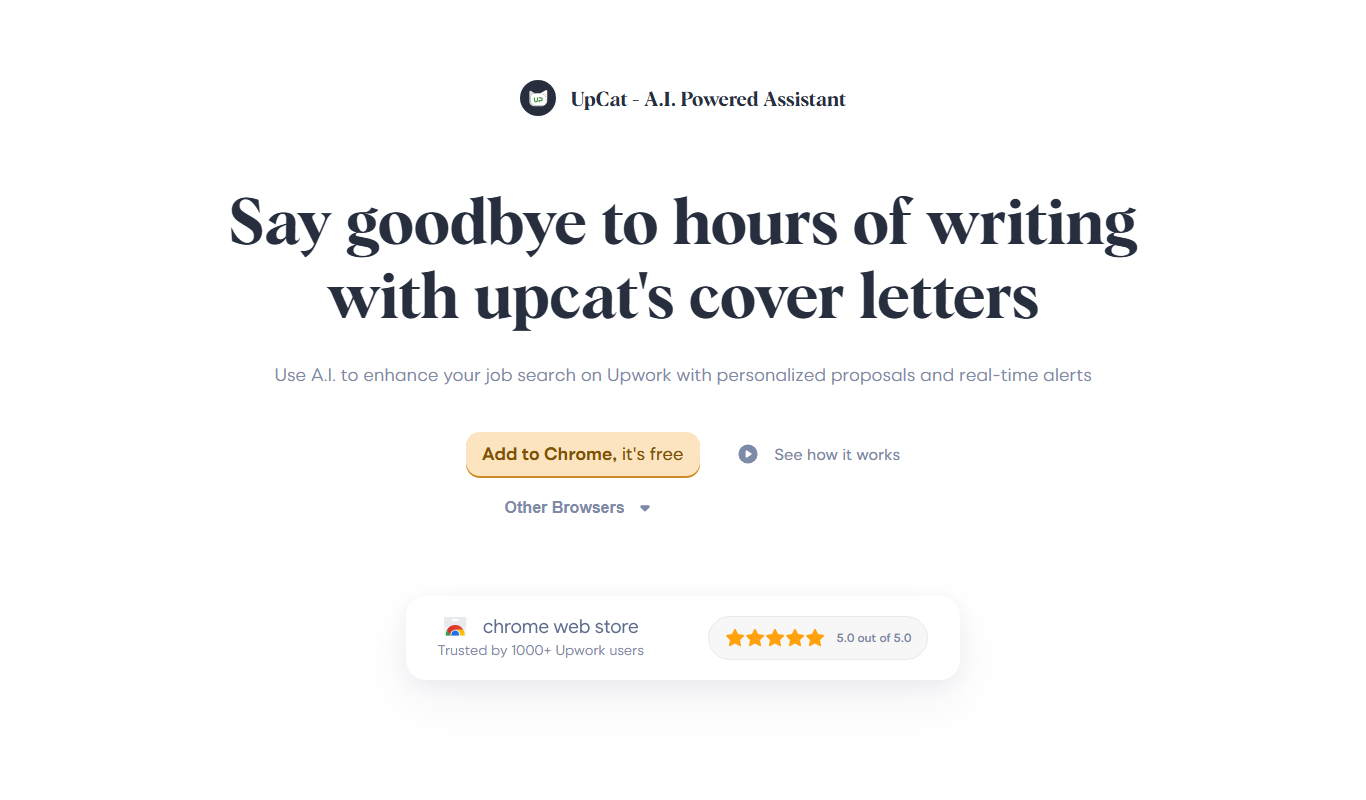
Upcat
Upcat is an AI chatbot platform that helps businesses automate customer support and engagement by creating customizable conversational bots for websites and other platforms.