

AI Drum Generator - Create Custom Drum Patterns with AI Technology
AI Drum Generator is a free web-based tool that uses artificial intelligence to create custom drum patterns quickly and easily without requiring advanced skills.
- Best for
- Music Production
- Key capability
- AI-Powered Drum Pattern Generation
Save AI Drum Generator, follow its updates and vote on it — everything stays in your account.
Sign in or create a free account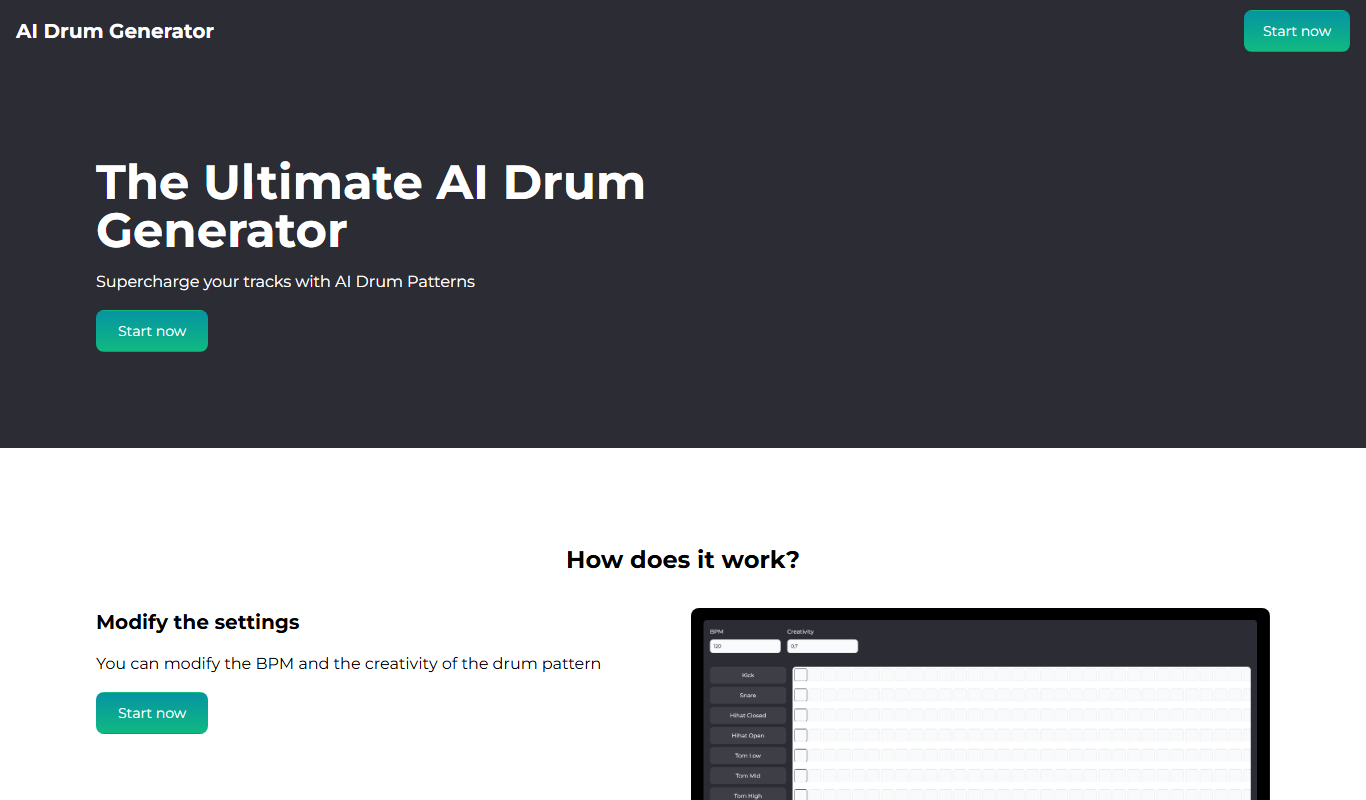

What is AI Drum Generator?
AI Drum Generator is a free tool whose stated controls are BPM and the creativity level, not a choice of styles.
Key features of AI Drum Generator
The site lets users control the BPM and creativity only; there is no list of styles.
AI-Powered Drum Pattern Generation
Automatically creates unique and musically coherent drum beats.
BPM and Creativity
Control the BPM and the creativity level; there is no list of styles.
User-Friendly Web Interface
No installation required; accessible directly through a web browser.
Free to Use
Offers full functionality without any cost or subscription.
Pros and cons of AI Drum Generator
Pros
- Easy and quick drum pattern creation
- No cost or signup required
- Accessible from any web browser
Cons
- Limited to drum pattern generation only
- No advanced editing or multi-track support
Key use cases for AI Drum Generator
Music Production
Generate unique drum patterns to enhance music tracks and compositions.
Beat Making
Create custom beats quickly for hip-hop, electronic, and other genres.
Songwriting Assistance
Use AI-generated drum rhythms as inspiration or foundation for songwriting.
Practice and Jamming
Provide drum backing tracks for musicians to practice or jam along with.
How AI Drum Generator works
- 1
Access the Website
Open the AI Drum Generator web app on your browser without any installation.
- 2
Set BPM and Creativity
Set the BPM and the creativity level.
- 3
Generate Drum Pattern
Click the generate button to create a unique AI-powered drum beat.
- 4
Customize and Export
Adjust the pattern if needed and export the drum track for use in your projects.
Who is using AI Drum Generator
AI Drum Generator pricing
Free
$0
Full access to AI drum pattern generation with no fees.
Plans and prices are as published by the vendor and can change. Check the official site before you buy. Open the pricing page (opens in a new tab)
Frequently asked questions about AI Drum Generator
No, the tool is accessible without registration or login.
Yes, you can export the drum patterns for use in your music projects.
Absolutely, the interface is simple and designed for users of all skill levels.
It depends on your specific needs and how you plan to use the tool. The official website and documentation are the best sources for the latest details.
Yes, it can help with that use case depending on how you configure it and what features are available. You’ll get the best results with clear inputs and a defined goal.
Some tools offer a free plan or trial with limited features. Availability can vary, so confirm on the official website.
Conclusion
Control over the output comes down to the BPM and the creativity level, with no list of styles to pick from. Users click the generate button to create a unique drum beat in the browser without any installation.
No cost, subscription, registration or login stands between a visitor and the generator. It is designed for music producers, beat makers and songwriters, along with musicians practicing with backing tracks. Use cases on the page include drum backing tracks to practice or jam along with, and rhythms as a foundation for songwriting. Its scope is limited to drum pattern generation.
Sources
Sign in to review this tool.
Sign In to ReviewNo reviews yet
Be the first to share how this tool worked for you.
Ask about pricing, limits, or how it compares — or answer someone else.
Sign In to AskNo questions yet
Have a question about using or paying for this tool? Be the first to ask.
Featured on TiorAI



More AI Beat Generator tools
Other tools in the same category, for when this one is not quite the fit.

Ecrett Music
Ecrett Music is an AI music generator that creates royalty-free background music for videos, games, and other content by selecting mood, scene, and genre.

Mixxx
Mixxx is a free, open-source DJ software that enables live mixing, beatmatching, and music production with support for multiple platforms and hardware controllers.
BeatStars
BeatStars is a music marketplace platform that allows producers to sell beats and artists to license music, featuring AI-powered beat generation tools and collaboration features.

AudioCipher
AudioCipher is a text-to-MIDI desktop plugin for Windows and macOS that turns words into musical notes inside Ableton, Logic and FL Studio.

Spectrasonics Omnisphere
Spectrasonics Omnisphere is a comprehensive software synthesizer plugin combining multiple synthesis types and a vast sound library, widely used for music production, sound design, and live performance.
Native Instruments Komplete
Native Instruments Komplete is a professional music production suite offering a vast collection of virtual instruments, effects, and sound libraries designed for composing, producing, and performing music.

Drumbit
Drumbit is a free web-based drum machine that lets you create and export drum beats using an easy step sequencer interface with multiple drum kits and tempo control.

Virtual DJ
Virtual DJ is a professional DJ software that enables live audio and video mixing with AI-powered beat matching, extensive hardware compatibility, and features for DJs of all skill levels.