
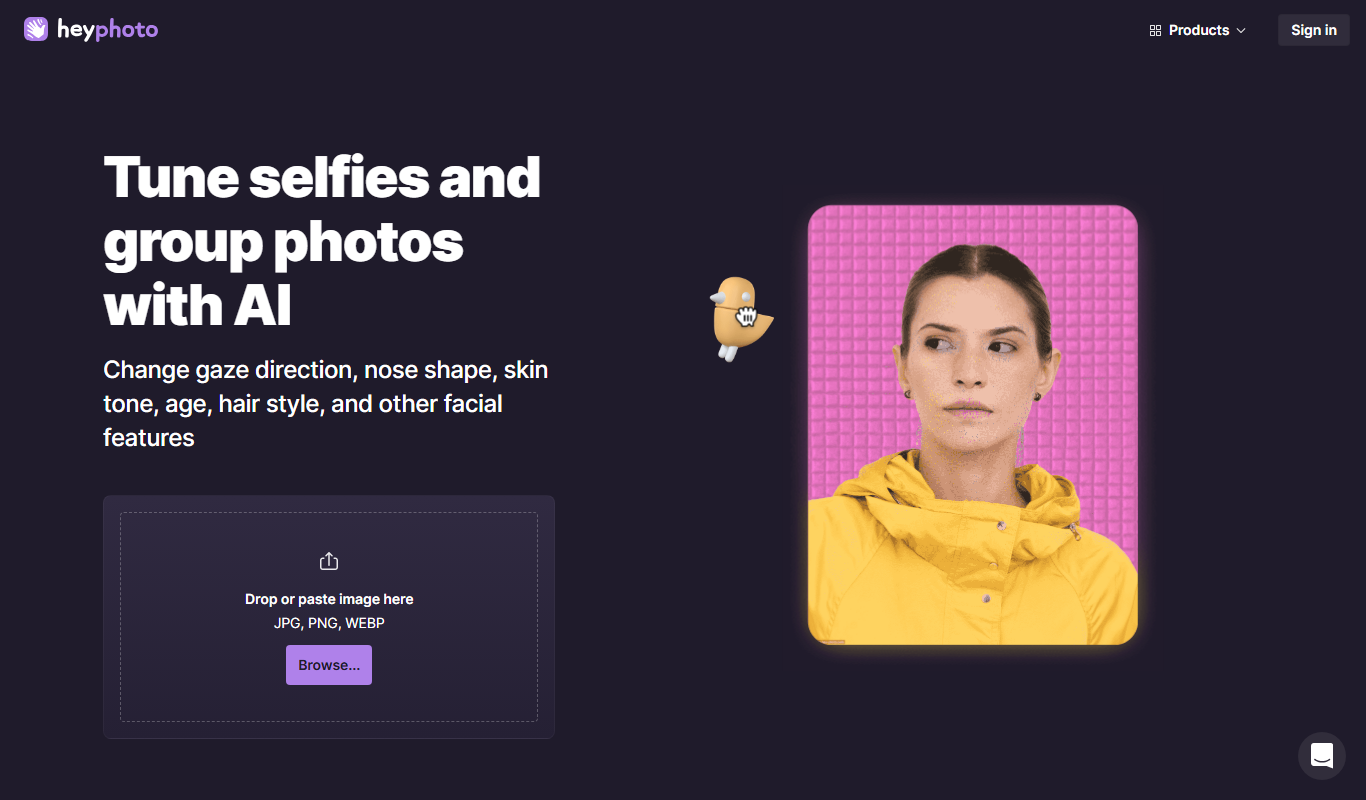
From my experience with HeyPhoto, I found it excels at providing an accessible and versatile AI image generation and photo editing platform. The intuitive web interface makes it easy for beginners and professionals alike to create unique visuals or enhance photos without complex software. While it lacks batch processing and mobile apps, its affordable pricing and solid feature set make it a practical choice for content creators and marketers needing quick, creative image solutions. Overall, HeyPhoto delivers reliable AI-powered tools that simplify creative workflows effectively.
HeyPhoto AI Image Generator for Creative Photo Editing and Enhancement
HeyPhoto is an AI-based image generation and photo editing platform that allows users to create images from text prompts, enhance photos, and upscale images through an easy-to-use web interface.
What is HeyPhoto?
HeyPhoto is an AI-powered image generation and photo editing platform designed to help users create, enhance, and transform images effortlessly. It leverages advanced AI models to generate images from text prompts, upscale photos, and apply creative effects, making it suitable for artists, marketers, and content creators looking for innovative visual content solutions.
Key Features of HeyPhoto
Text-to-Image Generation
Create unique images from descriptive text prompts using AI models.
Photo Enhancement
Automatically improve photo quality by adjusting lighting, colors, and details.
Image Upscaling
Increase image resolution while preserving or enhancing details.
Style Transfer
Apply artistic styles to photos to create creative and unique visuals.
User-Friendly Web Interface
Access all features easily through a clean and intuitive online platform.
Pros and Cons of HeyPhoto
Pros
- Easy-to-use interface suitable for all skill levels
- Multiple AI-powered image editing and generation features
- Affordable pricing with a free tier for testing
- Fast image processing times
Cons
- Limited batch processing capabilities
- No mobile app available, web-only platform
- Language support limited to English
Key Use Cases for HeyPhoto
Creative Photo Editing
Use AI-powered tools to enhance and creatively edit photos with various styles and effects.
AI Image Generation
Generate unique images from text prompts or by modifying existing photos using AI models.
Image Upscaling and Restoration
Improve photo resolution and restore details for better quality images.
Social Media Content Creation
Create visually appealing images for social media posts and marketing campaigns.
How HeyPhoto Works
-
1
Create an Account
Sign up on the HeyPhoto website to access the AI image generation and editing tools.
-
2
Choose a Tool
Select from options like text-to-image generation, photo enhancement, or upscaling.
-
3
Input Your Content
Enter a text prompt or upload a photo to start the AI processing.
-
4
Customize Settings
Adjust parameters such as style, resolution, or enhancement level to fit your needs.
-
5
Generate and Download
Let the AI process your input and download the final image once ready.
Who's Using HeyPhoto
Content creators
Social media marketers
Graphic designers
Photographers
Artists exploring AI-generated art
HeyPhoto Pricing
Free
$0/month
Limited daily credits for image generation and editing with basic features.
Premium
$9.99/month
Increased credits, faster processing, and access to advanced features.
Frequently Asked Questions About HeyPhoto
Yes, HeyPhoto is designed with an easy-to-use interface suitable for beginners.
You can generate images from text prompts, enhance photos, upscale images, and apply artistic styles.
The free plan has daily limits, while premium plans offer higher or unlimited usage depending on the subscription.
Currently, HeyPhoto focuses on single image processing per request.
This tool is designed to help users accomplish its core tasks more efficiently. It is typically used by individuals or teams looking to improve productivity and workflow.
Pricing depends on the plan and included features. For the most accurate and up-to-date details, check the official pricing page.
Yes, it can help with that use case depending on how you configure it and what features are available. You’ll get the best results with clear inputs and a defined goal.
It depends on your specific needs and how you plan to use the tool. The official website and documentation are the best sources for the latest details.
Share your review
Reviews are limited to one per logged-in user and are published after moderation.
You need an account to review this tool.
0.0
★
★
★
★
★
0 reviews
5 star
0
4 star
0
3 star
0
2 star
0
1 star
0
No reviews yet
Be the first to share how this tool worked for you.
Questions from the community
Read questions and answers about this tool, or ask your own.
No questions yet
Start the conversation by asking the first question about this tool.
Is this tool helpful?

Free
VanceAI
VanceAI is an AI-powered online platform that enhances photos, removes backgrounds, restores old images, and upscales pictures automatically with high quality.

Free Trial
PTGui
PTGui is a professional panorama stitching software that creates seamless 360-degree and HDR panoramic images by combining multiple photos with advanced alignment and blending tools.

Free to join
Afri Studio
Afri Studio is an online marketplace focused on African art, allowing artists to sell digital, physical, and NFT artworks globally while fostering a creative community.

Free
Instagram is a free social media platform owned by Meta that allows users to share photos, videos, stories, and engage with communities globally.

Free
image Upscaling
Image Upscaling is an AI-based online tool that enlarges images up to 400% while preserving quality using deep learning algorithms.
Free Trial
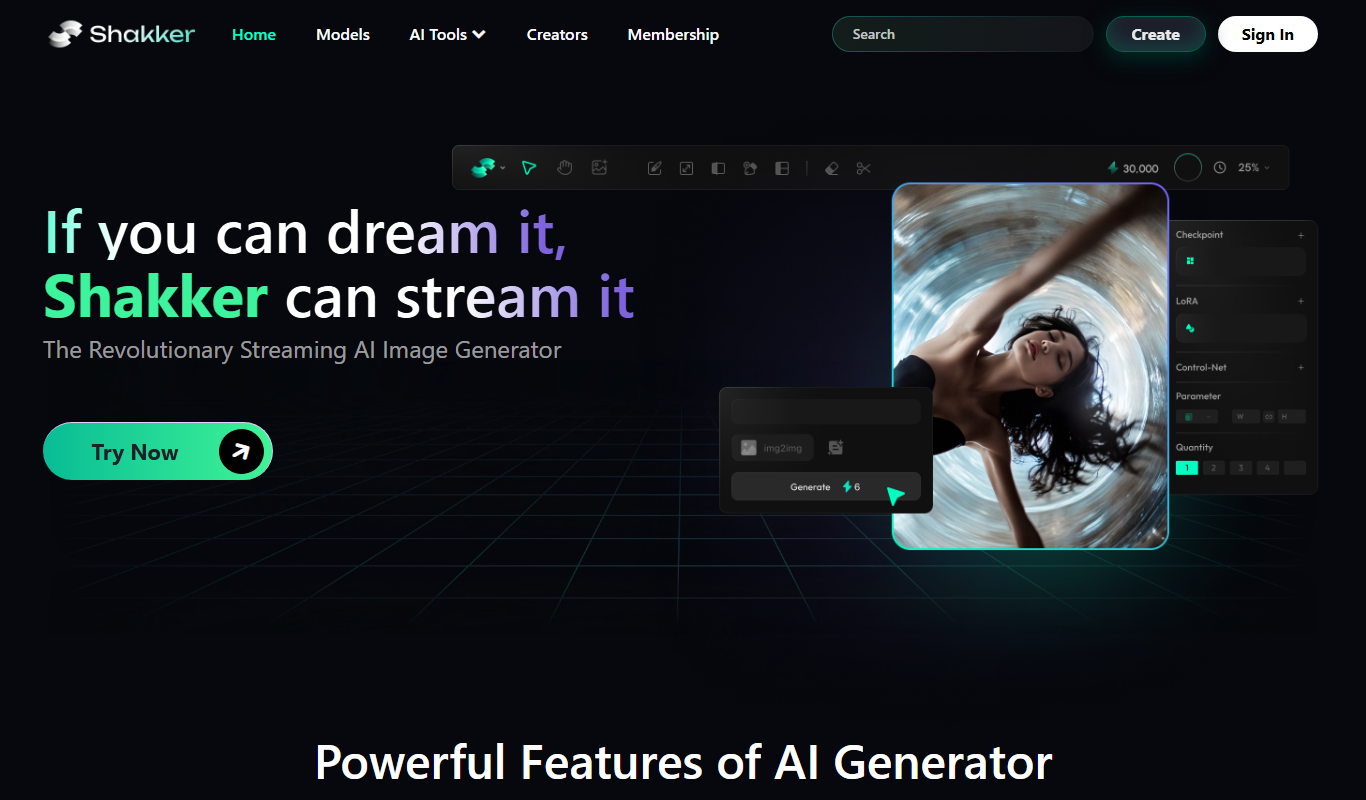
Shakker.Ai
Shakker.Ai is an AI voice cloning platform that generates realistic speech from text using advanced deep learning, ideal for content creators and marketers.

Free
removerized
Removerized is a free, web-based AI tool that automatically removes image backgrounds quickly and accurately without requiring registration.

Free
Removal.AI
Removal.AI is an AI-based online tool that automatically removes backgrounds from images, offering bulk processing and API integration for seamless workflows.