
From my experience with AutoDraft, I found it excels at quickly generating initial content drafts and improving existing text with minimal effort. The platform’s straightforward web interface makes it accessible for users who want to speed up their writing process without a steep learning curve. However, the tool currently supports only English and lacks a mobile app, which might limit flexibility for some users. Overall, if you need a simple AI assistant to help with drafting and editing content efficiently, AutoDraft delivers reliable and practical results.
AutoDraft AI Writing Assistant for Fast Content Drafting and Editing
AutoDraft is an AI-powered writing assistant that helps users quickly generate and improve written content through drafting, rewriting, and editing features.
What is AutoDraft?
AutoDraft is an AI-powered writing assistant designed to help users quickly generate and refine written content. It leverages advanced natural language processing to create drafts, improve text quality, and assist with various writing tasks, making content creation faster and more efficient.
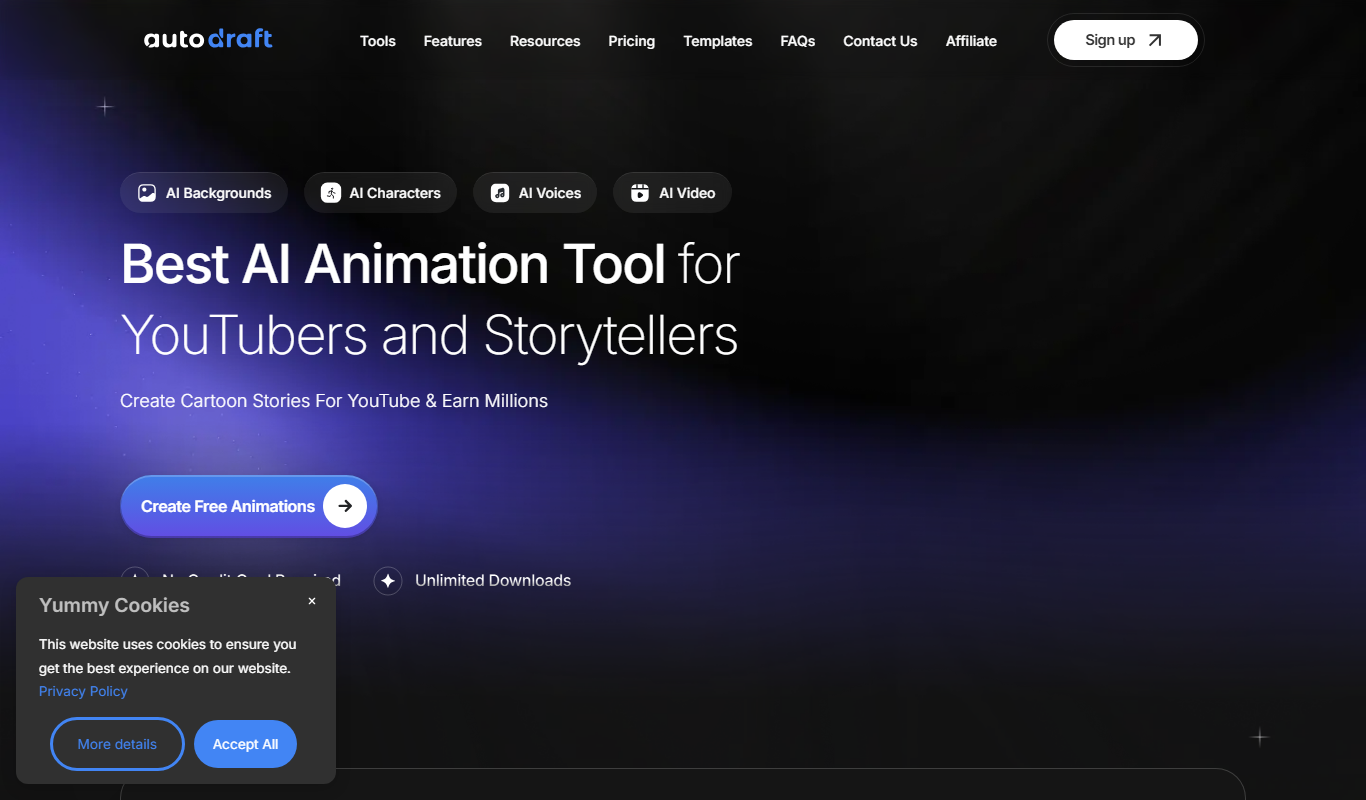
Key Features of AutoDraft
AI-Powered Draft Generation
Automatically create initial drafts for various types of content.
Text Rewriting and Enhancement
Improve clarity, grammar, and style of existing text.
User-Friendly Web Interface
Simple and clean platform accessible via any web browser.
Idea and Topic Suggestions
Helps overcome writer’s block by suggesting content ideas.
Pros and Cons of AutoDraft
Pros
- Easy to use with a clean web interface
- Helps speed up content creation
- Offers both drafting and rewriting capabilities
Cons
- Limited language support (English only)
- No dedicated mobile app available
- Free plan has usage restrictions
Key Use Cases for AutoDraft
Content Drafting
Generate initial drafts for blogs, articles, and other written content quickly.
Text Editing and Refinement
Improve and polish existing text by rewriting or enhancing clarity and style.
Idea Generation
Brainstorm topics and content ideas to overcome writer’s block.
Email and Communication Drafting
Create professional emails and messages efficiently.
How AutoDraft Works
-
1
Sign Up
Create a free account on the AutoDraft website to access the writing assistant.
-
2
Input Your Text or Prompt
Enter a topic, partial text, or instructions for the AI to generate or improve content.
-
3
Generate Draft
Use the AI to produce a draft or rewrite existing text based on your input.
-
4
Edit and Refine
Review the generated content and make any necessary adjustments before finalizing.
Who's Using AutoDraft
Content writers and bloggers
Small business owners
Marketing professionals
Students and educators
AutoDraft Pricing
Free
$0/month
Limited access with basic features and daily usage limits.
Pro
$9.99/month
Unlimited usage with advanced features and priority support.
Frequently Asked Questions About AutoDraft
Yes, AutoDraft offers a free plan with limited daily usage and basic features.
Yes, it can rewrite and improve text for grammar and style.
Currently, AutoDraft supports English language content.
It depends on your specific needs and how you plan to use the tool. The official website and documentation are the best sources for the latest details.
Some tools offer a free plan or trial with limited features. Availability can vary, so confirm on the official website.
Yes, it can help with that use case depending on how you configure it and what features are available. You’ll get the best results with clear inputs and a defined goal.
Share your review
Reviews are limited to one per logged-in user and are published after moderation.
You need an account to review this tool.
0.0
★
★
★
★
★
0 reviews
5 star
0
4 star
0
3 star
0
2 star
0
1 star
0
No reviews yet
Be the first to share how this tool worked for you.
Questions from the community
Read questions and answers about this tool, or ask your own.
No questions yet
Start the conversation by asking the first question about this tool.
Is this tool helpful?

Free
Vance AI Background Remover
Vance AI Background Remover is an online AI-powered tool that automatically removes backgrounds from images, offering batch processing and background replacement features for e-commerce, design, and content creation.

Free
AI Photo Editor by insMind
AI Photo Editor by insMind is a web-based tool that uses artificial intelligence to automatically enhance photos, remove backgrounds, and upscale images for professional-quality results without complex software.

Free
background-remover.com
Background-Remover.com is a free online AI tool that automatically removes backgrounds from images, allowing users to download transparent PNGs quickly without manual editing.

Free
Befunky
Befunky is an online photo editing and graphic design tool that allows users to edit photos, create collages, and design graphics easily through web and mobile apps.

Free
AI Profile Picture Maker
AI Profile Picture Maker is a web-based tool that uses AI to generate custom profile pictures and avatars from user photos, offering multiple styles and background options for social media and professional use.

Free Trial
PTGui
PTGui is a professional panorama stitching software that creates seamless 360-degree and HDR panoramic images by combining multiple photos with advanced alignment and blending tools.

Free
Removebg
Removebg is an AI-based background removal tool that automatically detects and removes backgrounds from images, providing transparent or customizable backgrounds quickly and accurately.

Freemium
Uktob.ai
Uktob.ai is an AI writing assistant focused on Arabic language content creation and editing, offering text generation, grammar correction, and content enhancement tools.