

koolio.ai - AI audio production for podcasts, audiobooks and audio ads
koolio.ai combines studio-grade processing with smart automation to transform raw concepts into polished audio in minutes, from podcast episodes to audiobooks and ads.
- Best for
- Podcast production
- Key capability
- Record or upload and edit
Save Koolio.ai, follow its updates and vote on it — everything stays in your account.
Sign in or create a free account
What is Koolio.ai?
koolio.ai is an AI audio production tool that combines studio-grade processing with smart automation to turn raw recordings or concepts into polished audio. Podcasters can record or upload episodes, clean them automatically, add intros and outros and publish to streaming platforms, and creators can also turn text into voiced audiobooks, ads and audio summaries.
Key features of Koolio.ai
koolio records or imports episodes, automatically cleans raw audio, layers generated soundscapes and music, and publishes to major streaming platforms. Its AI tools also include transcription, sound effects, custom voices, cover art and script generation from a prompt, a document or a link.
Record or upload and edit
Record episodes live, or upload your files and edit them.
Automatic audio cleanup
Automatically clean your raw audio.
Text to voiced audio
Convert texts to audio with expressive, natural-sounding voices for characters and generated ambient soundscapes.
Publish to streaming platforms
Add intros and outros and publish directly to major streaming platforms.
Pros and cons of Koolio.ai
Pros
- Free Starter plan with all AI tools
- Publishes directly to major streaming platforms
- One credit pool for every AI tool
Cons
- Free plan credits do not roll over and exports are standard quality
- Usage is limited by monthly AI credits
- No mobile app available
Key use cases for Koolio.ai
Podcast production
Turn raw takes into ready-to-stream episodes.
Audiobooks
Convert texts to audio with voices for your characters.
Audio ads
Generate scripts from a prompt, direct tone and pacing, and add background music.
Audio revision guides
Turn lecture notes into digestible audio sessions.
Daily news briefings
Compile daily briefings from various sources in a broadcast voice.
How Koolio.ai works
- 1
Input a concept
Give a prompt, upload a document or link, or upload your own audio.
- 2
Edit and fine-tune
Layer soundscapes and clean raw sounding audio.
- 3
Pick voices
Refine your script and pick voices.
- 4
Export
Download, or publish directly to major streaming platforms.
- 5
Edit and Export
Review, customize, and export the generated content for your marketing needs.
Who is using Koolio.ai
Koolio.ai pricing
Starter
Free
200 AI credits every month, all AI tools, 1 custom voice per episode, up to 3 collaborators, 1 RSS feed.
Pro
$15/month
1,500 AI credits every month, 3 custom voices per episode, unlimited collaborators, 3 RSS feeds, 7-day free trial.
Business
$40/month per seat
4,500 AI credits per seat every month, 10 custom voices per episode, unlimited RSS feeds, premium exports, 7-day free trial.
Plans and prices are as published by the vendor and can change. Check the official site before you buy. Open the pricing page (opens in a new tab)
Frequently asked questions about Koolio.ai
An AI audio tool that combines studio-grade processing with smart automation to transform raw concepts into polished audio.
Yes. You can add intros and outros and publish episodes to major streaming platforms.
Yes. Starter is free with 200 AI credits every month and all AI tools.
Yes. Type a topic, upload a document or enter a link, then refine the script, pick voices and download.
One credit pool covers Produce, Magic Studio, transcription, music, SFX and voices.
Yes. The paid plans include a 7-day free trial with credits included.
On the paid plans, credits roll over for 1 month; on the free plan they do not.
Conclusion
Raw takes are where most podcasters start with koolio: episodes are recorded live or uploaded, cleaned automatically, given intros and outros, and published to major streaming platforms. The idea is to sound professional without touching a mixer. Text can be a starting point too: you type a topic, upload a document or enter a link, refine the script, pick voices and download the result.
That second route serves audiobook creators who want expressive character voices and ambient soundscapes, as well as audio ads, lecture-note revision guides and daily news briefings. Every AI tool, from transcription and music to sound effects and voices, draws on one credit pool. The free Starter plan includes all tools with a small monthly allowance and no rollover, while paid plans add credits, custom voices and RSS feeds after a 7-day trial.
Sources
Sign in to review this tool.
Sign In to ReviewNo reviews yet
Be the first to share how this tool worked for you.
Ask about pricing, limits, or how it compares — or answer someone else.
Sign In to AskNo questions yet
Have a question about using or paying for this tool? Be the first to ask.
Featured on TiorAI


More AI Audio Editing tools
Other tools in the same category, for when this one is not quite the fit.

Xound.io
Xound.io is an AI voice cleaner that removes background noise, corrects pitch and levels audio for YouTubers, TikTokers and podcasters, with a free tier.

Artificial Studio
Artificial Studio is a platform that brings 60+ AI tools together for image, video, audio, 3D, marketing and design work.

article2audio
article2audio is an article narration service for publishers and readers that turns an HTML post, including images, tables, code blocks and footnotes, into audio.

Udio AI | Make your music
Udio AI is an online platform that uses artificial intelligence to generate original music tracks quickly and easily, suitable for creators and producers needing royalty-free compositions.

AI Mastering
AI Mastering is an online service that uses artificial intelligence to automatically master audio tracks, providing musicians and podcasters with professional-quality sound quickly and affordably.

Label Studio
Label Studio is an open source platform from HumanSignal for data labeling, AI evaluation and human-in-the-loop workflows across multi-modal data.

End Boost
End Boost is a Windows and macOS desktop app for video editors that automatically mixes and masters voice, music and sound effects based on presets.
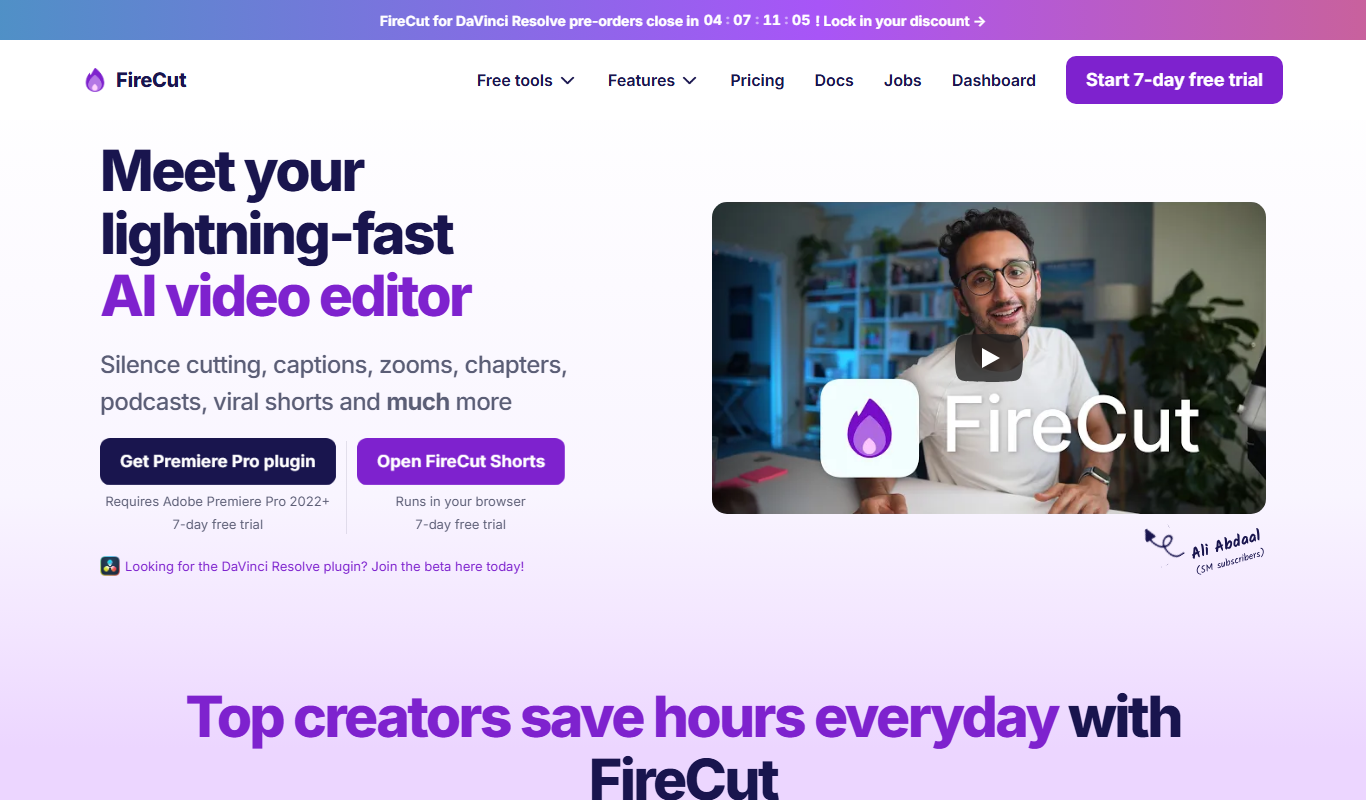
FireCut AI
FireCut is an AI video editing plugin for Premiere Pro and DaVinci Resolve that automates silence removal, captions, zoom cuts and chapters.