

Recast Studio - AI Video Editor for Repurposing Recordings into Social Clips
Recast Studio turns webinars, podcasts and Zoom recordings into social clips, captions and audiograms, then posts or schedules them and writes show notes and blogs.
- Best for
- Webinar and podcast clips
- Key capability
- AI clips from long recordings
Save Recast Studio, follow its updates and vote on it — everything stays in your account.
Sign in or create a free account
What is Recast Studio?
Recast Studio is an AI-powered video editor for marketing teams that turns webinars, podcasts, interviews and Zoom recordings into social-ready clips, captions and audiograms. It then posts or schedules them directly to TikTok, Instagram, YouTube, Facebook, LinkedIn and Twitter, and generates show notes and blogs from the same recording.
Key features of Recast Studio
Recast Studio finds the strongest moments in a long recording, turns them into clips, captions and audiograms, and lets teams edit video by editing the transcript. It also writes blog drafts, show notes and posts from the recording and publishes or schedules clips to social platforms.
AI clips from long recordings
Upload a podcast, webinar or live event and AI turns it into clips, audiograms and written content.
Transcript-based editing
Highlight and delete transcript text to trim video, clean filler words and keep captions in sync.
AI writing inside the editor
Generate blog drafts, show notes, LinkedIn posts and email copy from the same video or podcast.
Social publishing and scheduling
Connect TikTok, Instagram, YouTube, Facebook, LinkedIn and Twitter, then post immediately or schedule.
Auto reframe and filler word removal
AI detects faces and important scenes to adjust the frame, and removes filler words and awkward silences.
Pros and cons of Recast Studio
Pros
- Edit video by editing the transcript
- Posts and schedules clips directly to social platforms
- Written content generated from the same recording
- Transcription in 20+ languages
- Team workspace for sharing videos and feedback
Cons
- Free trial is a one-time 60 credits with 1-minute exports
- Free trial files are stored for 7 days
- Usage is capped by upload credits and export minutes per month
Key use cases for Recast Studio
Webinar and podcast clips
Turn webinars, podcasts, interviews and Zoom recordings into social-ready clips.
Podcast audiograms
Create captions and audiograms from podcast audio for social media.
Show notes and blogs
Reuse the transcript to draft show notes, blogs, LinkedIn posts and email copy.
Content repurposing
Publish one recording across every social channel without exporting and re-uploading.
How Recast Studio works
- 1
Upload your recording
Upload a video, podcast, webinar or live event to Recast.
- 2
AI finds the best moments
AI finds the best moments automatically and turns them into clips.
- 3
Review and customize
Review the clips, edit via the transcript and add brand logos, fonts, b-rolls and music.
- 4
Publish or export
Publish to social platforms, schedule posts or export with one click.
Who is using Recast Studio
Recast Studio pricing
Free Trial
$0, one time
5 minutes of exports per month and clips up to 1 minute.
Starter
$14 per month, $170 charged per year
300 export minutes per month and clips up to 15 minutes.
Professional
$26 per month, $310 charged per year
600 export minutes per month and clips up to 60 minutes.
Plans and prices are as published by the vendor and can change. Check the official site before you buy. Open the pricing page (opens in a new tab)
Frequently asked questions about Recast Studio
Podcasts, webinars, interviews, Zoom recordings and live events.
A single exported clip can be up to 1 minute on the Free Trial, 15 minutes on Starter and 60 minutes on Professional.
Yes. The Free Trial gives 60 credits one time.
1 credit equals 1 upload minute; yearly plans receive all credits upfront.
Yes. Connect TikTok, Instagram, YouTube, Facebook, LinkedIn and Twitter and post immediately or schedule.
Yes. It generates blog drafts, show notes, LinkedIn posts and email copy from your video or podcast.
Yes. Trim video by editing transcript text and add brand logos, fonts, b-rolls and music.
Transcription supports 20+ languages.
Conclusion
A single long recording is the raw material: a webinar, podcast, interview or Zoom call goes in, and AI picks out the strongest moments to cut into social-ready clips, captions and audiograms. Editing works on the transcript, so deleting text trims the video, cleans filler words and keeps captions in sync. That same transcript also feeds blog drafts, show notes and LinkedIn posts.
Finished clips can be posted or scheduled straight to TikTok, Instagram, YouTube, Facebook, LinkedIn and Twitter without exporting and re-uploading. Recast Studio is pitched at marketing teams that would otherwise wait on a video editor, with a shared workspace for feedback. Usage runs on upload credits and monthly export minutes, and the free trial is a one-time credit allowance with short exports and files kept for seven days.
Sources
Sign in to review this tool.
Sign In to ReviewNo reviews yet
Be the first to share how this tool worked for you.
Ask about pricing, limits, or how it compares — or answer someone else.
Sign In to AskNo questions yet
Have a question about using or paying for this tool? Be the first to ask.
Featured on TiorAI



More AI Podcast Tools tools
Other tools in the same category, for when this one is not quite the fit.

Podcast Shownotes Generator
Podcast Shownotes Generator is an AI-powered web tool that creates detailed, SEO-optimized summaries for podcast episodes, helping podcasters save time and improve discoverability.
Listener.fm
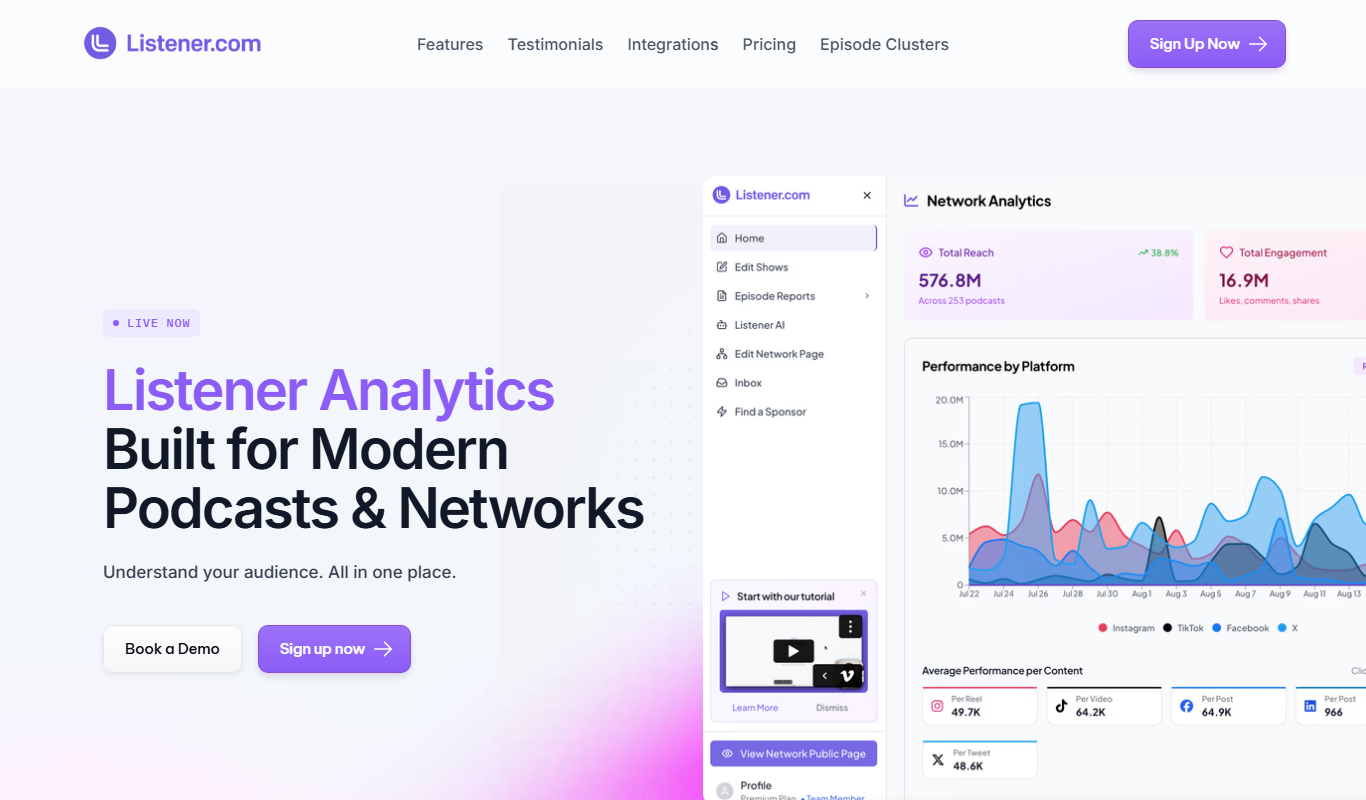
Listener.com is a podcast analytics and intelligence platform that unifies audience data across audio, video and social for podcast networks, studios and creators.

Google Illuminate
Google Illuminate is a Google Labs experiment that transforms research papers and other content into AI-generated audio discussions, optimized for computer science topics.
Jellypod
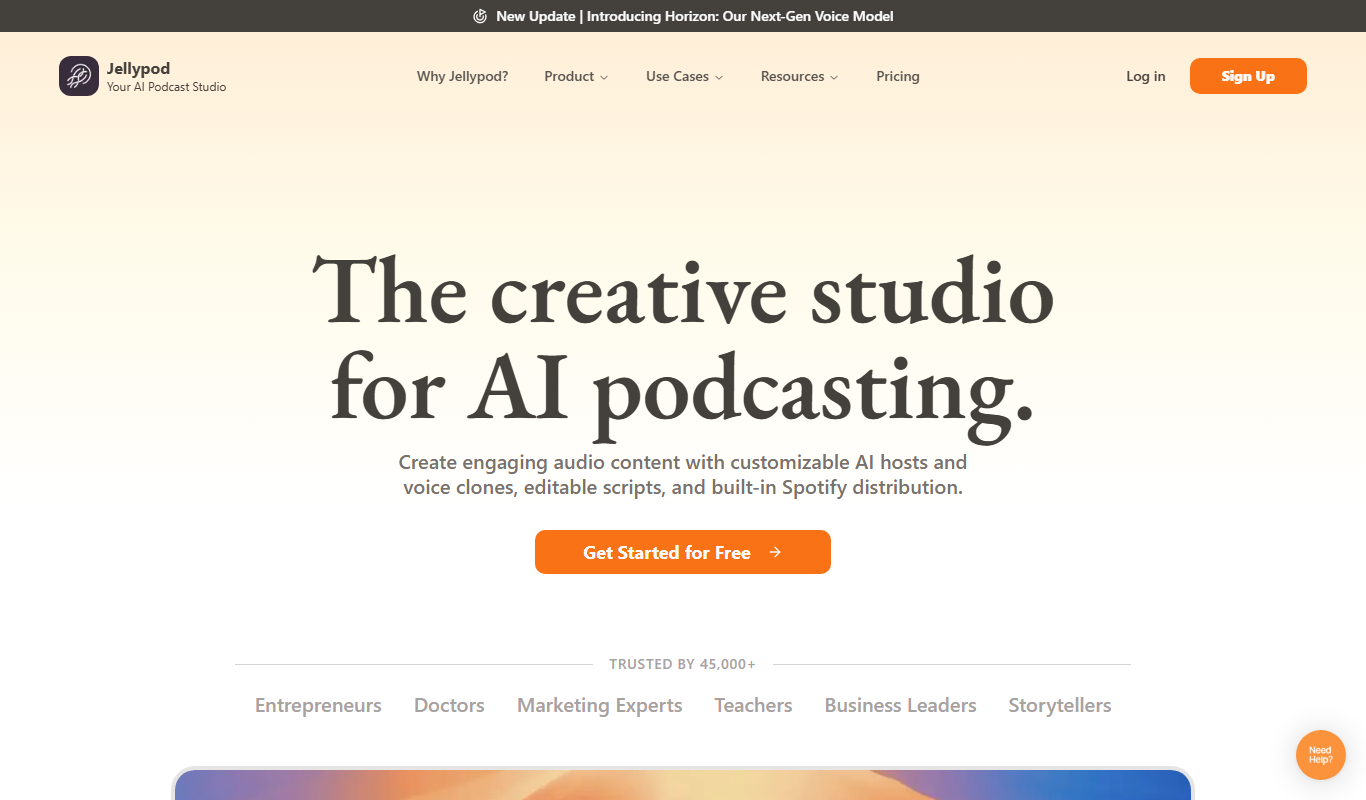
Jellypod turns a topic, document or script into a podcast, video or voiceover with realistic AI hosts, then publishes to Spotify, Apple Podcasts, YouTube and TikTok.

Relaied
Relaied turns any document into an engaging AI podcast with a summary and quiz, so you can learn from papers and textbooks for free.

Swell AI
Swell AI turns podcasts or videos into transcripts, clips, show notes, articles, newsletters and social posts, with a transcript editor and brand voice templates.
vocalize.fm
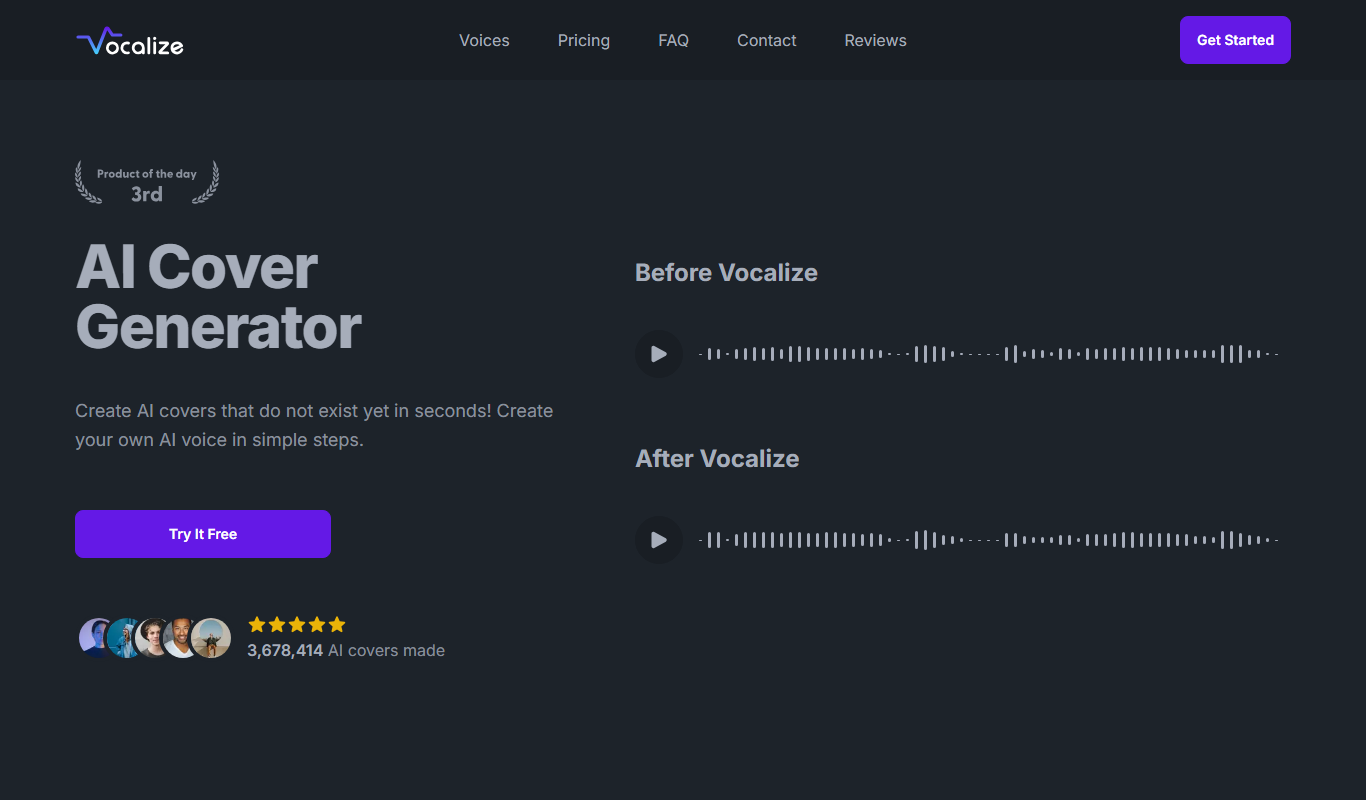
Vocalize.fm is an AI voice generator for AI cover songs and text-to-speech, with thousands of community-uploaded voices and own-voice cloning.

AIdeaFlow AI Podcast Generator
AIdeaFlow AI Podcast Generator turns your notes and any text into AI podcasts with natural conversations, using 120+ AI voices in multiple languages.