

TattooGen AI Tattoo Design Generator for Custom Ink Art Creation
TattooGen is an AI-powered web tool that generates unique tattoo designs based on user input, offering customizable styles and instant previews to help users and artists create custom ink art.
- Best for
- Custom Tattoo Design
- Key capability
- AI-Powered Design Generation
Save TattooGen, follow its updates and vote on it — everything stays in your account.
Sign in or create a free account
What is TattooGen?
TattooGen is a free AI tattoo generator that turns a described idea into distinctive, personalized tattoo designs, with style, size and body placement options, a virtual preview and high-res, watermark-free downloads.
Key features of TattooGen
TattooGen offers AI-driven tattoo creation with customizable prompts, style variations, and instant design generation. It provides a user-friendly web interface to generate, preview, and download tattoo designs for personal or professional use.
AI-Powered Design Generation
Creates unique tattoo designs based on user prompts using advanced AI models.
Style Customization
Allows users to specify tattoo styles such as traditional, tribal, minimalist, or abstract.
Instant Preview
Generates multiple design options quickly for immediate review.
Downloadable Artwork
Users can download high-quality images of generated tattoo designs.
Pros and cons of TattooGen
Pros
- Easy to use with no drawing skills needed
- Generates diverse and unique tattoo ideas quickly
- Free to use with no registration needed
Cons
- Limited style control compared to manual design
- AI-generated designs may require refinement by a professional tattoo artist
Key use cases for TattooGen
Custom Tattoo Design
Generate unique and personalized tattoo designs using AI to inspire your next ink.
Tattoo Artist Inspiration
Tattoo artists can use the AI-generated designs as a creative starting point for client consultations.
Concept Visualization
Users can visualize tattoo ideas quickly without needing to sketch manually.
Design Exploration
Explore various tattoo styles and motifs generated by AI to find the perfect fit.
How TattooGen works
- 1
Enter Tattoo Idea
Users input keywords or descriptions of the tattoo concept they want.
- 2
Select Style Preferences
Choose from different tattoo styles or let the AI interpret freely.
- 3
Generate Designs
The AI processes the input and creates multiple tattoo design options.
- 4
Review and Download
Users browse generated designs, select favorites, and download them for use.
Who is using TattooGen
TattooGen pricing
Free
Free
Free AI tattoo generator with no registration needed, a virtual preview and high-res, watermark-free downloads.
Pro
$9.99/month
Unlimited design generations, higher resolution downloads, and priority support.
Plans and prices are as published by the vendor and can change. Check the official site before you buy. Open the pricing page (opens in a new tab)
Frequently asked questions about TattooGen
Yes, depending on the subscription plan, you can use generated designs commercially. Review the terms of service for details.
No artistic skills are required; the AI generates designs based on your input.
Yes, you can select from various tattoo styles or provide style preferences in your prompts.
It depends on your specific needs and how you plan to use the tool. The official website and documentation are the best sources for the latest details.
Yes, it can help with that use case depending on how you configure it and what features are available. You’ll get the best results with clear inputs and a defined goal.
Some tools offer a free plan or trial with limited features. Availability can vary, so confirm on the official website.
Conclusion
Designing starts by entering a tattoo idea into the provided field, including as many details as possible. A style is then picked from a list that runs from American Traditional and Japanese Irezumi to Fine Line, Dotwork and Blackwork. Width and height can be set within a recommended range of 512px to 2048px, and a body placement such as the upper arm can be specified. The AI returns multiple design proposals that can be previewed virtually and downloaded in high resolution.
It is designed for tattoo enthusiasts looking for custom designs, individuals planning their first tattoo and professional tattoo artists seeking inspiration. Artists can also use generated designs as a creative starting point for client consultations. The generator is free, needs no registration and produces watermark-free art.
Sources
Sign in to review this tool.
Sign In to ReviewNo reviews yet
Be the first to share how this tool worked for you.
Ask about pricing, limits, or how it compares — or answer someone else.
Sign In to AskNo questions yet
Have a question about using or paying for this tool? Be the first to ask.
Featured on TiorAI



More AI Cartoon Generator tools
Other tools in the same category, for when this one is not quite the fit.
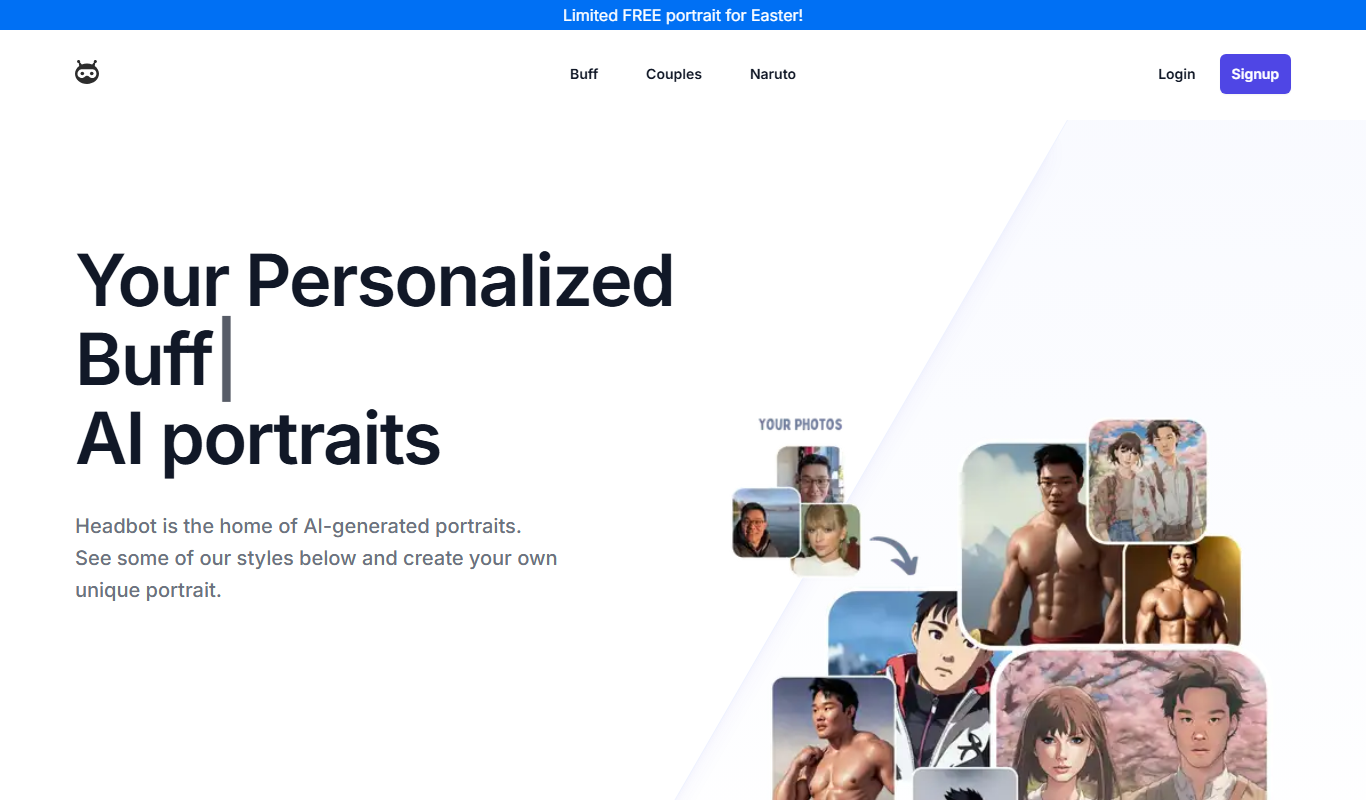
Headbot
Headbot turns your photos into buff, anime or couple AI portraits, sold as one-time packages, with a gallery to share or print.
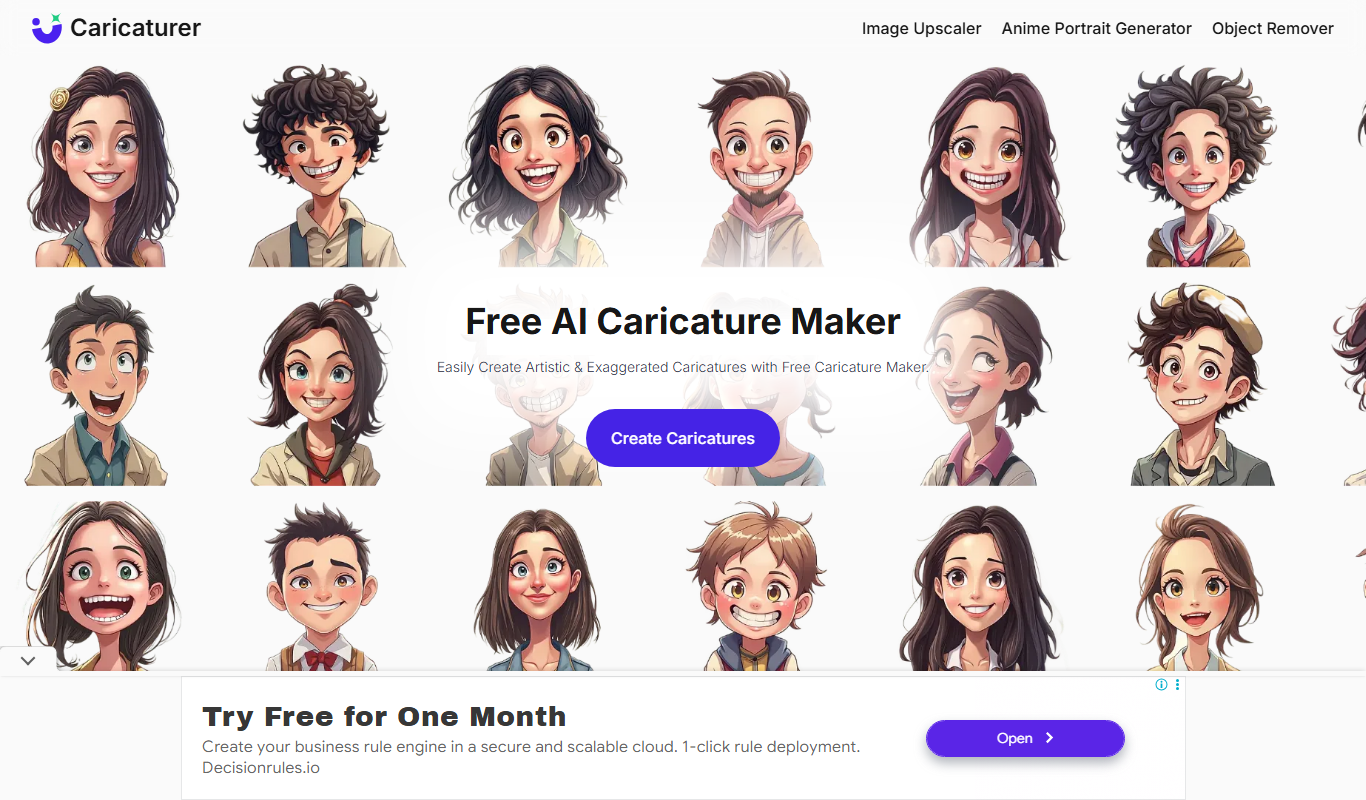
Caricaturer.io
Caricaturer.io is a free AI caricature maker that turns face photos and text prompts into high-resolution, watermark-free caricatures.

AI Cartoon Generator
AI Cartoon Generator is a web tool that turns text descriptions into cartoon and anime-style artwork in 50+ art styles.
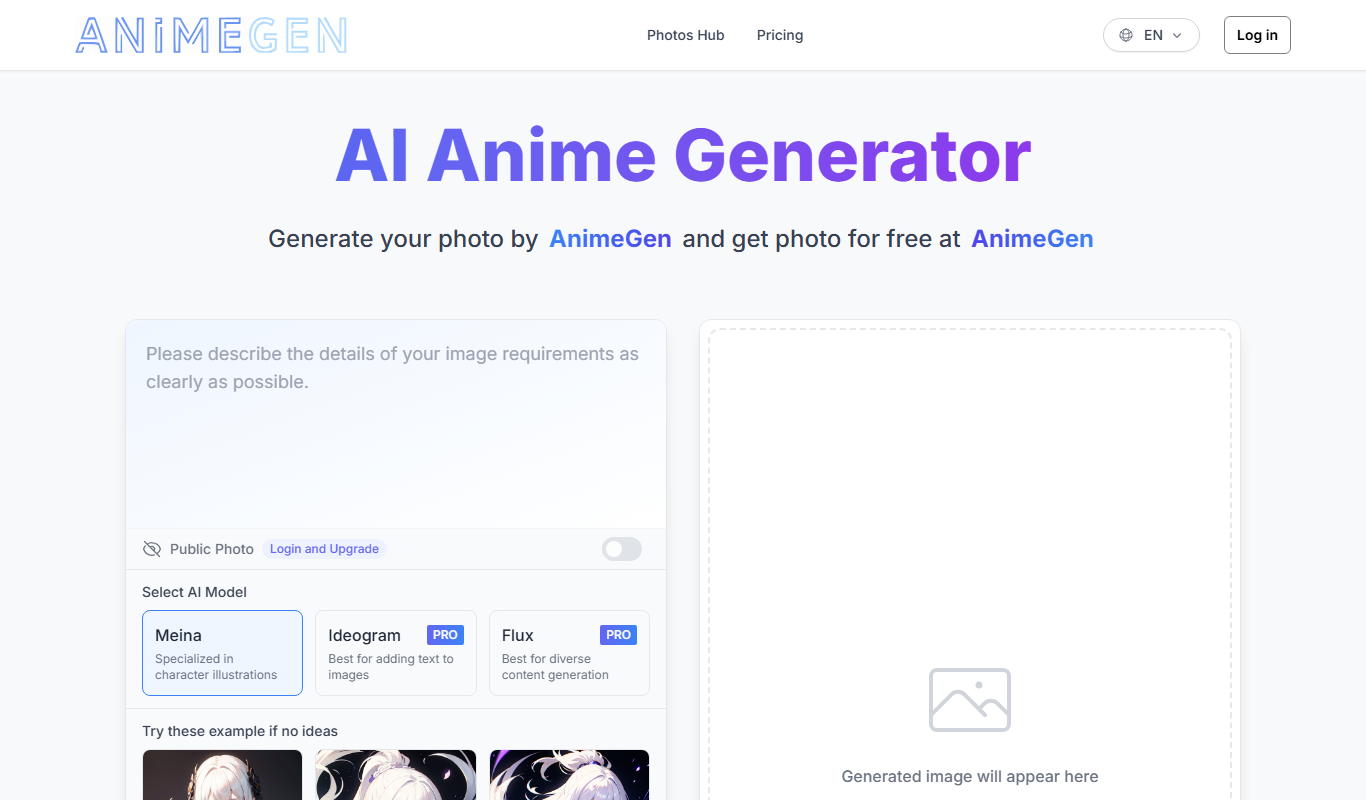
AnimeGen – Anime Image Generator
AnimeGen is a web-based AI tool that generates anime-style images from text prompts, with free credits for new users and paid credit plans.

Disney Pixar AI Image Generator
Disney Pixar AI Image Generator is a web tool that turns uploaded images into Disney Pixar and Ghibli-style creations using AI, paid for with credit packages.

IconKit
IconKit is a web-based AI tool that generates custom icons quickly for branding and design projects, offering easy customization and multiple export formats.

Cartoon AI Generator
Cartoon AI Generator is a website that turns text prompts into cartoon images with its AI model, sold with credit packs.

ComicLLM
ComicLLM is an AI-driven web tool that converts text prompts into illustrated comic panels, enabling users to create comics without drawing skills.