
From my experience with NQRT, I found it excels at automating complex data analysis tasks that typically require significant manual effort. The platform’s natural language summaries make interpreting data insights accessible even for non-technical users, which is a strong advantage. After spending time with NQRT, I can say it’s particularly well-suited for small to medium businesses and data professionals seeking efficient, AI-driven reporting. However, the platform currently supports only English and some advanced features are gated behind paid plans, which may limit accessibility for some users. Overall, if you need streamlined, automated data insights with easy integration options, NQRT delivers solid results.
NQRT AI Platform for Automated Data Analysis and Insights Generation
NQRT is an AI-driven data analytics platform that automates data processing, analysis, and insight generation to help businesses make data-driven decisions efficiently.
Categories:
AI Anime Art
AI Artificial Intelligence Tools
AI Business Intelligence Tools
AI Data & Analytics Tools
Tech Stack:
JavaScript
Python
React
TensorFlow
What is NQRT?
NQRT is an AI-powered data analytics platform designed to automate the process of analyzing complex datasets and generating actionable business insights. It leverages machine learning and natural language processing to transform raw data into easy-to-understand reports and visualizations, enabling users to make informed decisions faster.

Key Features of NQRT
Automated Data Processing
Eliminates manual data cleaning and analysis by automating workflows.
Natural Language Summaries
Converts complex data insights into clear, concise text summaries.
Customizable Dashboards
Allows users to tailor visualizations and reports to specific business needs.
API Access
Enables integration with other software tools and data pipelines.
Pros and Cons of NQRT
Pros
- Automates complex data analysis saving time
- Generates easy-to-understand natural language reports
- Customizable dashboards fit diverse business needs
- API enables seamless integration with other tools
Cons
- Limited language support (English only)
- Advanced features require paid subscription
Key Use Cases for NQRT
Automated Data Analysis
Automatically analyze large datasets to extract meaningful insights without manual intervention.
Business Intelligence Reporting
Generate comprehensive business reports with AI-driven data visualizations and summaries.
Data-Driven Decision Making
Support strategic decisions by providing actionable insights derived from complex data.
Machine Learning Model Integration
Integrate machine learning models to enhance predictive analytics and forecasting capabilities.
How NQRT Works
-
1
Data Upload
Users upload datasets via the web interface or connect data sources through API integrations.
-
2
AI Analysis
The platform applies machine learning algorithms to analyze data patterns and trends automatically.
-
3
Insight Generation
NQRT generates natural language summaries and visual reports highlighting key findings.
-
4
Review and Export
Users review insights on customizable dashboards and export reports in various formats.
Who's Using NQRT
Data analysts
Business intelligence professionals
Small to medium enterprises
Marketing teams
Product managers
NQRT Pricing
Free
$0/month
Basic features with limited data volume and report exports.
Pro
$49/month
Extended data limits, advanced analytics features, and priority support.
Enterprise
Custom pricing
Tailored solutions with dedicated support and API customization.
Frequently Asked Questions About NQRT
NQRT supports CSV, Excel, JSON, and direct database connections via API.
Yes, NQRT provides API access to integrate with popular business intelligence platforms.
NQRT offers a free plan with limited features to test the platform.
Data handling and security practices vary by provider. Review the official privacy policy to understand how your data is stored and used.
It depends on your specific needs and how you plan to use the tool. The official website and documentation are the best sources for the latest details.
Integration support depends on the tool and its available connectors or API. Check the official documentation or integrations page to confirm what is supported.
Share your review
Reviews are limited to one per logged-in user and are published after moderation.
You need an account to review this tool.
0.0
★
★
★
★
★
0 reviews
5 star
0
4 star
0
3 star
0
2 star
0
1 star
0
No reviews yet
Be the first to share how this tool worked for you.
Questions from the community
Read questions and answers about this tool, or ask your own.
No questions yet
Start the conversation by asking the first question about this tool.
Is this tool helpful?

Free
Bigjpg
Bigjpg is an AI-based image enlarger that uses deep learning to upscale photos and artwork up to 16 times their original size while preserving detail and reducing noise.

Freemium
Open Dream
Open Dream is a web-based AI art generator that creates unique images from user text prompts using advanced machine learning models.

Free Trial
Deep Anime
Deep Anime is an AI-driven animation tool that automates the creation of anime-style videos, offering customizable characters and scene composition with easy export options.

Freemium
AI Cupid
AI Cupid is an AI-powered web tool that helps users generate and optimize dating profiles and messages to improve online dating success.

Free
Live3D
Live3D is a cloud-based platform that enables users to upload, customize, and embed interactive 3D models on websites and mobile devices without coding, featuring AR support and analytics.

Free
SoulGen
SoulGen is a web-based AI tool that generates realistic human portraits with customizable features, ideal for artists and creators needing unique AI-generated faces.

Free
Pictura – AI Photo Enhancer
Pictura is a web-based AI photo enhancer that automatically improves image quality by upscaling resolution, reducing noise, and sharpening details without manual editing.
Free
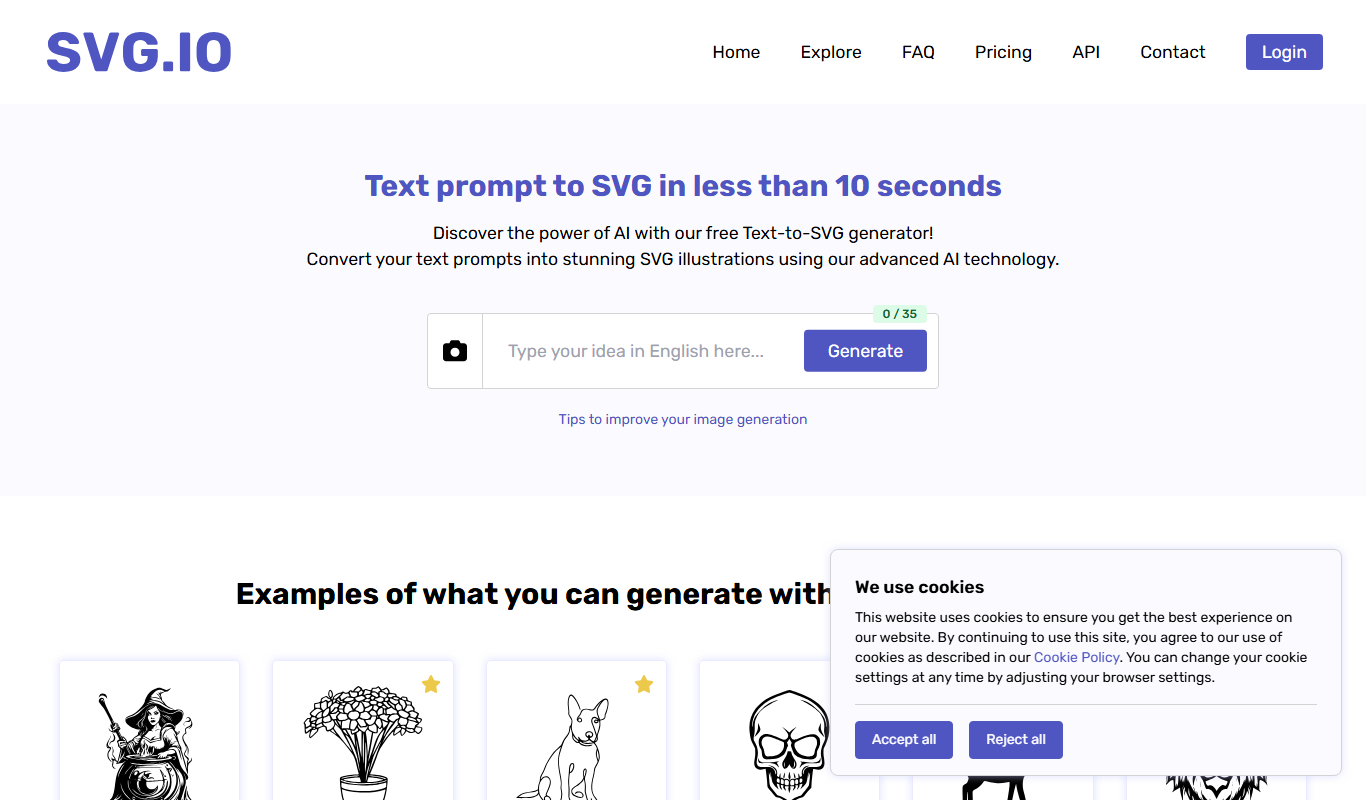
SVG.io
SVG.io is a free online SVG editor that allows users to create and edit scalable vector graphics directly in their web browser without installation or sign-up.