

Anime AI - AI-Powered Anime Style Image Generator and Art Creator
Anime AI is an online photo to anime generator that turns selfies into anime avatars, portraits and profile pictures.
- Best for
- Anime Style Image Creation
- Key capability
- Text-to-Anime Image Generation
Save Anime AI, follow its updates and vote on it — everything stays in your account.
Sign in or create a free account

What is Anime AI?
Anime AI (AnimeAI.app) is a web-based photo to anime generator built on Stable Diffusion with custom models. Users upload a photo, select a gender and one or more styles, and receive anime avatars, portraits and profile pictures; a text-to-anime generator is also available. Several styles are named after protected works such as Naruto and Family Guy, which may raise intellectual property questions.
Key features of Anime AI
Anime AI offers features such as text-to-image generation, image-to-image transformation, style customization, and high-resolution output. It provides an intuitive interface for users to input prompts and adjust parameters to achieve desired anime art styles.
Text-to-Anime Image Generation
Create anime images from descriptive text prompts with AI interpretation.
Image-to-Image Transformation
Transform existing images into anime style with AI-powered filters.
Multiple Styles
Select one or more styles; multiple styles return an equal amount of each style.
High-Resolution Downloads
Export generated images in high resolution suitable for various uses.
Pros and cons of Anime AI
Pros
- Easy to use with intuitive interface
- Produces high-quality anime-style images
- Offers both text and image input options
Cons
- Limited free usage with daily caps
- Customization options are somewhat basic compared to professional software
Key use cases for Anime AI
Anime Style Image Creation
Generate unique anime-style images from text prompts or image inputs for personal or professional use.
Character Design
Create anime characters quickly for concept art, storytelling, or game development.
Creative Inspiration
Use AI-generated anime art to inspire artists and designers in their creative projects.
Social Media Content
Produce anime-themed visuals to enhance social media posts and engagement.
How Anime AI works
- 1
Enter a Text Prompt or Upload an Image
Users start by typing a description of the anime image they want or uploading a base image to transform.
- 2
Select Gender and Style
Select your gender, which helps the model interpret facial structure, and choose one or more styles.
- 3
Generate Anime Artwork
The AI processes the input and creates a unique anime-style image.
- 4
Download or Share
Users can download the generated artwork or share it directly on social platforms.
Who is using Anime AI
Anime AI pricing
Free
Free, no signup
Photo to anime generation, promoted as free with no signup.
Premium
$9.99/month
Increased generation limits, faster processing, and access to advanced features.
Plans and prices are as published by the vendor and can change. Check the official site before you buy. Open the pricing page (opens in a new tab)
Frequently asked questions about Anime AI
Yes, but please review the terms of service for specific licensing details.
Free users have daily limits; premium subscribers enjoy higher or unlimited generation quotas.
No, the tool generates anime art automatically from text or images without requiring drawing skills.
It depends on your specific needs and how you plan to use the tool. The official website and documentation are the best sources for the latest details.
Some tools offer a free plan or trial with limited features. Availability can vary, so confirm on the official website.
Yes, it can help with that use case depending on how you configure it and what features are available. You’ll get the best results with clear inputs and a defined goal.
Conclusion
A photo in JPG or PNG up to 5MB is the input, ideally with one person, together with a gender selection that helps the model interpret facial structure. Selecting several styles returns an equal amount of each style, and results land within a few minutes. Because the Stable Diffusion based models recreate the person rather than tracing the photo, likeness can drift in some styles. A separate text-to-anime generator creates original characters or scenes from tag-style prompts.
It is designed for anime fans, digital artists and illustrators, and content creators and social media managers. The photo to anime generator is promoted as free with no signup. Several styles are named after protected works such as Naruto and Family Guy, which may raise intellectual property questions.
Sources
Sign in to review this tool.
Sign In to ReviewNo reviews yet
Be the first to share how this tool worked for you.
Ask about pricing, limits, or how it compares — or answer someone else.
Sign In to AskNo questions yet
Have a question about using or paying for this tool? Be the first to ask.
Featured on TiorAI


Alternative Tools
Explore similar AI tools that might fit your needs

Waifu Labs
Waifu Labs is a free AI-powered web tool that generates custom anime-style avatars through an interactive selection process, allowing users to create unique high-resolution anime characters without artistic skills.
More AI Anime Art tools
Other tools in the same category, for when this one is not quite the fit.
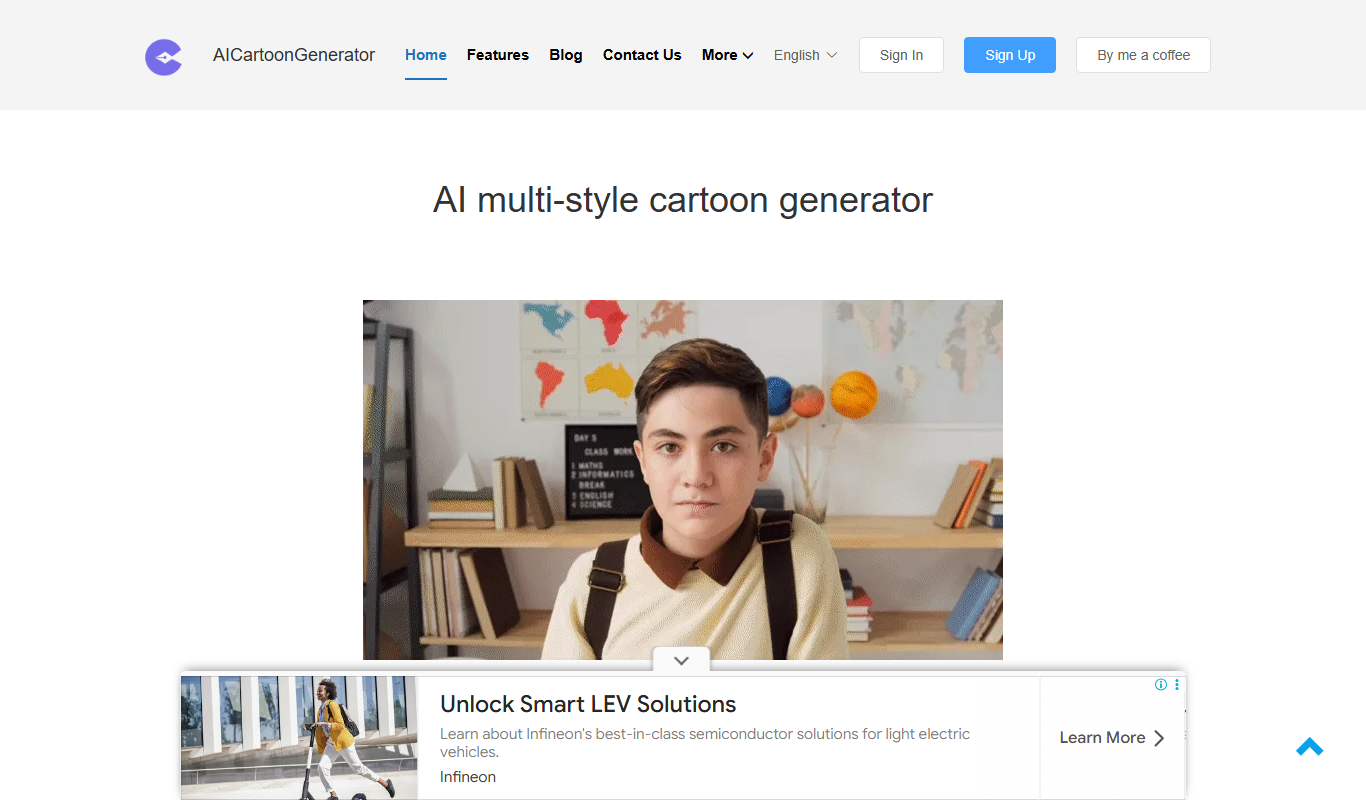
FigureToCartoon
FigureToCartoon is a free online AI cartoon generator that converts photos into cartoon art in many styles, with no signup required.

anifusion.ai
Anifusion turns your story into manga pages with built-in layouts, characters, speech bubbles and editing tools, plus video and sketching. Start free with 100 credits.

SketchEdge
SketchEdge uses AI to extract natural, hand-drawn-like line drawings from your photos and images, for design, manga backgrounds and reference material.

animeBuilder
Anime Builder lets creators make anime characters, avatars, manga scenes, photo-to-anime art and stylized motion with advanced AI models, organised as a character to motion workflow.

Animood
Animood gives AI-powered anime recommendations based on your mood, watch history and AniList data.

Bigjpg
Bigjpg is an AI image enlarger that uses Deep Convolutional Neural Networks to upscale anime-style artworks and photos up to 16x, available on the web, Windows, Mac, iOS and Android and through an API.

Prompton
Prompton is a marketplace for requesting AI illustrations from creators, such as SNS icons, YouTube thumbnails, covers and game assets, under plans each creator prices.

PicSo
PicSo is an AI art generator that creates unique digital images from text prompts, offering multiple art styles and high-resolution downloads for creative projects.