

Comprehensive PDF Tools for Editing, Converting, and Managing Documents Online
ILovePDF is an online platform providing a full suite of PDF tools including editing, converting, merging, splitting, compressing, and securing PDFs accessible via web and desktop apps.
- Best for
- PDF Editing
- Key capability
- PDF Editor
Save ILovePDF, follow its updates and vote on it — everything stays in your account.
Sign in or create a free account
What is ILovePDF?
ILovePDF is an online platform offering a comprehensive suite of PDF tools designed to simplify document management. It enables users to edit, convert, merge, split, compress, and secure PDF files easily through a web interface or desktop application. The service caters to individuals and businesses seeking efficient PDF workflows without needing complex software installations.
Key features of ILovePDF
ILovePDF provides a wide range of PDF-related functionalities including editing, format conversion, file merging and splitting, compression, and security features such as password protection and digital signatures. Its user-friendly interface supports batch processing and integrates with cloud storage services for seamless document handling.
PDF Editor
Add or modify text, images, and annotations within PDFs without needing external software.
Format Conversion
Seamlessly convert PDFs to Word, Excel, PowerPoint, JPG, and vice versa with high fidelity.
Batch Processing
Handle multiple files simultaneously to save time on repetitive tasks like merging or compressing.
Cloud Integration
Connect with Google Drive, Dropbox, and OneDrive for easy import and export of documents.
Security Features
Encrypt PDFs with passwords, unlock protected files, and add digital signatures for secure document handling.
Pros and cons of ILovePDF
Pros
- User-friendly interface with intuitive navigation
- Wide range of PDF tools covering most document needs
- Cloud storage integration for easy file management
- Available on web, desktop, and mobile platforms
- Free tier available for casual users
Cons
- Free plan has file size and daily usage limits
- Some advanced features require paid subscription
- Desktop app is limited compared to web version in features
Key use cases for ILovePDF
PDF Editing
Edit PDF files by adding text, images, shapes, and annotations directly within the browser or desktop app.
PDF Conversion
Convert PDFs to and from various formats such as Word, PowerPoint, Excel, and JPG for easier editing and sharing.
PDF Merging and Splitting
Combine multiple PDF files into one or split a single PDF into multiple documents to organize content efficiently.
PDF Compression
Reduce the file size of PDFs to facilitate faster sharing and save storage space without significant quality loss.
PDF Security
Protect PDFs by adding passwords, unlocking secured PDFs, and applying digital signatures for document authenticity.
How ILovePDF works
- 1
Upload Your PDF
Start by uploading your PDF file(s) via the website or desktop app, or import from cloud storage.
- 2
Select Desired Tool
Choose the specific PDF operation you want to perform, such as editing, converting, merging, or compressing.
- 3
Customize and Process
Adjust settings as needed, like selecting pages to extract or setting compression levels, then execute the task.
- 4
Download or Save
Once processing is complete, download the modified PDF or save it directly to your preferred cloud storage.
Who is using ILovePDF
ILovePDF pricing
Free
$0/month
Access to basic PDF tools with file size and usage limits.
Premium
$4 per month billed annually ($48 per year), or $7 billed monthly
For 1 to 25 users: full access to all iLovePDF tools, unlimited document processing, access across Web, Mobile and Desktop, digital signatures, workflows, ad-free experience, priority customer support and 2,000 AI credits.
Business
Customized pricing for 25+ users (contact sales)
All Premium features plus custom contracts designed for scalability, a dedicated account manager and Single Sign On (SSO).
Plans and prices are as published by the vendor and can change. Check the official site before you buy. Open the pricing page (opens in a new tab)
Frequently asked questions about ILovePDF
Yes, many tools are available for free without an account, but signing up unlocks additional features and higher limits.
ILovePDF uses secure HTTPS connections and deletes uploaded files from their servers after processing to protect your privacy.
It supports conversions between PDF and Word, Excel, PowerPoint, JPG, and vice versa.
Batch processing is available for Premium and Business users, allowing multiple files to be handled simultaneously.
It depends on your specific needs and how you plan to use the tool. The official website and documentation are the best sources for the latest details.
Some tools offer a free plan or trial with limited features. Availability can vary, so confirm on the official website.
Yes, it can help with that use case depending on how you configure it and what features are available. You’ll get the best results with clear inputs and a defined goal.
Yes, it can help with that use case depending on how you configure it and what features are available. You’ll get the best results with clear inputs and a defined goal.
Conclusion
PDF files are uploaded via the website or desktop app or imported from cloud storage, a PDF operation such as editing, converting, merging or compressing is chosen, and the modified PDF is downloaded or saved to cloud storage. Cloud import and export covers Google Drive, Dropbox and OneDrive. Beyond the browser version, desktop apps run on Mac and Windows and mobile apps on iOS and Android.
The service caters to individuals and businesses, and students or academic professionals can get a full year of Premium for free. The free Basic account gives access to essential tools with limited document processing and file size limits. Premium, for up to 25 users, opens all tools with unlimited processing, digital signatures and an ad-free experience, while larger teams move to a Business plan with SSO and custom contracts.
Sources
Sign in to review this tool.
Sign In to ReviewNo reviews yet
Be the first to share how this tool worked for you.
Ask about pricing, limits, or how it compares — or answer someone else.
Sign In to AskNo questions yet
Have a question about using or paying for this tool? Be the first to ask.
Featured on TiorAI



Alternative Tools
Explore similar AI tools that might fit your needs

Smallpdf
Smallpdf is an online platform providing a suite of PDF tools including editing, converting, compressing, and e-signing documents accessible via web and mobile apps.
PDFescape
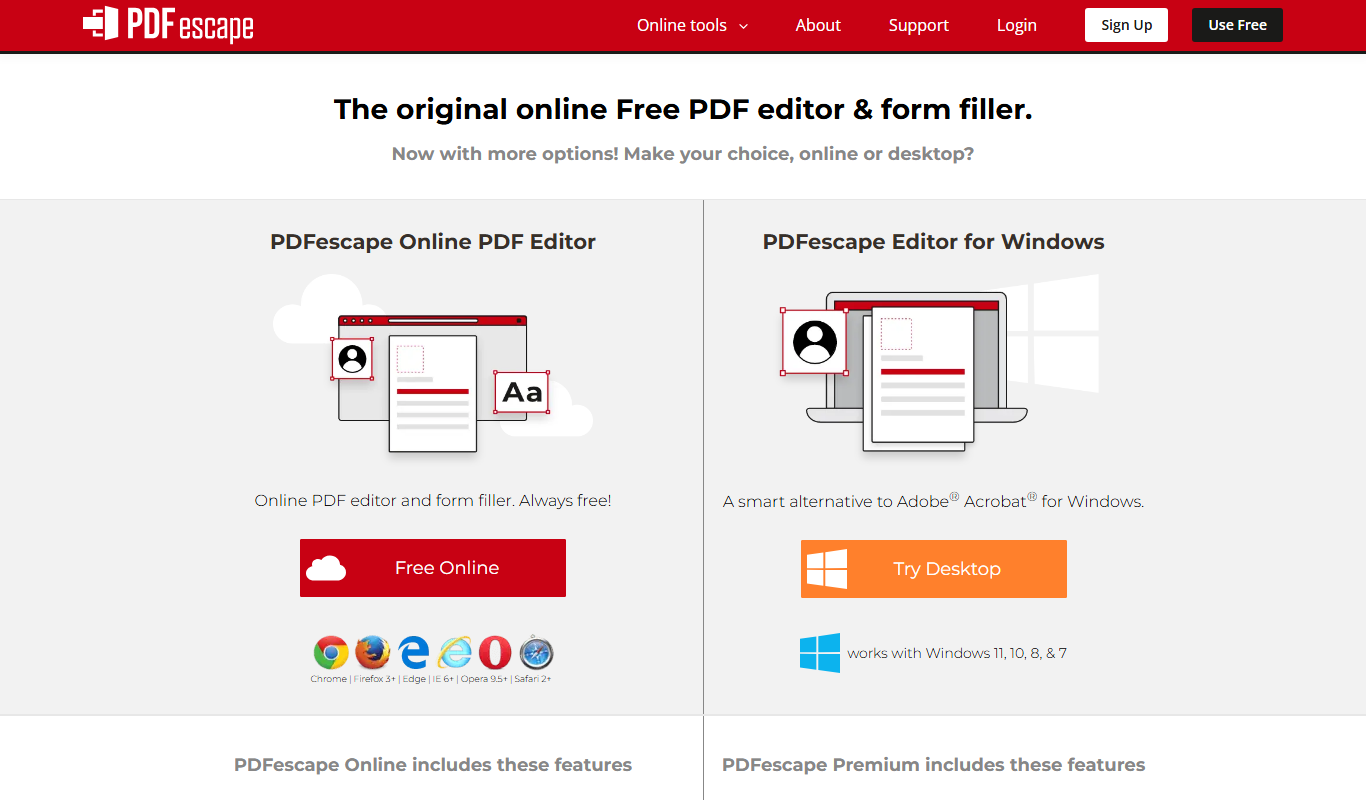
PDFescape is a web-based PDF editor and form filler that allows users to edit, annotate, and fill PDF documents online or via desktop app with free and paid plans.
More Business Management tools
Other tools in the same category, for when this one is not quite the fit.

MarketResearch.com
MarketResearch.com is an online platform offering extensive market research reports and industry analysis from multiple publishers, helping businesses and investors make informed decisions.

IBISWorld
IBISWorld is a subscription-based platform providing detailed industry research reports and market analysis to help businesses and investors make informed decisions.

Jeda.ai – Ai Workspace Canvas
Jeda.ai is an AI-powered collaborative workspace canvas that helps teams brainstorm, plan, and manage projects visually with AI assistance.

Pitch
Pitch is a collaborative presentation software that enables teams to create, edit, and share presentations in real-time with integrated design tools and version control.

Clarity.fm
Clarity.fm is a platform that connects users with business experts for paid one-on-one phone calls to receive personalized advice and mentorship.

GrowthMentor
GrowthMentor is an online platform that connects entrepreneurs and marketers with vetted mentors for personalized advice via live video sessions, helping startups grow and solve business challenges.

Percepto Autonomous Inspection
Percepto Autonomous Inspection is an AI-powered autonomous drone platform that automates industrial site inspections, providing real-time anomaly detection, 3D mapping, and remote asset monitoring to enhance safety and operational efficiency.

Intuit ProConnect
Intuit ProConnect is a cloud-based tax software designed for professional accountants and tax firms to prepare, review, and electronically file federal and state tax returns efficiently.