

CLO 3D Fashion Design Software for 3D Garment Visualization and Simulation
CLO 3D is a professional 3D fashion design software that enables realistic garment visualization, pattern making, and virtual fitting to streamline apparel design and production.
- Best for
- Fashion Design Visualization
- Key capability
- Realistic Fabric Simulation
Save CLO 3D, follow its updates and vote on it — everything stays in your account.
Sign in or create a free account
What is CLO 3D?
CLO 3D is a professional 3D garment visualization and fashion design software that enables designers to create, simulate, and modify digital clothing in a realistic virtual environment. It integrates pattern making, sewing, and fabric simulation to provide an accurate representation of how garments will look and fit in real life.
Key features of CLO 3D
The software offers advanced 3D garment simulation, pattern design tools, fabric physics, avatar customization, and real-time fitting adjustments, empowering fashion professionals to innovate and optimize their design workflows.
Realistic Fabric Simulation
Simulates fabric weight, stretch, and drape with high accuracy.
3D Draping and Fitting
Visualize how garments fit on customizable avatars in real time.
Pattern Design and Editing
Create and modify 2D patterns integrated with 3D garment views.
Avatar Customization
Adjust avatar measurements to match different body types for precise fitting.
Integration with CAD and PLM
Supports importing/exporting data to other fashion design and production tools.
Pros and cons of CLO 3D
Pros
- Highly realistic fabric and garment simulation
- Comprehensive pattern making and editing tools
- Customizable avatars for precise fitting
- Speeds up design and sampling process
- Strong integration with fashion industry workflows
Cons
- Steep learning curve for beginners
- Requires powerful hardware for smooth performance
- Primarily desktop-based with no mobile app
Key use cases for CLO 3D
Fashion Design Visualization
Create realistic 3D digital garments to visualize designs before physical production.
Pattern Making and Grading
Develop and adjust garment patterns digitally with precise control over sizing and fit.
Virtual Fitting and Simulation
Simulate fabric behavior and garment fit on customizable avatars to reduce sample costs.
Fashion Prototyping and Sampling
Produce virtual prototypes to streamline the sampling process and accelerate product development.
Marketing and Presentation
Generate high-quality 3D visuals and animations for marketing campaigns and client presentations.
How CLO 3D works
- 1
Import or Create Patterns
Start by importing existing 2D patterns or create new ones within the software.
- 2
Assemble Garments
Sew the patterns together virtually to form the 3D garment on the avatar.
- 3
Apply Fabrics and Textures
Assign fabric types and textures with physical properties to simulate realistic behavior.
- 4
Simulate and Adjust Fit
Run simulations to see how the garment drapes and fits, then make necessary modifications.
- 5
Export Visuals or Patterns
Export 3D visuals for presentations or technical patterns for production.
Who is using CLO 3D
CLO 3D pricing
Free Trial
$0 for 14 days
14 free days of CLO.
Monthly Subscription
$50/month
Access to all features with monthly billing.
Annual Subscription
$540/year
Discounted yearly plan with full feature access.
Enterprise
Contact us
An all-in-one solution for businesses to transform and optimize product development.
Academic
Contact us
A ready-made educational solution to incorporate CLO into a curriculum.
Plans and prices are as published by the vendor and can change. Check the official site before you buy. Open the pricing page (opens in a new tab)
Frequently asked questions about CLO 3D
CLO 3D requires a Windows or macOS computer with a dedicated graphics card, at least 8GB RAM, and sufficient storage space.
Yes, users can import custom fabric textures and define physical properties for accurate simulation.
While it has a learning curve, CLO 3D offers tutorials and resources to help new users get started.
Yes, files can be shared and integrated with other fashion design tools to facilitate team workflows.
This tool is designed to help users accomplish its core tasks more efficiently. It is typically used by individuals or teams looking to improve productivity and workflow.
It depends on your specific needs and how you plan to use the tool. The official website and documentation are the best sources for the latest details.
It depends on your specific needs and how you plan to use the tool. The official website and documentation are the best sources for the latest details.
Conclusion
Designers create and modify 2D patterns, sew them together virtually to form the 3D garment on an avatar, and assign fabric types and textures with physical properties to simulate realistic behavior. Drape and fit are then checked and adjusted before the result is exported as 3D visuals for presentations or as technical patterns for production. According to the company, designing with virtual garments reduces sample production, shipment and material waste.
It is aimed at the fashion and apparel industries, from pattern makers and product developers to fashion students. Individual plans cover hobbyists, freelancers and one-person companies, students have their own plan, and businesses and schools go through contact-based Enterprise and Academic plans. New users get 14 free days of CLO through a free trial, and plans can be billed monthly or yearly, with yearly billing saving money. As desktop software for Windows or macOS, it needs a computer with a dedicated graphics card.
Sources
Sign in to review this tool.
Sign In to ReviewNo reviews yet
Be the first to share how this tool worked for you.
Ask about pricing, limits, or how it compares — or answer someone else.
Sign In to AskNo questions yet
Have a question about using or paying for this tool? Be the first to ask.
Featured on TiorAI



More AI Clothing Generator tools
Other tools in the same category, for when this one is not quite the fit.
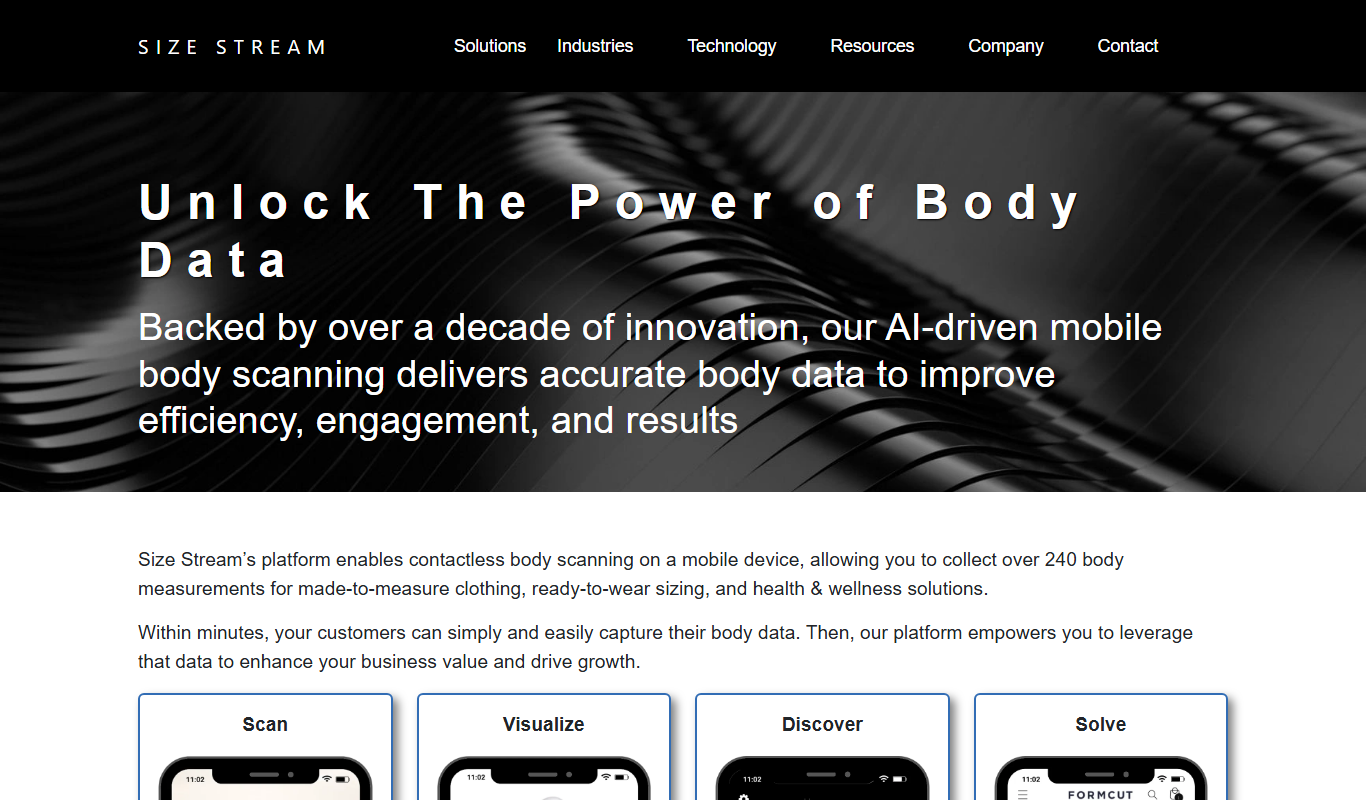
Size Stream
Size Stream is a 3D body scanning platform that captures precise body measurements and creates digital avatars for apparel fitting, health tracking, and virtual try-on applications.
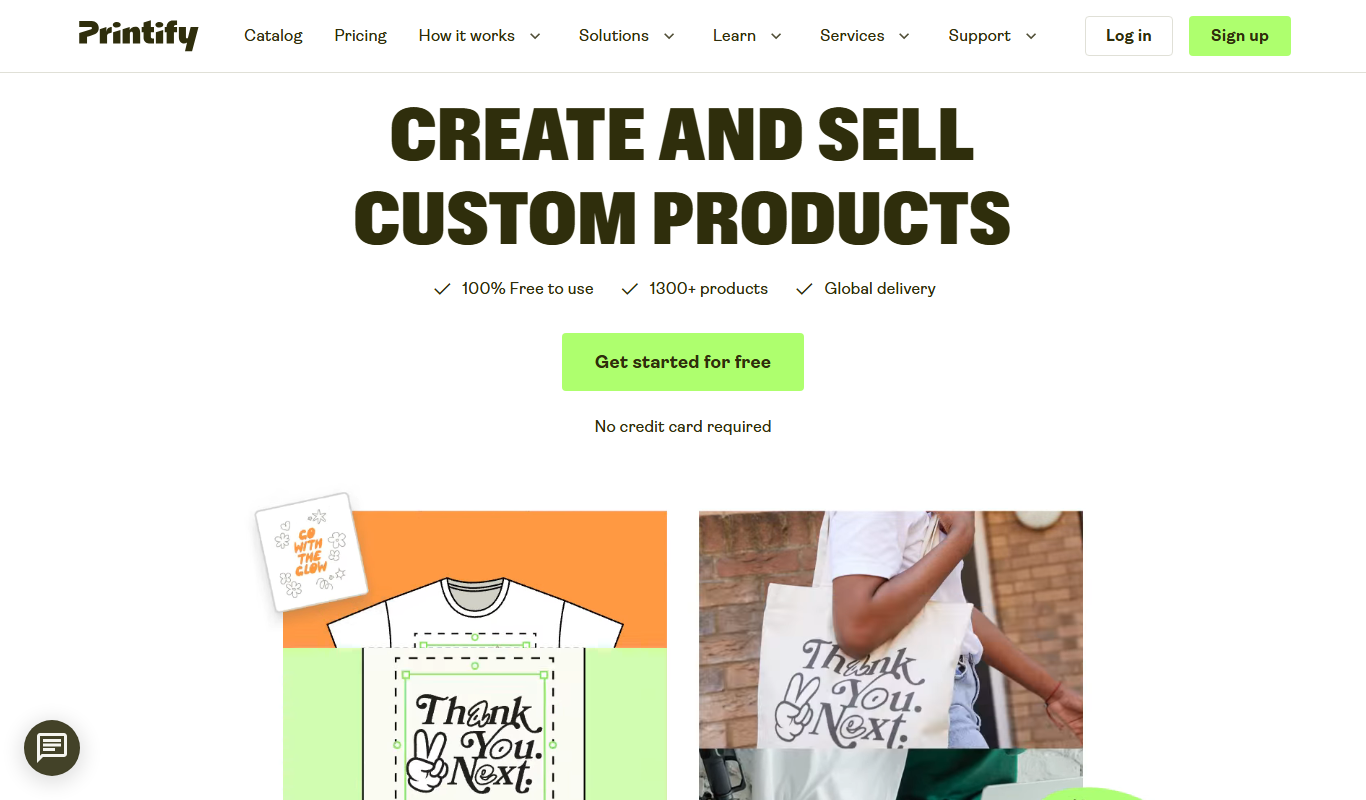
Printify
Printify is a print-on-demand platform that enables users to design custom products and sell them online with automated printing and shipping handled by global print providers.

Gifts Genie
Gifts Genie is a free online platform that helps users find personalized gift ideas by answering a few questions about the recipient and occasion, providing curated recommendations to simplify gift shopping.
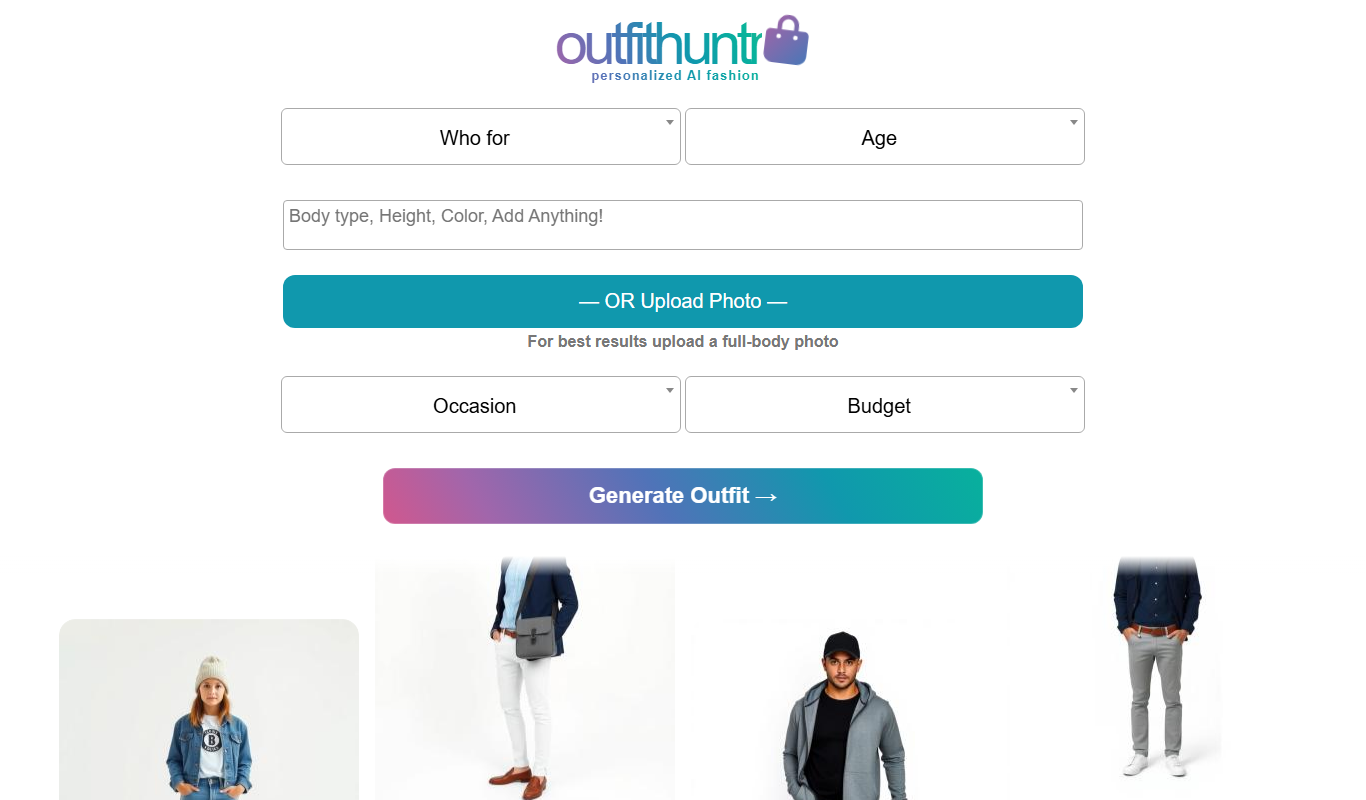
OutfitHuntr.com: AI Style & Shop
OutfitHuntr is an AI-powered fashion assistant that provides personalized outfit suggestions and shopping recommendations based on your style preferences and sizes.

Larry the Elf
Larry the Elf is a free AI gift recommendation tool that provides personalized gift ideas based on recipient details and occasion through an interactive chat interface.

Zugara
Zugara is an AR company offering a Virtual Dressing Room for events and stores.

Stitch Fix
Stitch Fix is an online personal styling service that uses AI and professional stylists to curate personalized clothing boxes shipped to your home, allowing you to try on and keep what you like.
Lookiero
Lookiero is an online personal styling platform that uses AI and human stylists to deliver personalized clothing selections to your home, allowing convenient fashion discovery and purchase.