

Alitu Podcast Maker - Easy AI Audio Editing and Podcast Production Tool
Alitu is a web-based podcast maker that automates audio editing, cleanup, and episode assembly to help podcasters produce professional-quality episodes quickly and easily.
- Best for
- Podcast Editing
- Key capability
- Automated Audio Cleanup
Save Alitu, follow its updates and vote on it — everything stays in your account.
Sign in or create a free account
What is Alitu?
Alitu is a web-based podcast maker designed to simplify and automate the audio editing and production process for podcasters. It provides tools to clean up audio, add music, and assemble episodes without requiring advanced technical skills. The platform aims to make podcast creation accessible and efficient, enabling creators to focus on content rather than complex audio editing.
Key features of Alitu
Alitu offers automated audio cleanup, easy drag-and-drop episode assembly, built-in music library, automatic leveling, and seamless publishing options. Its intuitive interface guides users through the podcast production workflow step-by-step.
Automated Audio Cleanup
Removes background noise, hums, and inconsistencies automatically.
Episode Builder
Drag-and-drop interface to assemble multiple audio clips and music.
Built-in Music Library
Access to royalty-free music for intros, outros, and background tracks.
Automatic Leveling
Balances audio levels across clips for consistent sound quality.
Direct Publishing
Export episodes and publish directly to podcast hosting services.
Pros and cons of Alitu
Pros
- Automates complex audio editing tasks
- User-friendly drag-and-drop episode assembly
- Built-in royalty-free music library
- Supports direct publishing to podcast hosts
- No advanced audio skills required
Cons
- Only available as a web app, no desktop or mobile apps
- Subscription pricing may be high for casual podcasters
Key use cases for Alitu
Podcast Editing
Simplifies the process of editing podcast audio by automating noise reduction, leveling, and adding music.
Podcast Production
Helps podcasters produce professional-quality episodes quickly without advanced audio skills.
Audio Cleanup
Automatically cleans up audio recordings by removing background noise and inconsistencies.
Episode Assembly
Allows users to easily assemble multiple audio clips, intros, outros, and music into a finished episode.
Publishing Assistance
Supports exporting and publishing podcasts to hosting platforms with minimal technical effort.
How Alitu works
- 1
Upload Audio
Import your raw podcast recordings into Alitu’s platform.
- 2
Automatic Cleanup
Alitu automatically removes background noise, hums, and evens out audio levels.
- 3
Add Music and Effects
Choose intros, outros, and background music from the built-in library or upload your own.
- 4
Assemble Episode
Drag and drop audio clips to arrange your episode timeline.
- 5
Export and Publish
Export the finished episode and publish it directly to your podcast host.
Who is using Alitu
Alitu pricing
Free Trial
$0 for 7 days
Full access to all features during the trial period.
Monthly Subscription
$38/month, or 2 months free when paid annually
Recording, automatic cleanup, editing, one-click publishing to Apple Podcasts, free hosting up to 1000 downloads per month and transcripts in 17 languages.
Hands-off editing service
From $295 / month
Episodes edited for you on weekly and fortnightly plans with a 4-day turnaround.
Plans and prices are as published by the vendor and can change. Check the official site before you buy. Open the pricing page (opens in a new tab)
Frequently asked questions about Alitu
Yes, Alitu offers a 7-day free trial with full access to all features.
No, Alitu is designed for podcasters of all skill levels and automates complex editing tasks.
Yes, you can upload your own music or use the built-in royalty-free music library.
Yes, you can export and publish your episodes directly to your podcast host.
It depends on your specific needs and how you plan to use the tool. The official website and documentation are the best sources for the latest details.
It depends on your specific needs and how you plan to use the tool. The official website and documentation are the best sources for the latest details.
Yes, it can help with that use case depending on how you configure it and what features are available. You’ll get the best results with clear inputs and a defined goal.
Conclusion
Audio arrives by upload in any format or through the built-in audio and video call recorder, and noise removal and voice polishing start straight away. Hum is removed, levels are balanced, theme music is added at the start and end, and the episode is exported to MP3 with ID3 tags. Editing works like a document, with search and text-based edits next to a simple waveform and a drag and drop episode builder. Episodes publish with one click to Apple Podcasts, and hosting is free up to 1,000 downloads per month.
It is aimed at podcasters who dislike the technical side of podcasting or simply need to save time, from beginners to seasoned pros. Access is one subscription that starts with a 7-day free trial and is cheaper when paid annually, while a hands-off editing service is sold separately.
Sources
Sign in to review this tool.
Sign In to ReviewNo reviews yet
Be the first to share how this tool worked for you.
Ask about pricing, limits, or how it compares — or answer someone else.
Sign In to AskNo questions yet
Have a question about using or paying for this tool? Be the first to ask.
Featured on TiorAI



Alternative Tools
Explore similar AI tools that might fit your needs
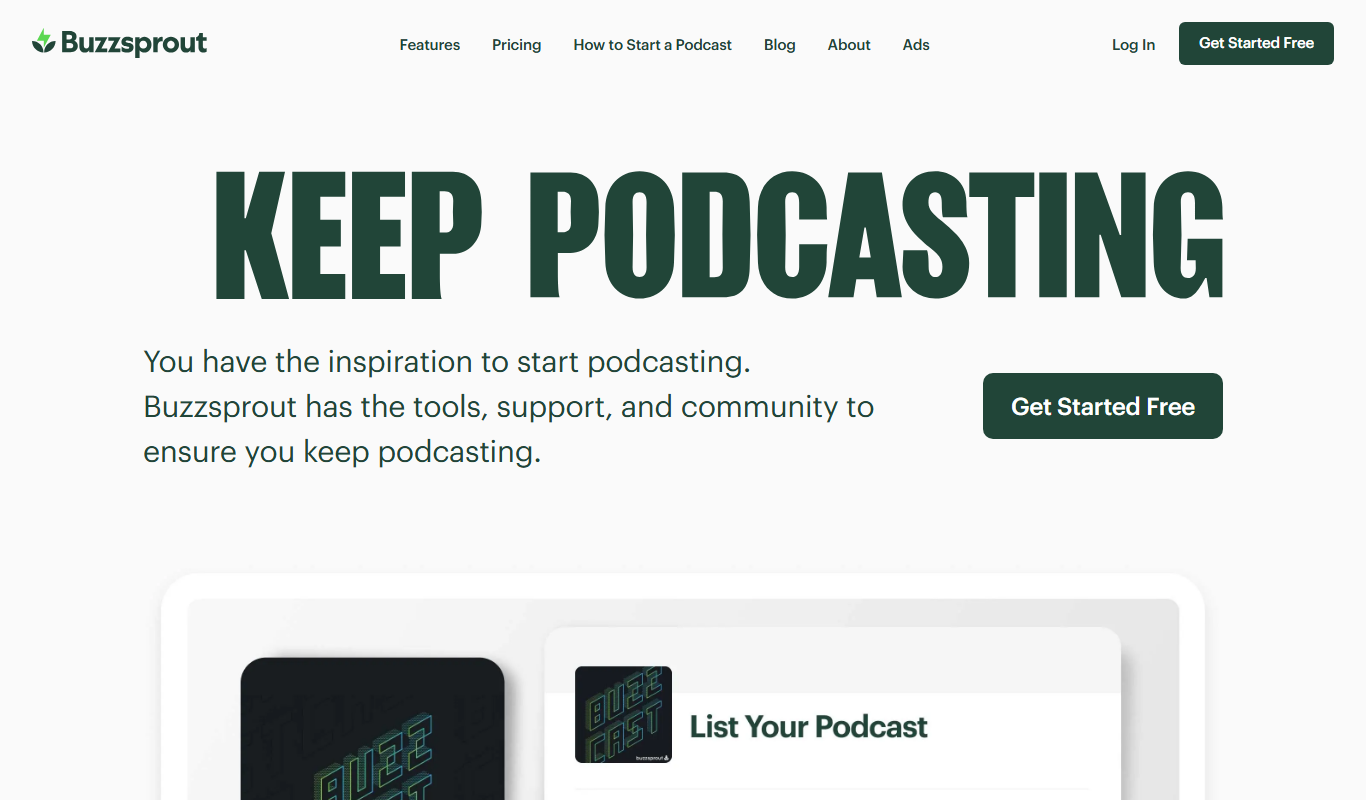
Buzzsprout
Buzzsprout is a podcast hosting platform that simplifies uploading, distributing, and analyzing podcasts with tools for episode management, automatic distribution, and listener analytics.
More AI Audio Editing tools
Other tools in the same category, for when this one is not quite the fit.
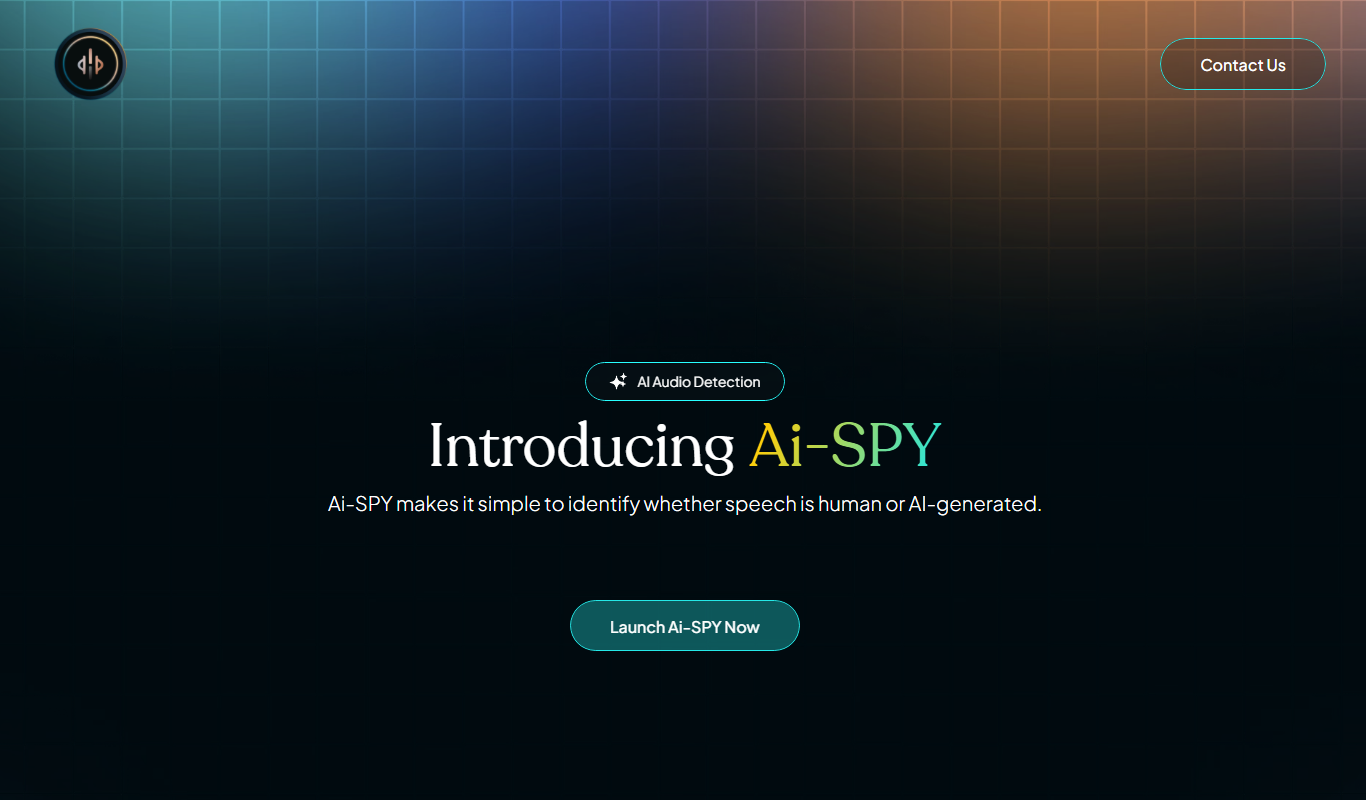
AI-Spy
AI-Spy detects whether audio is AI-generated or human: upload an mp3 or wav file or a link and get an authenticity result.

Santelmo
Santelmo Audio Engineering offers paid mixing and mastering, music production, podcast cleanup, film scoring and foley and AI music services, bought per job.

Koolio.ai
koolio.ai combines studio-grade processing with smart automation to transform raw concepts into polished audio in minutes, from podcast episodes to audiobooks and ads.

Xound.io
Xound.io is an AI voice cleaner that removes background noise, corrects pitch and levels audio for YouTubers, TikTokers and podcasters, with a free tier.

Artificial Studio
Artificial Studio is a platform that brings 60+ AI tools together for image, video, audio, 3D, marketing and design work.

article2audio
article2audio is an article narration service for publishers and readers that turns an HTML post, including images, tables, code blocks and footnotes, into audio.

Udio AI | Make your music
Udio AI is an online platform that uses artificial intelligence to generate original music tracks quickly and easily, suitable for creators and producers needing royalty-free compositions.

AI Mastering
AI Mastering is an online service that uses artificial intelligence to automatically master audio tracks, providing musicians and podcasters with professional-quality sound quickly and affordably.