

KNIME Analytics Platform - Open Source Data Analytics & Workflow Automation
KNIME Analytics Platform is an open-source data analytics tool that enables users to build visual workflows for data processing, machine learning, and automation without extensive coding.
- Best for
- Data Analytics
- Key capability
- Visual Workflow Editor
Save KNIME Analytics Platform, follow its updates and vote on it — everything stays in your account.
Sign in or create a free account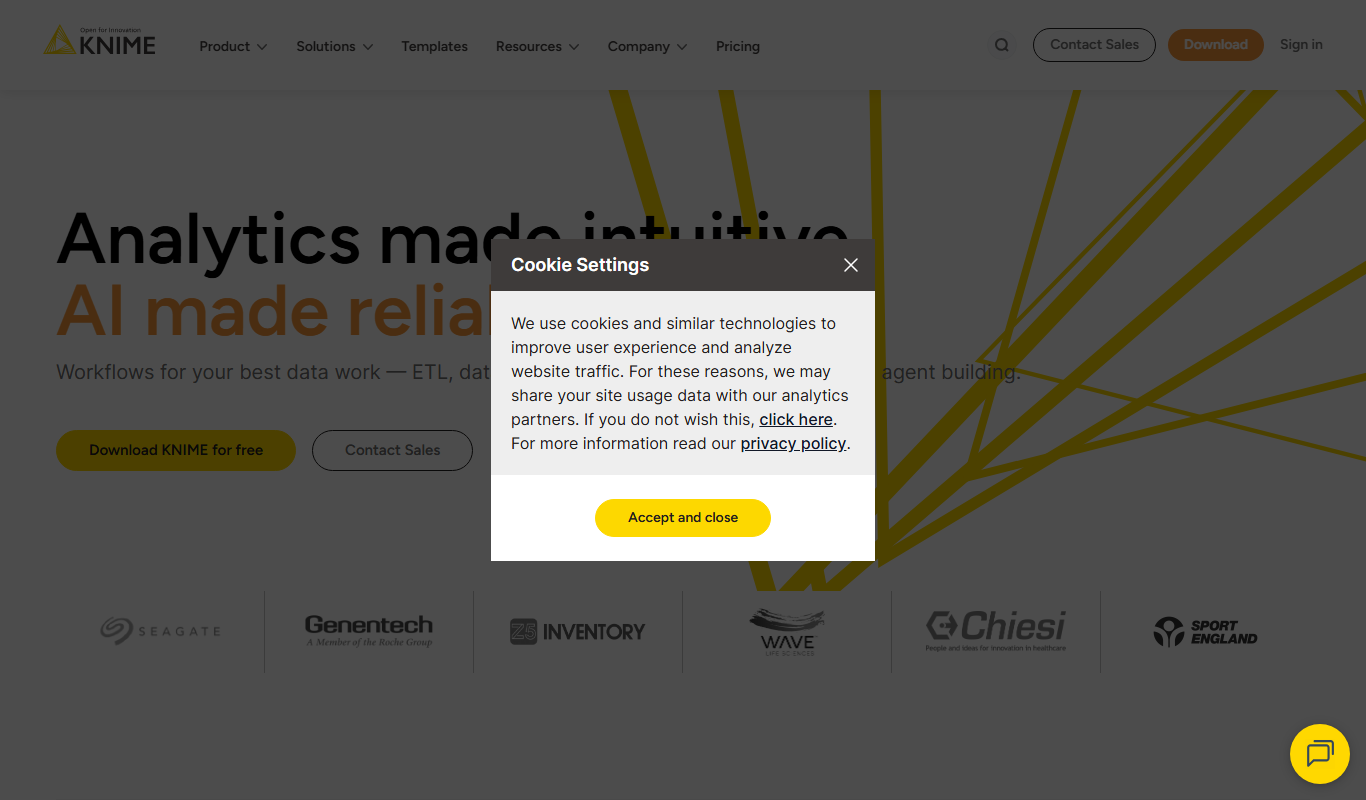
What is KNIME Analytics Platform?
KNIME Analytics Platform is an open-source software for data analytics, reporting, and integration. It provides a user-friendly, visual workflow interface that enables users to create data pipelines by connecting nodes representing data processing steps. KNIME supports a wide range of data sources and integrates with popular programming languages like Python and R, making it a versatile tool for data scientists, analysts, and business users.
Key features of KNIME Analytics Platform
KNIME offers drag-and-drop workflow design, extensive node libraries for data manipulation, machine learning, and visualization, integration with Python and R scripts, and support for big data and cloud environments. It also provides collaboration features and enterprise-grade extensions for scalability and security.
Visual Workflow Editor
Intuitive drag-and-drop interface to design complex data workflows without coding.
Extensive Node Repository
Thousands of pre-built nodes for data access, transformation, modeling, and visualization.
Integration with Python and R
Embed custom scripts to extend functionality and leverage popular data science libraries.
Open Source and Extensible
Community-driven platform with options to develop custom extensions and integrations.
Enterprise Features
Advanced collaboration, automation, and security features available in commercial editions.
Pros and cons of KNIME Analytics Platform
Pros
- User-friendly visual workflow design
- Extensive integration with data science tools
- Open-source with active community support
- Scalable from desktop to enterprise environments
Cons
- Steeper learning curve for beginners unfamiliar with data workflows
- Enterprise features require paid licenses
- Desktop application can be resource-intensive on large datasets
Key use cases for KNIME Analytics Platform
Data Analytics
Perform complex data analysis using a visual workflow interface without extensive coding.
Machine Learning
Build, train, and deploy machine learning models with integrated algorithms and extensions.
ETL (Extract, Transform, Load)
Automate data extraction, transformation, and loading processes from diverse data sources.
Data Visualization
Create interactive and customizable visualizations to explore and present data insights.
Workflow Automation
Design and automate repeatable data workflows to streamline business processes.
How KNIME Analytics Platform works
- 1
Download and Install
Get the KNIME Analytics Platform desktop application from the official website and install it on your system.
- 2
Create Workflow
Use the visual editor to drag and drop nodes to build your data processing workflow.
- 3
Configure Nodes
Set parameters for each node to define data sources, transformations, and analysis steps.
- 4
Execute Workflow
Run the workflow to process data and generate results, visualizations, or models.
- 5
Export and Share
Export workflows or results for sharing, or run, automate and deploy workflows through KNIME Hub or KNIME Business Hub.
Who is using KNIME Analytics Platform
KNIME Analytics Platform pricing
Free
$0
Full-featured open-source desktop platform for individual users and small teams.
Business Hub
Pricing available on request
For teams with business needs and enterprises: automate and deploy workflows as schedules, data apps and services, and collaborate across teams with fine granular permissions.
Pro
Starts at $19 / month
For individuals who need to automate workflows built in KNIME Analytics Platform, with 120 credits for workflow runtime included.
Team
Starts at $99 / month
For small businesses (<50 employees) that need collaboration and automation.
Plans and prices are as published by the vendor and can change. Check the official site before you buy. Open the pricing page (opens in a new tab)
Frequently asked questions about KNIME Analytics Platform
Yes, the desktop version of KNIME Analytics Platform is free and open source.
Yes, KNIME supports integration with Python and R for advanced analytics and custom processing.
Yes, KNIME can connect to big data platforms like Apache Spark and Hadoop through extensions.
Yes. KNIME Hub (Online) offers paid plans, and KNIME Business Hub serves teams with business needs and enterprises.
This tool is designed to help users accomplish its core tasks more efficiently. It is typically used by individuals or teams looking to improve productivity and workflow.
Some tools offer a free plan or trial with limited features. Availability can vary, so confirm on the official website.
Integration support depends on the tool and its available connectors or API. Check the official documentation or integrations page to confirm what is supported.
Data handling and security practices vary by provider. Review the official privacy policy to understand how your data is stored and used.
Conclusion
Workflows are built by connecting nodes, each performing a discrete action on data such as access, transform, learn, predict or visualize. A workflow can run node by node, in segments or all at once, and custom Python and R scripts can be embedded where nodes are not enough. Data comes from 300+ connectors, including Snowflake, Databricks and Google BigQuery.
Data scientists, business analysts and researchers are its core users, though beginners unfamiliar with data workflows face a steeper learning curve. The desktop KNIME Analytics Platform is free and open source for building and running workflows locally. Collaboration, governance and scale come from paid offerings, namely the Pro and Team plans on KNIME Hub and the Business Hub for enterprises.
Sources
Sign in to review this tool.
Sign In to ReviewNo reviews yet
Be the first to share how this tool worked for you.
Ask about pricing, limits, or how it compares — or answer someone else.
Sign In to AskNo questions yet
Have a question about using or paying for this tool? Be the first to ask.
Featured on TiorAI


More AI Analytics Assistant tools
Other tools in the same category, for when this one is not quite the fit.

TranscribetoText.AI
TranscribetoText.AI is an AI-driven online service that converts audio and video files into accurate text transcripts, supporting multiple languages and features like speaker identification and timestamps.

SPSSAU
SPSSAU is an online statistical analysis platform that provides a wide range of data analysis and visualization tools accessible through a web browser, suitable for academic, business, and educational use.

TwinMind
TwinMind is an AI second brain that transcribes and summarizes your day, organizes it into memory and powers any AI with the context of your life.
Azna AI
Azna AI turns ideas into personalized AI copilot apps in minutes with a no-code solution: choose a template, add your data and deploy the copilot.

Vuepak
Vuepak drives growth with AI-powered multichannel outreach and smart email delivery: share multimedia presentations and track engagement in real time.

PerceptInsight
Percept Insight is a real-time analytics platform that gives insights into user behaviour, user engagement and the effectiveness of marketing campaigns, with built-in engagement tools.

Roast That Face
Roast That Face is an AI roaster that turns an uploaded photo or a public Instagram, Twitter, X or LinkedIn profile into a funny, shareable roast.

Heatbot.io
Heatbot is a data-driven generative UI builder: upload user analysis heatmaps and let AI generate code for an improved website in seconds.