
From my experience with Dashbot, it excels at providing clear, actionable insights into chatbot and voice assistant interactions. The platform’s real-time dashboards and detailed conversation transcripts make it easier to identify where AI models struggle and where users drop off. This makes Dashbot particularly well-suited for developers and product managers focused on improving conversational AI performance. However, the pricing for advanced features is not transparent upfront, and the tool primarily supports English, which may limit global use. Overall, if you need robust conversational analytics to optimize your AI chatbots or voice assistants, Dashbot delivers reliable and comprehensive data.
Dashbot Conversational Analytics Platform for AI Chatbots and Voice Assistants
Dashbot is a conversational analytics platform that helps monitor, analyze, and optimize chatbot and voice assistant interactions through real-time dashboards, intent tracking, and error detection.
Tech Stack:
AWS
JavaScript
Python
What is Dashbot?
Dashbot is a conversational analytics platform designed to provide deep insights into chatbot and voice assistant interactions. It helps developers and product teams monitor, analyze, and optimize AI-driven conversations by tracking user engagement, intent recognition, and conversation flows. Dashbot supports multiple messaging platforms and voice assistants, enabling businesses to improve their conversational AI performance and user satisfaction.

Key Features of Dashbot
Real-Time Analytics Dashboard
Visualize conversation metrics and user engagement in real time.
Intent and Entity Tracking
Monitor how well your AI understands user intents and extracts entities.
Conversation Transcripts
Review full conversation logs to identify issues and opportunities.
Error and Drop-Off Detection
Automatically detect failed intents and conversation drop-offs to improve AI accuracy.
Custom Reporting and Alerts
Create tailored reports and receive alerts for key events or anomalies.
Pros and Cons of Dashbot
Pros
- Comprehensive conversational analytics in one platform
- Supports multiple chatbot and voice assistant platforms
- Real-time data visualization and alerts
- Helps identify and fix conversation errors
- Customizable reporting to fit business needs
Cons
- Pricing details for advanced plans are not publicly listed
- Limited language support focused on English
- Primarily focused on analytics, not chatbot building
Key Use Cases for Dashbot
Chatbot Performance Monitoring
Track and analyze chatbot interactions to improve user engagement and identify drop-off points.
Voice Assistant Analytics
Gain insights into voice assistant usage patterns and optimize voice user interfaces.
User Behavior Analysis
Understand user intents and conversation flows to enhance AI conversational experiences.
Error and Intent Detection
Detect failed intents and errors in conversations to improve AI accuracy and reduce friction.
Custom Dashboard Reporting
Create tailored reports and visualizations to monitor key metrics relevant to your AI applications.
How Dashbot Works
-
1
Integrate SDK or API
Add Dashbot’s SDK or API to your chatbot or voice assistant platform to start capturing conversation data.
-
2
Collect Conversation Data
Dashbot collects real-time data on user interactions, intents, and conversation flows.
-
3
Analyze Metrics
Use Dashbot’s dashboards to monitor key performance indicators such as engagement, retention, and error rates.
-
4
Optimize Conversations
Leverage insights to improve chatbot responses, fix errors, and enhance user experience.
Who's Using Dashbot
Chatbot developers
Voice assistant creators
Product managers for conversational AI
Customer support teams using AI chatbots
AI data analysts
Dashbot Pricing
Free
$0/month
Basic analytics features with limited monthly interactions.
Pro
Custom pricing
Advanced analytics, higher interaction limits, and premium support.
Frequently Asked Questions About Dashbot
Dashbot supports major chatbot platforms like Facebook Messenger, Slack, Alexa, Google Assistant, and custom voice assistants.
Yes, Dashbot offers a free tier with basic features to get started.
Yes, by analyzing failed intents and conversation flows, Dashbot helps optimize AI understanding.
Yes, Dashbot offers real-time dashboards to monitor live conversations.
This tool is designed to help users accomplish its core tasks more efficiently. It is typically used by individuals or teams looking to improve productivity and workflow.
It depends on your specific needs and how you plan to use the tool. The official website and documentation are the best sources for the latest details.
Some tools offer a free plan or trial with limited features. Availability can vary, so confirm on the official website.
Share your review
Reviews are limited to one per logged-in user and are published after moderation.
You need an account to review this tool.
0.0
★
★
★
★
★
0 reviews
5 star
0
4 star
0
3 star
0
2 star
0
1 star
0
No reviews yet
Be the first to share how this tool worked for you.
Questions from the community
Read questions and answers about this tool, or ask your own.
No questions yet
Start the conversation by asking the first question about this tool.
Is this tool helpful?
Alternative Tools
Explore similar AI tools that might fit your needs

Free Trial
Botanalytics
Botanalytics is a conversational analytics platform that helps businesses monitor and optimize chatbot and voice assistant interactions through detailed user engagement metrics and conversation flow analysis.

Freemium
Chatbase
Chatbase is an AI chatbot platform by Google that enables easy creation, integration, and optimization of conversational bots using no-code tools and analytics.

Free
Voiceflow
Voiceflow is a no-code platform that enables users to design, prototype, and deploy voice applications and chatbots for platforms like Amazon Alexa and Google Assistant using a visual drag-and-drop interface.

Subscription
ClearPoint Strategy
ClearPoint Strategy is a web-based platform that helps organizations manage strategic plans, track KPIs, and generate automated reports through customizable dashboards.

Free
Sustain.Life
Sustain.Life is a web platform that enables organizations to calculate their carbon emissions, generate sustainability reports, engage employees, and track progress toward climate goals.

Custom Pricing
Styku
Styku is a 3D body scanning software platform that provides precise body measurements and 3D models for fitness, apparel fitting, and health monitoring applications.
Free
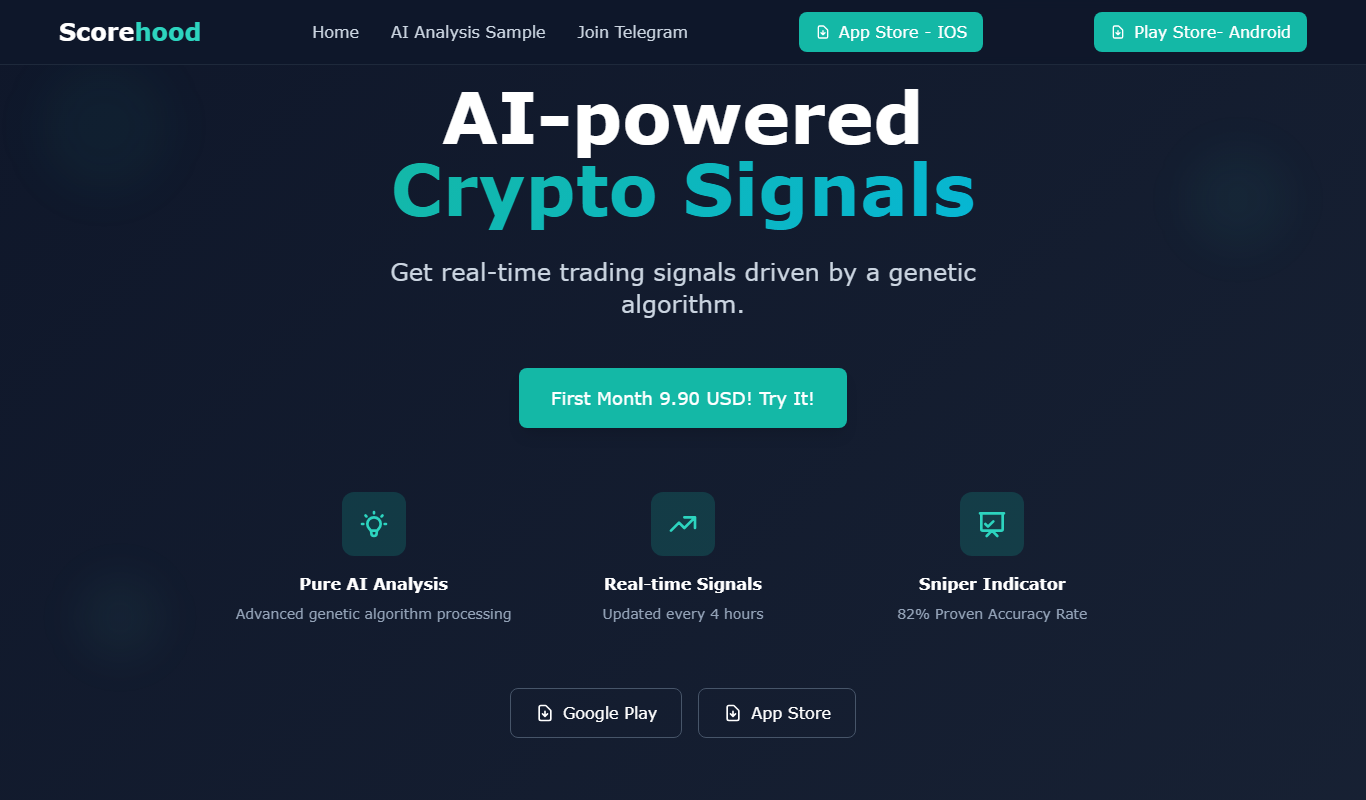
Scorehood Bull/Bear Crypto Analysis App
Scorehood is a crypto analysis app that offers real-time bull and bear market sentiment scores, portfolio tracking, and trading signals to help users navigate cryptocurrency markets effectively.

Free
Opnbook
Opnbook is an open source social media platform designed to promote free speech and community moderation without algorithmic interference.
Free
BetGPT
BetGPT is an AI-powered sports betting assistant that provides data-driven predictions, real-time analytics, and betting strategies to help users make informed sports wagers.

Free
Marketing Brew
Marketing Brew is a daily newsletter delivering curated marketing news, advertising trends, and social media insights to marketing professionals.

Subscription
Krossover
Krossover is a sports video analysis tool that uses AI and expert analysts to break down game footage, providing detailed statistics and insights for coaches and athletes.