

Voila Norbert Email Finder and Verification Tool for Lead Generation
Voila Norbert is a web-based tool that helps users find and verify professional email addresses to improve lead generation and outreach campaigns.
- Best for
- Lead Generation
- Key capability
- Email Finder
Save Voila Norbert, follow its updates and vote on it — everything stays in your account.
Sign in or create a free account
What is Voila Norbert?
Voila Norbert is a web-based email finding and verification tool designed to help businesses and professionals locate accurate email addresses for outreach and lead generation. It simplifies the process of discovering contact information by allowing users to input names and domains to retrieve verified emails, improving the efficiency of sales, marketing, and recruitment efforts.
Key features of Voila Norbert
The platform offers bulk email search, email verification, API access, and integrations with popular CRM and marketing tools. Its user-friendly interface and reliable data sources help users reduce bounce rates and improve campaign success.
Email Finder
Locate professional email addresses by entering a name and domain.
Email Verification
Check the validity of email addresses to reduce bounce rates.
Bulk Search
Upload lists to find or verify multiple emails simultaneously.
API Access
Integrate Voila Norbert’s capabilities into your own applications.
CRM Integrations
Connect with popular CRM and marketing tools for seamless workflow.
Pros and cons of Voila Norbert
Pros
- Easy to use with a clean interface
- Accurate email finding and verification
- Flexible pricing with pay-as-you-go and subscriptions
- Bulk search and verification capabilities
- API and CRM integrations available
Cons
- Free use is limited to 50 credits once you create an account.
- No mobile app available
- Primarily focused on English-language contacts
Key use cases for Voila Norbert
Lead Generation
Find accurate email addresses for potential clients to build targeted outreach lists.
Email Verification
Validate email addresses to reduce bounce rates and improve email deliverability.
Sales Prospecting
Identify and connect with decision-makers to increase sales opportunities.
Recruitment
Locate verified contact information for potential job candidates.
Marketing Campaigns
Enhance marketing outreach by ensuring contact data accuracy.
How Voila Norbert works
- 1
Create an Account
Sign up on the Voila Norbert website to access the email finder and verification tools.
- 2
Input Contact Details
Enter the full name and company domain of the person whose email you want to find.
- 3
Find or Verify Emails
Use the tool to search for email addresses or verify existing emails for accuracy.
- 4
Download or Integrate
Export your verified contacts or connect Voila Norbert with your CRM or marketing platforms.
Who is using Voila Norbert
Voila Norbert pricing
Free
Free
50 free credits once you create an account; only successful email finds are counted.
Pay As You Go
Verify: $.003/email up to 500k and $.001/email above that, $2 min; Enrich: $.04/email up to 2k, $.02/email up to 50k and $.015/email above that, $4 min
Pay-as-you-go email list verification and enrichment, without commitments.
Subscription
From $49/month, or $39/month billed yearly
Valet, Butler, Advisor and Counselor plans from up to 1,000 to up to 50,000 leads/month, each with unlimited team members, bulk and API usage, 50 bulk workers and credit rollover; yearly billing is discounted.
Plans and prices are as published by the vendor and can change. Check the official site before you buy. Open the pricing page (opens in a new tab)
Frequently asked questions about Voila Norbert
Voila Norbert uses multiple data sources and verification processes to provide highly accurate email addresses, though no tool can guarantee 100% accuracy.
Yes, the platform offers an email verification service to check the validity of existing email lists.
Yes, Voila Norbert provides API access for integration with your own applications and workflows.
It integrates with popular CRM and marketing tools such as Salesforce, HubSpot, and Zapier.
It depends on your specific needs and how you plan to use the tool. The official website and documentation are the best sources for the latest details.
Yes, it can help with that use case depending on how you configure it and what features are available. You’ll get the best results with clear inputs and a defined goal.
Conclusion
A search needs only two inputs, the prospect’s full name and the domain their company uses for email, and each address found carries a certainty score. Only successful finds count against credits, and bulk searches accept CSV files that are processed asynchronously. Separate pay-as-you-go tools verify existing email lists and enrich contacts with job title, company, location and social profiles. A Chrome extension also finds addresses while browsing company websites or LinkedIn profiles.
Sales professionals, recruiters and lead generation specialists are the core users, and the site also points to PR and content marketing outreach. New accounts get 50 free credits, after which monthly subscription tiers are sized by leads per month, with a discount and credit rollover on yearly billing.
Sources
Sign in to review this tool.
Sign In to ReviewNo reviews yet
Be the first to share how this tool worked for you.
Ask about pricing, limits, or how it compares — or answer someone else.
Sign In to AskNo questions yet
Have a question about using or paying for this tool? Be the first to ask.
Featured on TiorAI



More AI CRM tools
Other tools in the same category, for when this one is not quite the fit.
WideOrbit
WideOrbit is a broadcast software platform that streamlines media sales, advertising inventory management, campaign planning, and billing for TV, radio, and digital broadcasters.

Litify
Litify is a cloud-based legal CRM and case management platform built on Salesforce, designed to help law firms automate client intake, manage cases, and streamline workflows.
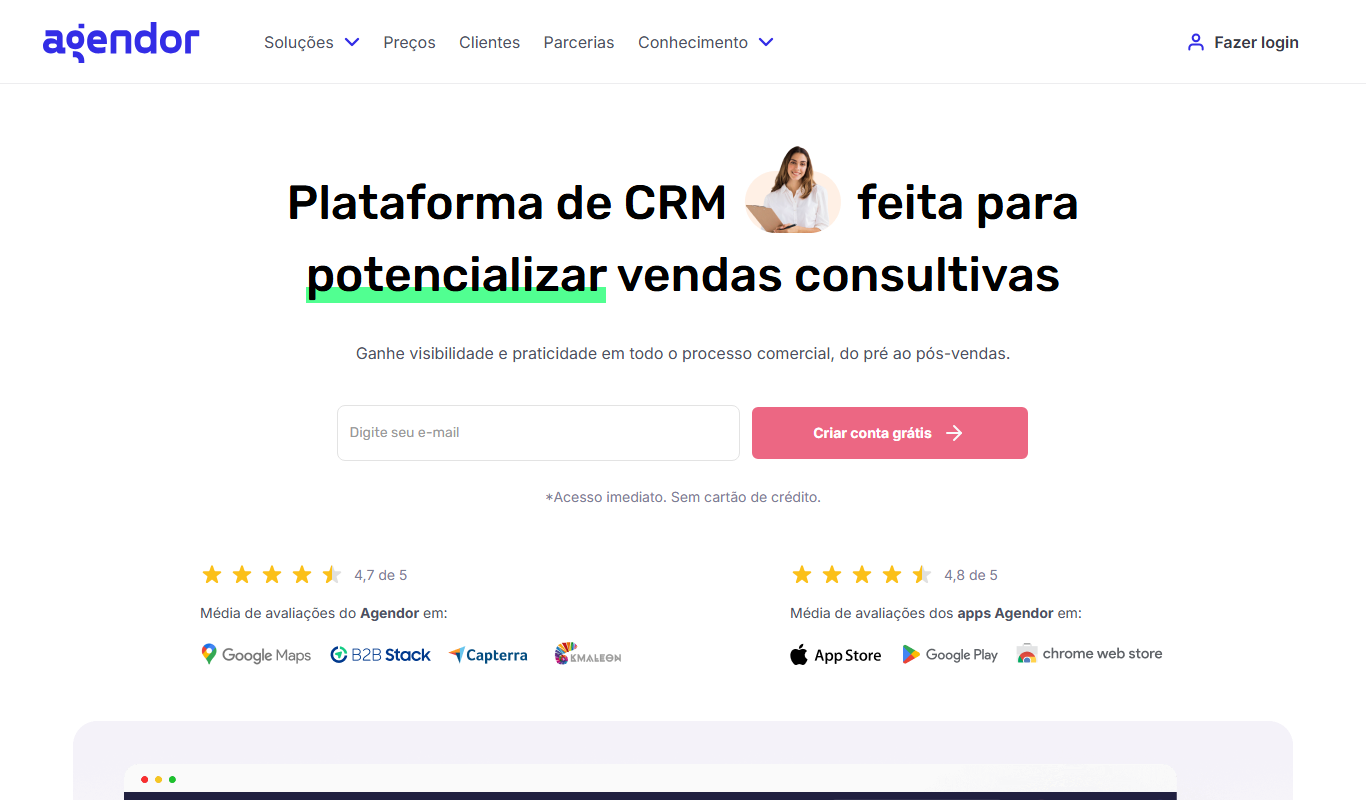
Agendor CRM
Agendor CRM is a cloud-based platform that helps sales teams manage their sales pipeline, customer relationships, and team collaboration with customizable features and mobile access.

RD Station CRM
RD Station CRM is a cloud-based AI-powered customer relationship management platform that integrates sales pipeline management, lead capture, and marketing automation to help businesses optimize sales and marketing efforts.

Pitchbox
Pitchbox is a web platform that automates outreach campaigns for link building and influencer marketing by combining prospecting, personalized email sequences, and campaign management.

LoyaltyLion
LoyaltyLion is a loyalty program platform designed for ecommerce stores to increase customer retention through points, rewards, and referral incentives.

Smile.io
Smile.io is a loyalty program platform that enables e-commerce businesses to create points, referral, and VIP rewards programs to boost customer retention and engagement.

Data Ladder
Data Ladder is a data quality software platform that helps organizations cleanse, match, deduplicate, and enrich data to improve accuracy and analytics.