

Databricks Unified Data Analytics Platform for AI and Big Data Solutions
Databricks is a cloud-based unified data analytics platform that enables scalable big data processing, machine learning, and collaborative data science using Apache Spark technology.
- Best for
- Data Engineering
- Key capability
- Unified Analytics Workspace
Save Databricks, follow its updates and vote on it — everything stays in your account.
Sign in or create a free account
What is Databricks?
Databricks is a unified data analytics platform that combines data engineering, data science, and machine learning workflows on a scalable cloud infrastructure. Built on Apache Spark, it enables organizations to process large volumes of data efficiently, collaborate across teams, and accelerate AI innovation.
Key features of Databricks
Databricks offers collaborative notebooks, managed Apache Spark clusters, integrated machine learning lifecycle management, real-time streaming analytics, and seamless cloud integration to simplify big data processing and AI development.
Unified Analytics Workspace
Centralized environment for data engineering, data science, and analytics collaboration.
Managed Apache Spark Clusters
Easily create and scale Spark clusters without infrastructure management overhead.
MLflow Integration
Comprehensive machine learning lifecycle management including experiment tracking and model deployment.
Real-Time Streaming
Process and analyze streaming data with low latency for real-time insights.
Delta Lake
Reliable data lake storage layer that ensures ACID transactions and scalable metadata handling.
Pros and cons of Databricks
Pros
- Highly scalable Apache Spark-based platform
- Integrated machine learning lifecycle tools
- Strong collaboration features for teams
- Supports batch and real-time data processing
- Cloud-agnostic with multi-cloud support
Cons
- Pricing can be complex for small teams
- Learning curve for users new to Spark and big data
- Primarily designed for cloud environments
Key use cases for Databricks
Data Engineering
Build and manage scalable data pipelines using Apache Spark and Databricks’ collaborative workspace.
Machine Learning
Develop, train, and deploy machine learning models with integrated MLflow and AutoML tools.
Data Science Collaboration
Collaborate across teams with shared notebooks, dashboards, and version control for data projects.
Business Analytics
Perform large-scale data analytics and visualization to derive actionable business insights.
Streaming Analytics
Process and analyze real-time streaming data for timely decision-making.
How Databricks works
- 1
Create an Account
Sign up on the Databricks platform to access the workspace and cloud resources.
- 2
Set Up Clusters
Configure and launch managed Apache Spark clusters tailored to your workload needs.
- 3
Develop and Collaborate
Use interactive notebooks to write code, visualize data, and collaborate with team members.
- 4
Run Jobs and Pipelines
Schedule and automate data pipelines and machine learning workflows.
- 5
Deploy Models
Deploy machine learning models into production with integrated tools like MLflow.
Who is using Databricks
Databricks pricing
Free Trial
Free trial; ends when trial credits are exhausted
Free access to the Databricks Data + AI Platform; cloud provider charges for resources still apply when using your own cloud account; at the end of the trial you are subscribed to the plan used during the trial.
Pay as you go
No up-front costs; pay for the products you use at per second granularity
Pricing is based on compute usage; prices may vary by geographic region and cloud service provider.
Committed Use Contracts
Contact Databricks for details
Discounts and other benefits when you commit to certain levels of usage; larger commitments bring greater benefits, with options to use commitments across multiple clouds.
Free Edition
Free
Built for students, hobbyists and aspiring data and AI professionals; replaces Community Edition; not for production or commercial use; smaller compute and warehouse sizes with fair use limits.
Plans and prices are as published by the vendor and can change. Check the official site before you buy. Open the pricing page (opens in a new tab)
Frequently asked questions about Databricks
Databricks is used for big data processing, data engineering, machine learning, and collaborative analytics on a unified cloud platform.
Databricks is available on major cloud platforms including AWS, Microsoft Azure, and Google Cloud.
Yes, Databricks supports real-time streaming analytics using Apache Spark Structured Streaming.
Yes, Databricks provides shared notebooks and dashboards to enable team collaboration.
Data handling and security practices vary by provider. Review the official privacy policy to understand how your data is stored and used.
Some tools offer a free plan or trial with limited features. Availability can vary, so confirm on the official website.
Data handling and security practices vary by provider. Review the official privacy policy to understand how your data is stored and used.
Conclusion
Teams launch managed Apache Spark clusters in a shared workspace and use interactive notebooks to write code, visualize data and collaborate. Machine learning models move into production with integrated tools like MLflow. A reliable data lake storage layer ensures ACID transactions, while Apache Spark Structured Streaming handles real-time data. The platform is available on AWS, Microsoft Azure and Google Cloud.
Data engineers, data scientists and machine learning engineers are the primary audience. Billing is pay as you go with no up-front costs and per-second granularity based on compute usage, and committed use contracts add discounts. For learning, the perpetually free Free Edition serves students and hobbyists but excludes production and commercial use.
Sources
Sign in to review this tool.
Sign In to ReviewNo reviews yet
Be the first to share how this tool worked for you.
Ask about pricing, limits, or how it compares — or answer someone else.
Sign In to AskNo questions yet
Have a question about using or paying for this tool? Be the first to ask.
Featured on TiorAI



More AI Analytics Assistant tools
Other tools in the same category, for when this one is not quite the fit.

Supascout
Supascout analyzes App Store reviews to give actionable insights, helping you understand user needs and frustrations so you can address them with confidence.

spiralup.co
Spiral is an AI agent for customer reviews, live chats and calls: it reads your feedback so you can simply ask about complaints, feature requests and sentiment trends.
腾讯问卷
Tencent Wenjuan is an online survey platform by Tencent that allows users to create, distribute, and analyze surveys with multiple question types and real-time data analytics, primarily serving Chinese-speaking users.
EstimateOne
EstimateOne (E1) is an Australian construction tender platform that helps subcontractors, builders and suppliers find tenders and win more work.
Octolens AI
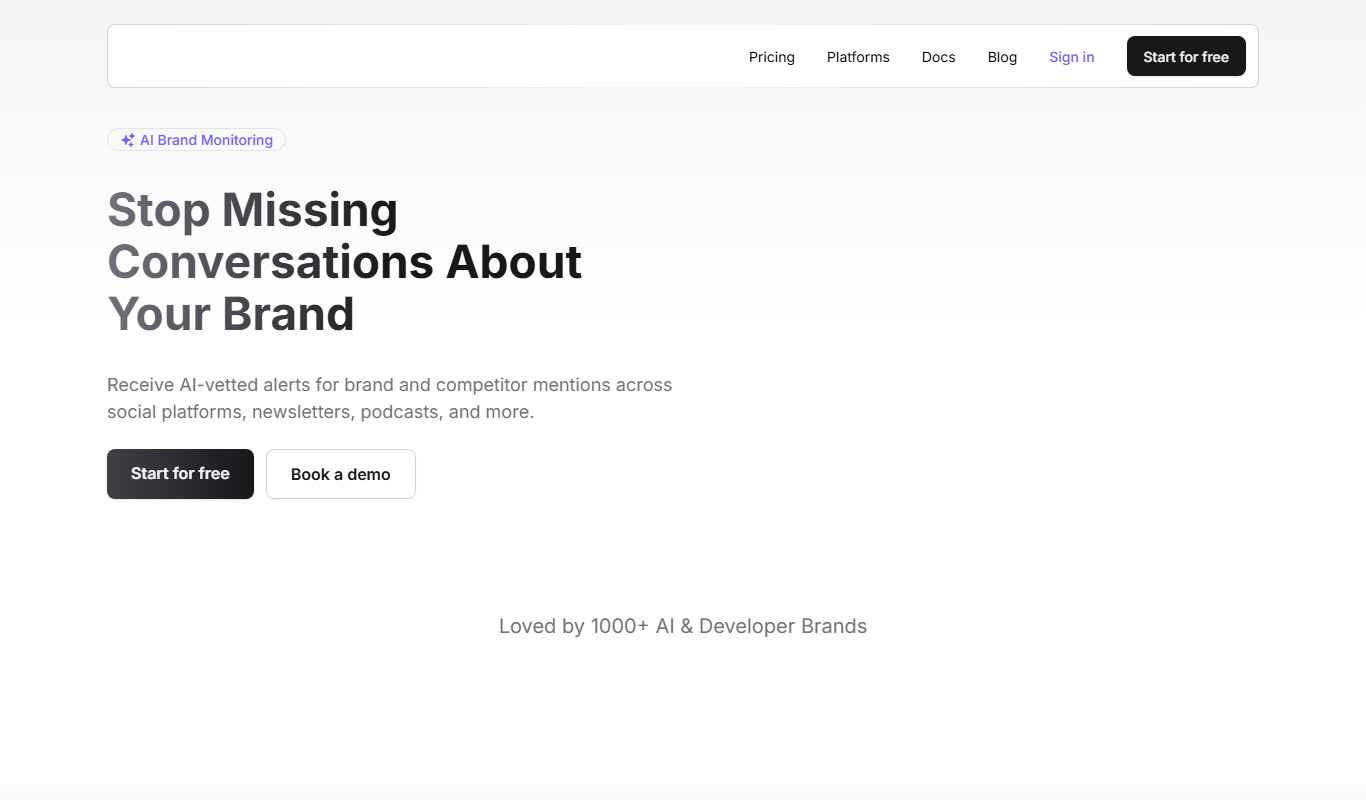
Octolens is an AI social listening tool that tracks brand mentions across Reddit, X, LinkedIn and 10+ platforms, with API, MCP and webhooks on every plan.

Insight7
Insight7 analyzes customer calls, scores every conversation, coaches reps and deploys AI voice and chat agents for customer teams.

neuronsinc.com
Neurons is a neuromarketing AI that predicts attention, engagement and memorability of ad creatives before they go live, with heatmaps and behavioral scores.
LangWatch
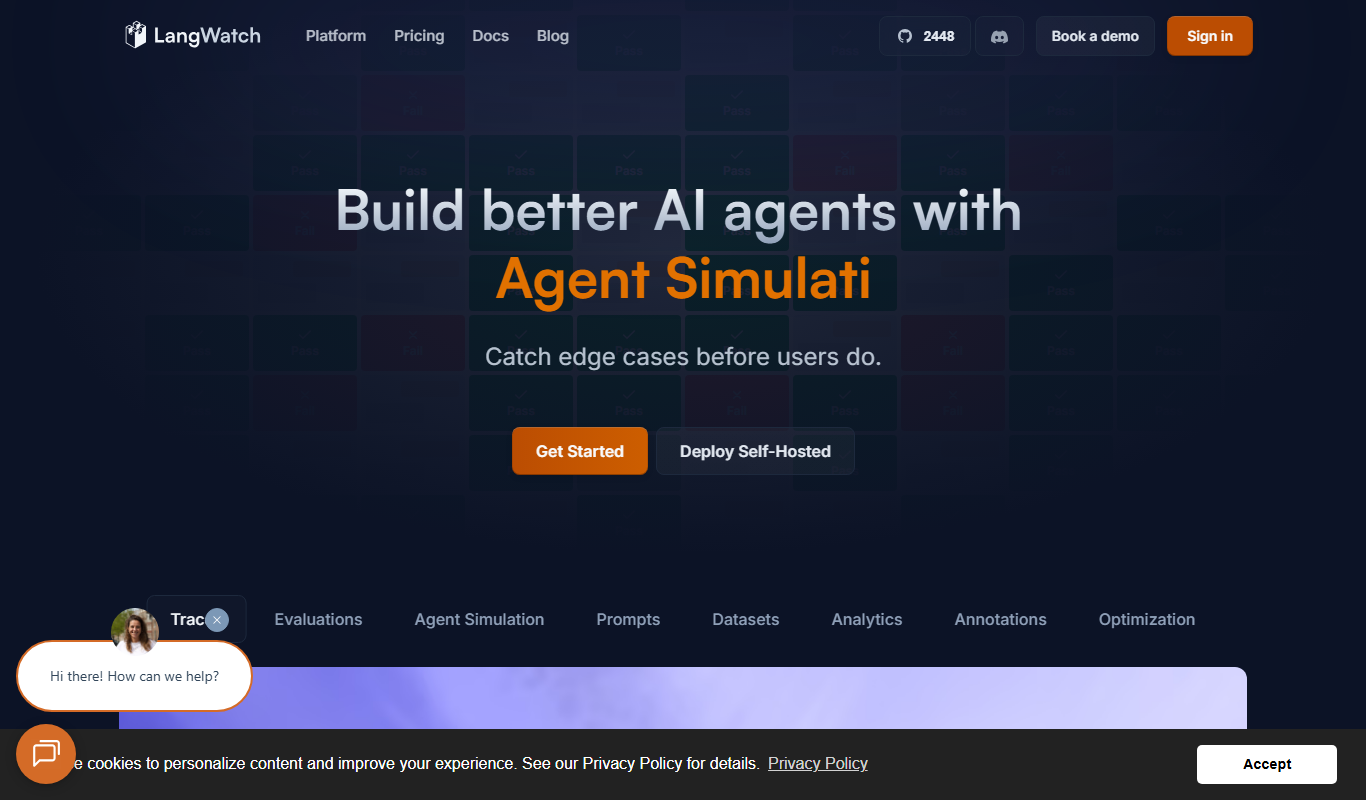
LangWatch is an AI agent testing and evaluation platform with simulations, evals, observability and prompt management, available in the cloud or self-hosted.