

SummarizeBot AI Text Summarization Tool for Efficient Content Condensing
SummarizeBot offers a free AI summarization chatbot for Slack and Google Chat alongside enterprise AI products, including a Natural Language Processing API and CER automation.
- Best for
- Text Summarization
- Key capability
- Multi-Platform Chatbot Integration
Save SummarizeBot, follow its updates and vote on it — everything stays in your account.
Sign in or create a free account
What is SummarizeBot?
SummarizeBot is an AI company offering extractive and generative AI, semantic search and AI agents for businesses. Its products include a CER Automation Platform, a Natural Language Processing API, a Sports Intelligence Platform and a Summarization Chatbot, with an API for Business that adds summarization to other applications.
Key features of SummarizeBot
SummarizeBot offers a free summarization chatbot for Slack and Google Chat, an API for Business for developers, multi-language support and summaries of links, documents, images and audio.
Multi-Platform Chatbot Integration
Access summarization through the free SummarizeBot apps for Slack and Google Chat.
Multi-Language Support
Summarizes content in almost every language, including English, Chinese, Russian, Japanese, Arabic, German, Spanish, French and Portuguese.
API Access
Allows developers to integrate summarization capabilities into their own applications.
URL and Document Summarization
Supports summarizing content from web pages and uploaded documents.
Free and Premium Plans
Offers a free tier with basic features and paid plans for higher usage and advanced options.
Pros and cons of SummarizeBot
Pros
- Supports multiple languages
- Integrates with popular messaging platforms
- Offers API for developer integration
- Free tier available for casual users
- Handles various input types including URLs and documents
Cons
- Limited advanced customization in free plan
- Some integrations require technical setup
- Premium plans may be costly for small users
Key use cases for SummarizeBot
Text Summarization
Automatically condense long articles, documents, or reports into concise summaries to save reading time.
Content Research
Quickly extract key points from multiple sources to aid research and information gathering.
Chatbot Assistance
Integrate with messaging platforms to provide instant summarization and information retrieval via chatbots.
Social Media Content
Generate brief summaries suitable for social media posts or previews.
Document Management
Help users manage and understand large volumes of text documents efficiently.
How SummarizeBot works
- 1
Input Text or URL
Users provide the text or link to the content they want summarized.
- 2
AI Processing
The AI analyzes the input, extracting key sentences and ideas to form a summary.
- 3
Receive Summary
The tool delivers a concise summary via the web interface, chatbot, or API response.
- 4
Optional Integration
Developers can integrate SummarizeBot into their apps or workflows using the API.
Who is using SummarizeBot
SummarizeBot pricing
Free
$0 for 14 days
API free trial: all analysis functionality, 5000 included requests, up to 5 API calls per minute, 3 MB maximum file size and email support.
Standart
From $179/month
Basic text analytics, 120000 included requests, up to 20 API calls per minute, 20 MB maximum file size, technical and integration support.
Custom
Pay as you go
Service Level Agreement, unlimited number of requests, custom API calls limit, custom secured instances, technical support and customization.
Plans and prices are as published by the vendor and can change. Check the official site before you buy. Open the pricing page (opens in a new tab)
Frequently asked questions about SummarizeBot
SummarizeBot can summarize plain text, URLs of web pages, and uploaded documents in supported formats.
Yes, free users have usage limits, while paid plans offer higher or customizable limits.
Yes, SummarizeBot provides an API for developers to integrate summarization features.
The summarization chatbot supports almost every language, including English, Chinese, Russian, Japanese, Arabic, German, Spanish, French and Portuguese.
It depends on your specific needs and how you plan to use the tool. The official website and documentation are the best sources for the latest details.
Yes, it can help with that use case depending on how you configure it and what features are available. You’ll get the best results with clear inputs and a defined goal.
Some tools offer a free plan or trial with limited features. Availability can vary, so confirm on the official website.
Conclusion
Summarization is now one product line inside a wider enterprise AI business that also covers CER automation for medical device compliance, semantic document search and custom AI agents. The free summarization chatbot takes links, documents, images and audio shared through Slack or Facebook Messenger and returns a summary with the most important keywords and key phrases. Summary size can be varied, and results can be downloaded, saved or shared for free. Audio summarization is still marked as beta.
It serves researchers and students through the chatbot and developers through the API. That API bundles summarization with sentiment analysis, keyword extraction and language detection. API plans start with a free trial of 14 days, followed by a monthly Standart plan or a custom tier that is pay as you go with a Service Level Agreement.
Sources
Sign in to review this tool.
Sign In to ReviewNo reviews yet
Be the first to share how this tool worked for you.
Ask about pricing, limits, or how it compares — or answer someone else.
Sign In to AskNo questions yet
Have a question about using or paying for this tool? Be the first to ask.
Featured on TiorAI



More AI Chat Generator tools
Other tools in the same category, for when this one is not quite the fit.

Verse AI
Verse is an AI agent and AI texting platform for sales and marketing teams that replies to leads across channels, qualifies them through conversation and books appointments.

Quriobot
Quriobot is a no-code AI chatbot platform that helps businesses automate customer support, lead generation, and engagement through customizable chatbots supporting multiple languages.

ChatTTS
ChatTTS is a text-to-speech model built for conversational scenarios such as LLM assistant dialogue and conversational video introductions, supporting Chinese and English.
Chatlease
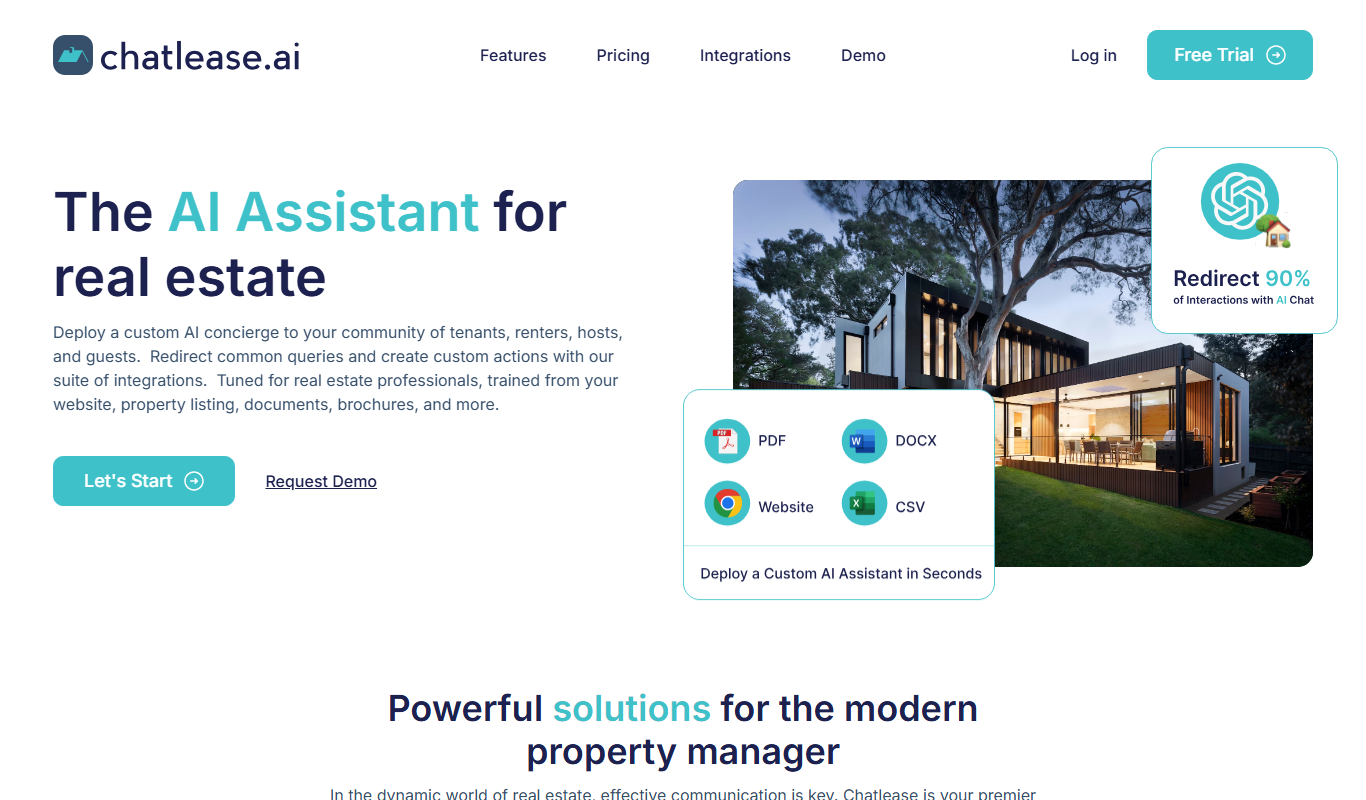
Chatlease is an AI chatbot platform tailored for real estate professionals to automate lead capture, qualification, and appointment scheduling through conversational AI on websites.

AI ChatDocs
AI ChatDocs is an AI chatbot platform that enables users to upload documents and interact with them conversationally to get instant, context-aware answers.

virtualspirits.com
Virtual Spirits is an AI chatbot platform that automates customer support and engagement by providing customizable virtual assistants for websites and messaging channels.

Mottle Bot
Mottle Bot is an AI-powered chatbot platform designed to automate customer support and engagement by providing conversational AI chatbots that integrate with CRM systems and offer customizable chat flows.

Yay! Forms
Yay! Forms is an easy-to-use online form builder that lets you create surveys, feedback forms, and data collection tools without coding, featuring drag-and-drop editing, customizable templates, and integrations.